Premium SEO Guide
ATS Friendly Resume Templates
Your resume can be strong and still underperform if the format blocks applicant tracking systems from reading it correctly. ATS-friendly resume templates help your experience get parsed accurately, scored more fairly, and reviewed faster by recruiters.
This page focuses on what actually matters: what an ATS-friendly template is, which formatting choices help or hurt, how to choose the right template for your career stage, and how to optimize your resume for both software and human reviewers.

Why ATS-friendly templates matter
Most online applications are filtered before a recruiter reads them. That means formatting is not just design — it is part of how your resume gets processed. A template that looks attractive but breaks parsing order can reduce visibility for the exact experience you want employers to see.
ATS-friendly resume templates solve that problem by giving your content a structure that hiring software can understand. The best ones use clear headings, conventional layout patterns, and readable formatting while still looking polished enough for a hiring manager. That balance is what matters.
For StylingCV, this topic is also high-intent SEO territory. People searching for ATS-friendly templates are not looking for general career inspiration. They usually need a working solution right now. That means the page should answer practical questions clearly and guide users toward templates and a builder that remove friction fast.
ATS Basics
What are ATS-friendly resume templates?
An ATS-friendly resume template is a layout designed to be read correctly by applicant tracking systems. These systems scan resumes, extract information, and organize candidate data into fields such as work experience, skills, education, certifications, and contact details.
If the template is too complex, the software may read sections in the wrong order, miss keywords, or ignore important content entirely. That is why ATS-friendly templates prioritize structure over decoration. They are built to help software parse the resume accurately first, then help recruiters review it quickly second.
This does not mean the resume has to look plain or outdated. A strong ATS-friendly template can still look modern and professional. What matters is that design supports readability instead of competing with it.

How applicant tracking systems read resumes
Most ATS tools scan a document, pull out fields, compare them to a job description, and rank candidates based on relevance. The software looks for job titles, skills, dates, credentials, and phrasing that aligns with the role.
That means your template should make these elements obvious. Standard headings like Work Experience, Education, and Skills help the system place information correctly. Consistent date formatting helps it estimate experience. A clear hierarchy helps both parsing and recruiter scanning.
- Contact details should be easy to identify in the main document body.
- Work history should be structured consistently by role, company, and dates.
- Skills should be easy to scan without graphical bars or icons replacing text.
- Certifications and measurable achievements should appear as normal readable text.
Template Selection
What makes a template ATS-friendly?
The easiest way to think about ATS compatibility is this: if software can read the resume in a predictable top-to-bottom order, you are already ahead. If the layout depends on graphics, columns, floating text boxes, or design elements that interrupt that flow, risk goes up.
ATS-safe features
- Single-column or clearly readable structure
- Standard headings and conventional section names
- Readable fonts like Arial, Calibri, or similar
- Consistent date formatting
- Bullet points for achievements
- Enough spacing for clean scanning
High-risk features
- Text boxes and tables for core content
- Graphics replacing text
- Headers and footers holding important details
- Decorative icons instead of labels
- Multi-column reading order confusion
- Unusual fonts or infographic-style layouts

The safest resume structure for most job seekers is chronological or hybrid. Chronological works well when your recent work history is relevant and shows steady progression. Hybrid works well when you want a stronger skills summary without losing ATS readability.
Functional resumes can help career changers in some cases, but they should be used carefully. Recruiters often trust clear timelines more, and some ATS workflows still perform better when work history is obvious.
Why It Helps
Benefits of using ATS-friendly resume templates
The biggest benefit is not cosmetic. It is visibility. If your information is categorized correctly, your resume has a stronger chance of being scored, matched, and surfaced for human review. That alone can increase the number of applications that move forward.
ATS-friendly templates also save time. Instead of fighting layout problems, you can focus on stronger copy: better bullet points, sharper summaries, clearer keyword alignment, and more relevant evidence. Good templates reduce design friction and make it easier to update your resume across multiple applications.
There is also a branding benefit. Consistent formatting across applications helps you present yourself professionally. When a recruiter sees a clean, easy-to-scan resume, that clarity becomes part of the impression you make.

Who benefits most?
- Entry-level applicants: need structure that helps education, projects, and internships read clearly.
- Mid-career professionals: need layouts that support accomplishments and keyword relevance.
- Senior professionals: need leadership impact, scope, and business results to scan quickly.
- Career changers: need templates that emphasize transferable skills without confusing chronology.
Best Practices
ATS resume formatting rules that matter most
There are dozens of formatting tips online, but a smaller set drives most outcomes. If you get these right, your resume is already in a much stronger position.
- Use a standard file format. In most cases,
.docxis the safest default unless a company specifically asks for PDF. - Keep section headings conventional. Use names the system expects: Work Experience, Education, Skills, Certifications.
- Use one date style consistently. Example: January 2022 – Present across the whole document.
- Place contact details in the body. Do not hide them in headers, footers, or side graphics.
- Use bullet points, not dense paragraphs. Achievements should be scannable.
- Write measurable outcomes. Numbers help both ATS matching and human persuasion.
| Resume Area | Best Practice | Avoid |
|---|---|---|
| Contact Details | Main body at the top of page one | Header/footer placement |
| Layout | Single-column or very clear hierarchy | Complex multi-column designs |
| Skills | Text-based list with relevant terms | Graph bars or icon-only displays |
| Achievements | Bullet points with metrics | Generic responsibility lists |
| File Name | Name + Resume | Versions, symbols, random labels |
Template Types
How to choose the right ATS-friendly resume template
Not every job seeker needs the same template. The strongest choice depends on industry, experience level, and the kind of story you need your resume to tell.
Professional templates
Best for finance, consulting, operations, administration, and roles where a polished formal layout supports credibility. These templates work well when you want clean structure and traditional business presentation.
Modern templates
Best for product, marketing, tech, and digitally fluent roles. A modern ATS-friendly template should still stay readable, but it can feel more current in typography, spacing, and hierarchy.
Simple templates
Best for maximum ATS safety. If you apply through high-volume online systems and want the lowest formatting risk possible, simple templates are often the safest route.
Entry-level and career change templates
Best when you need a little more support for education, projects, certifications, or transferable skills. The right structure can make limited direct experience look more relevant and better organized.
Role-specific templates
Industry examples matter because recruiters scan for role-specific evidence. Sales resumes should surface revenue and quota performance. Project management resumes should highlight timelines, budgets, methodologies, and certifications. Customer service resumes should show satisfaction metrics and resolution outcomes. Analyst resumes should feature technical tools and business impact.
That is why page architecture should support both broad intent and sub-intent. Someone searching “ATS-friendly resume templates” may still want a version suited to sales, project management, or entry-level roles. A strong page should help them navigate toward those options without overwhelming them.
Keyword Strategy
How keyword optimization works with ATS templates
An ATS-friendly template gives your resume structure, but structure alone is not enough. Your content also needs the right language. Applicant tracking systems compare your resume to job descriptions, so the words you use matter.
The best keyword strategy starts with the target role. Look at several job descriptions for similar roles and identify repeated terms: tools, certifications, core skills, software, industry phrases, and responsibilities. Then reflect those terms naturally in your summary, skills section, and experience bullet points.
Do not keyword stuff. A recruiter still has to read the document. Instead, make your wording more specific and more aligned with the way employers describe the work.
Weak: Used CRM and helped customers.
Stronger: Managed customer relationship management software (Salesforce) to track client activity, improve follow-up consistency, and support retention growth.
The stronger version works better because it uses clearer language, includes relevant keywords, and sounds more credible to a person. That is the target: content that satisfies the system without becoming robotic.
Where to place important keywords
- Professional summary
- Skills section
- Recent and relevant work experience bullets
- Certifications and technical tools
- Project descriptions for entry-level or transitioning candidates
For creative, technical, and specialized roles, keyword variation also matters. Use both long-form terms and common shorthand when relevant. Example: write “customer relationship management (CRM)” on first mention when that phrasing fits the role.
Common Errors
ATS mistakes that quietly ruin good resumes
Many applicants think the problem is their experience when the real issue is presentation. These are the most common errors that cause parsing trouble or reduce recruiter clarity:
- Putting contact details in headers or footers
- Using tables to control layout
- Replacing text with icons, charts, or rating bars
- Writing generic job-duty bullets instead of achievement bullets
- Using inconsistent date formats
- Choosing a creative template that feels impressive but reads poorly

There is also a content mistake many professionals make: they describe responsibilities instead of results. “Managed sales activities” is weak. “Exceeded annual sales quota by 145% and generated $3.2M in new revenue” is much stronger. ATS systems can match both, but recruiters will respond to the second.
Testing & Review
How to test your resume for ATS compatibility
The fastest test is a plain-text test. Copy your resume into a basic text editor. If the information appears out of order, broken, or missing, that is a warning sign.
You can also compare your resume to a target job description and review whether the required keywords, tools, and qualifications appear clearly. The goal is not perfection. The goal is to make it obvious that your experience matches the role.
- Check parsing order in plain text.
- Check whether dates and titles remain clear.
- Check for keyword alignment with the target job.
- Check whether a recruiter can understand the value quickly in 5–10 seconds.
If a resume passes ATS screening but still does not convert, the problem is usually not formatting anymore. It is often weak positioning, generic bullets, or lack of metrics. That is where template choice and writing quality need to work together.
Industry Use Cases
Which resume details matter by role?
ATS compatibility is universal, but emphasis varies by job type. The most effective page should help users understand what matters most for their target role.
Sales
Surface quota attainment, revenue impact, pipeline growth, retention, conversion rates, and account value.
Project Management
Highlight delivery timelines, budgets, methodologies, stakeholder coordination, team leadership, and certifications like PMP or Agile.
Customer Service
Focus on CSAT, resolution times, call handling, retention, escalation management, and communication reliability.
Data & Analytics
Emphasize tools, reporting systems, SQL, BI platforms, analysis outcomes, and measurable business improvements.
For management roles, leadership outcomes matter most: team size, cost savings, productivity gains, strategic initiatives, and scope. For entry-level roles, education, internships, projects, and certifications matter more because they help bridge limited experience.
Human Review
Beyond ATS: your resume still has to impress recruiters
Passing the ATS is step one. Getting the interview still depends on the human reviewer. That means the best ATS-friendly resume templates are not just safe — they are readable, persuasive, and structured for fast scanning.
A recruiter wants to see what you do, what level you operate at, and what results you achieved. If those answers are buried in long paragraphs or weak phrasing, the template cannot save the resume. The template only creates the conditions for your content to work.
That is why strong ATS resumes use:
- clear summaries that position the candidate fast,
- achievement-based bullet points,
- metrics where possible,
- enough white space to scan quickly,
- and section order that supports both software parsing and human logic.

Tailoring
How to tailor an ATS-friendly resume for each application
One of the biggest myths in job search advice is that a single strong resume is enough for every application. In reality, even when the same template works across roles, the content often needs to be adjusted. The best ATS-friendly template gives you a stable structure, but the wording inside that structure should reflect the specific role you are targeting.
Start with the job description. Look at the required qualifications, the core responsibilities, and the tools or systems mentioned more than once. Then compare that language to your own resume. If the employer asks for project delivery, stakeholder management, dashboard reporting, or Salesforce experience, those ideas should appear clearly where they are true for you.
The easiest way to tailor without rewriting the entire resume is to focus on four places:
- The professional summary: shift the opening framing to match the role.
- The skills section: reorder and emphasize the most relevant capabilities.
- The top two most recent roles: rewrite bullets so the strongest matching achievements appear first.
- Certifications, tools, and projects: surface the proof points most aligned with the job.
That level of tailoring is usually enough to improve both ATS scoring and recruiter relevance. You do not need a totally different resume for every submission, but you do need a version that clearly reflects the role you want. Templates make that easier because the layout stays stable while the value proposition becomes sharper.
This is especially important for applicants who feel they are “close matches” but not perfect matches. Tailoring does not invent experience you do not have; it simply makes the most relevant parts of your background easier to see. For many applicants, that alone changes outcomes.
Experience Levels
How ATS-friendly resumes should change by career stage
Different experience levels need different emphasis, even if the same ATS principles still apply.
Entry-level resumes
If you are early in your career, the template should help education, internships, certifications, projects, coursework, and technical tools carry more weight. A recruiter will not expect the same depth of work history, but they will expect a clear signal that you can contribute. Use project outcomes, leadership in student groups, volunteer work, and skill-based evidence to show that you already know how to work in structured environments.
Mid-career resumes
At this level, the template should support stronger evidence of role fit. Recruiters want to see performance, progression, and measurable outcomes. The best mid-career ATS templates keep the scan easy while giving enough room for a strong summary, relevant skills, and results-focused bullets.
Senior and leadership resumes
For senior professionals, clarity becomes even more important. The resume should make scope visible fast: size of team, budget, revenue responsibility, strategic impact, transformation initiatives, cross-functional leadership, and outcomes. A flashy layout will not help if the reviewer cannot instantly identify level, scale, and business value.
| Experience Level | What to Emphasize | Best Template Style |
|---|---|---|
| 0–3 years | Education, projects, internships, skills, certifications | Simple or entry-level hybrid |
| 3–10 years | Recent impact, role relevance, metrics, progression | Professional or modern hybrid |
| 10+ years | Leadership scope, strategic results, transformation, scale | Professional leadership-focused |
In other words, ATS-friendly does not mean one-size-fits-all. The structure principles stay similar, but the emphasis changes depending on what the recruiter needs to understand first.
Industry Templates
What recruiters expect to see in different ATS-friendly resume templates
One reason people search specifically for ATS-friendly templates is that they want a layout that feels appropriate for their industry without breaking compatibility. That is a fair goal. A sales resume and a data analyst resume should not feel identical, even when both follow the same parsing rules.
Sales templates should make revenue evidence easy to find. Hiring managers in sales want quota performance, growth numbers, conversion data, account size, territory outcomes, and pipeline contribution. A good ATS-friendly sales template gives these details room to stand out without turning them into visual gimmicks.
Project management templates should prioritize delivery evidence. Timelines, budgets, methodologies, team coordination, stakeholder communication, certifications, and risk management all matter. Recruiters scan these resumes to understand control, complexity, and accountability.
Customer service templates should balance empathy and efficiency. Satisfaction scores, resolution times, retention, escalation handling, call volume, and communication strength often matter more than generic service language.
Data and analyst templates should make tools and outcomes equally visible. SQL, Excel, Tableau, Power BI, Python, reporting, forecasting, segmentation, experimentation, dashboards, and business recommendations should be clearly represented in plain text.
Management templates should lead with scope and business results. Team size, productivity lift, strategic initiatives, P&L responsibility, cost savings, transformation work, and leadership outcomes are central. Senior resumes should feel decisive and outcome-heavy, not task-heavy.
Creative and marketing templates still need ATS safety, but they also need enough personality to feel current. The trick is to keep the structure readable while using copy, project naming, and measurable campaign outcomes to bring the resume to life.

The page does not need to include every possible industry in equal depth. But for SEO and user experience, it helps to acknowledge these common role clusters because they reflect how users actually search and compare options.
Checklist
A practical ATS resume checklist before you apply
Before sending any resume, run through this quick checklist:
- Does the document use a safe file format for the employer’s system?
- Are the headings standard and easy to understand?
- Are your most relevant keywords included naturally?
- Do your top bullets describe outcomes, not just duties?
- Are contact details in the main body, not the header or footer?
- Are dates consistent across all roles and education entries?
- Does the document still make sense when pasted into plain text?
- Can someone understand your level and value in under ten seconds?
If the answer to most of those is yes, your resume is already in a better place than many others in the application stack. That is good news because ATS optimization is usually not about tricks. It is about reducing avoidable friction.
The strongest candidates still need strong experience, of course. But even a strong candidate can lose ground because of formatting noise, weak organization, or vague bullet points. ATS-friendly templates help remove those self-inflicted problems.
Real-World Impact
Why better ATS formatting can change application results
Many job seekers assume rejection means they are unqualified. Sometimes that is true, but often the issue is much simpler: their resume never gave the system or the recruiter a clean chance to understand their value. That is why ATS-friendly templates matter so much in practice. They reduce the number of avoidable losses before the real evaluation even begins.
Think about the difference between these two situations. In the first, a candidate has strong experience but uses a visually complex resume with text boxes, decorative icons, weak headings, and keyword-light bullets. In the second, the same candidate presents the same experience inside a clean, scannable layout with role-relevant language and measurable outcomes. The candidate did not become more qualified overnight — but the resume became easier to parse, easier to score, and easier to trust.
That difference affects the entire hiring funnel. More accurate parsing can lead to better keyword matching. Better keyword matching can lead to more recruiter views. Better recruiter clarity can lead to more interviews. Small structural improvements compound.
This is also why high-performing resume pages should not frame ATS as some mysterious trick. People do not need hacks. They need documents that communicate clearly. When the template, the wording, and the role alignment all work together, applicants stop fighting formatting and start presenting themselves more effectively.
For a platform like StylingCV, that is the real promise: not just giving users a file that looks cleaner, but helping them build resumes that are easier to understand, easier to optimize, and easier to trust in a real hiring workflow.
FAQ
Frequently asked questions about ATS-friendly resume templates
What is the best resume format for ATS?
For most people, chronological or hybrid formats work best. They present work history clearly and are easy for both software and recruiters to follow.
Can a resume still look modern and be ATS-friendly?
Yes. Good ATS-friendly templates are not ugly or outdated. They simply avoid risky design choices that interfere with reading order or text extraction.
Are simple resume templates better than creative ones?
Usually, yes — especially for high-volume online applications. Simpler layouts tend to parse more reliably and create less risk.
Should I submit my resume as PDF or Word?
Unless the employer specifically requests PDF, Word (.docx) is often the safer choice for ATS parsing.
How many keywords should I include?
Enough to reflect the role naturally. Focus on accuracy and relevance, not density for its own sake.
Do tables and text boxes always break ATS?
Not always, but they increase risk. If your goal is broad compatibility, avoid using them for important content.
What should entry-level applicants emphasize?
Education, internships, projects, certifications, technical tools, and transferable skills — all presented clearly and aligned with the job description.
Can StylingCV help beyond the template?
Yes. The real advantage is combining ATS-friendly layouts with AI-powered writing support so the structure and the content improve together.
Only 2% of resumes win. Yours will be one of them.
Build a resume that gets you the job. In 10 minutes with our AI-powered resume builder.
Tested Resume Templates
Every template is tested with real ATS systems and reviewed by hiring managers from top companies
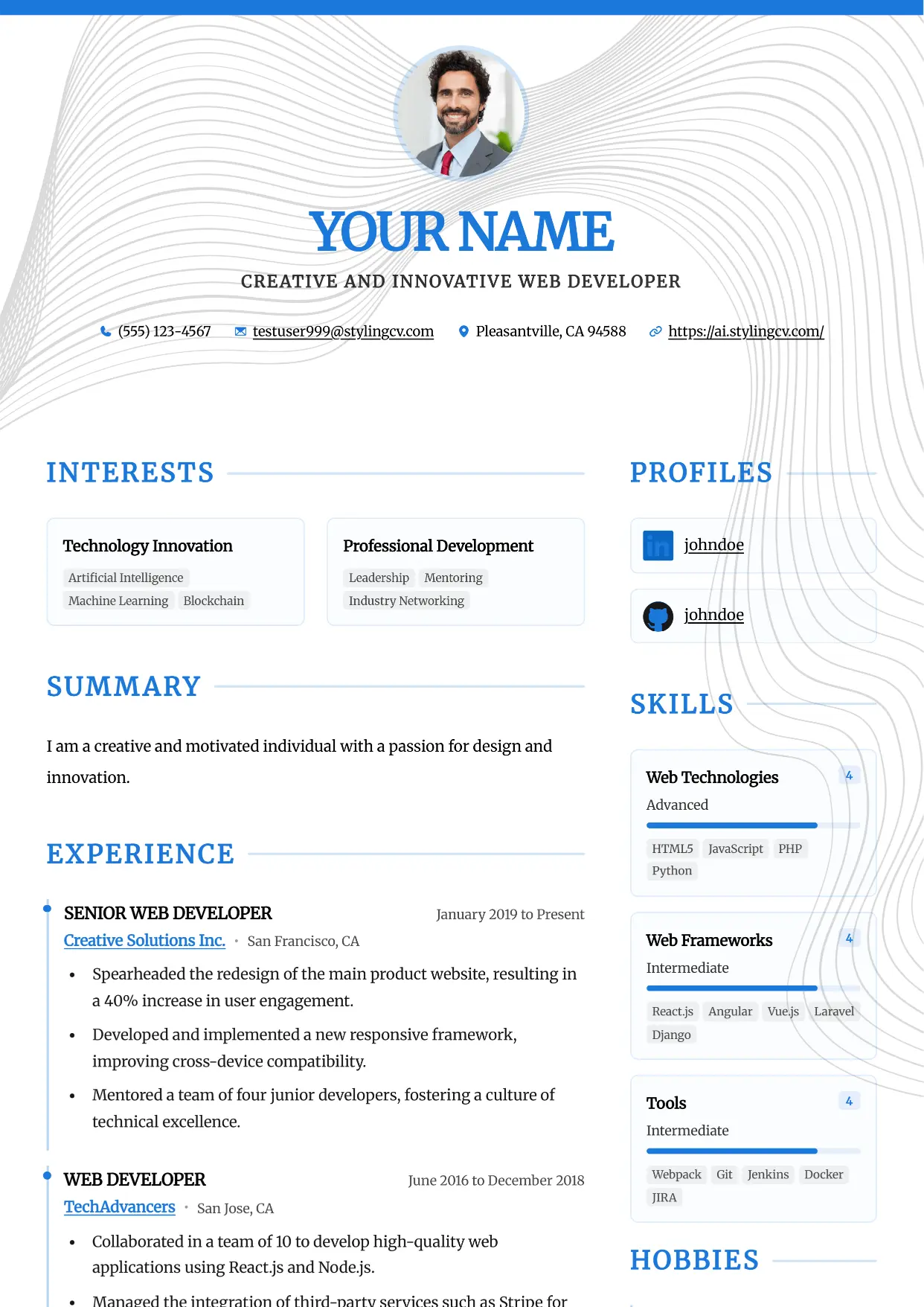
Accent
Professional and modern resume template optimized for applicant tracking systems. A clean, ATS-friendly CV layout designed to help you land your next interview.
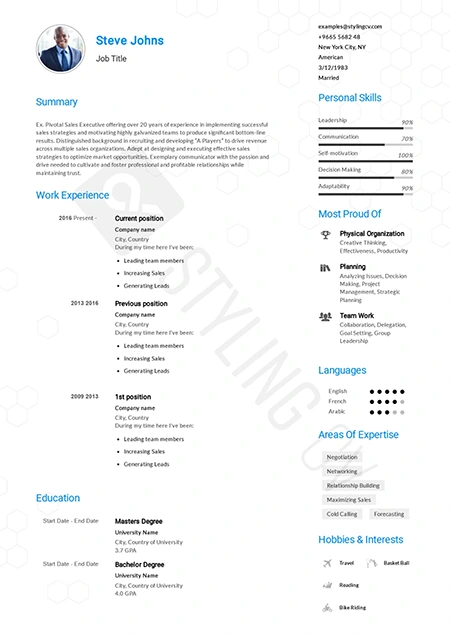
Alfred
Executive ATS resume template designed for C-suite roles. Features a clean layout perfect for management and corporate leadership positions.
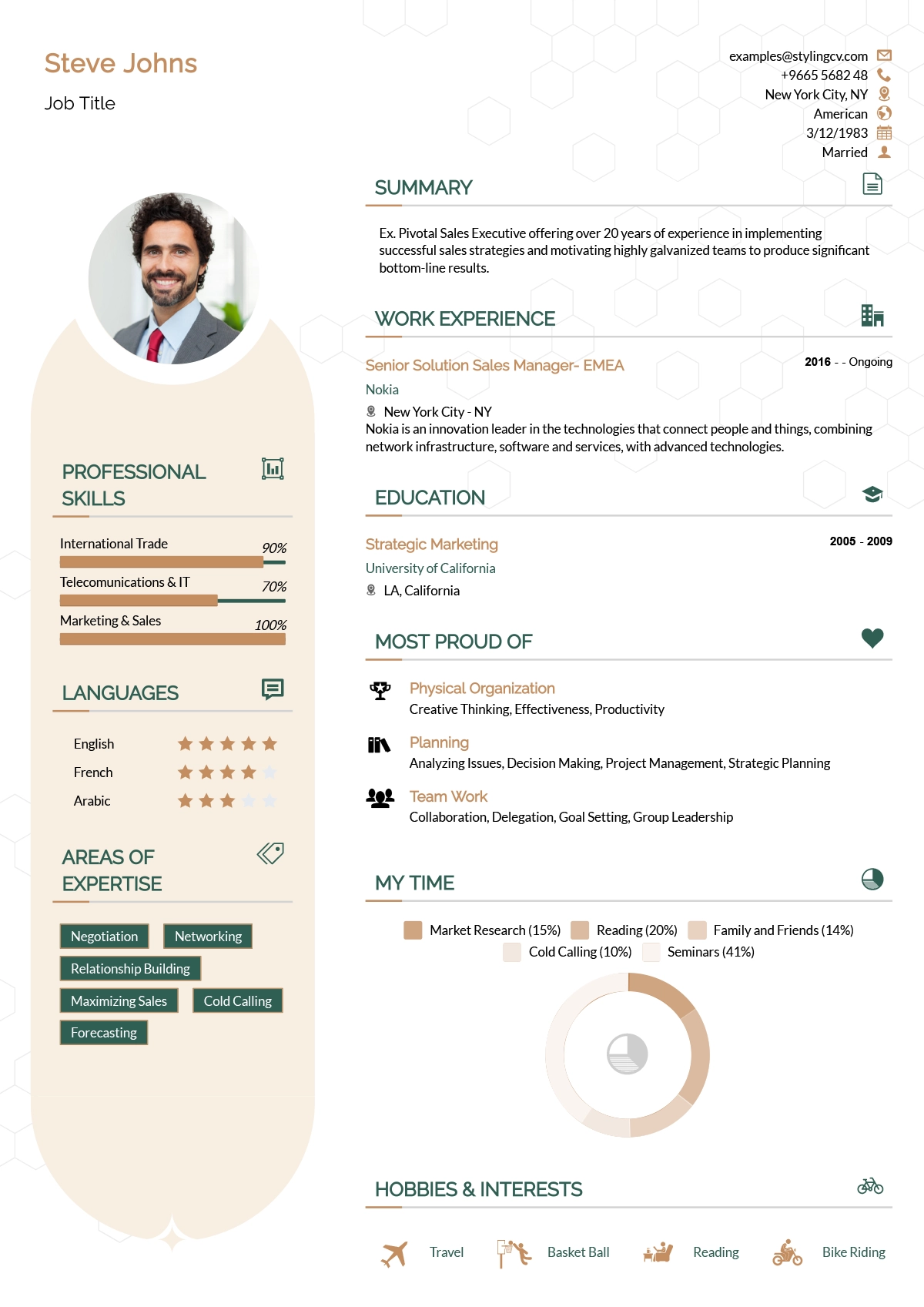
Andero
Modern resume template ideal for tech professionals. A sleek, professional CV design that highlights technical skills and projects perfectly.
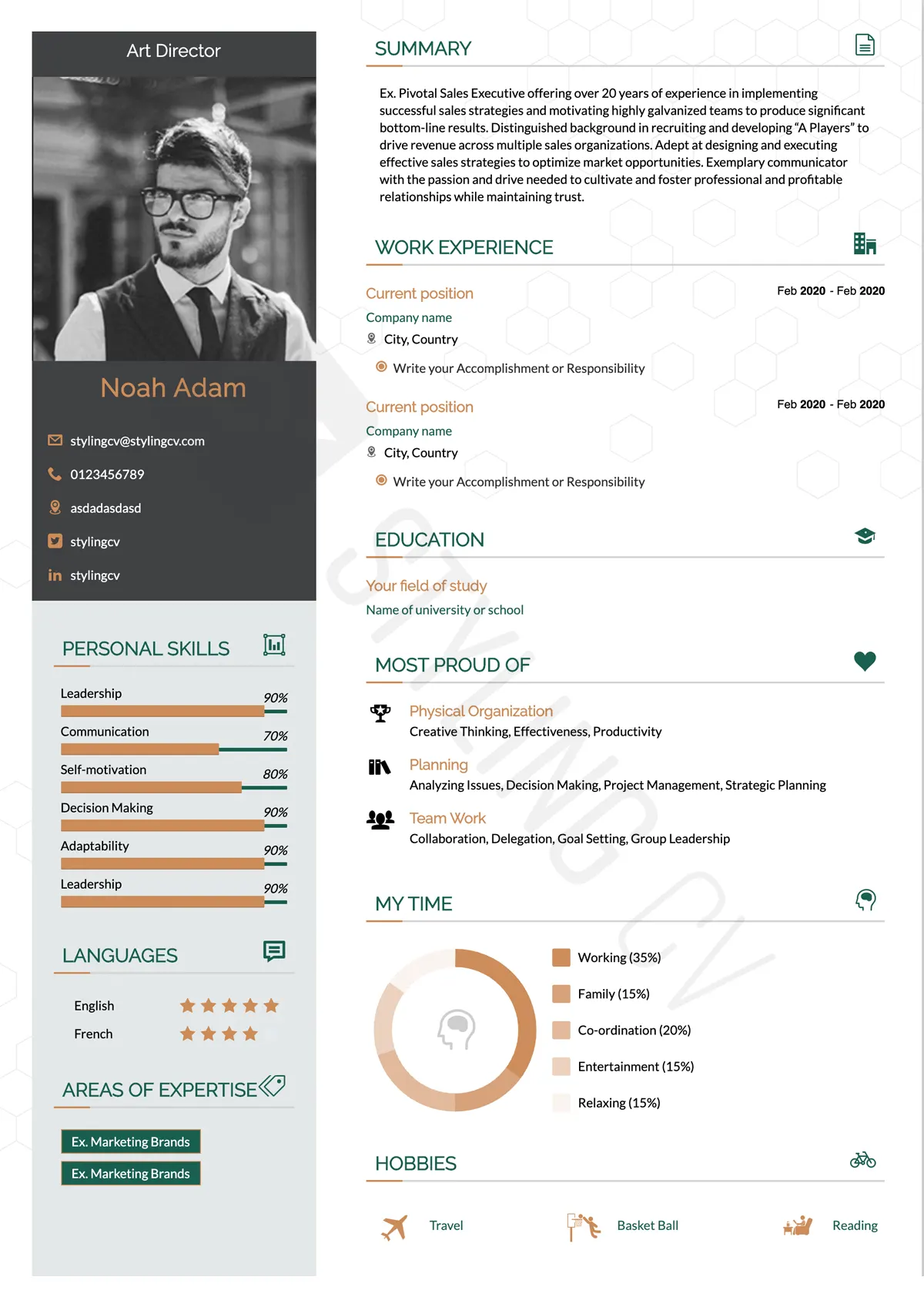
Apple
Minimalist resume template with an elegant, clean aesthetic. The perfect modern CV format for UX designers, product managers, and creatives.
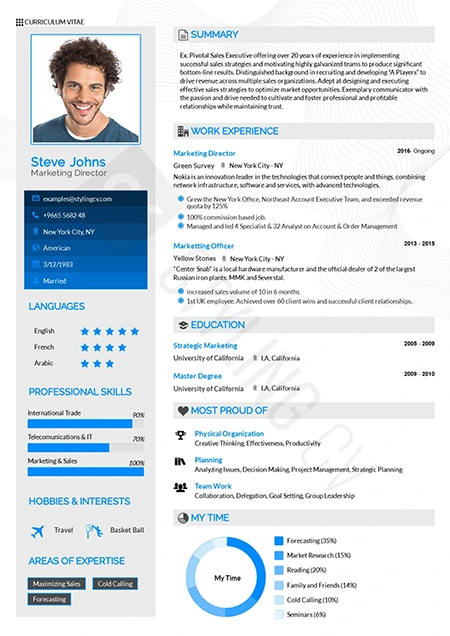
Arabic
Bilingual-ready professional resume template. Optimized for international roles with full RTL support for Middle East and global job markets.
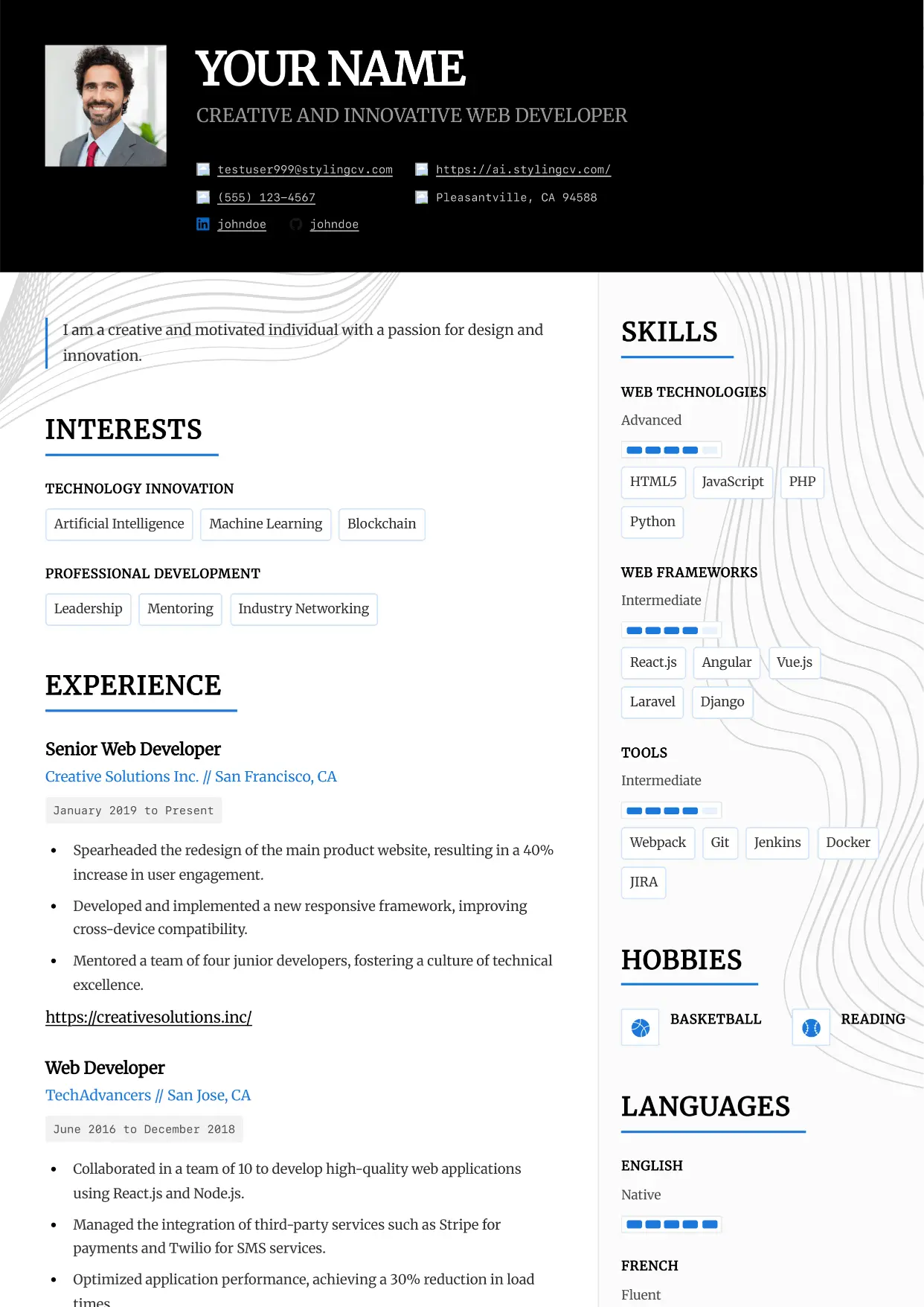
Architect
Professional and modern resume template optimized for applicant tracking systems. A clean, ATS-friendly CV layout designed to help you land your next interview.
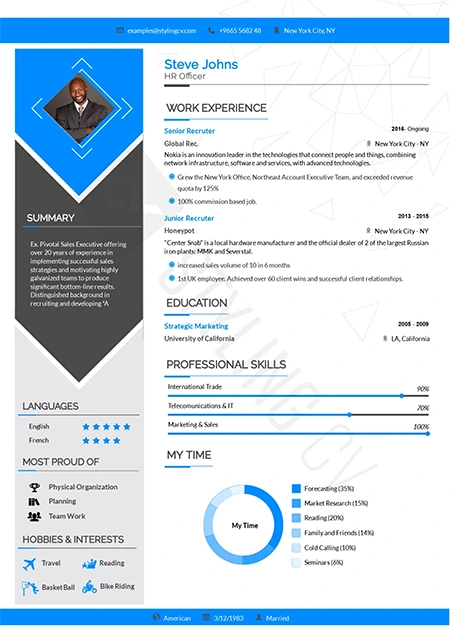
Arrow
Dynamic chronological resume format focusing on career progression. Excellent CV template for ambitious professionals climbing the corporate ladder.
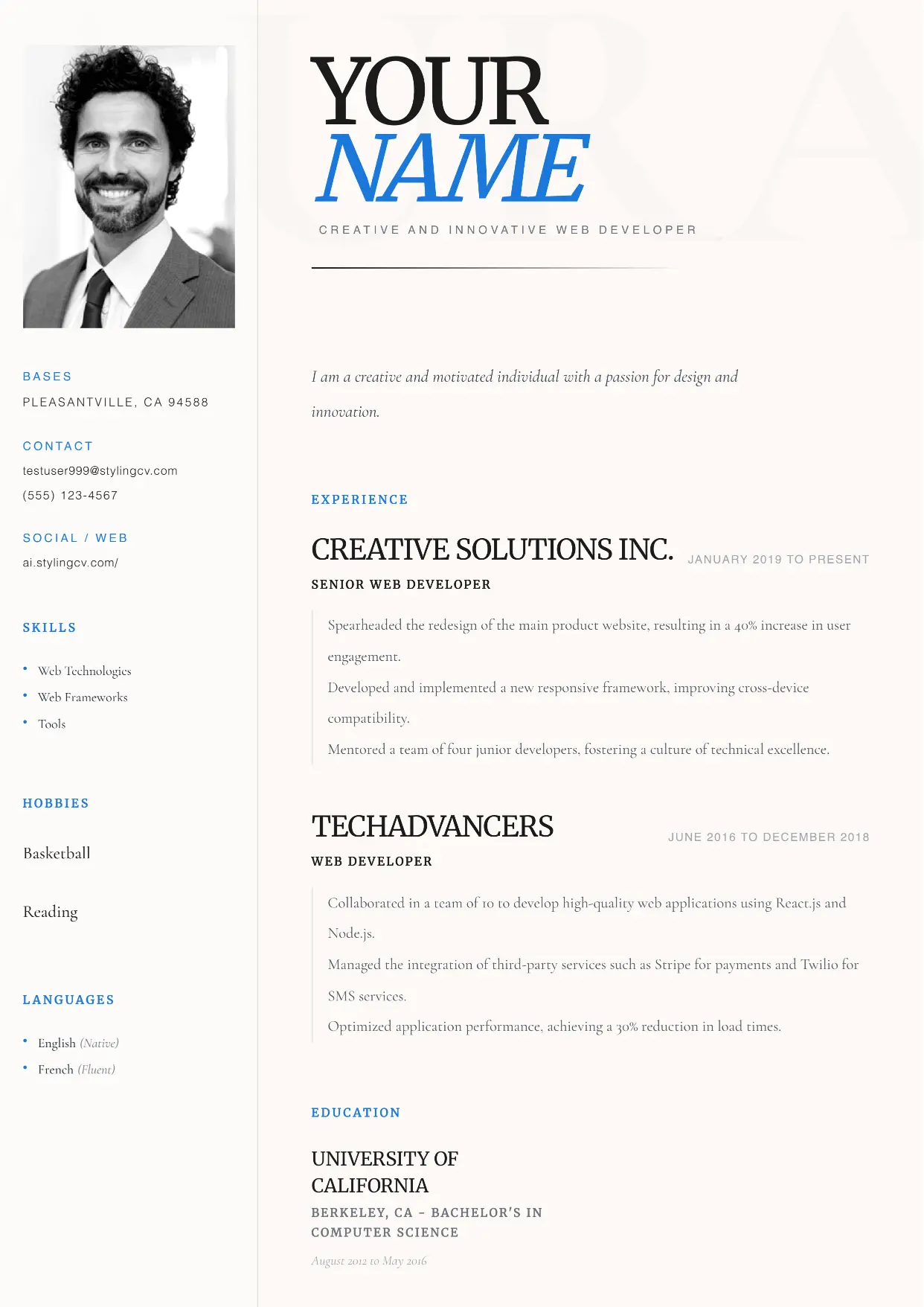
Aura
Professional and modern resume template optimized for applicant tracking systems. A clean, ATS-friendly CV layout designed to help you land your next interview.
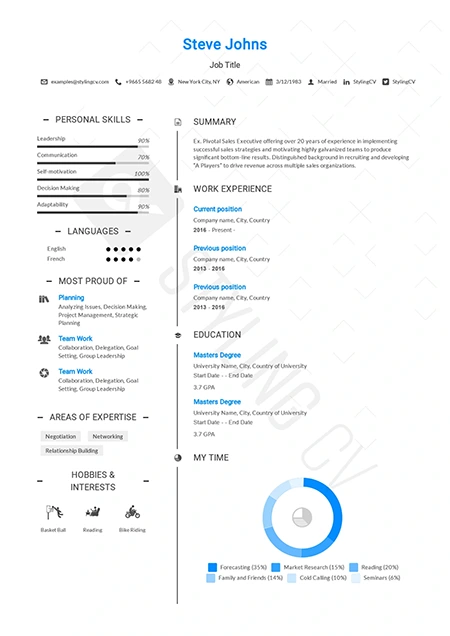
Awesome
Creative and bold resume template to make your application stand out. An eye-catching CV design that hiring managers won't forget.
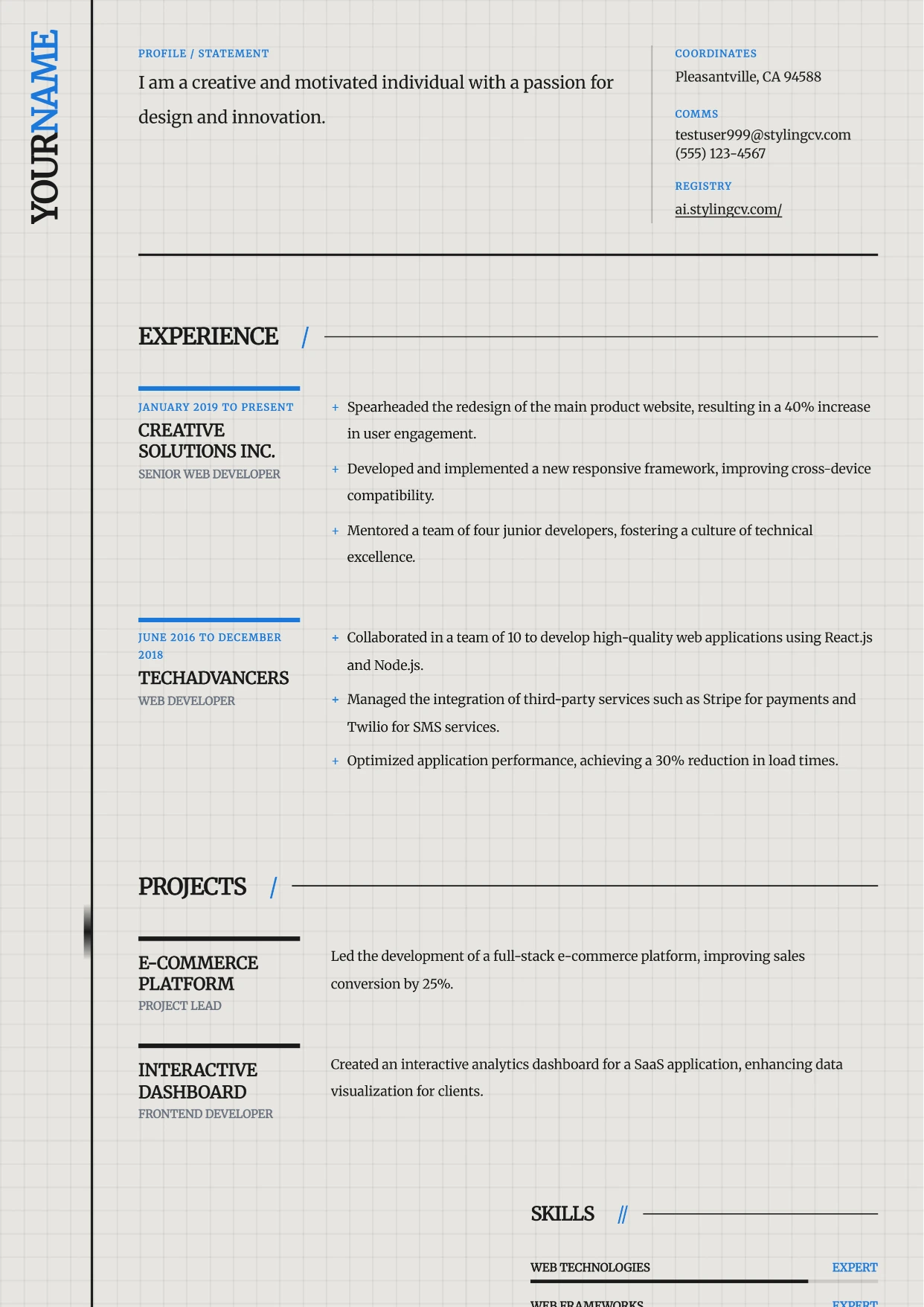
Axiom
Professional and modern resume template optimized for applicant tracking systems. A clean, ATS-friendly CV layout designed to help you land your next interview.
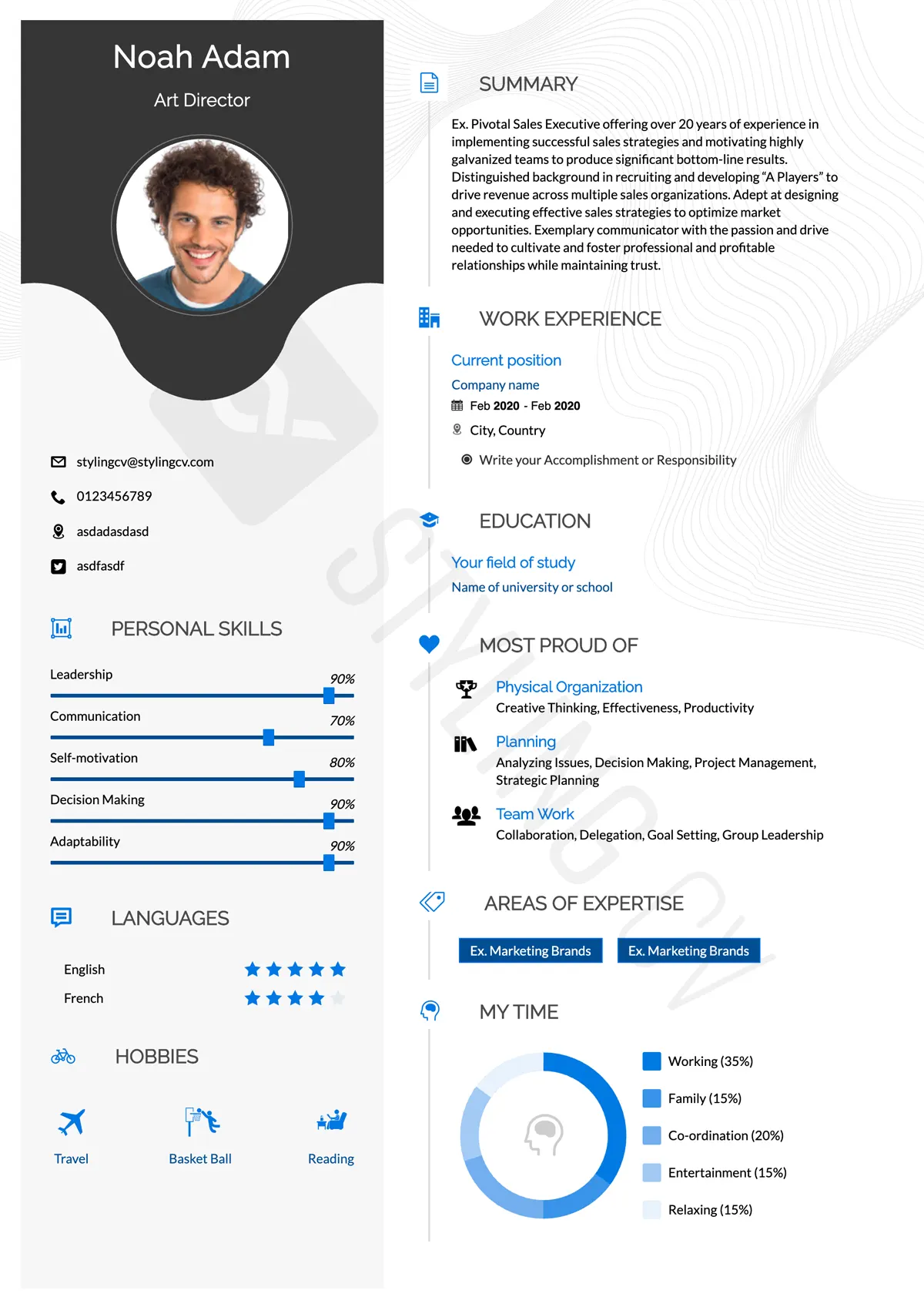
Baseline
Foundational ATS-friendly resume template. A simple, professional CV format proven to pass applicant tracking systems in any industry.
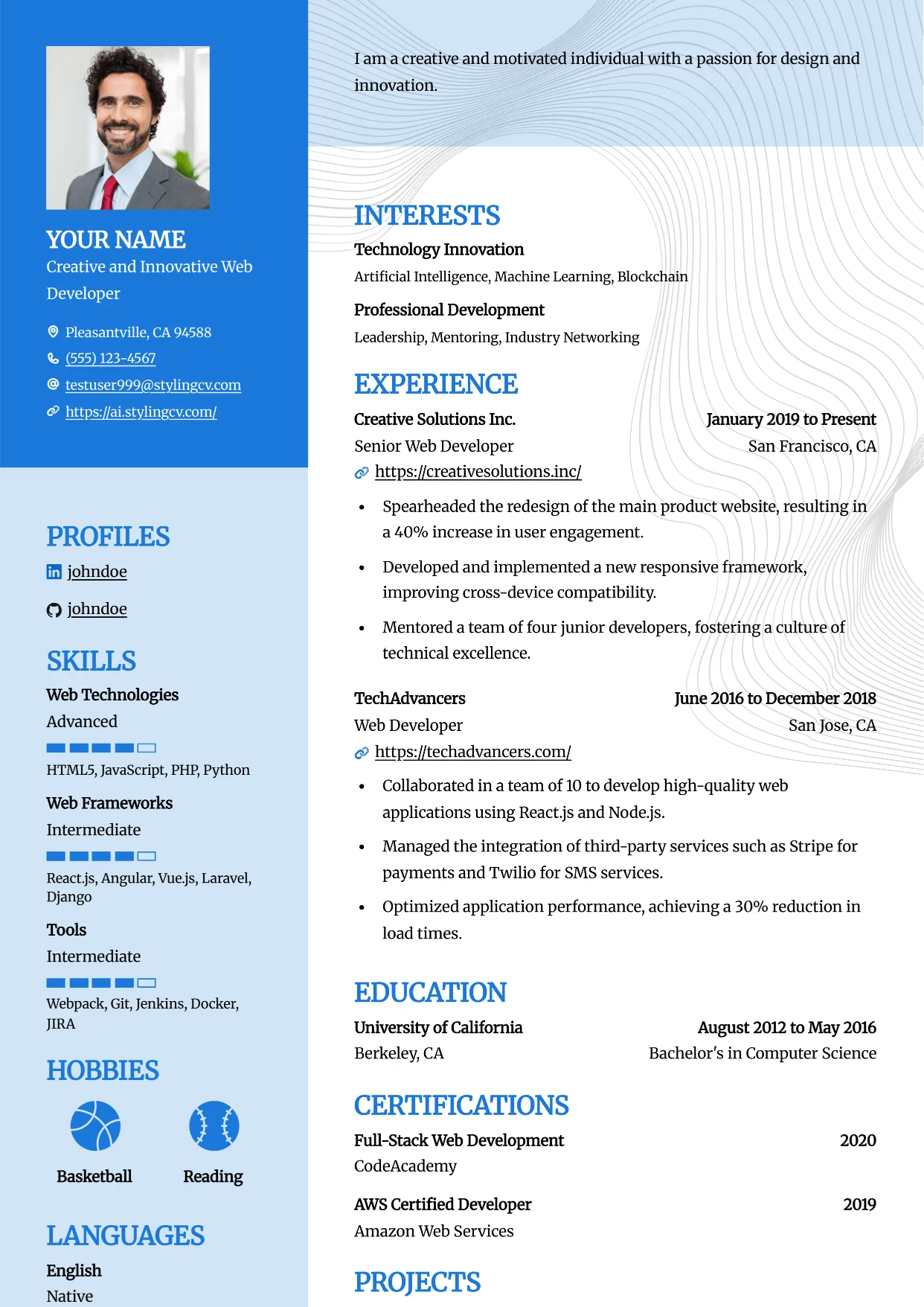
Bold
Professional and modern resume template optimized for applicant tracking systems. A clean, ATS-friendly CV layout designed to help you land your next interview.
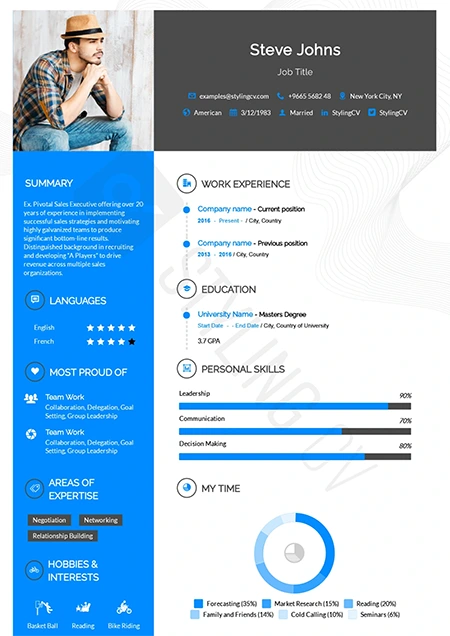
Catics
Unique geometric resume template tailored for creative industries. Showcase your portfolio and media experience with this modern CV layout.
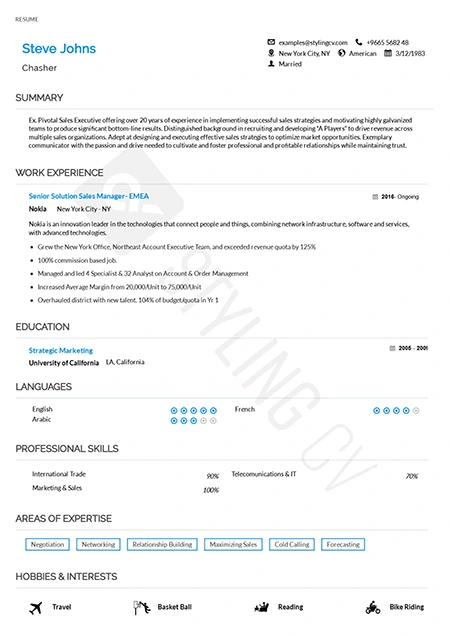
Classic
Timeless chronological resume template for traditional industries. A highly professional, conservative CV format trusted by recruiters.
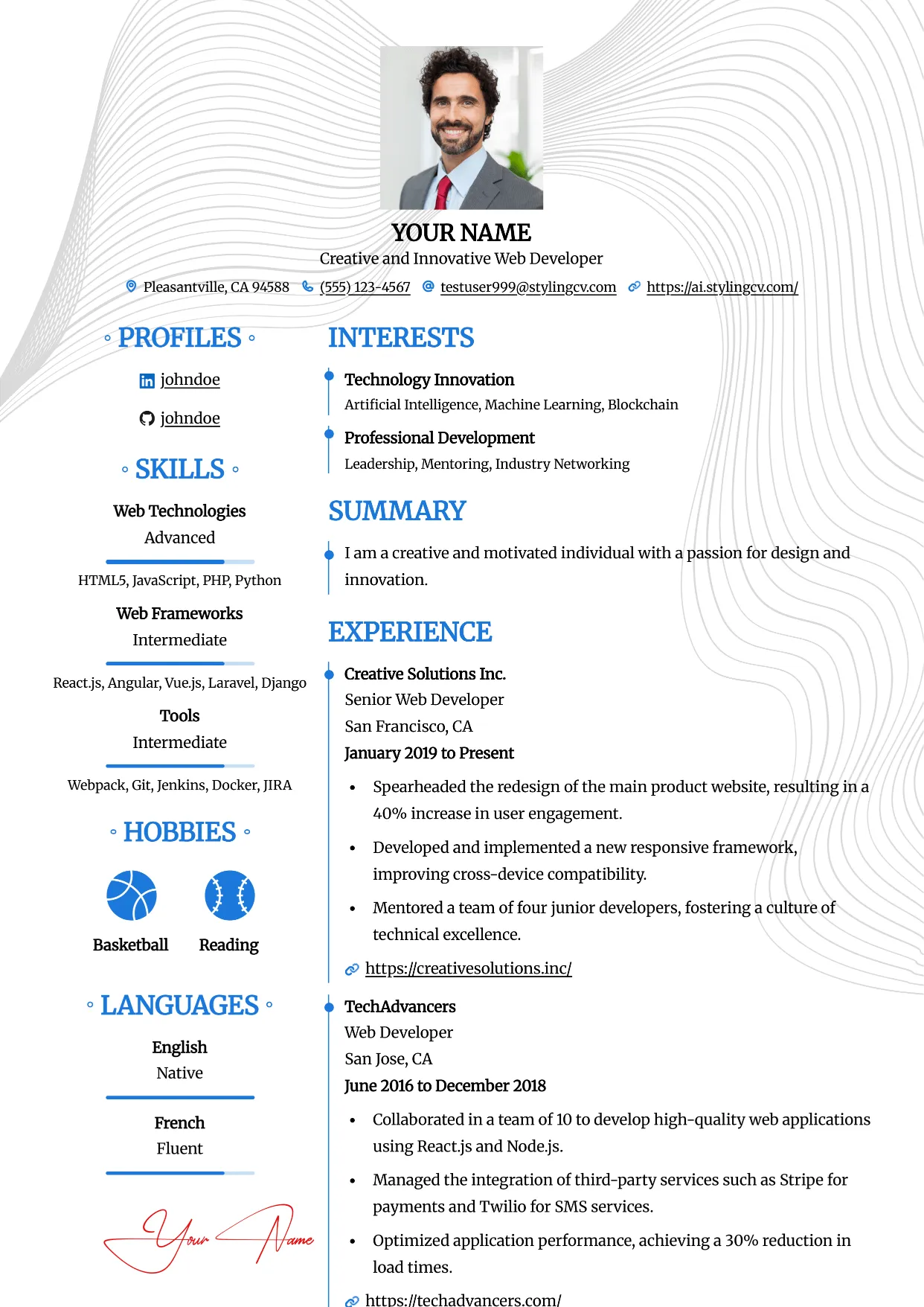
Clean
Professional and modern resume template optimized for applicant tracking systems. A clean, ATS-friendly CV layout designed to help you land your next interview.
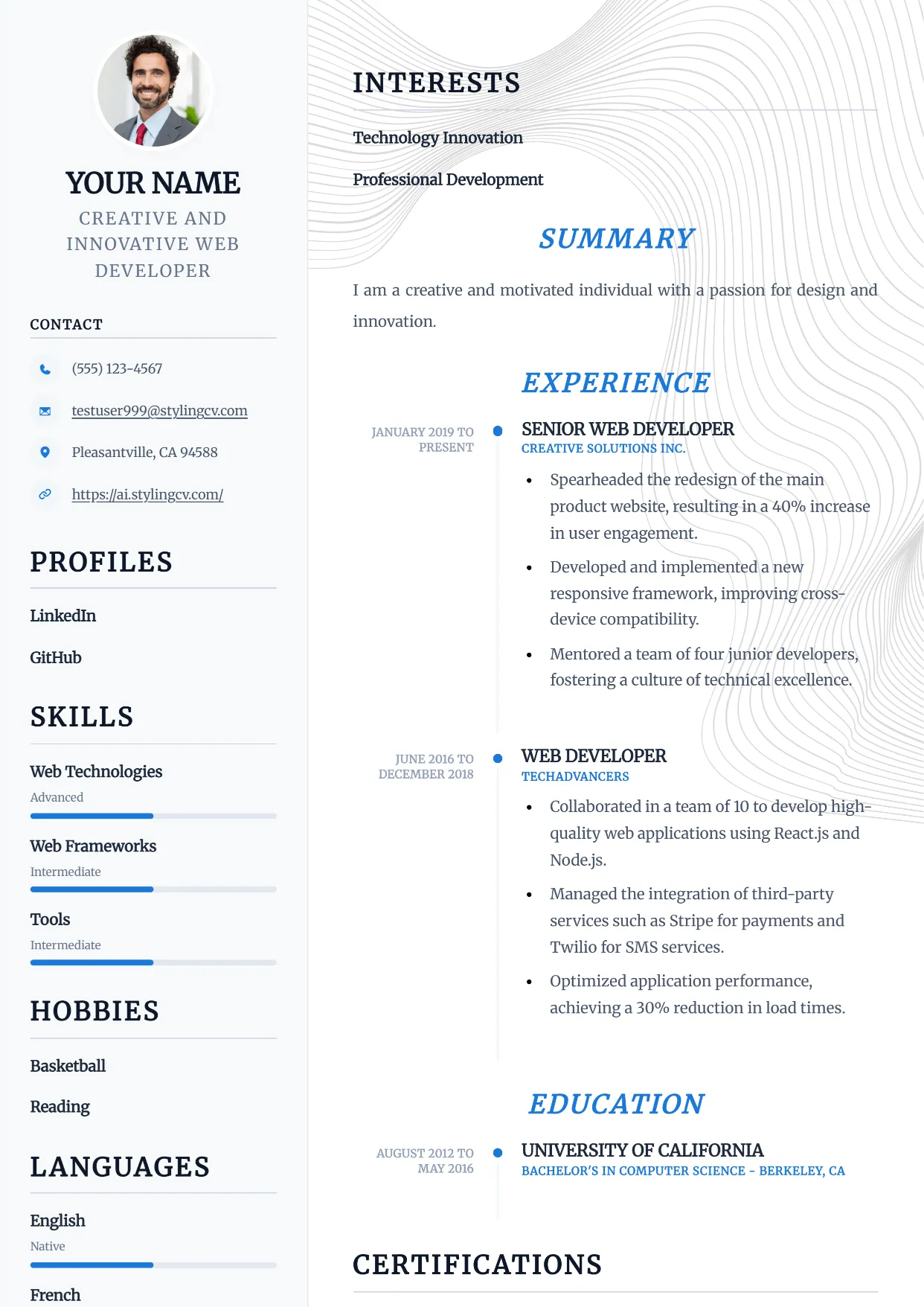
Compact
Professional and modern resume template optimized for applicant tracking systems. A clean, ATS-friendly CV layout designed to help you land your next interview.
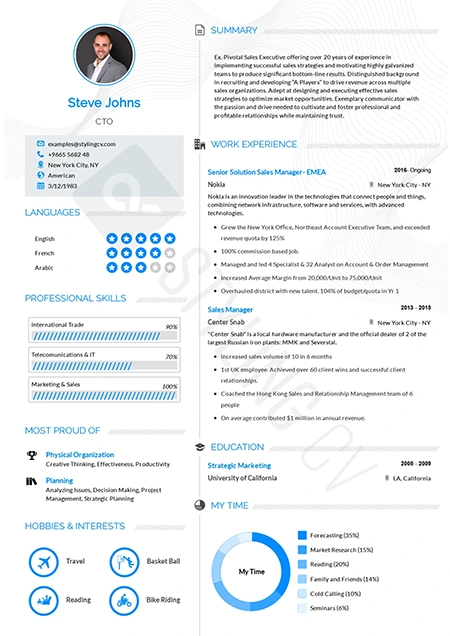
Concept
Innovative functional resume template for strategists and consultants. A modern CV layout designed to highlight core competencies and thought leadership.
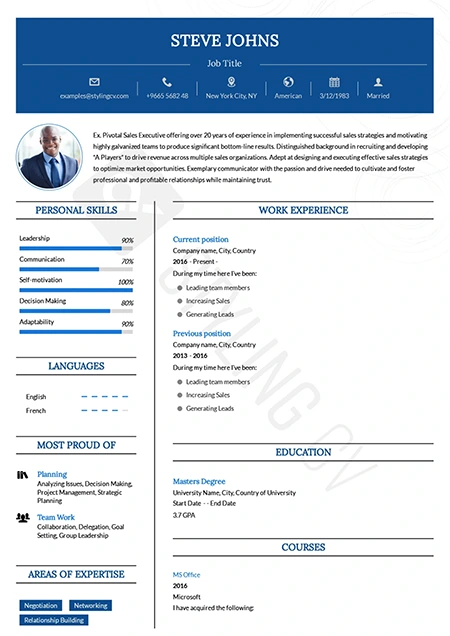
Confidence
Bold executive resume template projecting leadership and authority. A premium CV design for senior management and director-level applications.
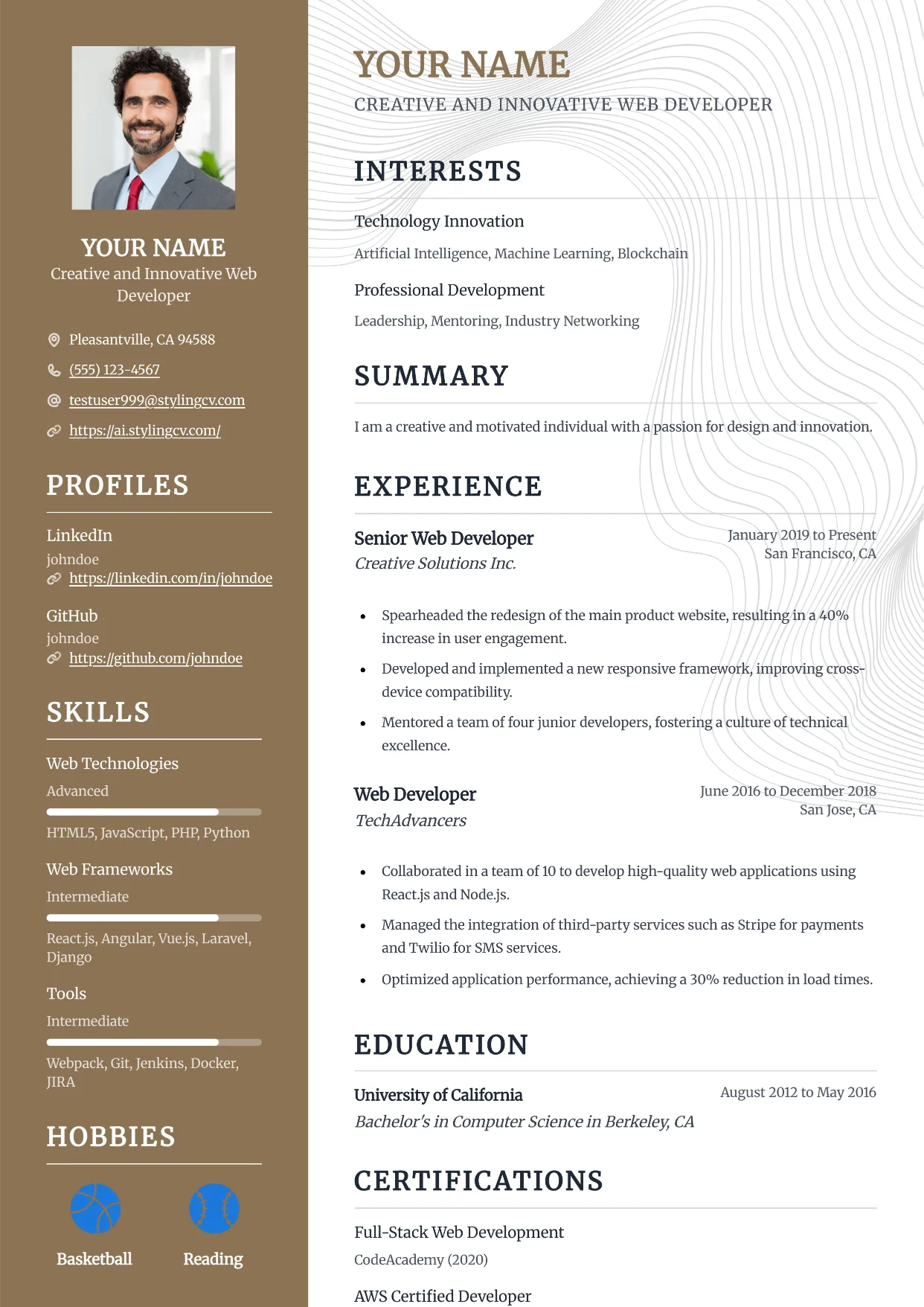
Confidence
Bold executive resume template projecting leadership and authority. A premium CV design for senior management and director-level applications.
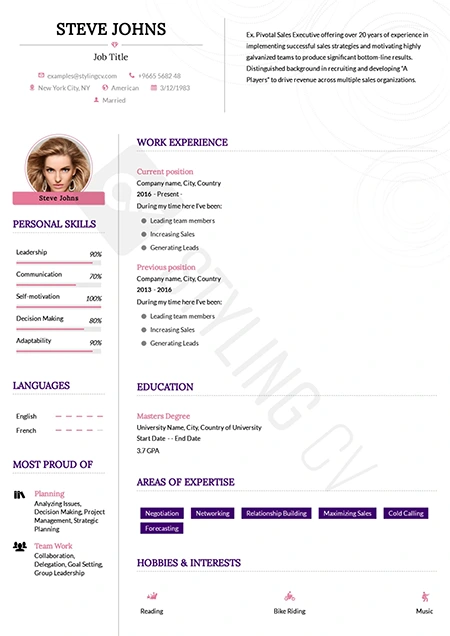
Corssa
Elegant European-inspired CV template for international business roles. A sophisticated resume format that balances modern design with professional standards.
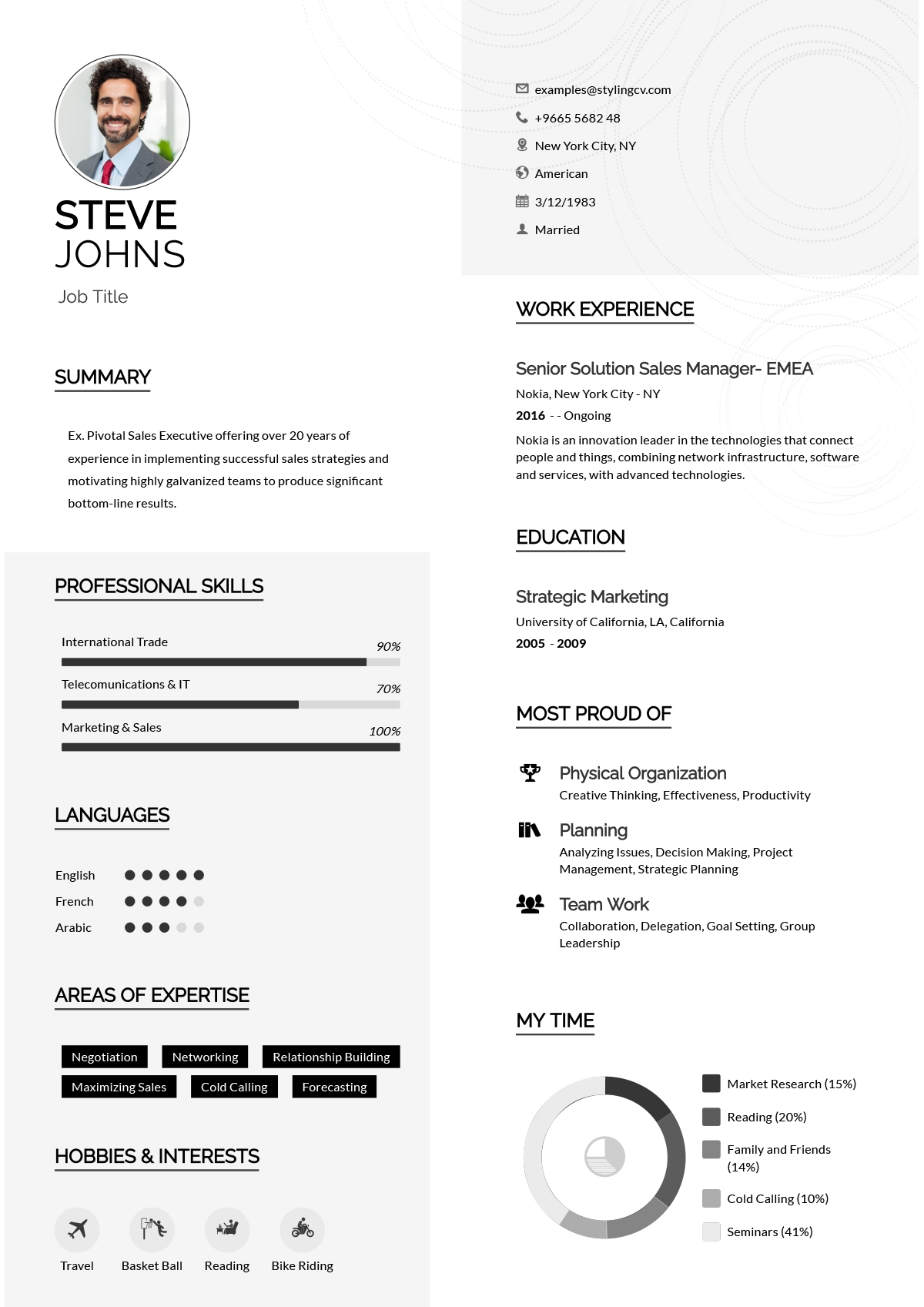
Creative
Vibrant and colorful creative resume template for design professionals. A memorable visual CV format perfect for marketing and artistic roles.
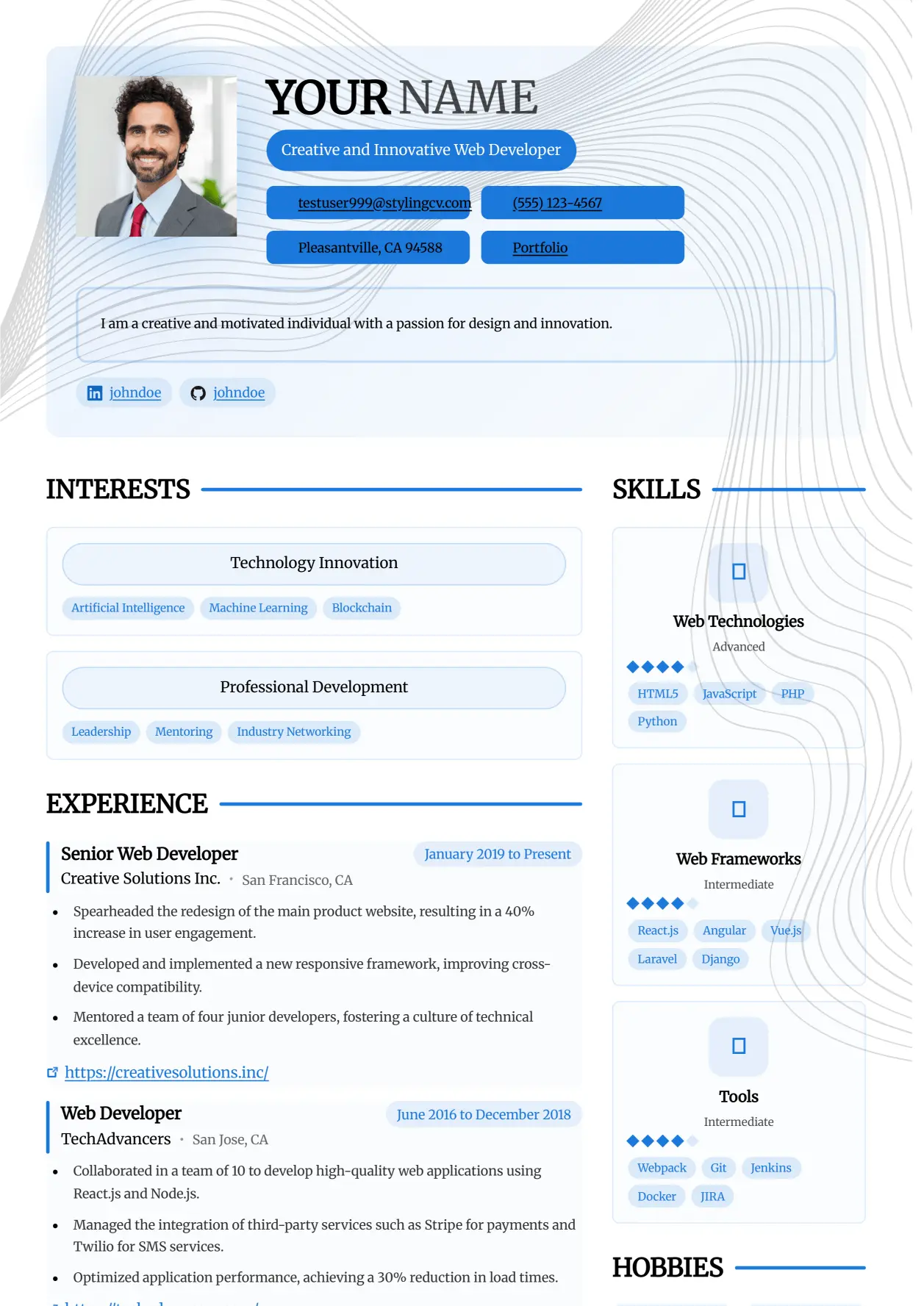
Creative
Vibrant and colorful creative resume template for design professionals. A memorable visual CV format perfect for marketing and artistic roles.
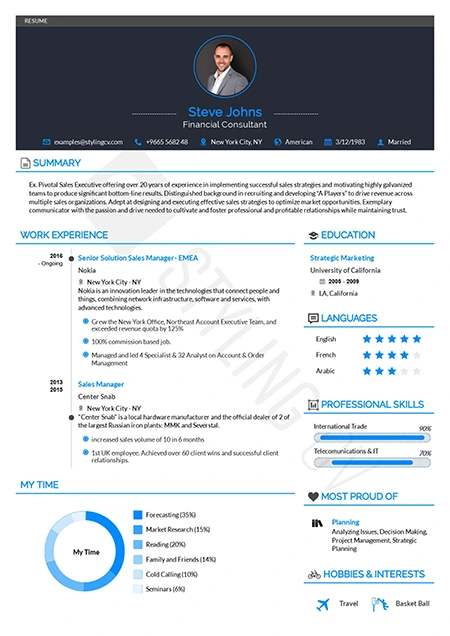
Diamond
Polished and premium professional resume template. A high-end CV design that ensures your extensive work experience shines through beautifully.
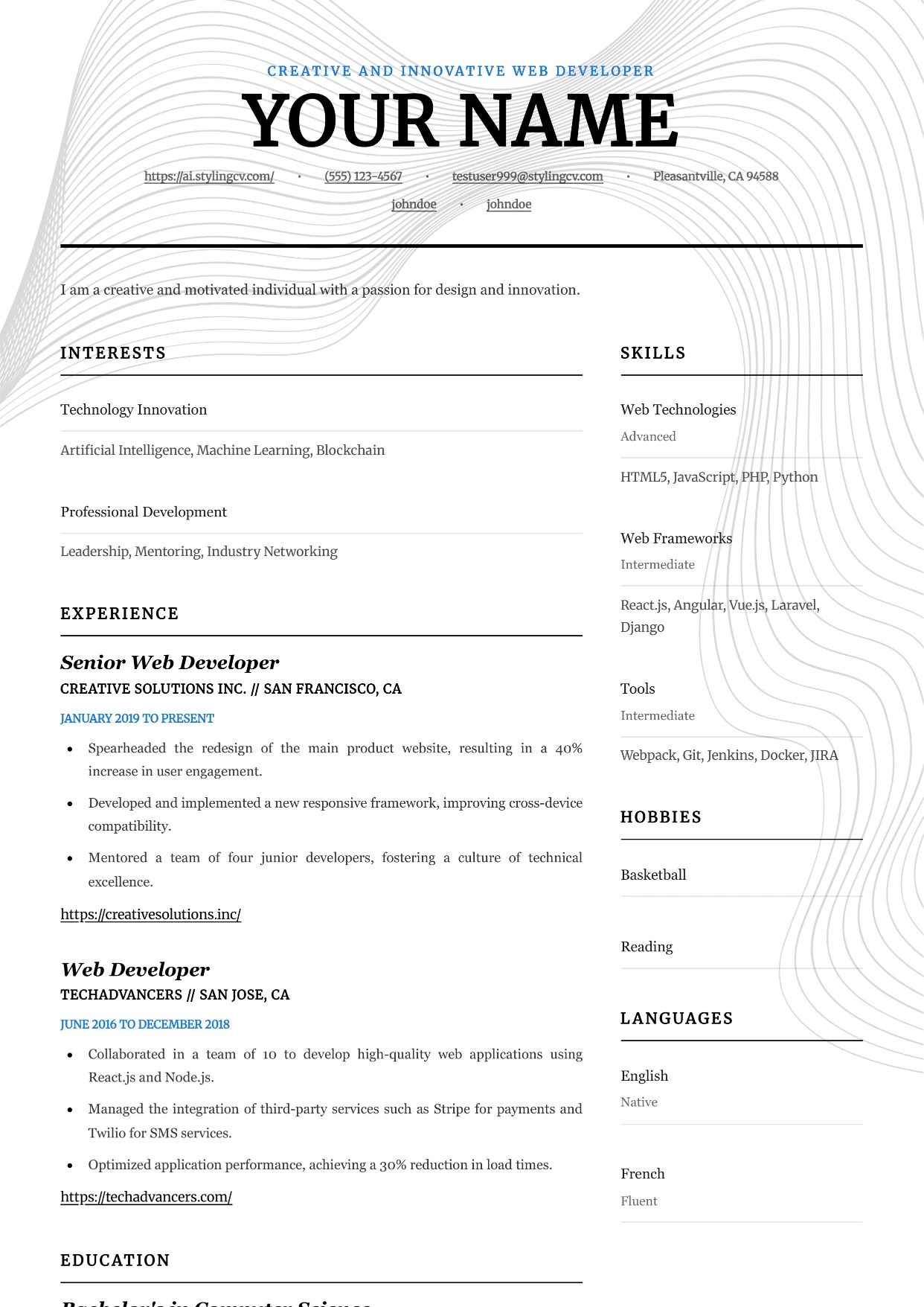
Editorial
Professional and modern resume template optimized for applicant tracking systems. A clean, ATS-friendly CV layout designed to help you land your next interview.
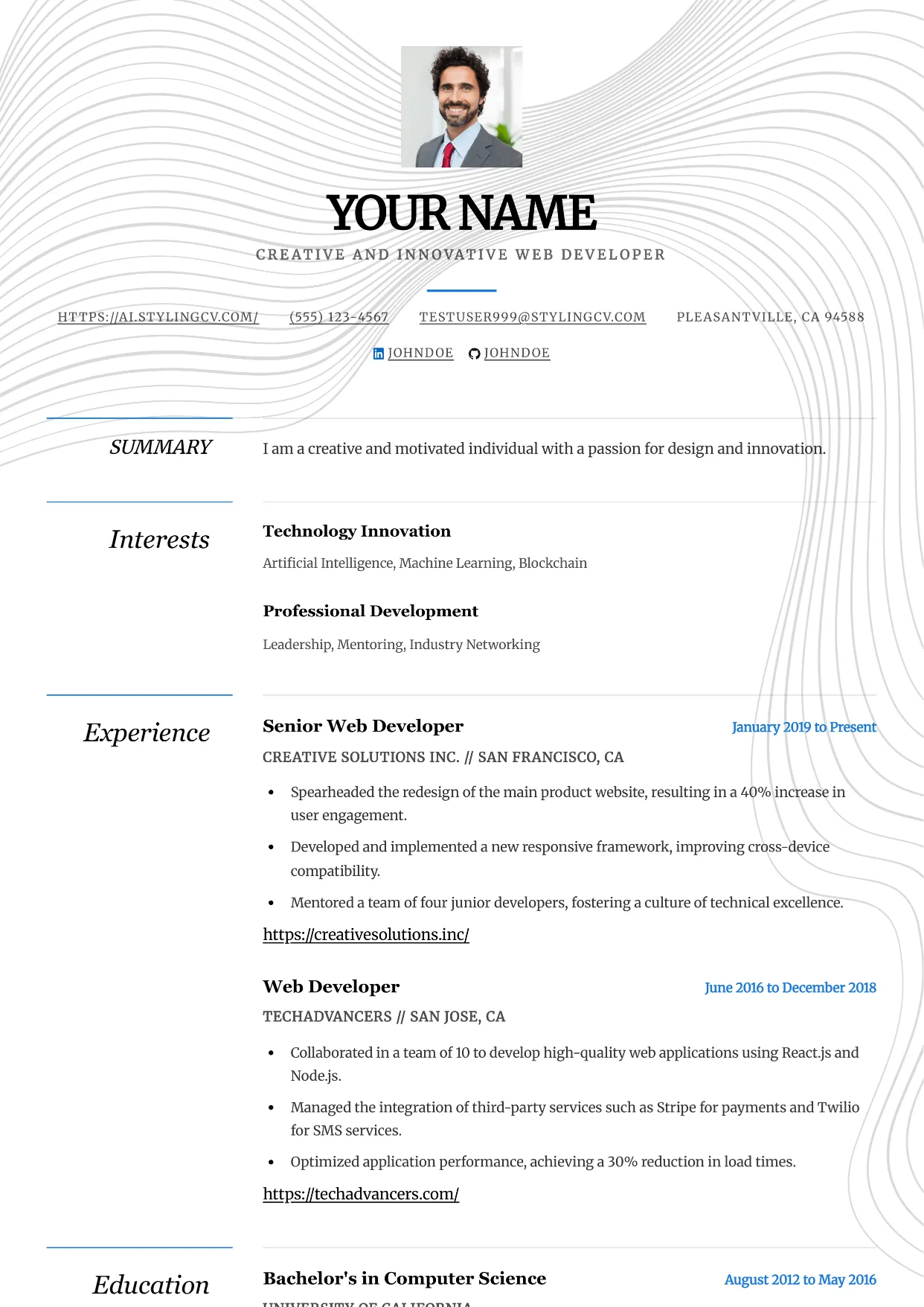
Elegance
Professional and modern resume template optimized for applicant tracking systems. A clean, ATS-friendly CV layout designed to help you land your next interview.
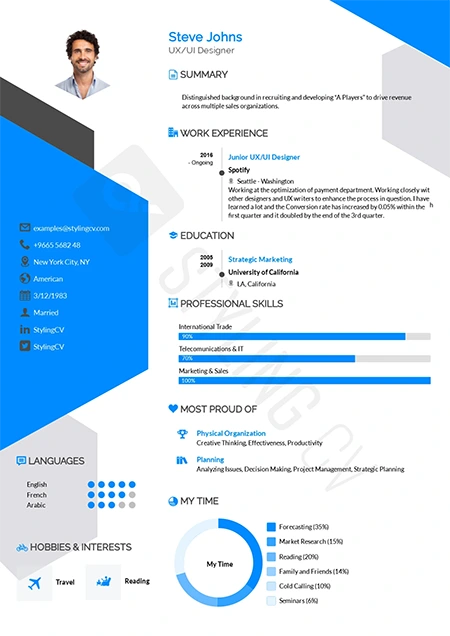
Elegant
Sophisticated resume template for law, finance, and executive roles. A classic, highly professional CV layout that commands immediate respect.
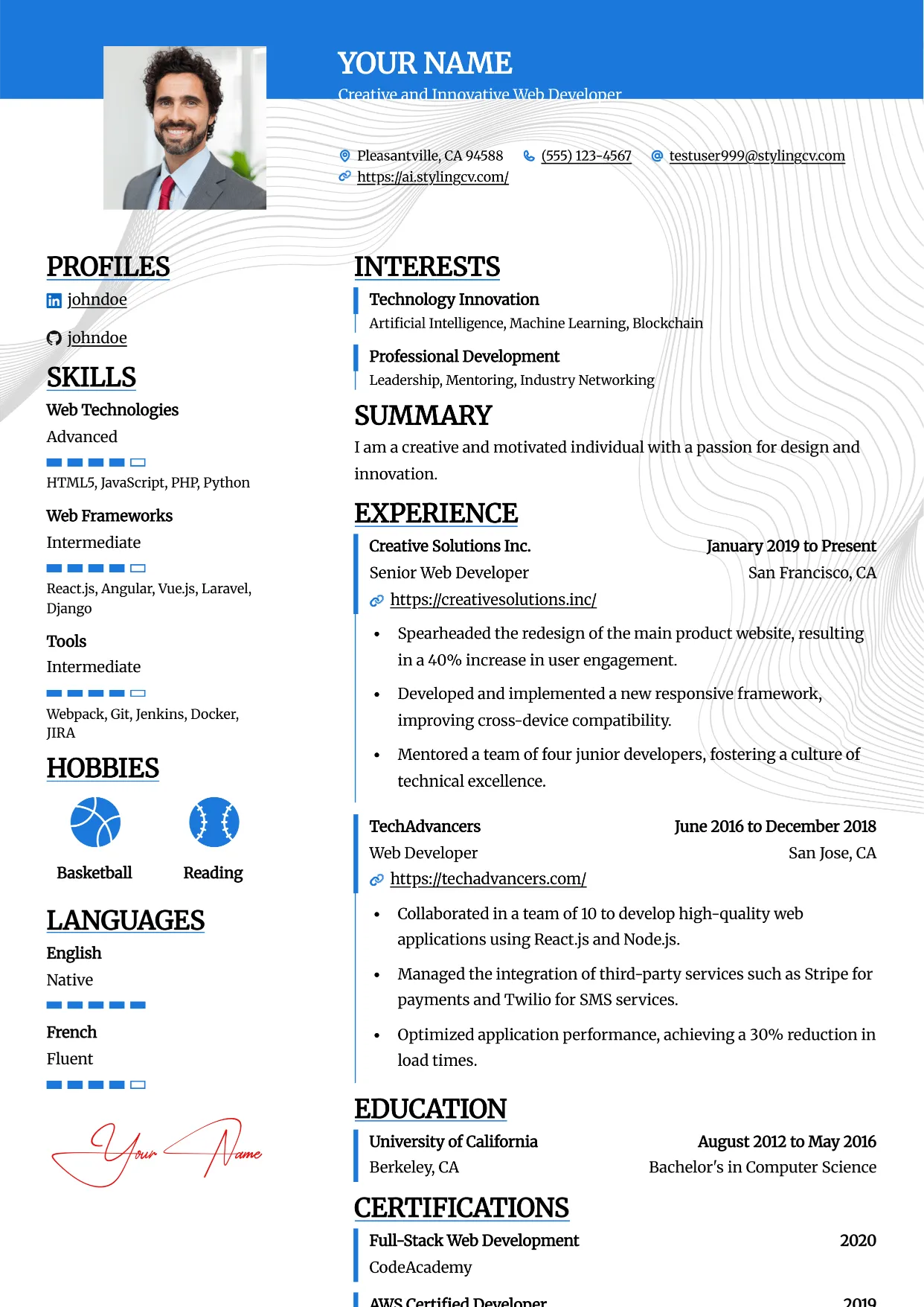
Essential
Professional and modern resume template optimized for applicant tracking systems. A clean, ATS-friendly CV layout designed to help you land your next interview.
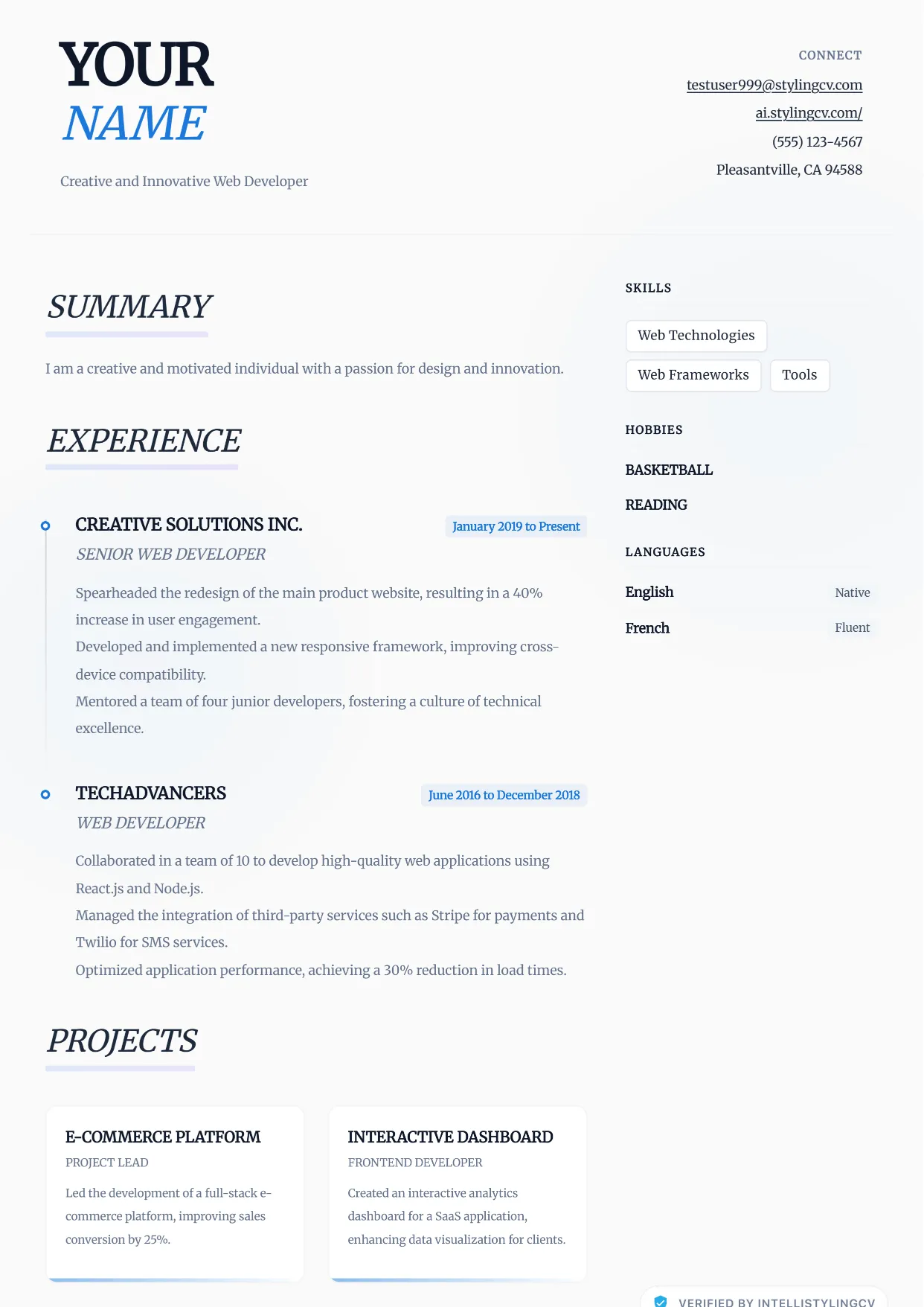
Ethereal
Professional and modern resume template optimized for applicant tracking systems. A clean, ATS-friendly CV layout designed to help you land your next interview.
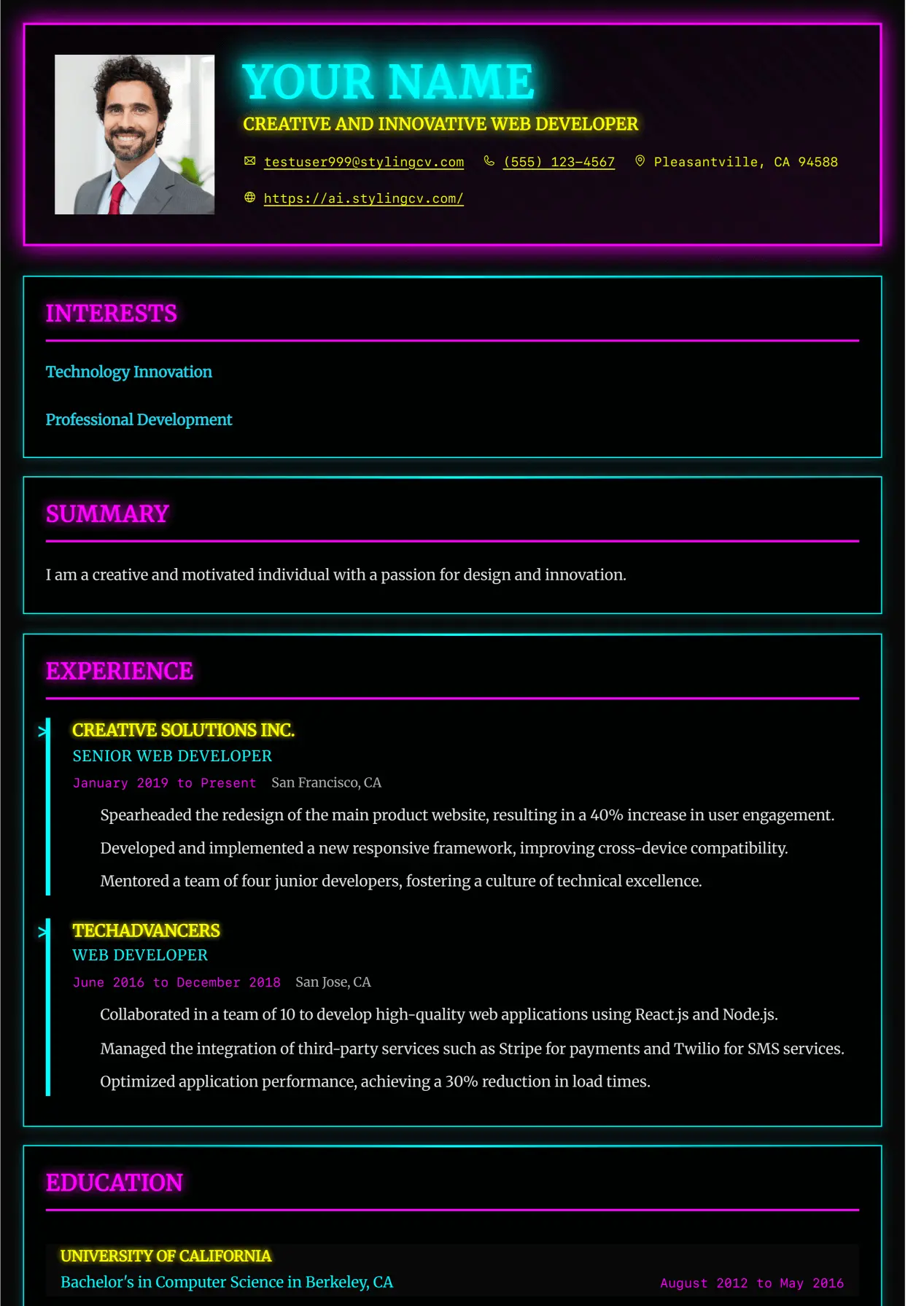
Executive
Professional and modern resume template optimized for applicant tracking systems. A clean, ATS-friendly CV layout designed to help you land your next interview.
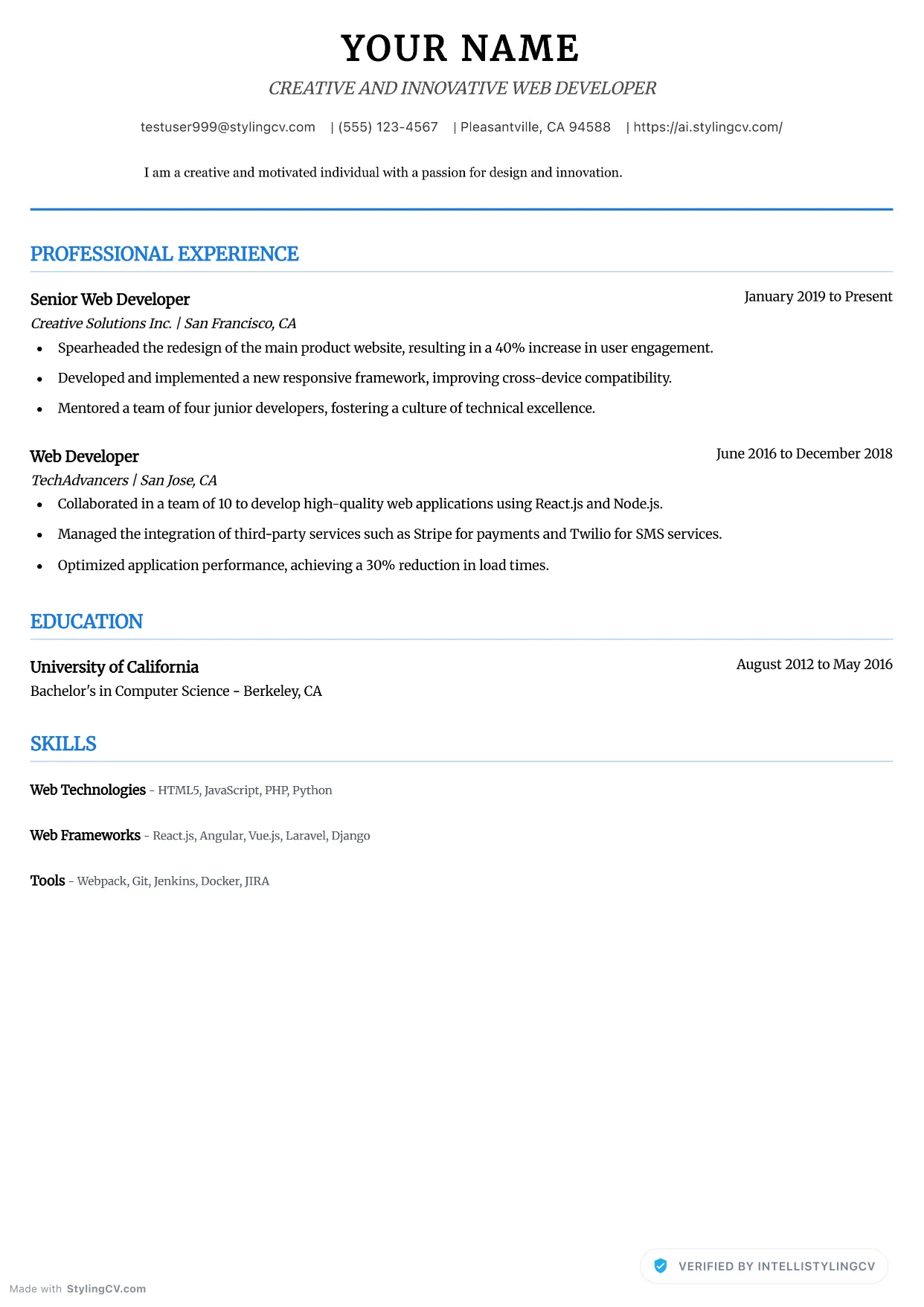
Executive Neat
Professional and modern resume template optimized for applicant tracking systems. A clean, ATS-friendly CV layout designed to help you land your next interview.
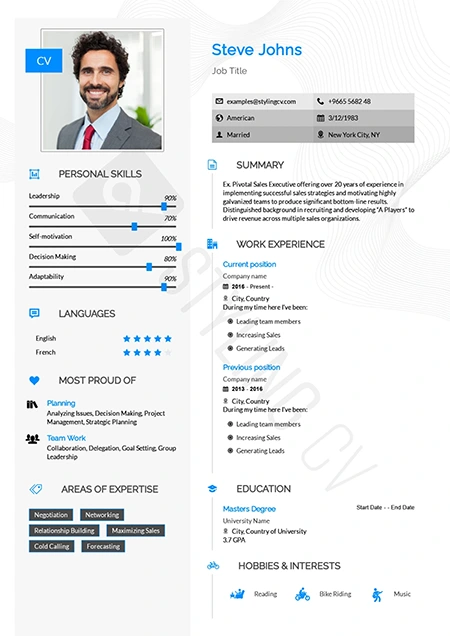
Feminine
Refined and stylish resume template with a modern feminine aesthetic. Perfect CV layout for fashion, beauty, lifestyle, and creative marketing roles.
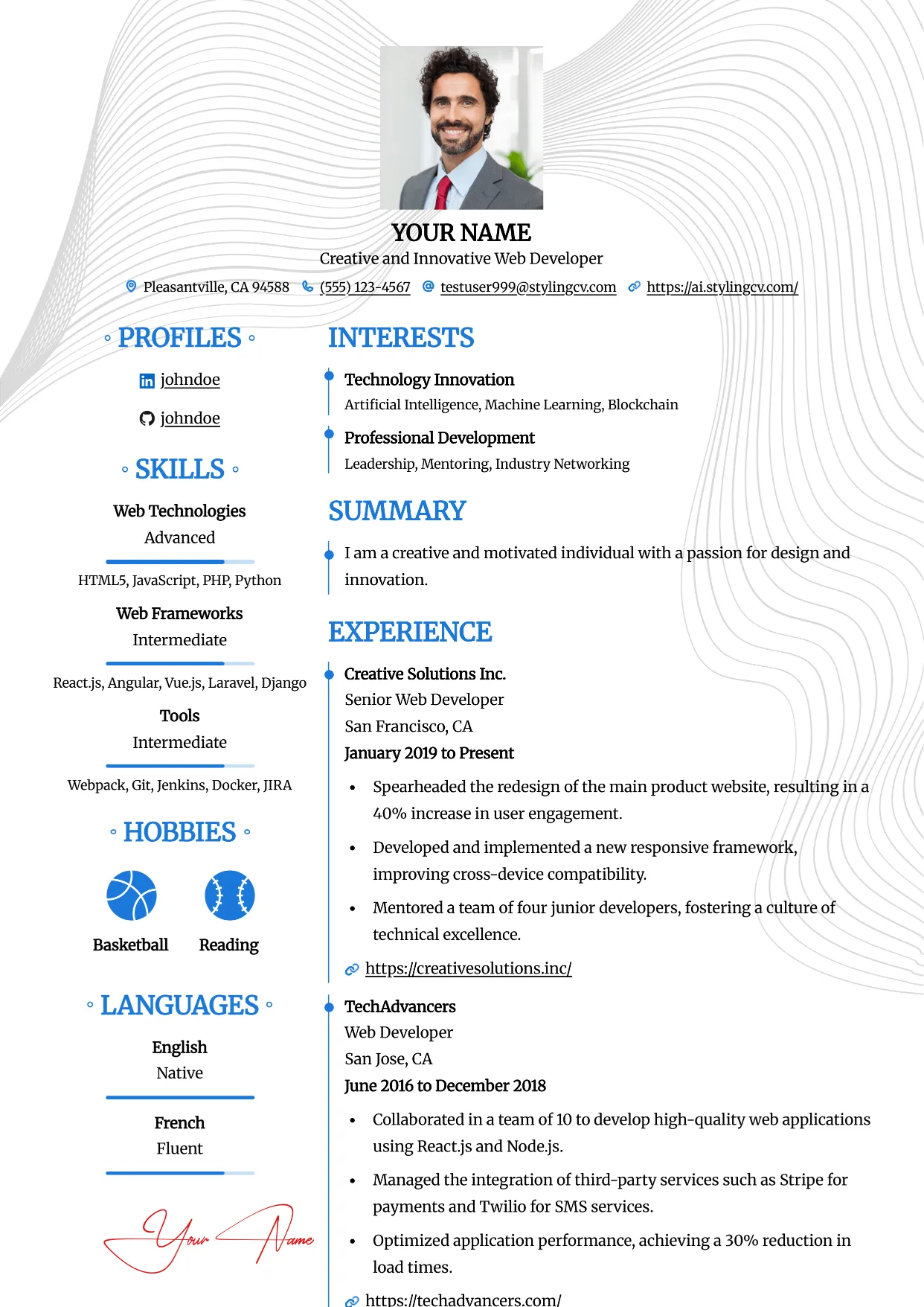
Feminine
Refined and stylish resume template with a modern feminine aesthetic. Perfect CV layout for fashion, beauty, lifestyle, and creative marketing roles.
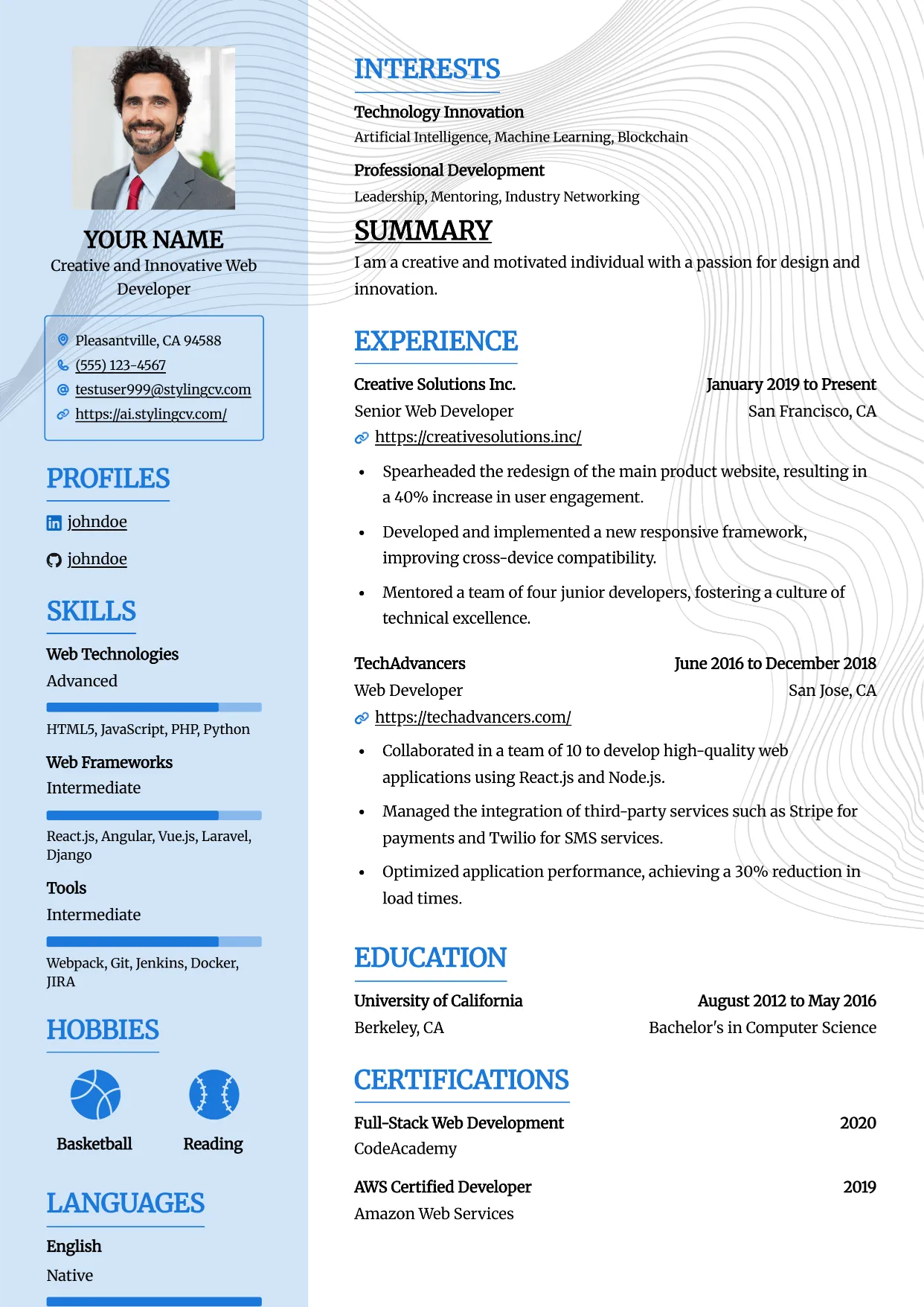
Framed
Professional and modern resume template optimized for applicant tracking systems. A clean, ATS-friendly CV layout designed to help you land your next interview.
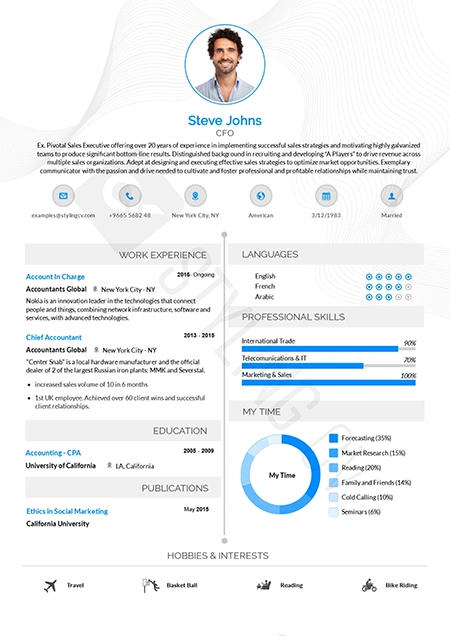
Functional
Skills-focused functional resume template ideal for career changers. A smart CV format that highlights transferrable skills over chronological work history.
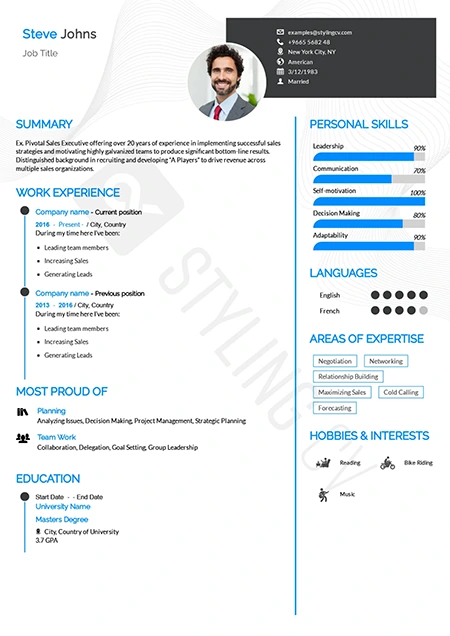
Genial
Approachable and modern resume template for customer-facing roles. An excellent professional CV layout for HR, sales, and service professionals.
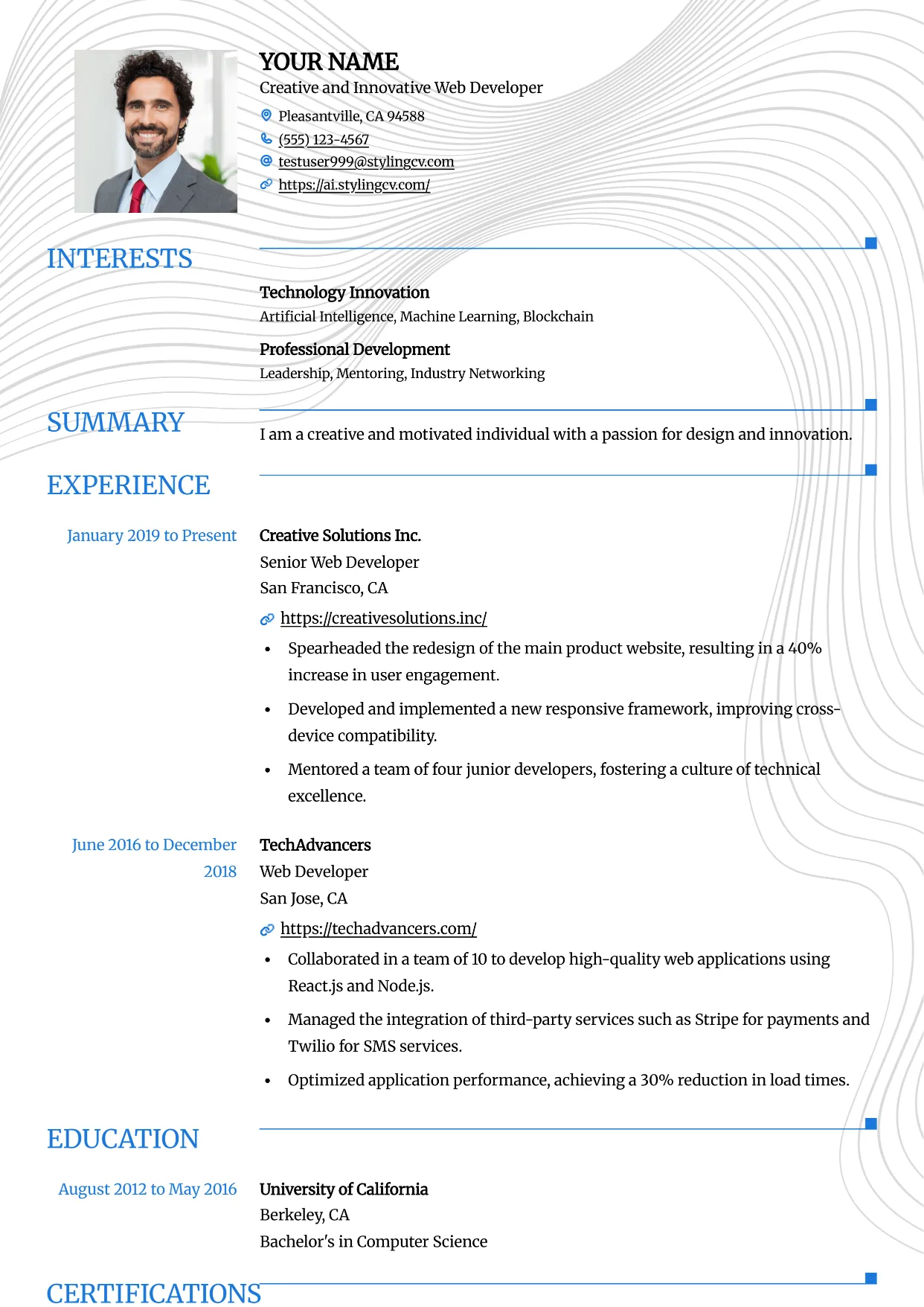
Grid
Professional and modern resume template optimized for applicant tracking systems. A clean, ATS-friendly CV layout designed to help you land your next interview.
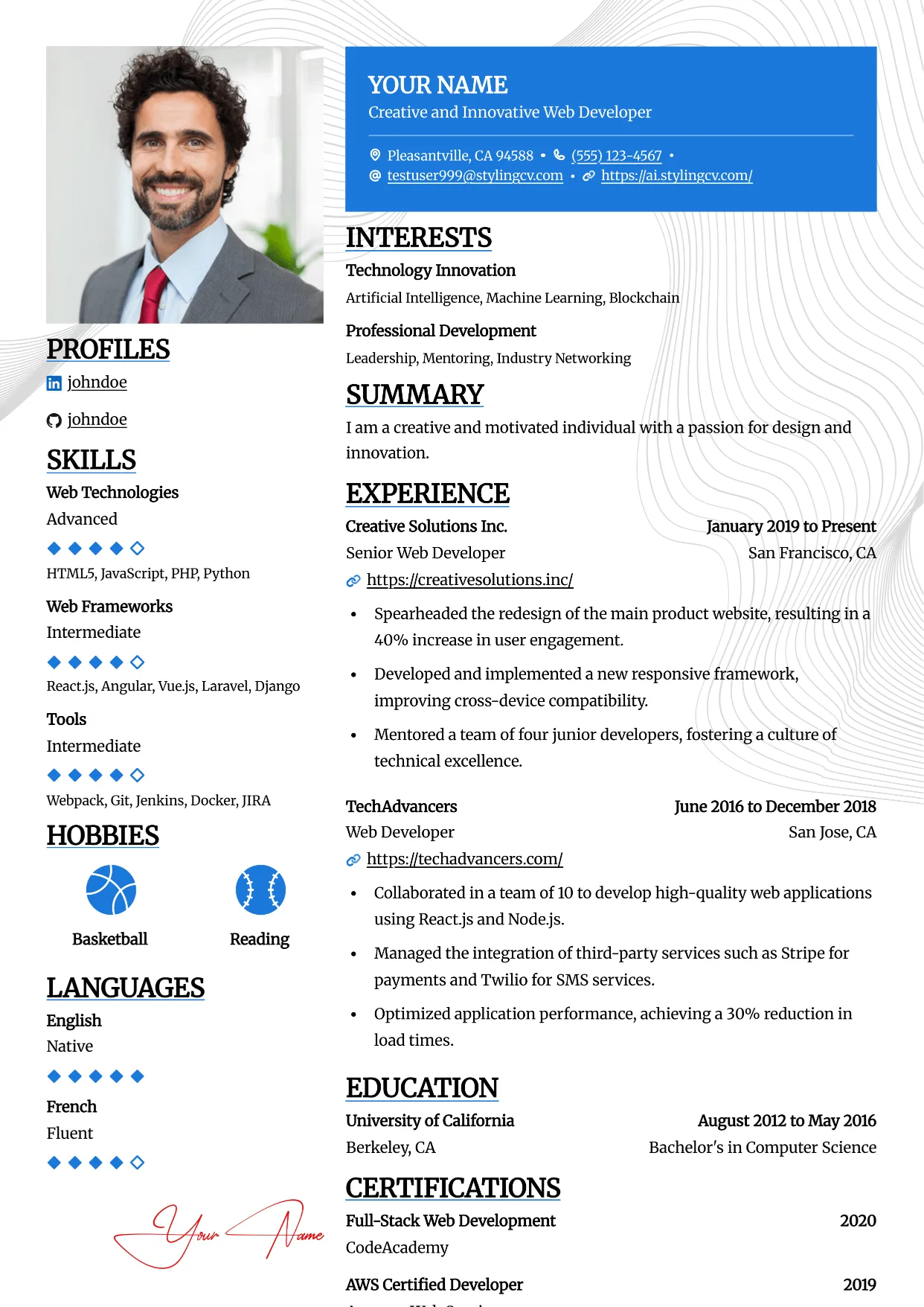
Highlight
Professional and modern resume template optimized for applicant tracking systems. A clean, ATS-friendly CV layout designed to help you land your next interview.
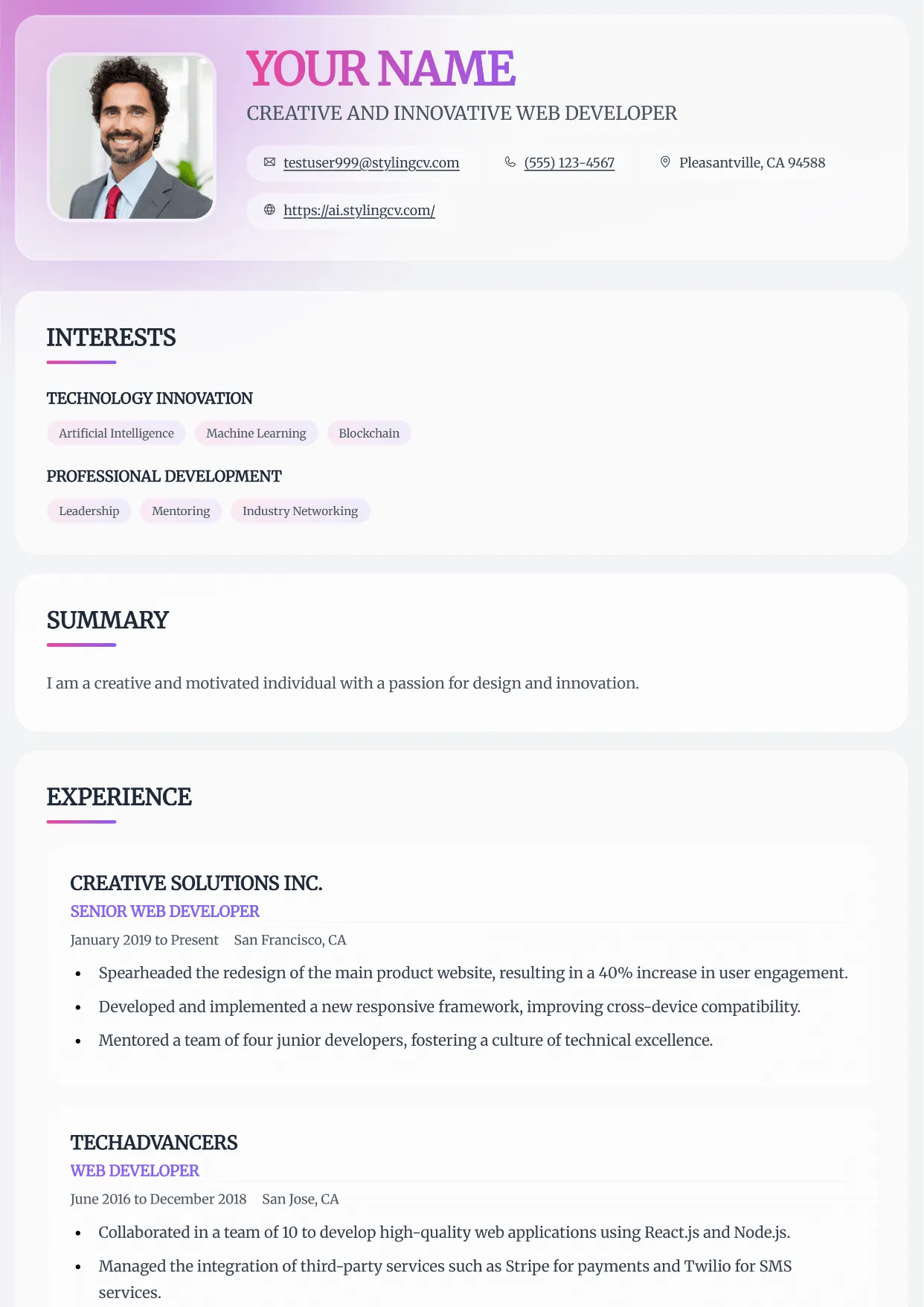
Horizon
Professional and modern resume template optimized for applicant tracking systems. A clean, ATS-friendly CV layout designed to help you land your next interview.
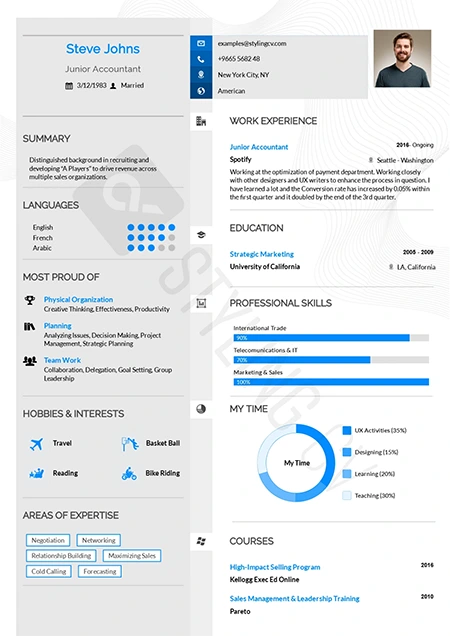
Influx
Dynamic and modern CV template tailored for marketing and communications. A high-flow resume design that beautifully organizes complex career data.
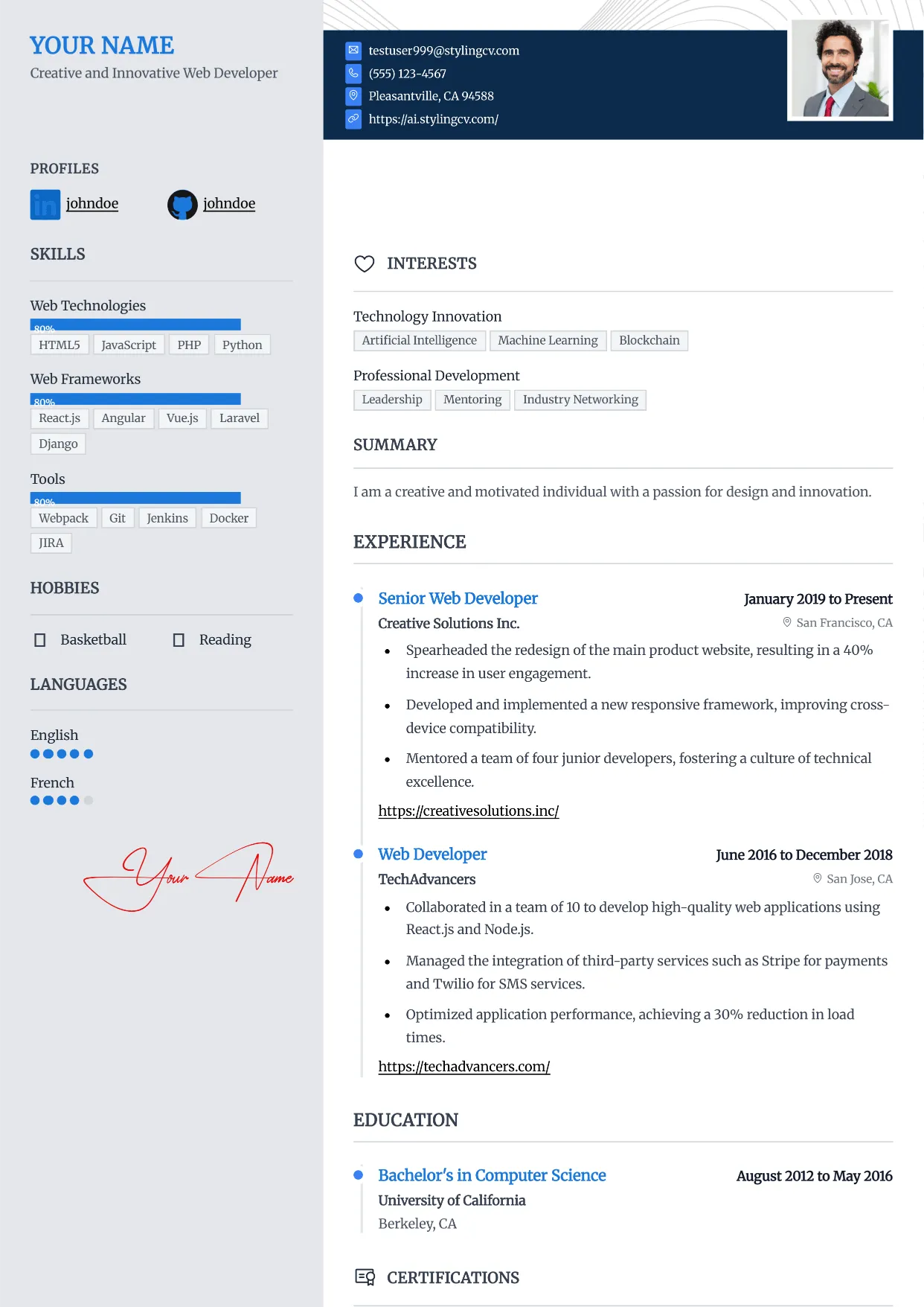
Influx
Dynamic and modern CV template tailored for marketing and communications. A high-flow resume design that beautifully organizes complex career data.
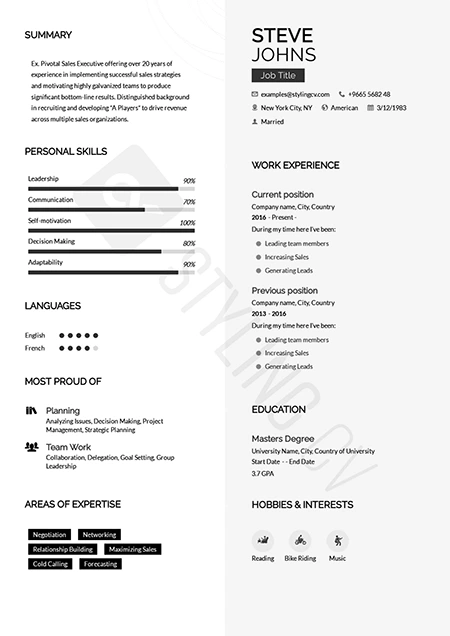
Katrina
Graceful modern resume template designed for personal brand building. A beautifully structured CV format that balances personality with professionalism.
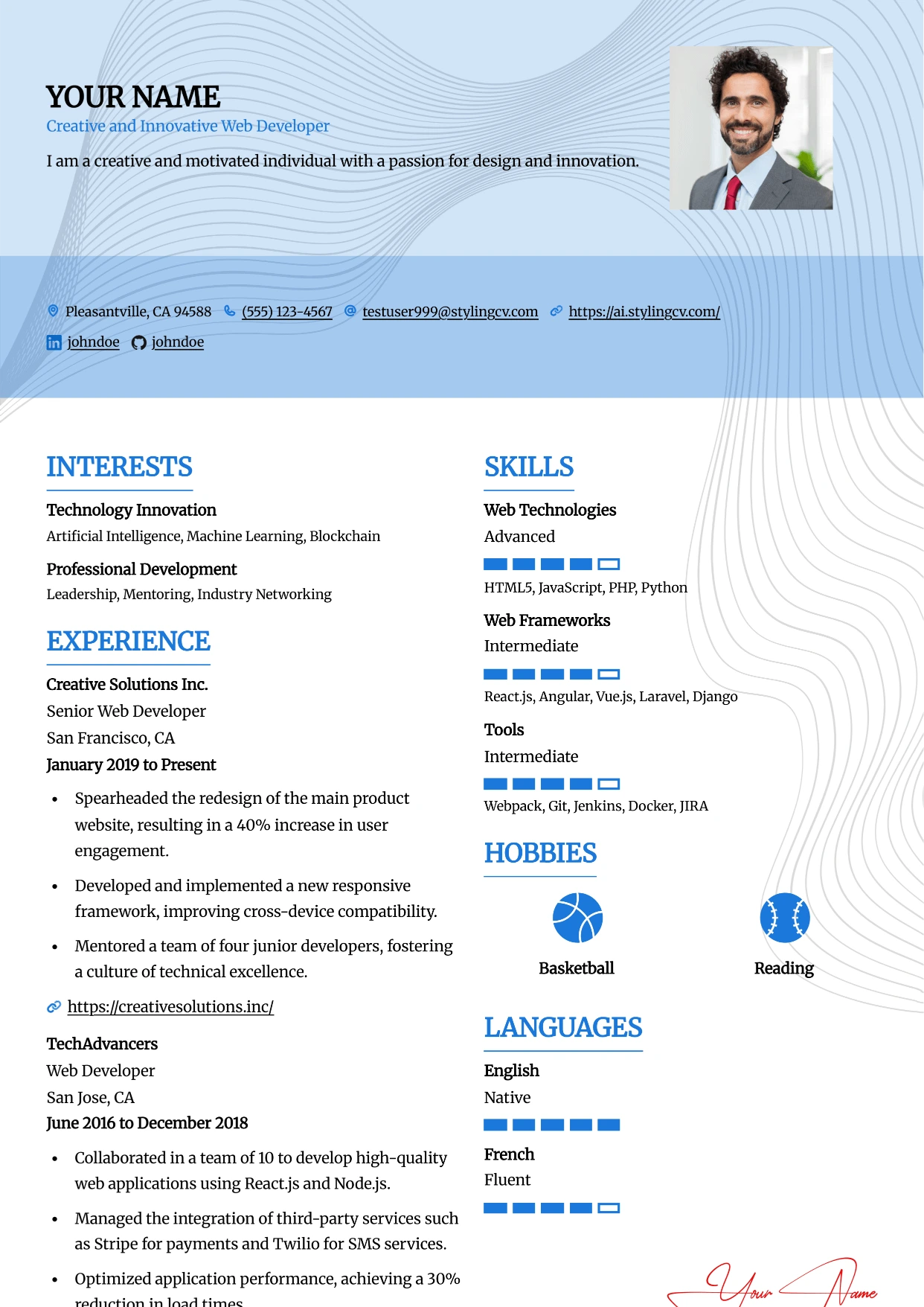
Leafish
Professional and modern resume template optimized for applicant tracking systems. A clean, ATS-friendly CV layout designed to help you land your next interview.
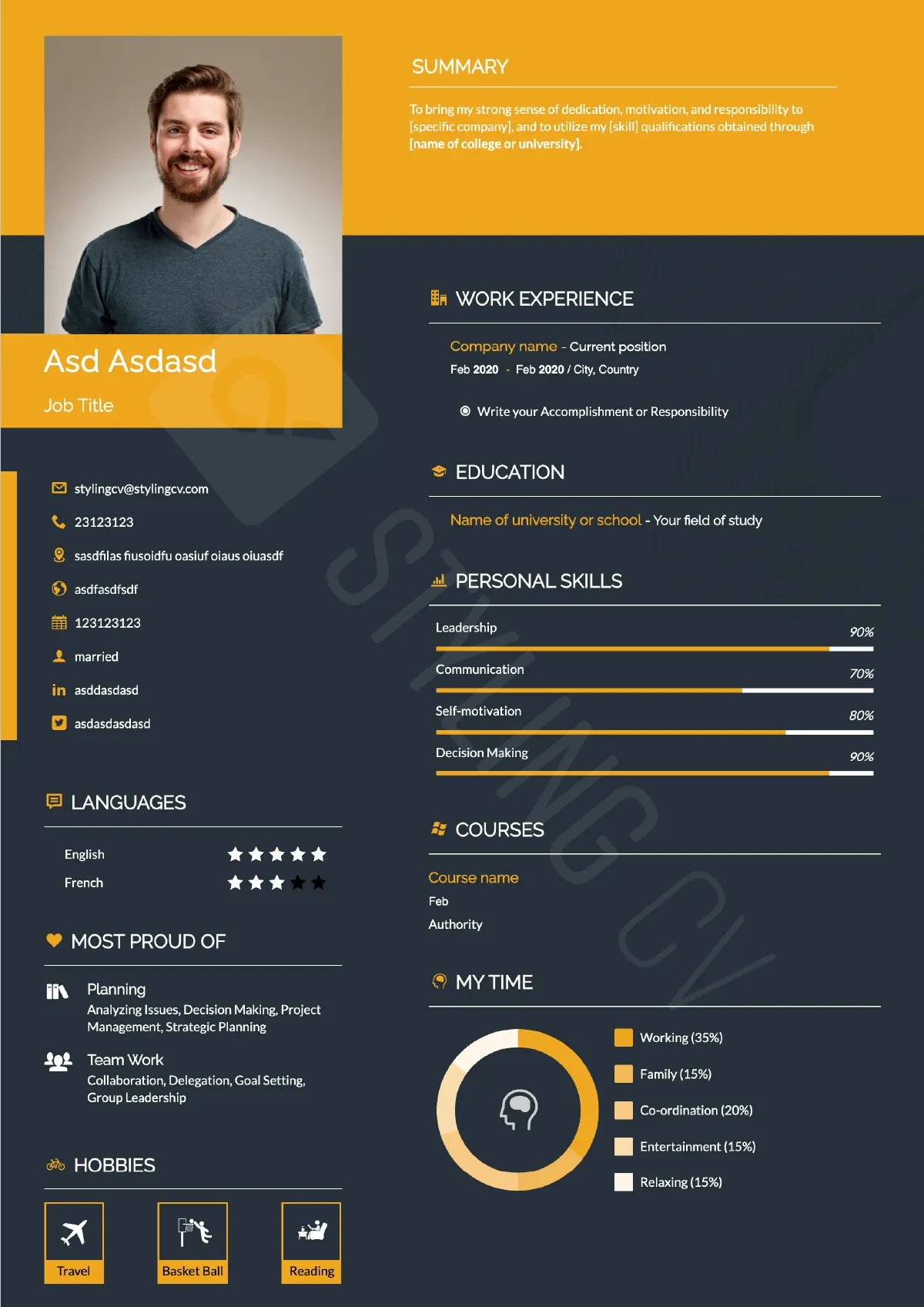
Mark
Strong hierarchical resume template for business development and sales. A high-impact professional CV layout optimized for quantifiable achievements.
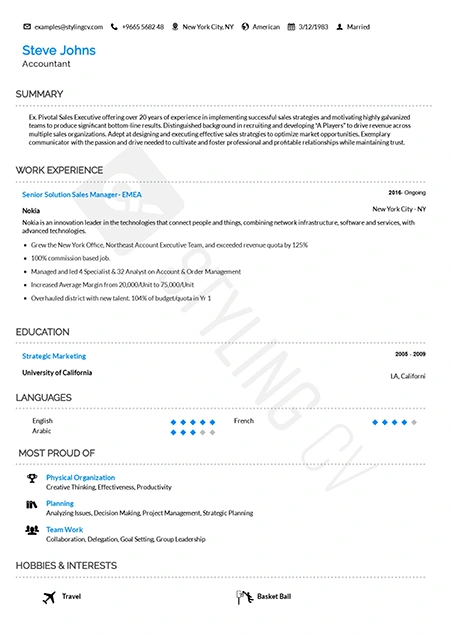
Metrix
Data-driven analytical resume template. The perfect ATS-friendly CV layout for data scientists, financial analysts, and quantitative professionals.
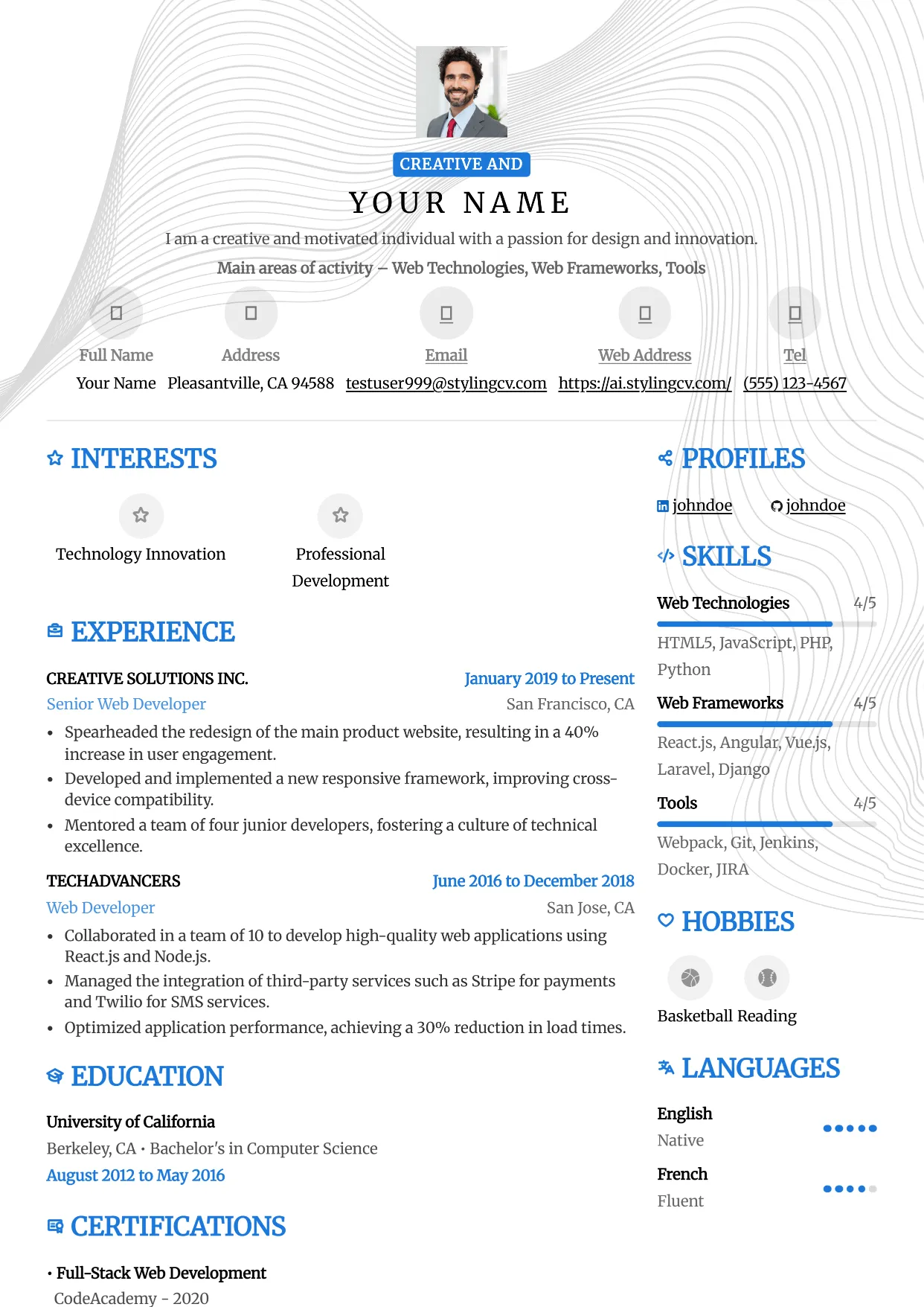
Metro
Professional and modern resume template optimized for applicant tracking systems. A clean, ATS-friendly CV layout designed to help you land your next interview.
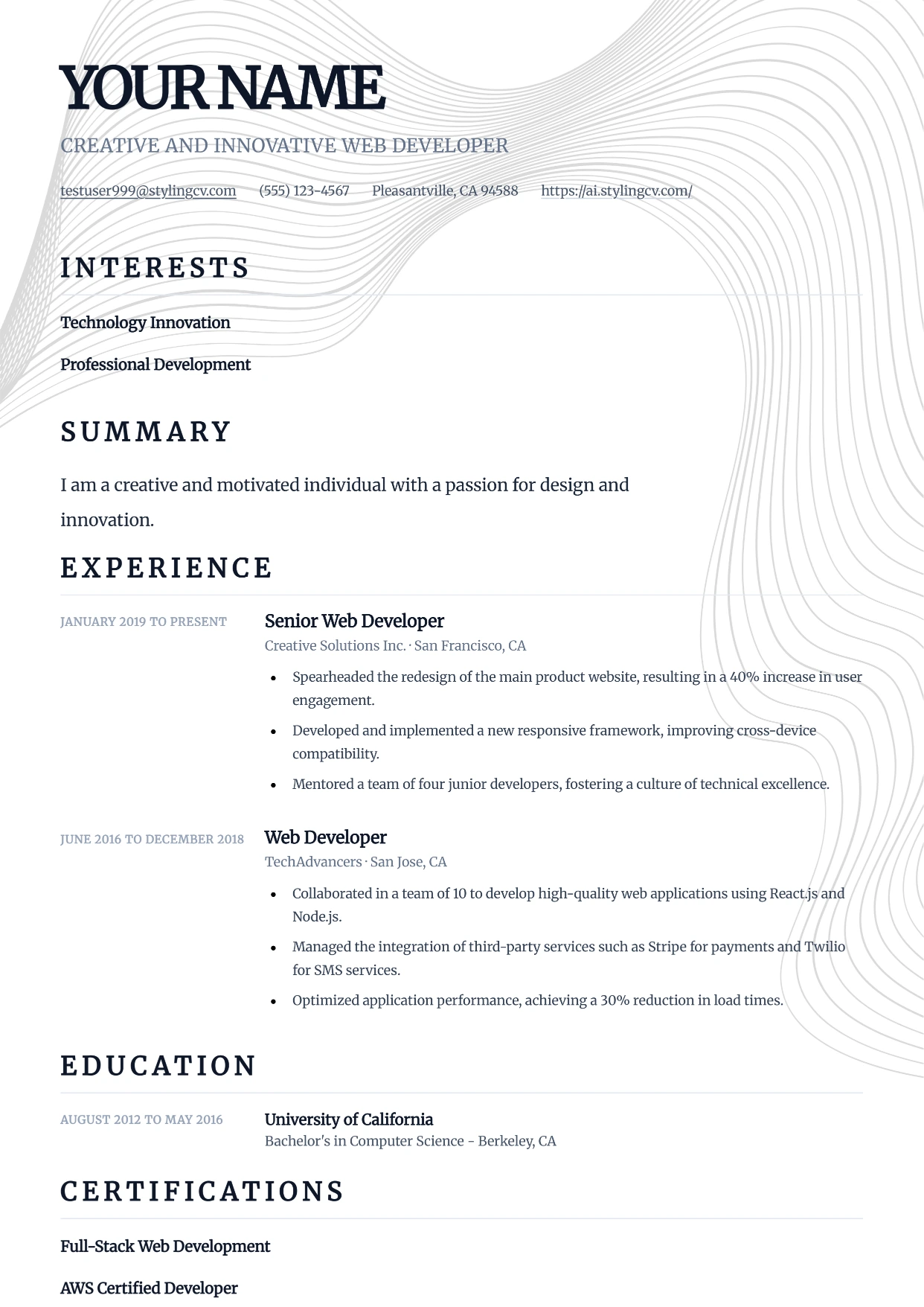
Minimal
Professional and modern resume template optimized for applicant tracking systems. A clean, ATS-friendly CV layout designed to help you land your next interview.
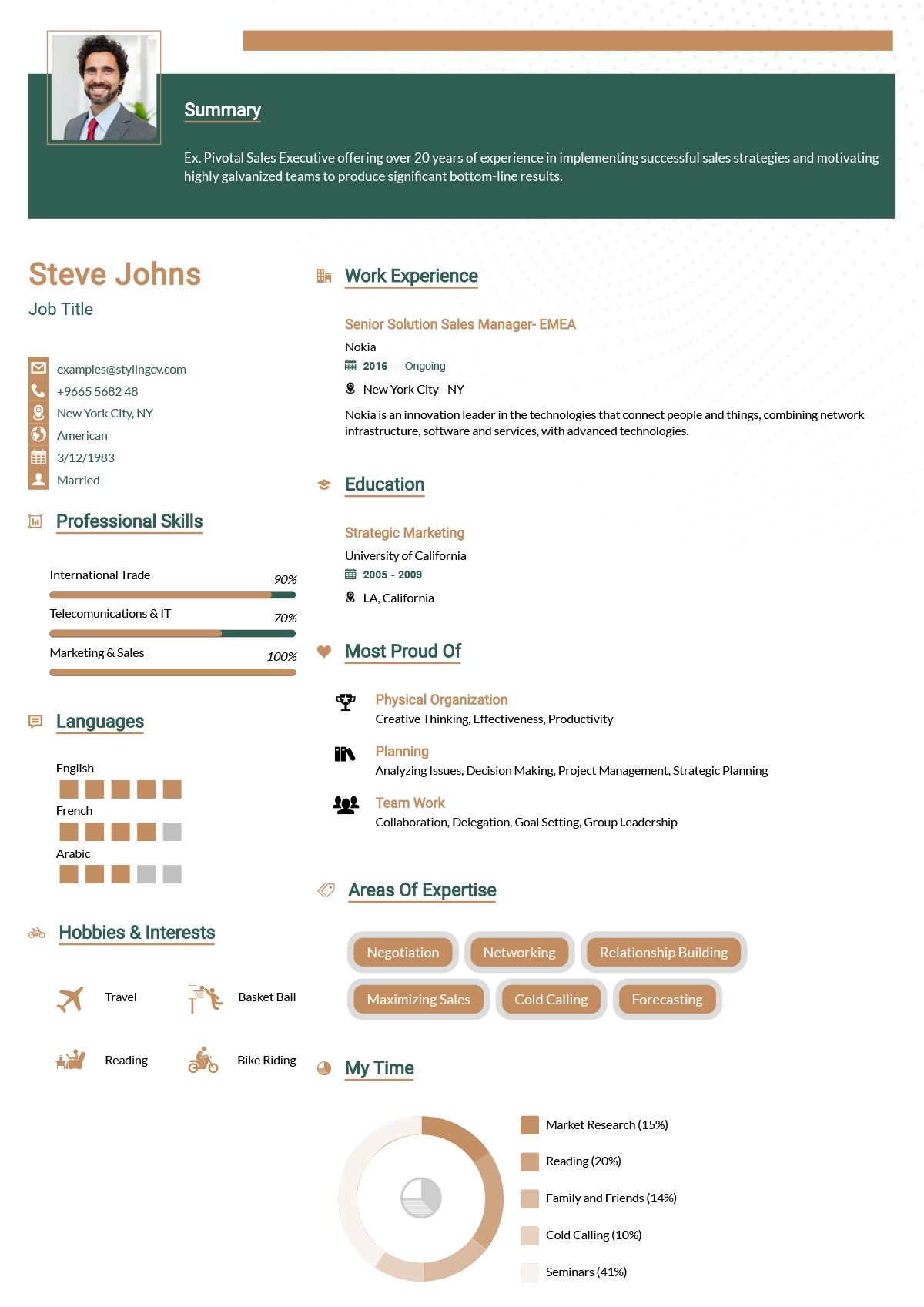
Minimalist
Ultra-clean minimalist resume template optimized for ATS parsing. A simple, no-distraction CV format that lets your professional experience speak for itself.
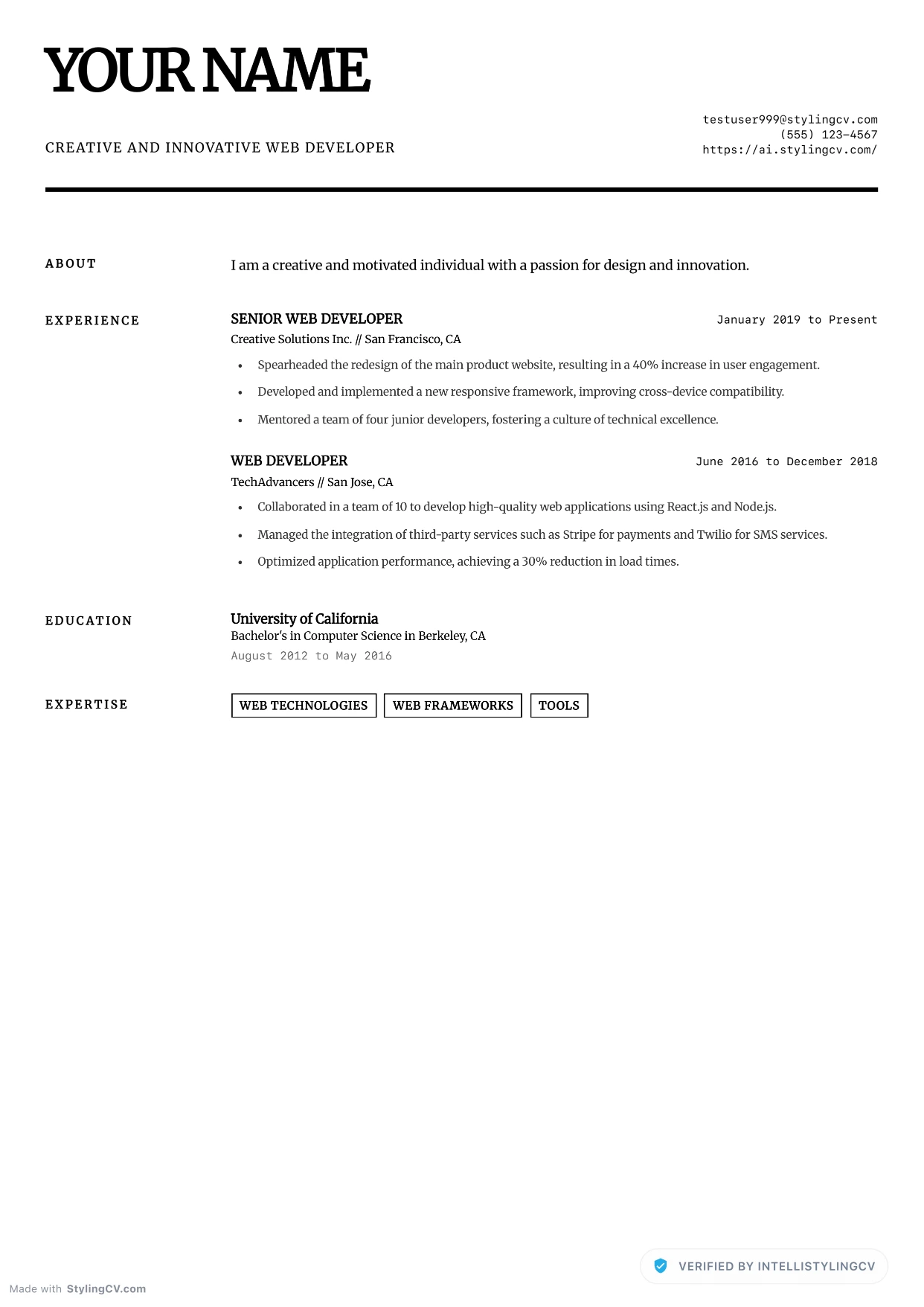
Minimalist Elite
Professional and modern resume template optimized for applicant tracking systems. A clean, ATS-friendly CV layout designed to help you land your next interview.
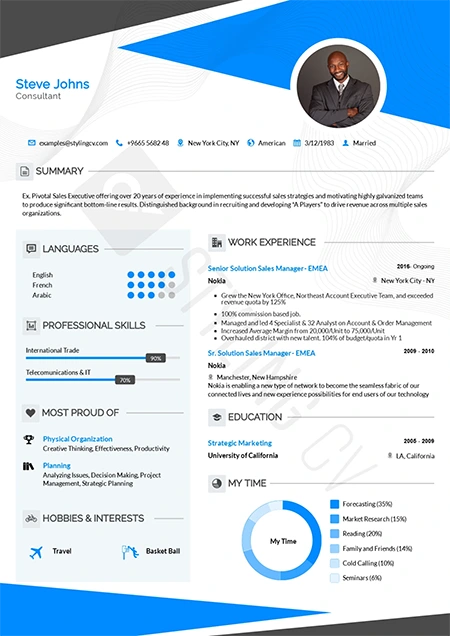
Modern
Contemporary professional resume template for the modern job market. A versatile, clean CV design that works perfectly across all corporate industries.
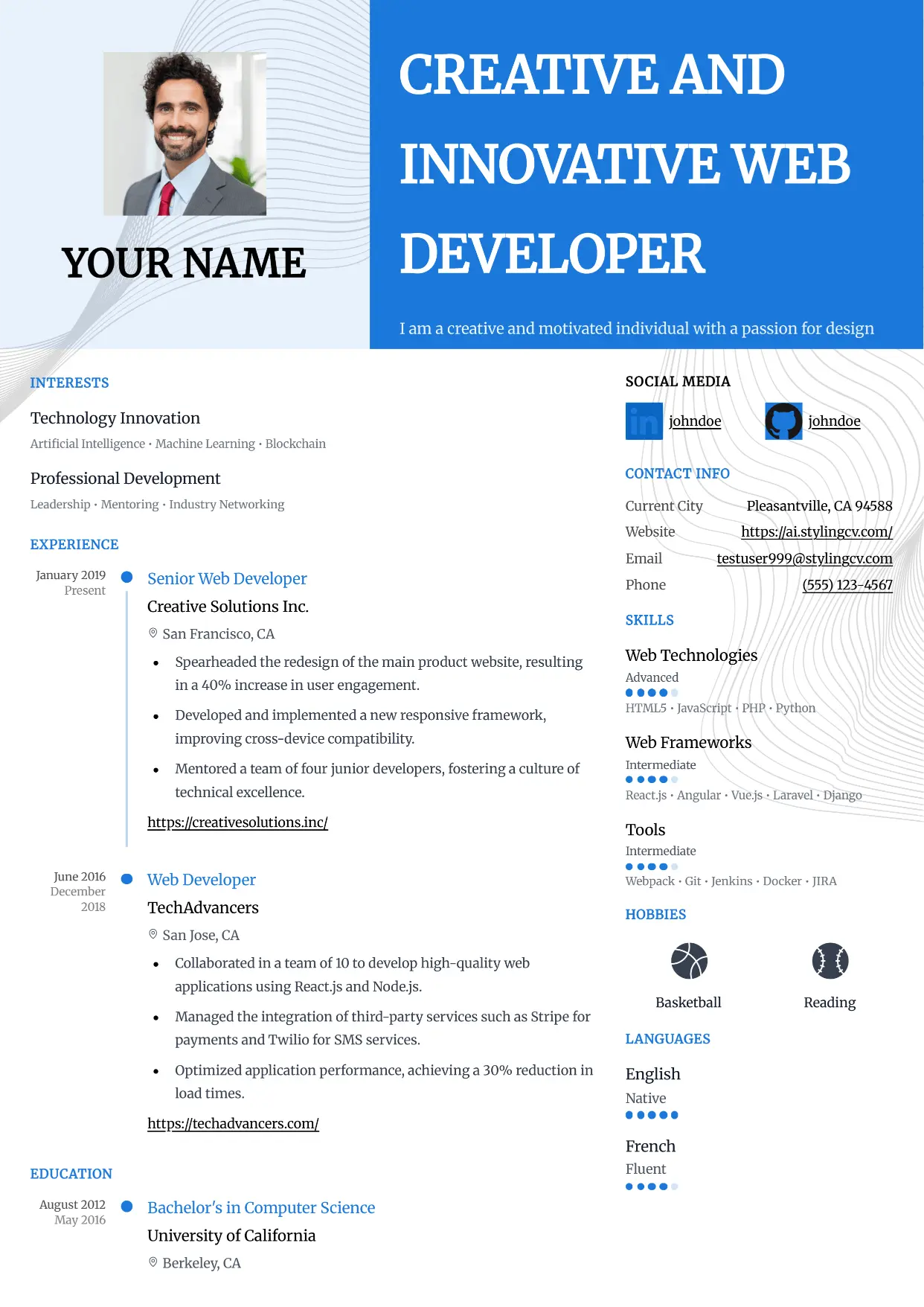
Modern
Contemporary professional resume template for the modern job market. A versatile, clean CV design that works perfectly across all corporate industries.
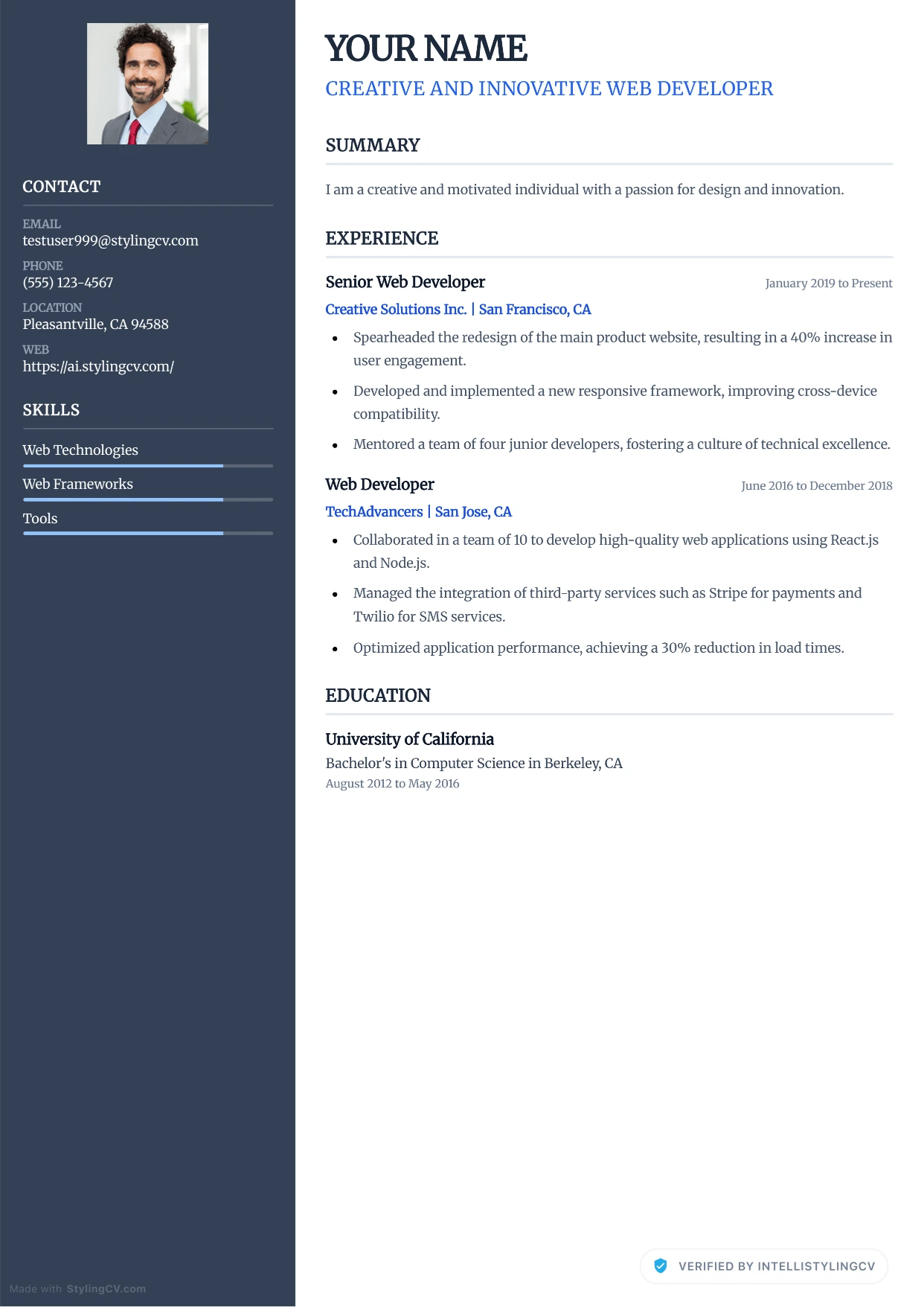
Modern Corporate
Professional and modern resume template optimized for applicant tracking systems. A clean, ATS-friendly CV layout designed to help you land your next interview.

Modern Refined
Professional and modern resume template optimized for applicant tracking systems. A clean, ATS-friendly CV layout designed to help you land your next interview.
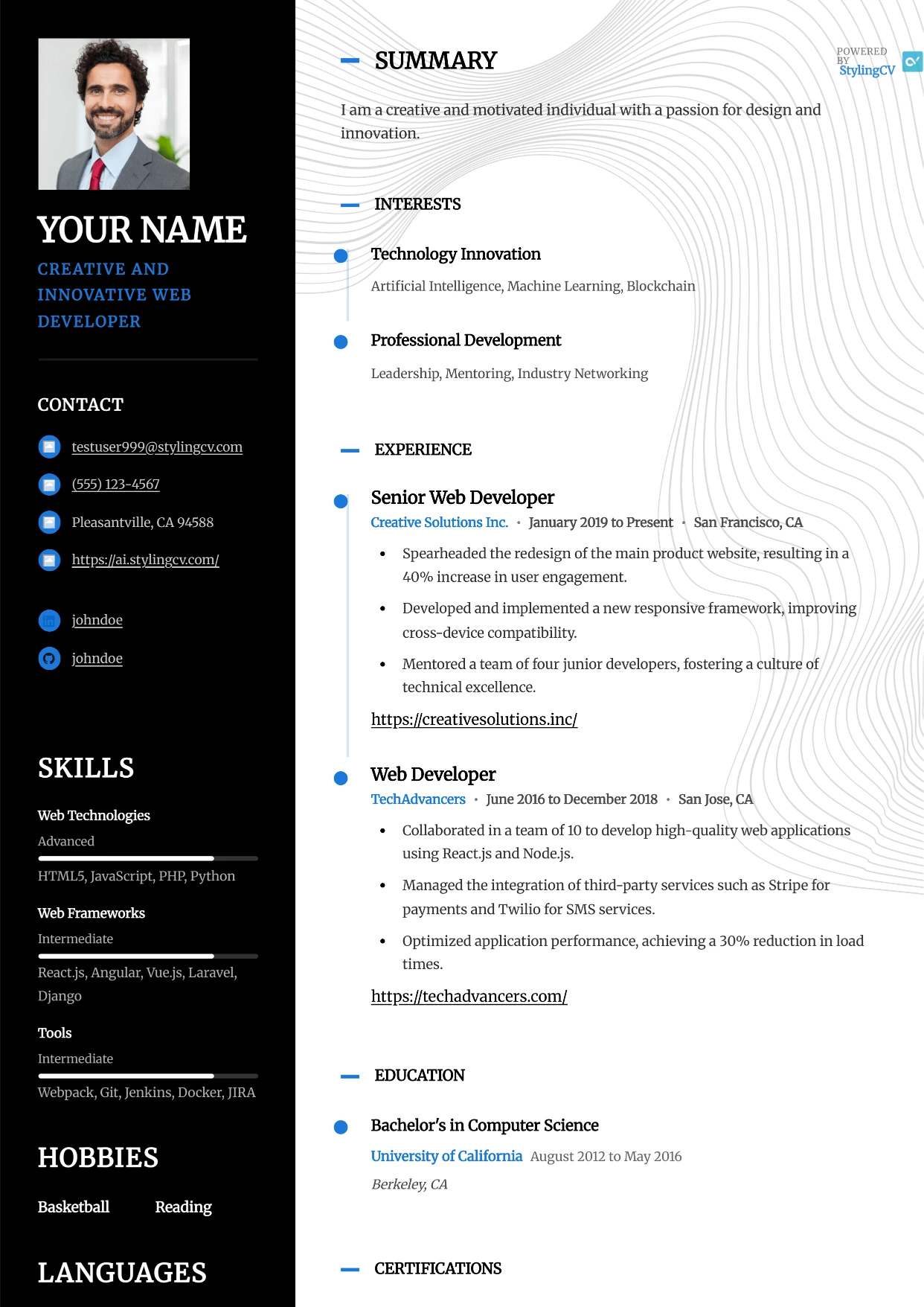
Modernist
Professional and modern resume template optimized for applicant tracking systems. A clean, ATS-friendly CV layout designed to help you land your next interview.
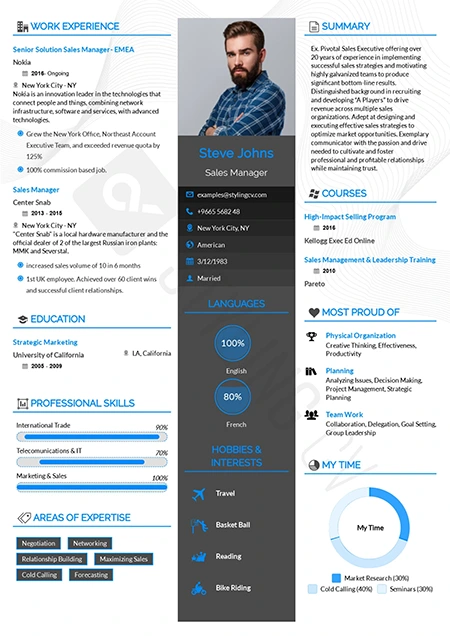
Newcast
Fresh and modern resume format for broadcasting, media, and tech. A highly readable CV template designed to effectively showcase diverse skill sets.
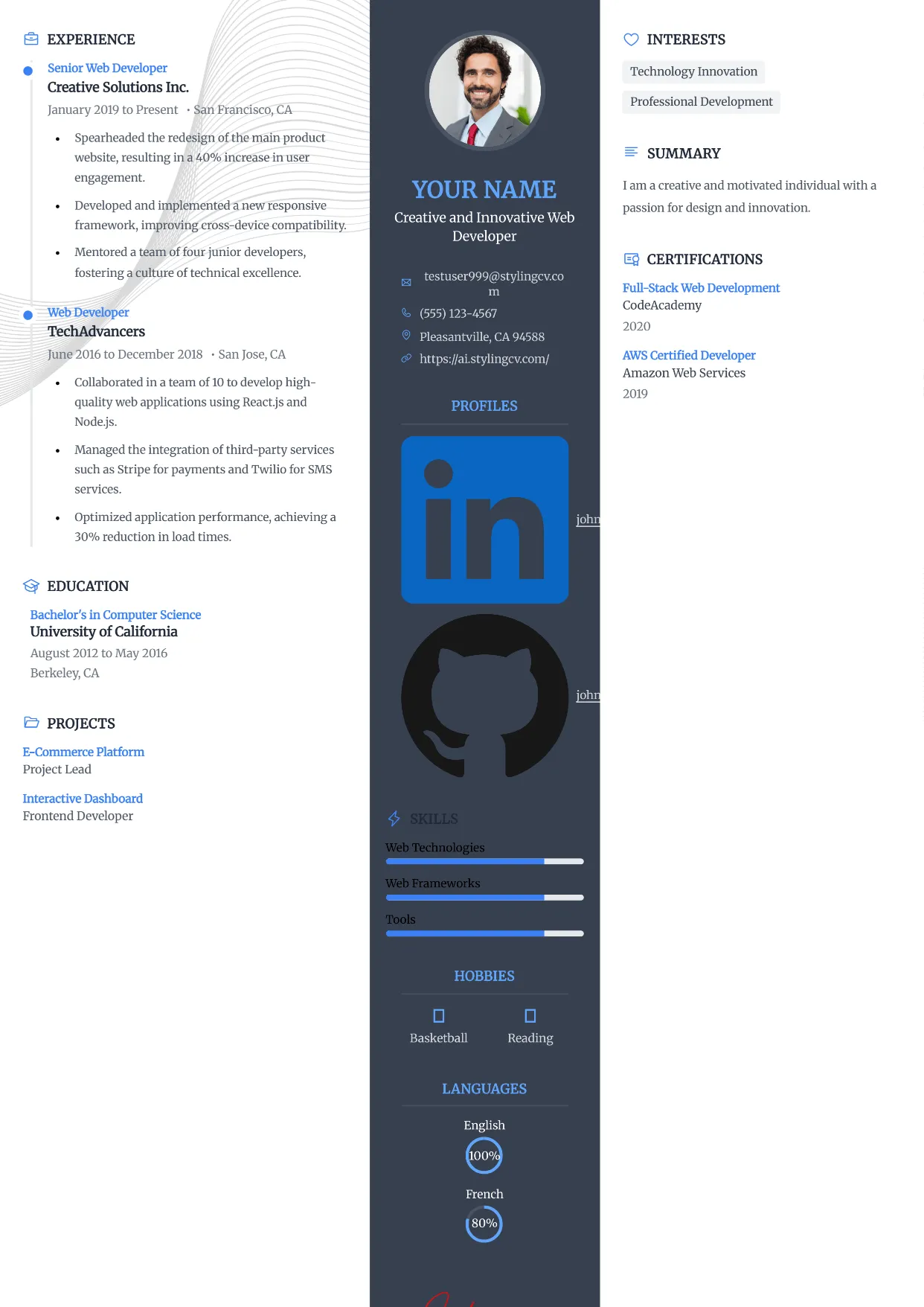
Newcast
Fresh and modern resume format for broadcasting, media, and tech. A highly readable CV template designed to effectively showcase diverse skill sets.
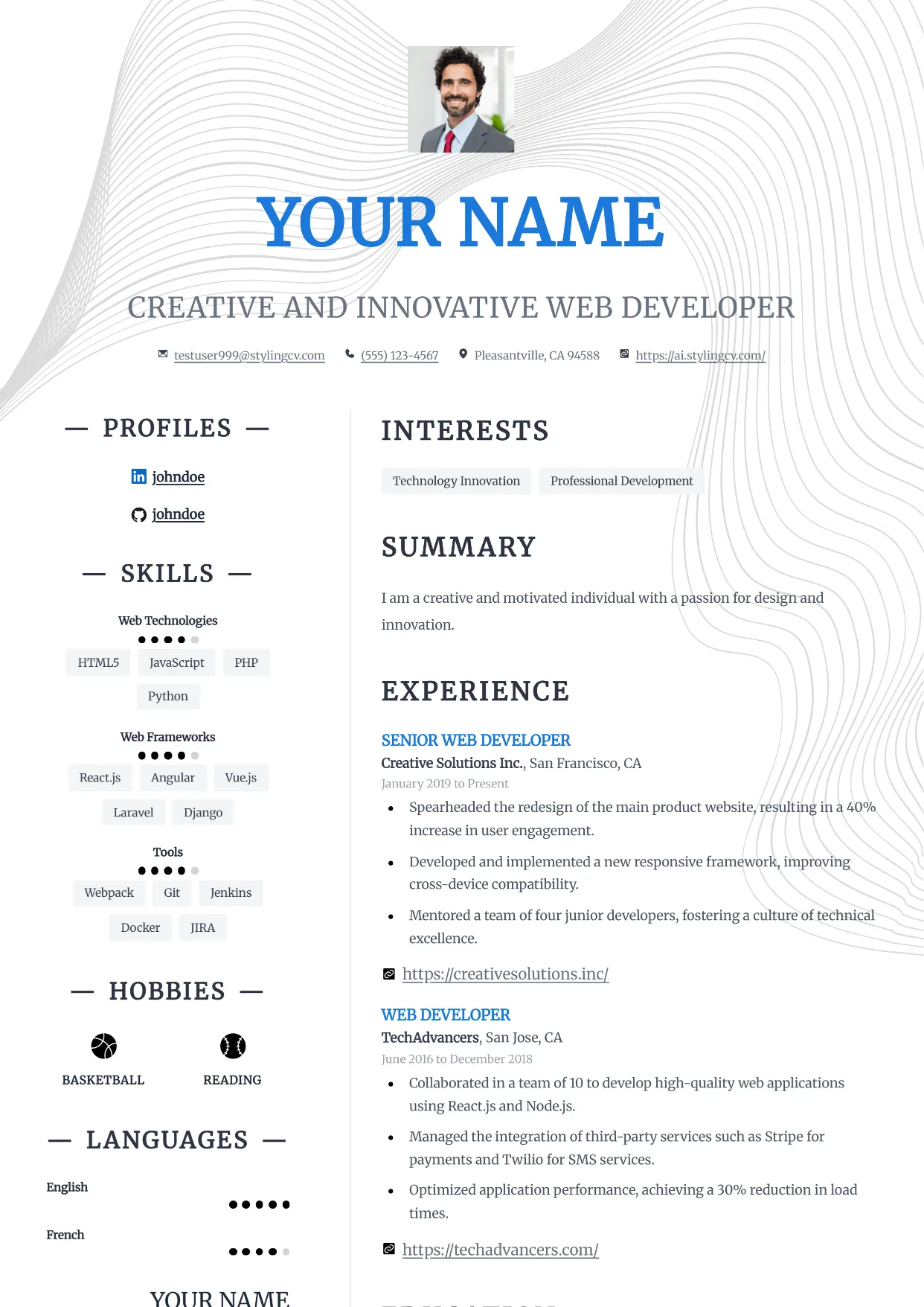
Nexus
Professional and modern resume template optimized for applicant tracking systems. A clean, ATS-friendly CV layout designed to help you land your next interview.
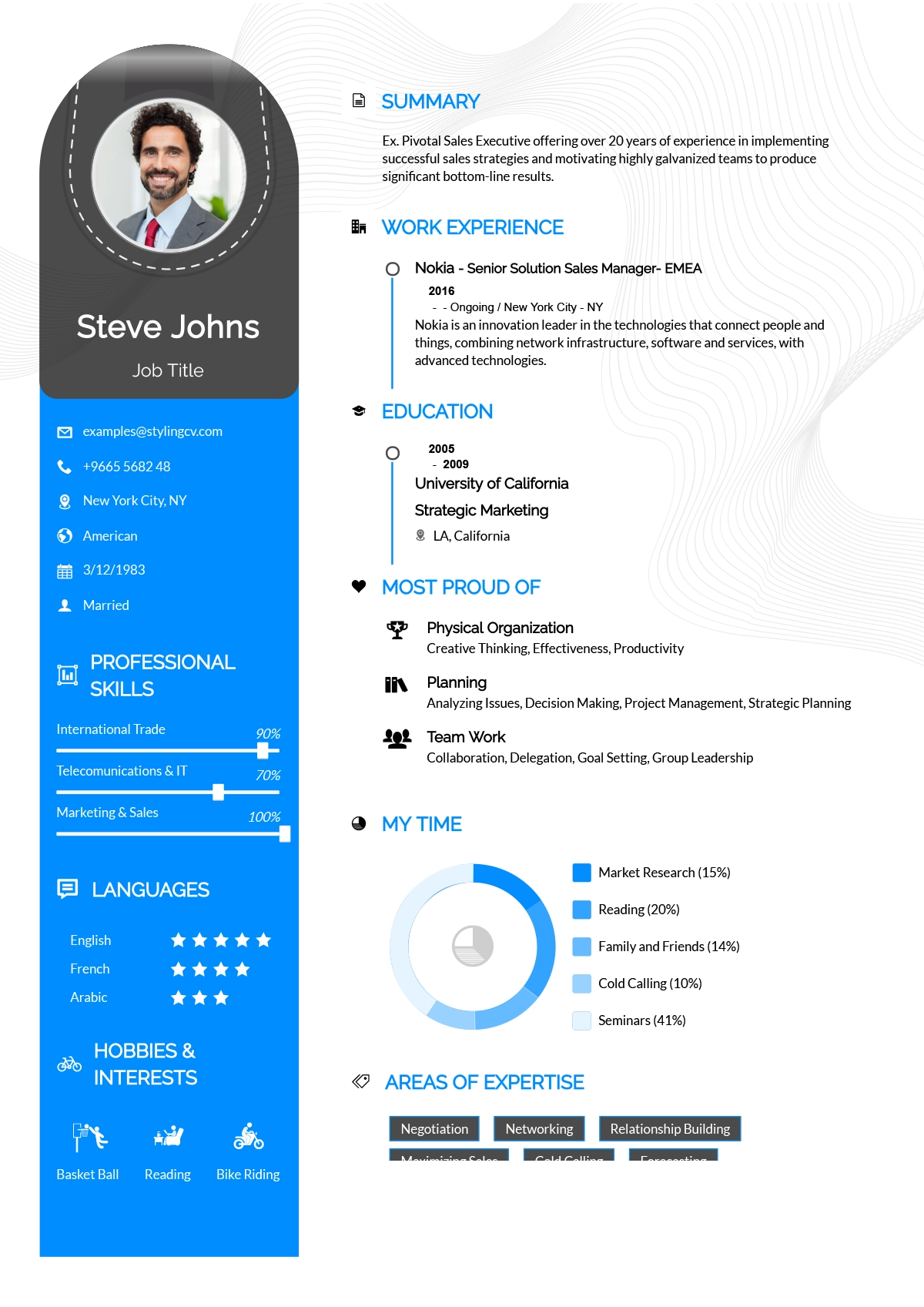
Noon
Bright and optimistic creative resume template. A modern, engaging CV layout designed to help entry-level and customer-service professionals stand out.
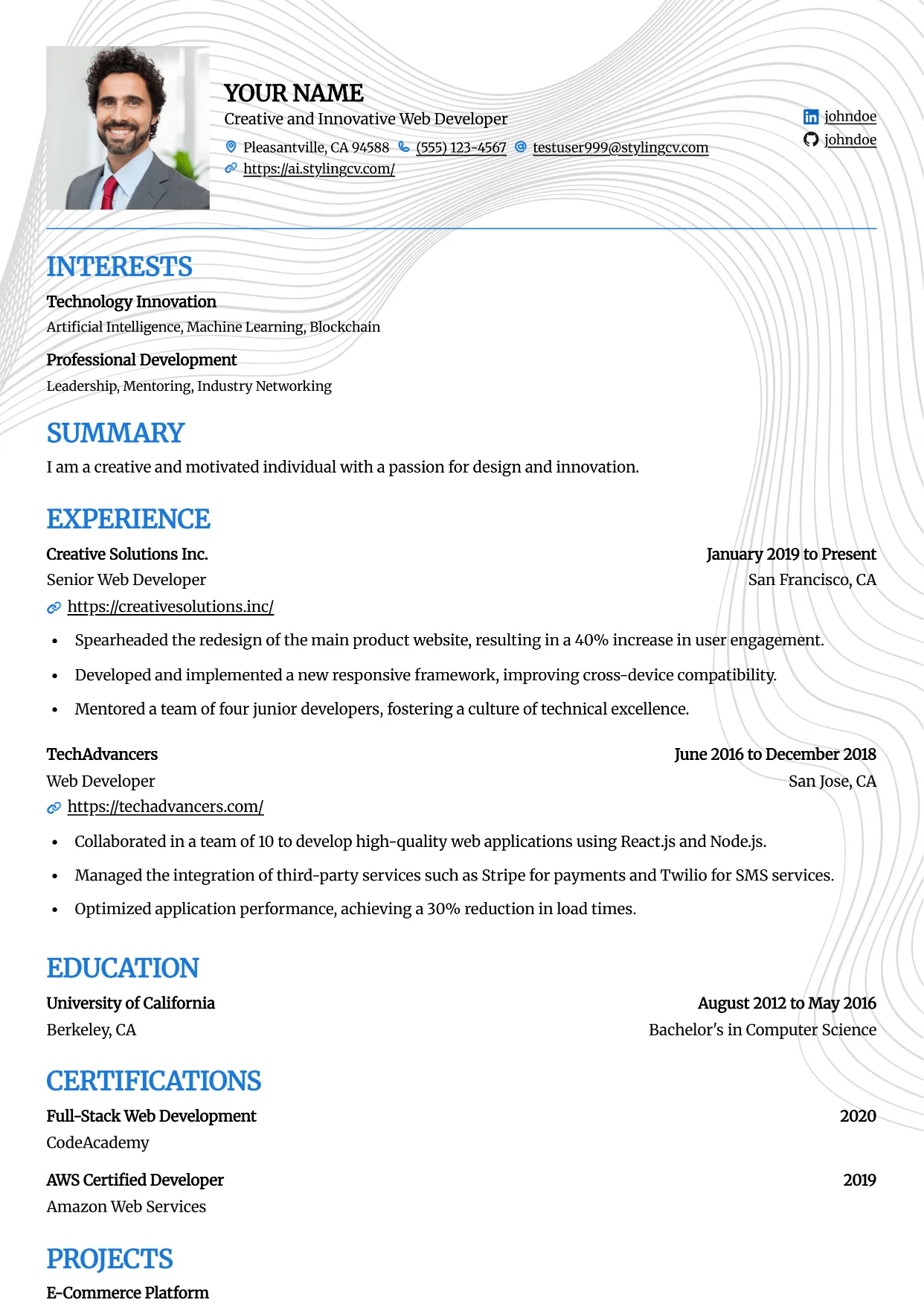
Onyx
Professional and modern resume template optimized for applicant tracking systems. A clean, ATS-friendly CV layout designed to help you land your next interview.
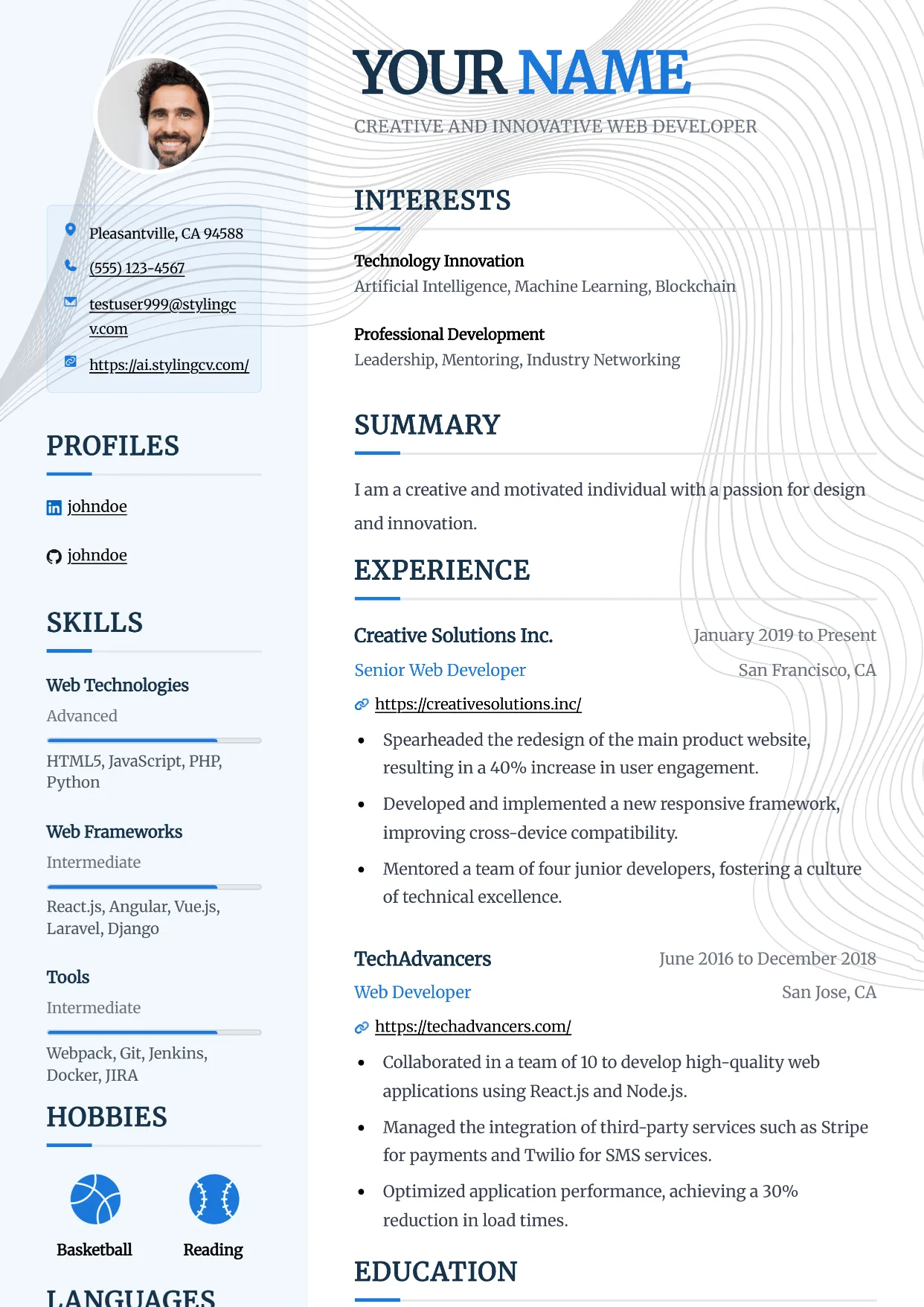
Pinnacle
Professional and modern resume template optimized for applicant tracking systems. A clean, ATS-friendly CV layout designed to help you land your next interview.
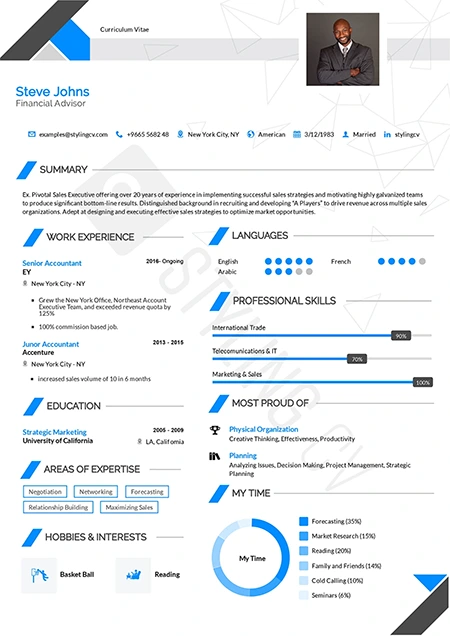
Polygon
Structured geometric resume template tailored for STEM professionals. An excellent modern CV layout for engineers, architects, and technical specialists.
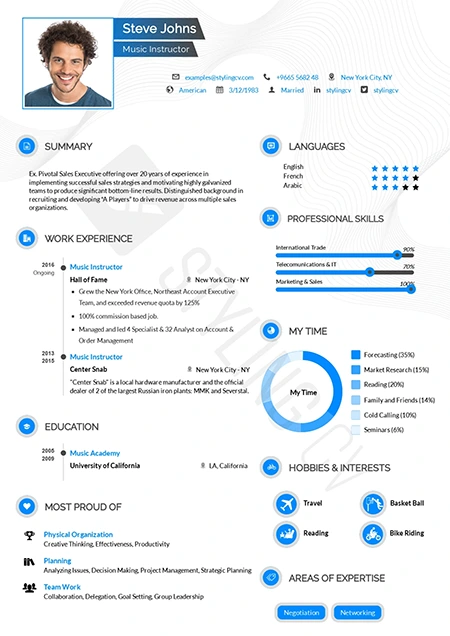
Pre Classic
Traditional resume format with subtle modern design touches. A highly effective, conservative CV template perfect for finance and government applications.

Prism
Professional and modern resume template optimized for applicant tracking systems. A clean, ATS-friendly CV layout designed to help you land your next interview.
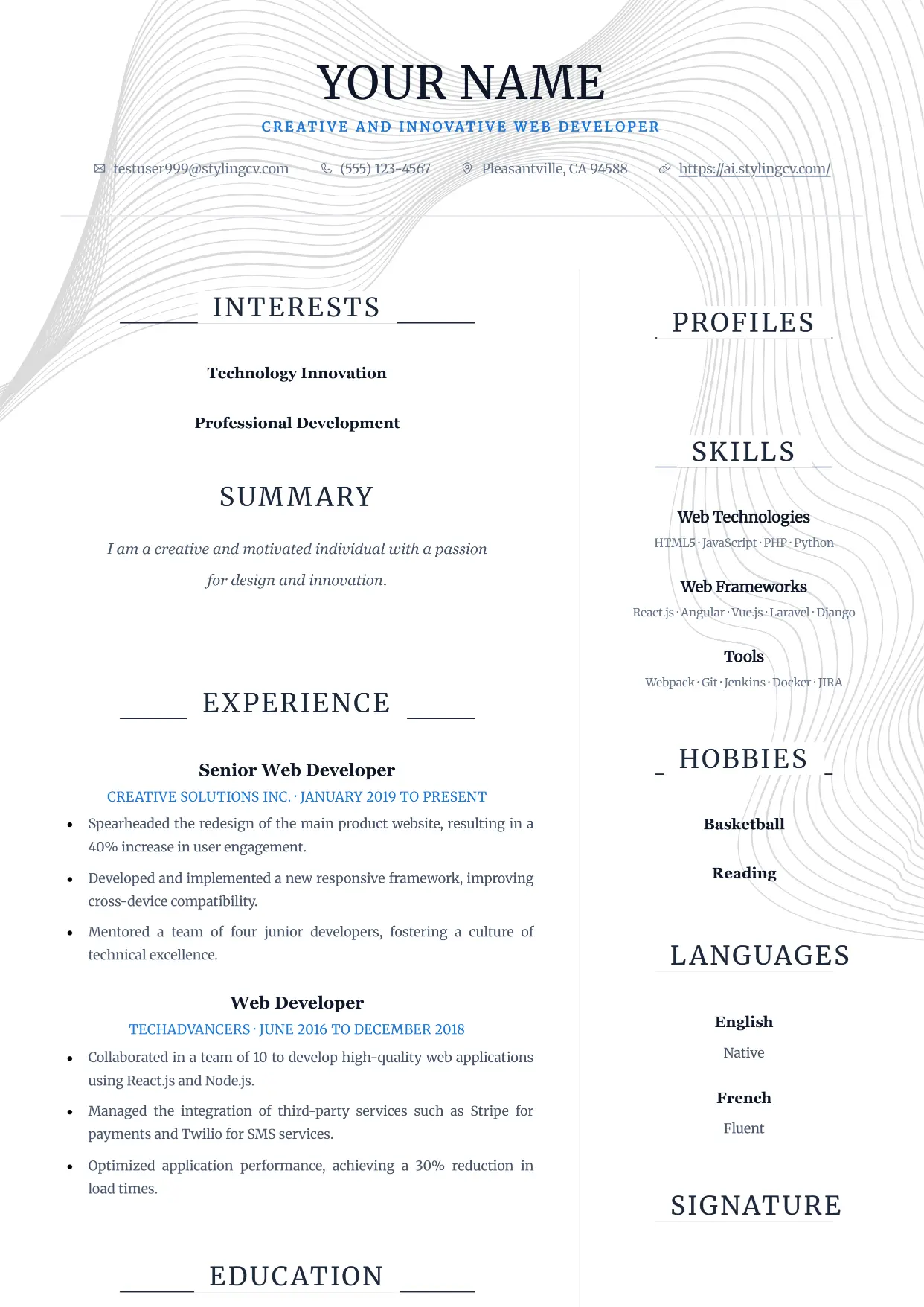
Pure
Professional and modern resume template optimized for applicant tracking systems. A clean, ATS-friendly CV layout designed to help you land your next interview.
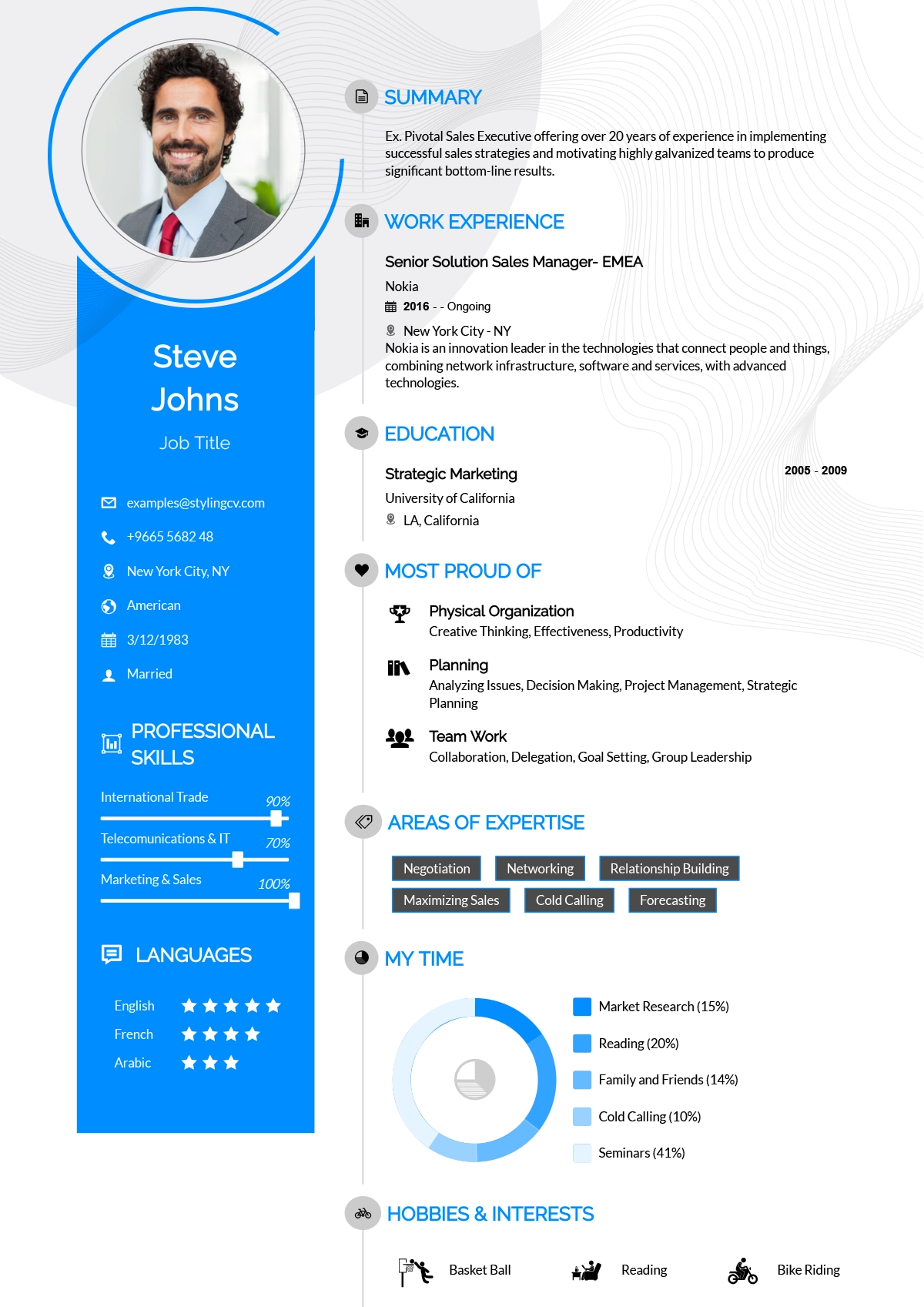
Rayhan
Comprehensive professional resume template for senior-level candidates. A detailed CV layout designed to handle extensive work history and academic backgrounds.
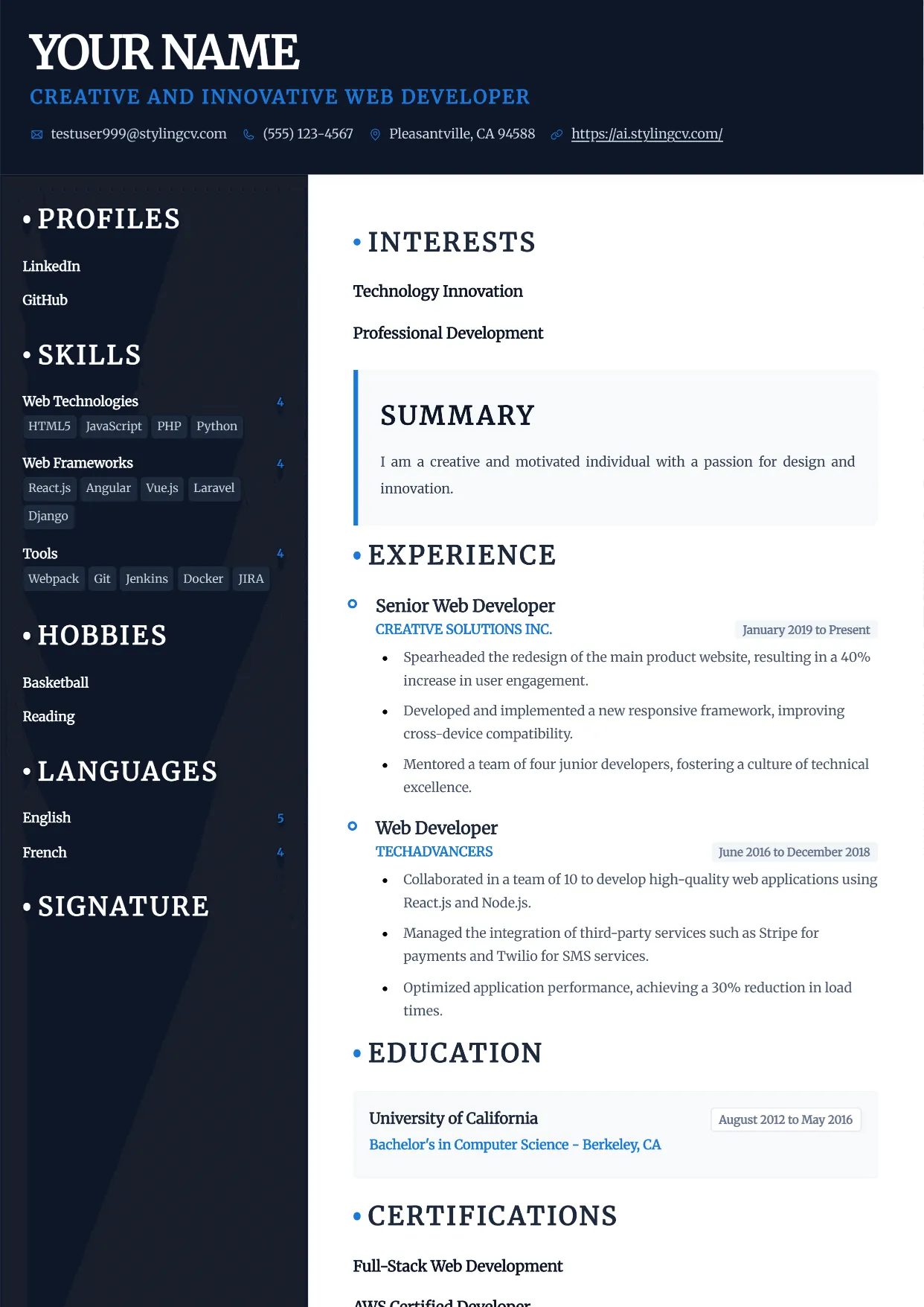
Rayhan
Comprehensive professional resume template for senior-level candidates. A detailed CV layout designed to handle extensive work history and academic backgrounds.
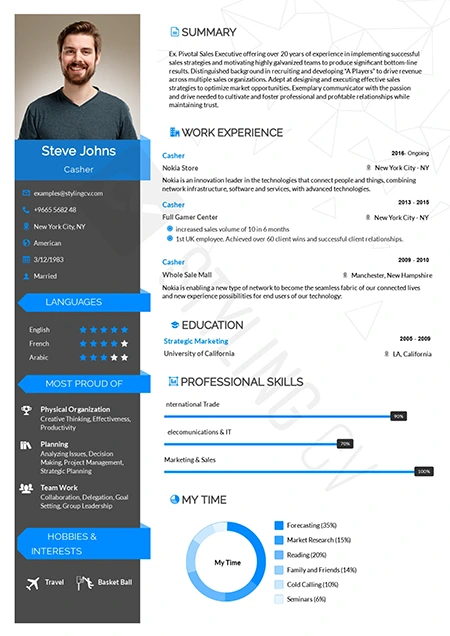
Rebbo
Playful yet professional modern resume template. An engaging CV layout perfectly suited for startup environments, tech companies, and creative agencies.
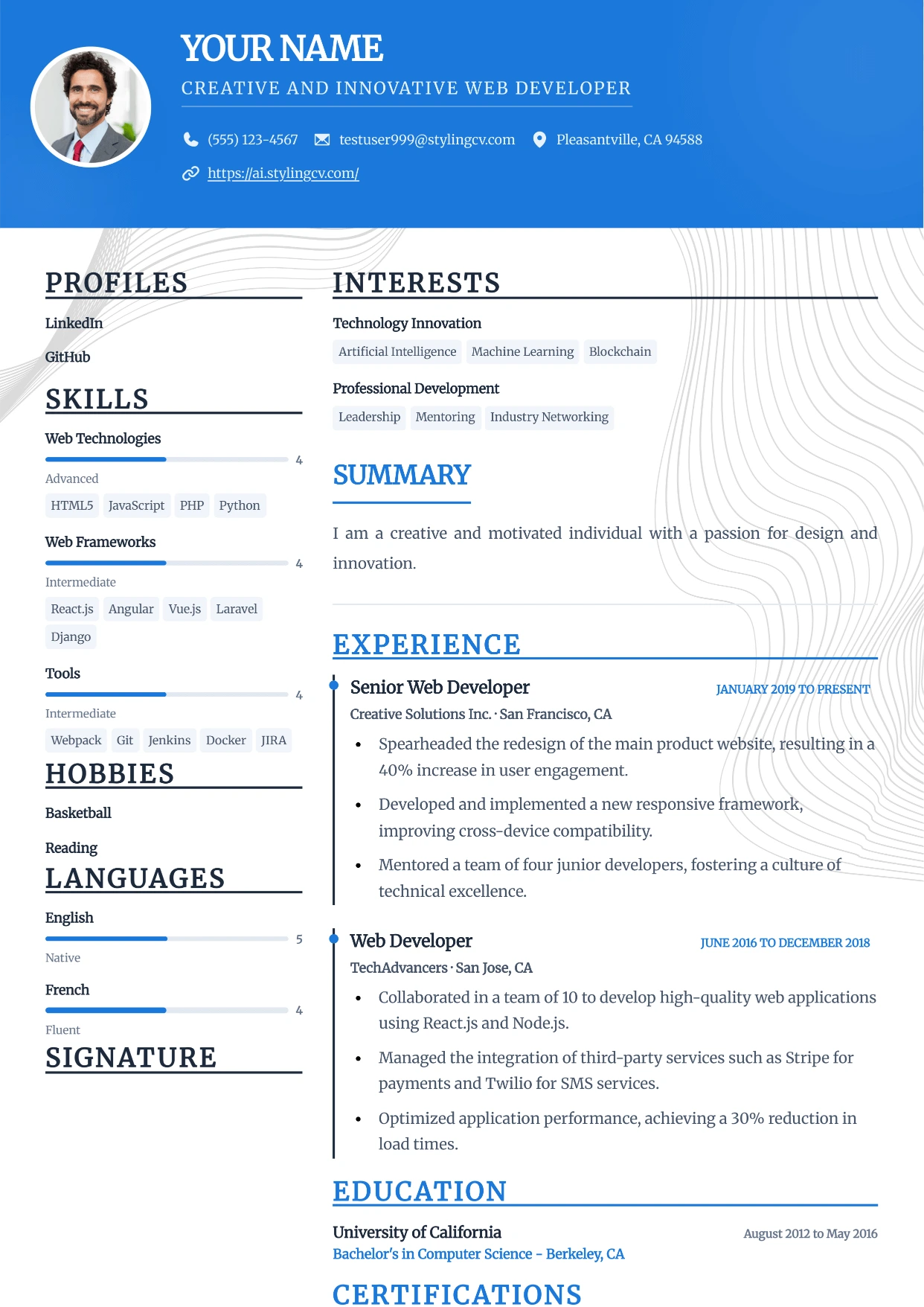
Sidebar
Professional and modern resume template optimized for applicant tracking systems. A clean, ATS-friendly CV layout designed to help you land your next interview.
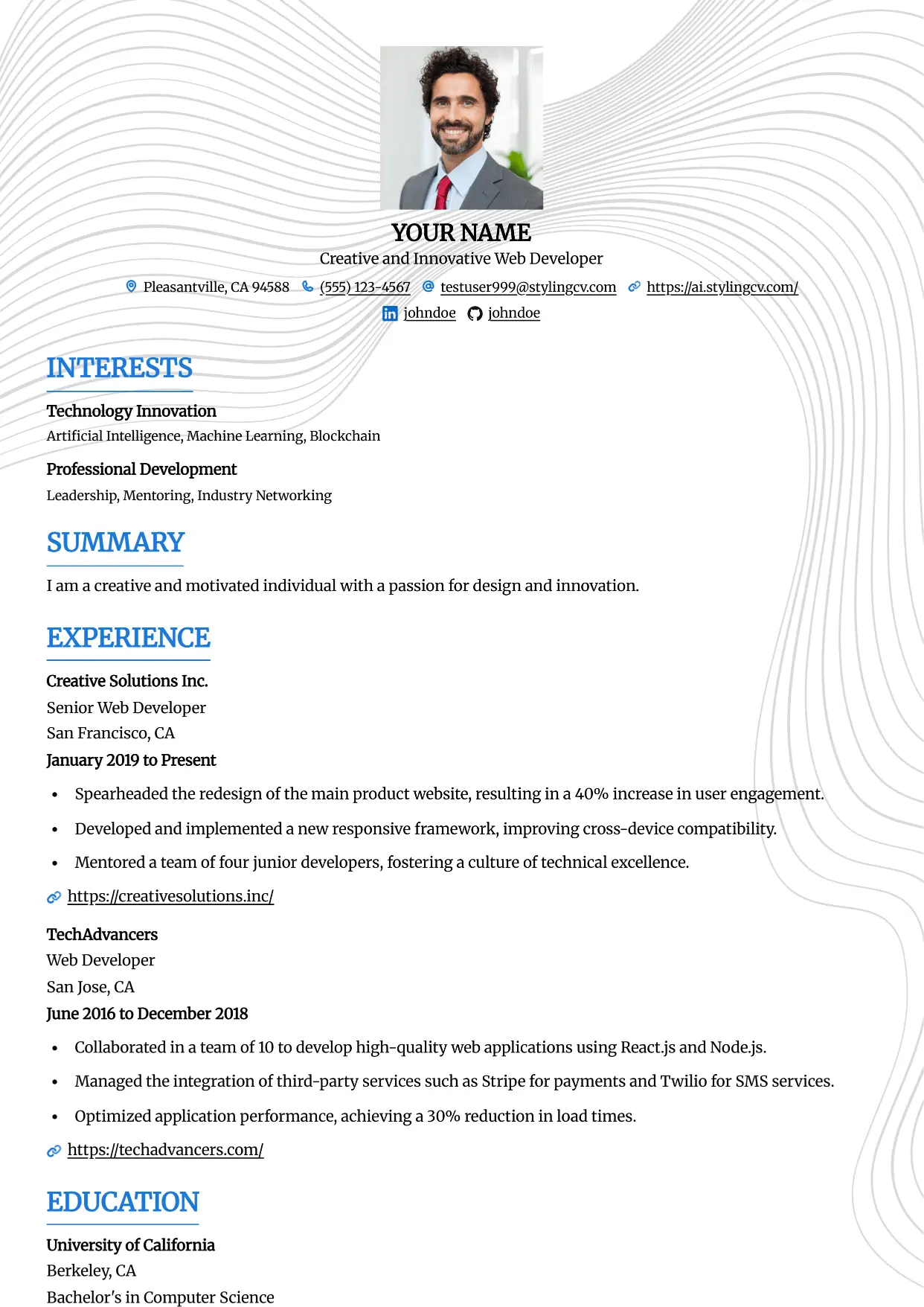
Simple
Professional and modern resume template optimized for applicant tracking systems. A clean, ATS-friendly CV layout designed to help you land your next interview.
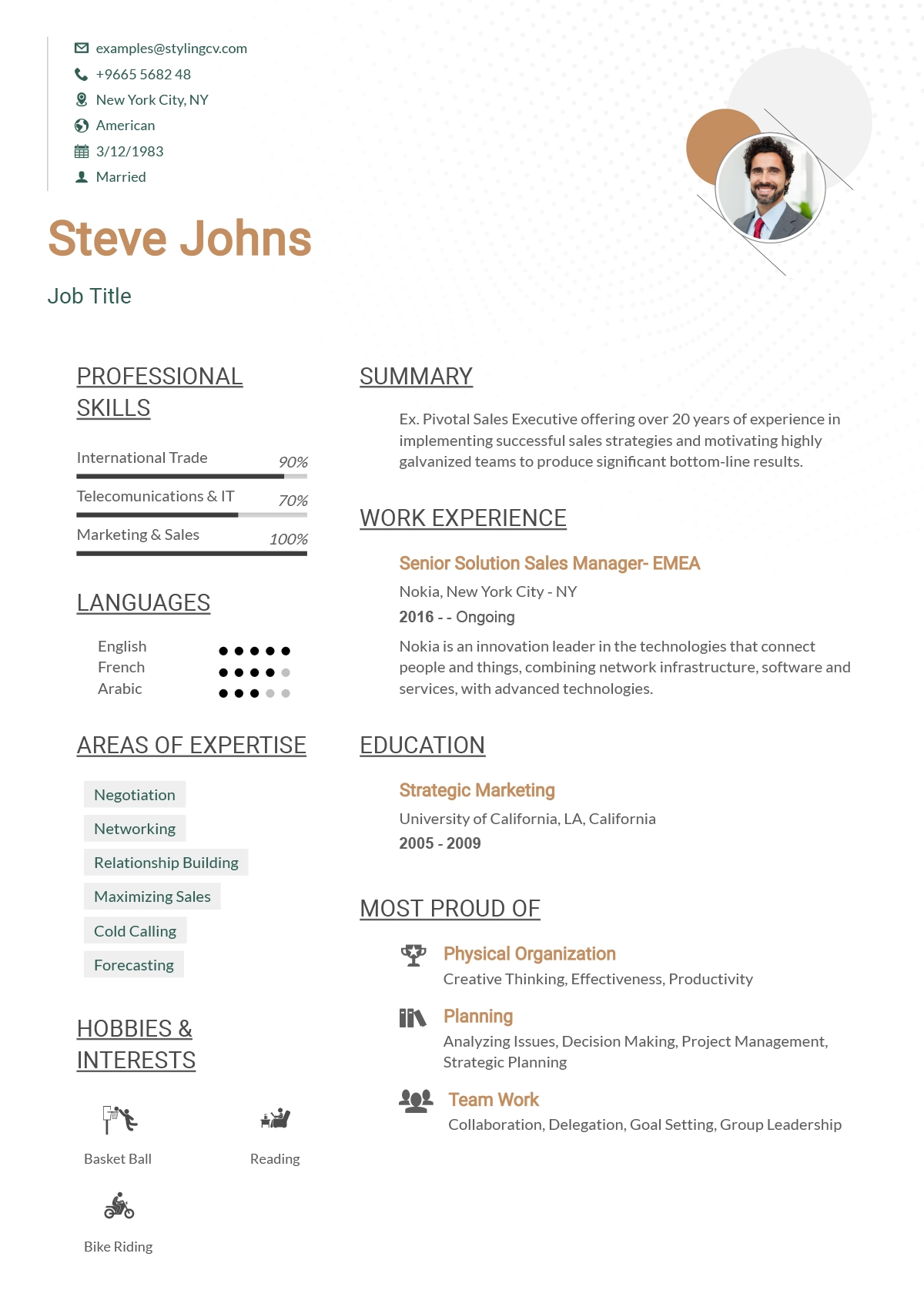
Simplified
Streamlined, straightforward ATS resume template. A highly effective, minimalist CV format designed to beat digital screeners and applicant tracking systems.
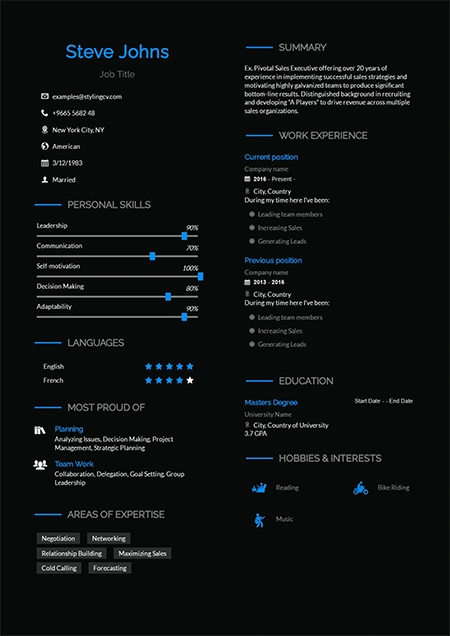
Sireva
Flowing and elegant creative resume template. A beautifully designed CV layout perfect for creative directors, brand managers, and design leads.
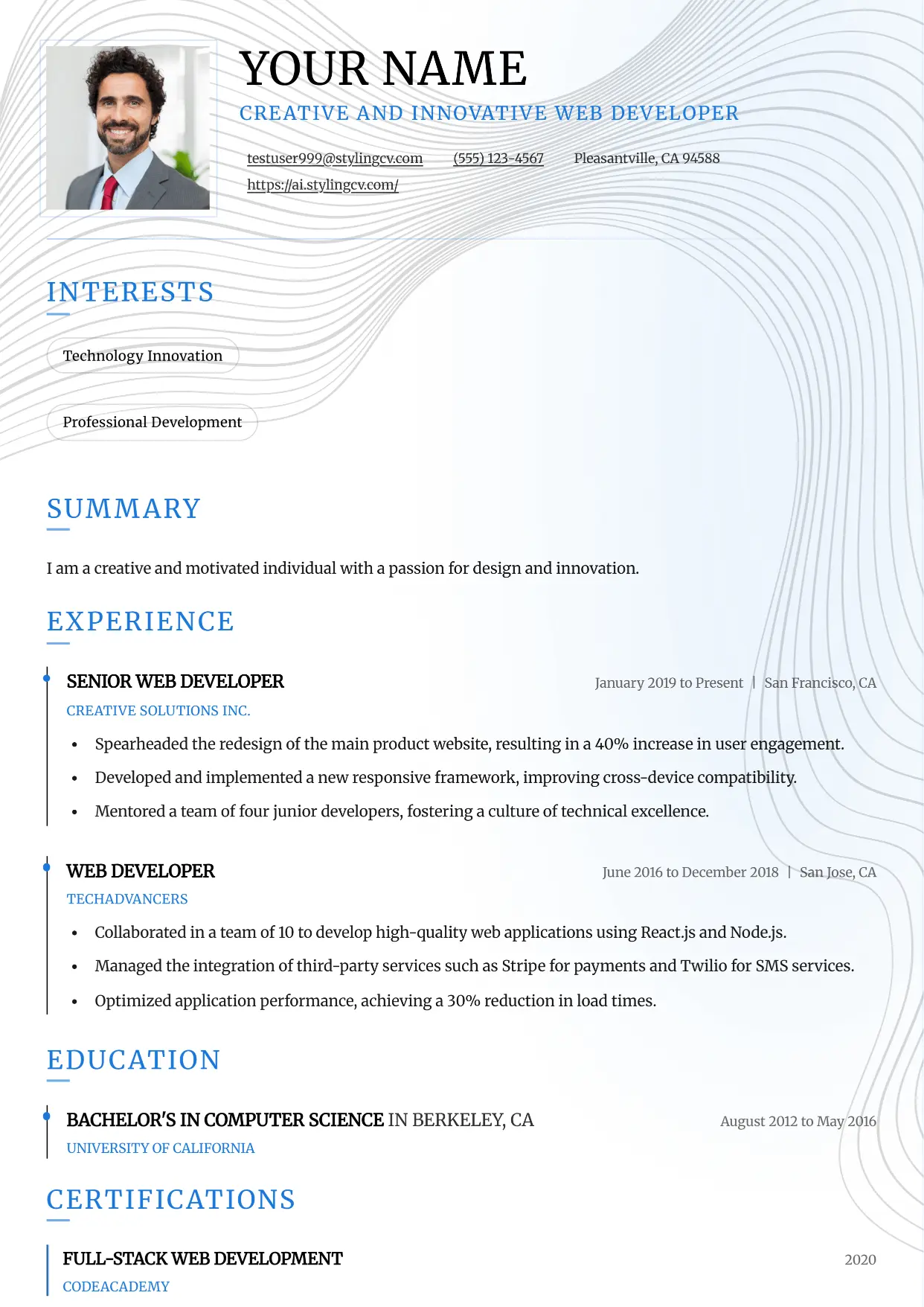
Slate
Professional and modern resume template optimized for applicant tracking systems. A clean, ATS-friendly CV layout designed to help you land your next interview.
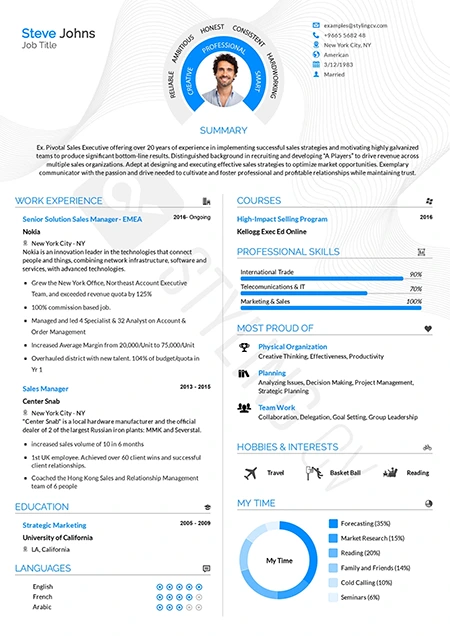
Smart
Intelligent, highly organized resume template for academic and research roles. A professional CV layout designed to emphasize education and publications.
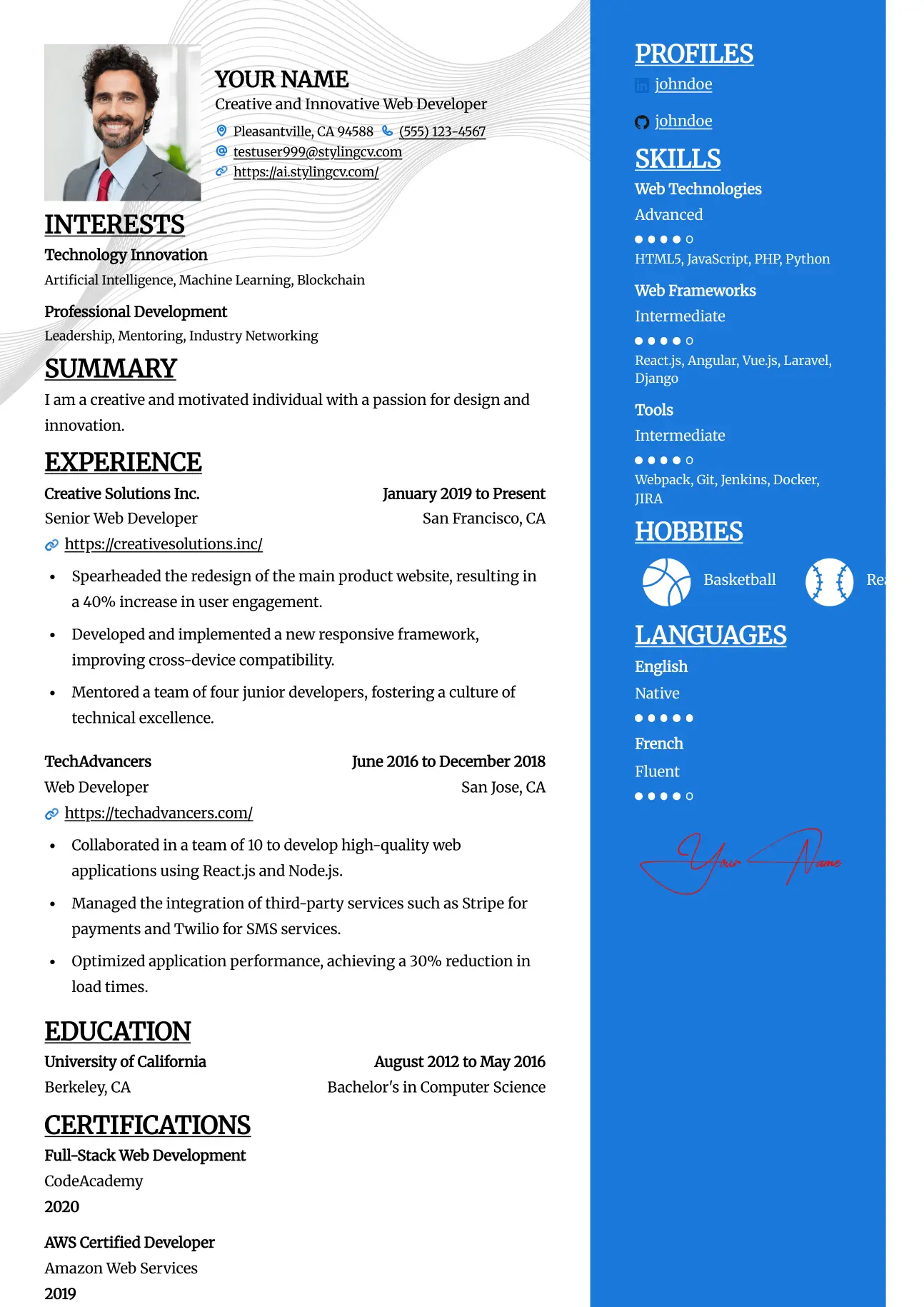
Split
Professional and modern resume template optimized for applicant tracking systems. A clean, ATS-friendly CV layout designed to help you land your next interview.
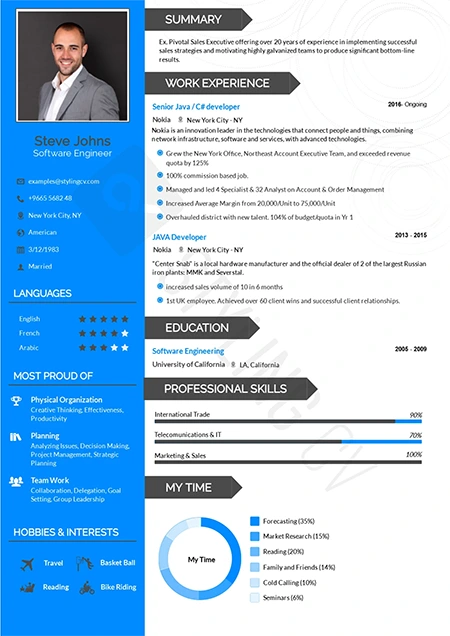
Standard
The gold standard ATS-friendly resume template. A universally accepted, traditional CV format guaranteed to parse flawlessly in all HR software systems.
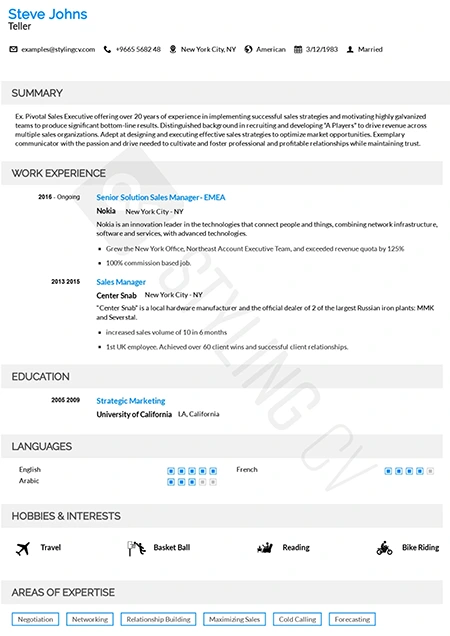
Static
High-readability professional resume template preferred by corporate recruiters. A clean, structured CV layout optimized for quick scanning and comprehension.
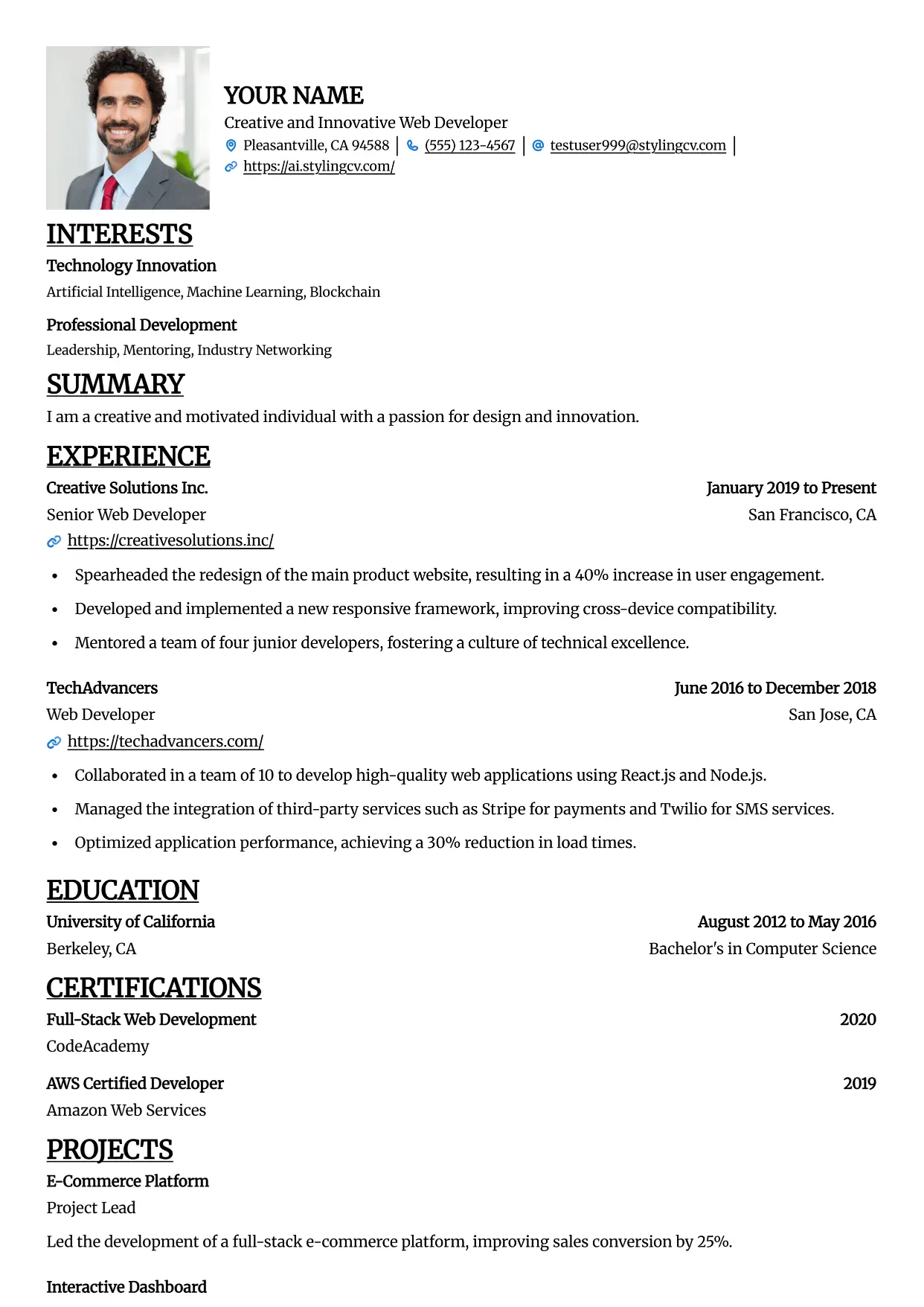
Straight
Professional and modern resume template optimized for applicant tracking systems. A clean, ATS-friendly CV layout designed to help you land your next interview.
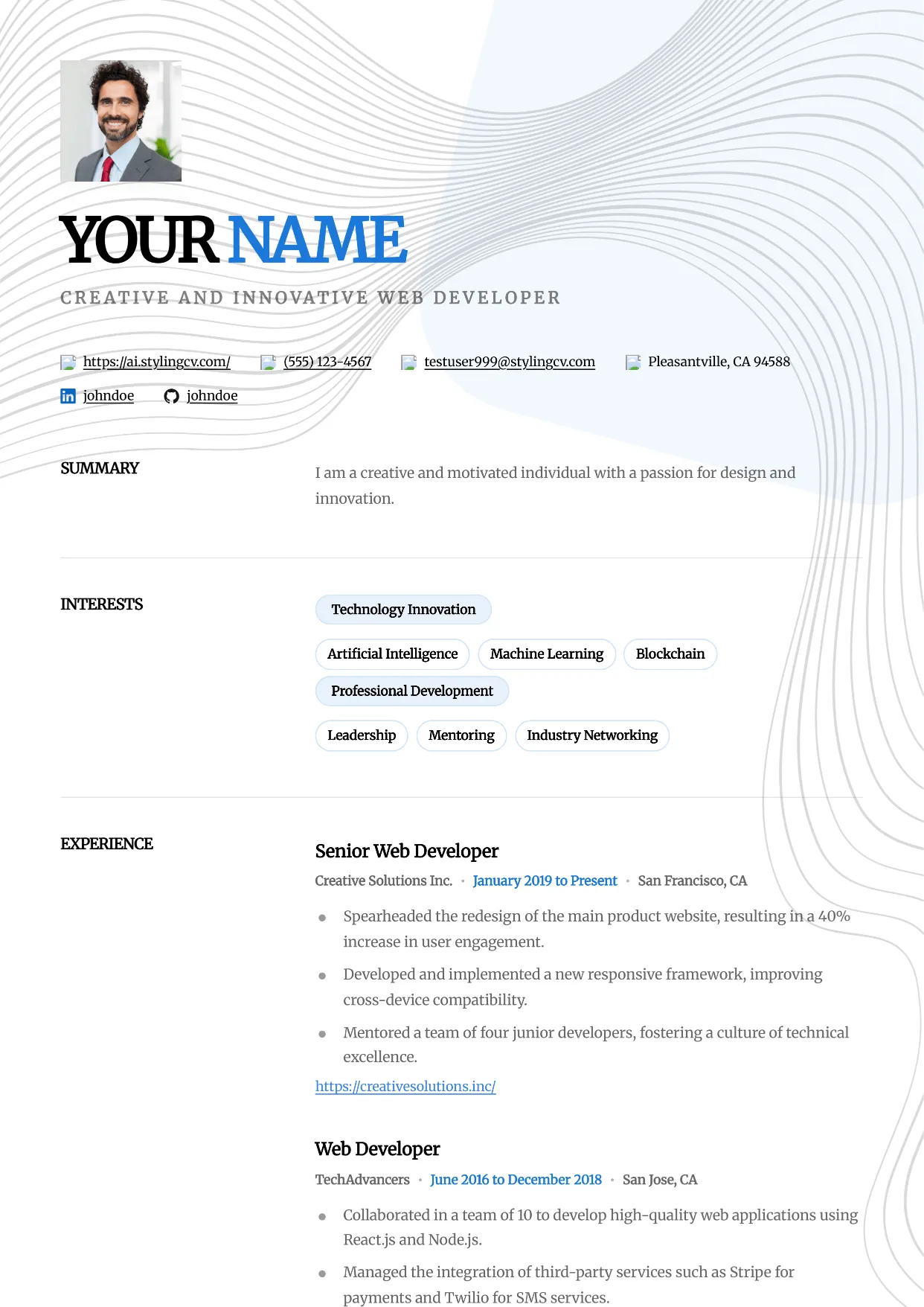
Studio
Professional and modern resume template optimized for applicant tracking systems. A clean, ATS-friendly CV layout designed to help you land your next interview.
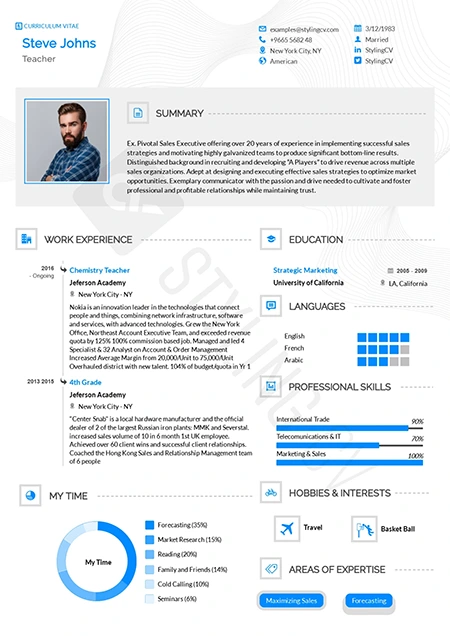
Stylish
Fashion-forward creative resume template. A visually striking, modern CV design crafted specifically for the media, arts, and creative industries.
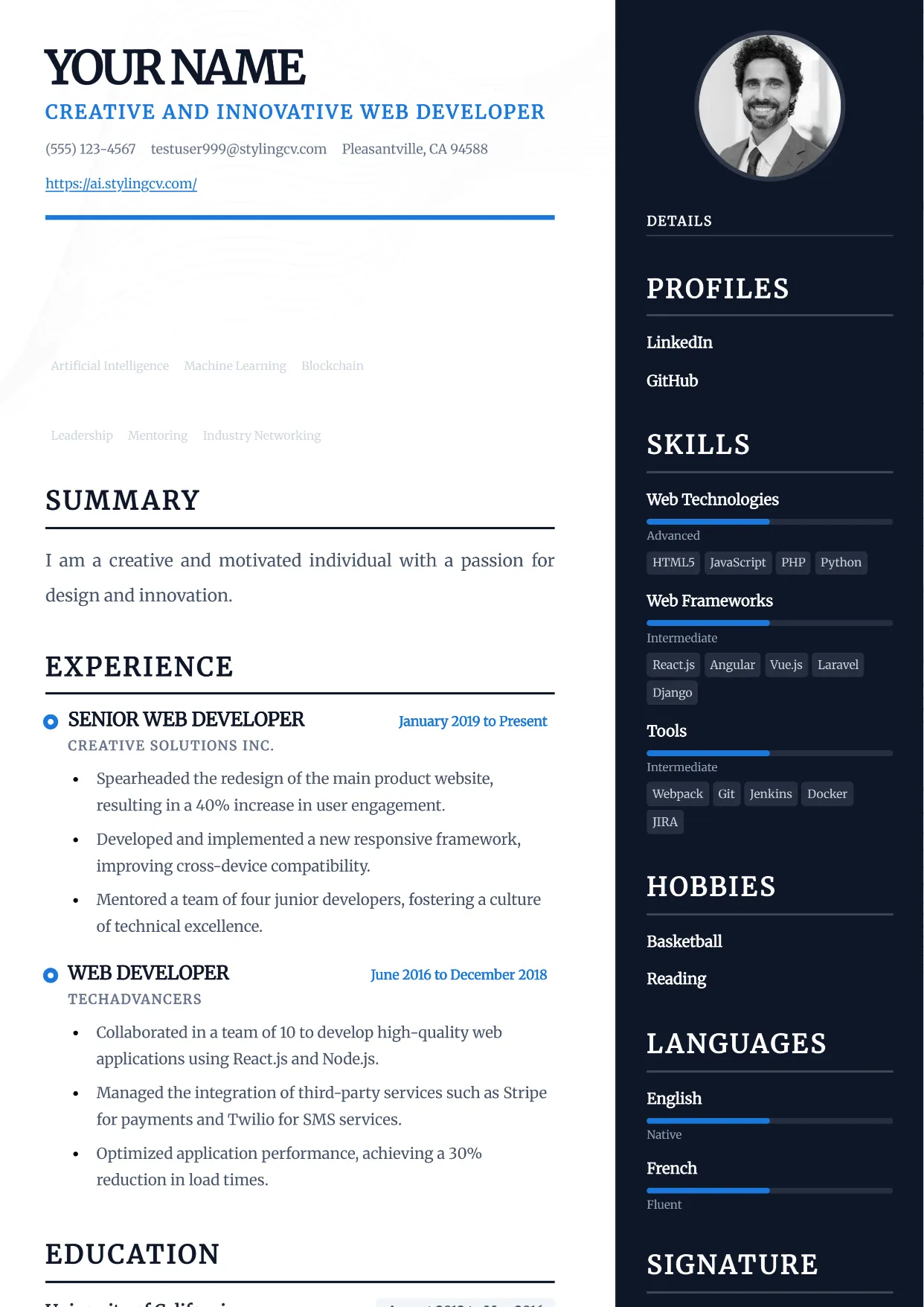
Traditional
Professional and modern resume template optimized for applicant tracking systems. A clean, ATS-friendly CV layout designed to help you land your next interview.
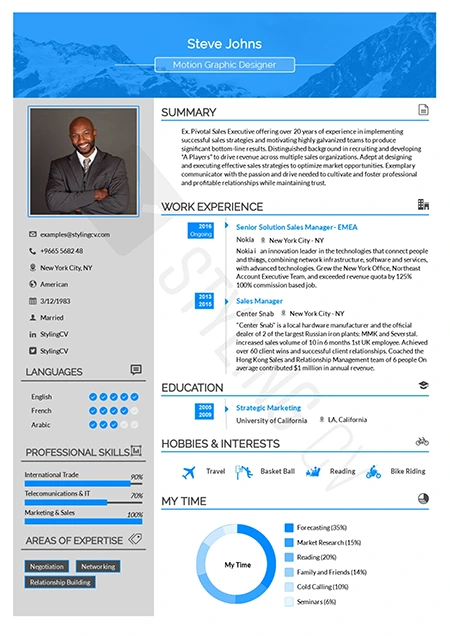
Ultimate
The complete, all-in-one professional resume template. A versatile, ATS-optimized CV layout that presents comprehensive career data perfectly.
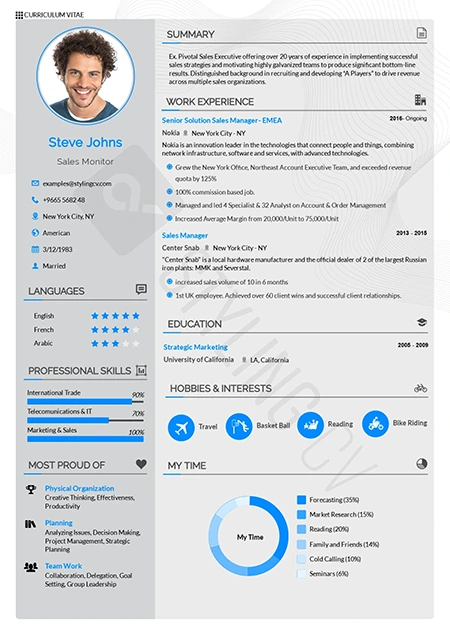
Vegan
Clean, eco-conscious aesthetic resume template. A modern, fresh CV design highly suited for sustainability, wellness, and environmental sector roles.
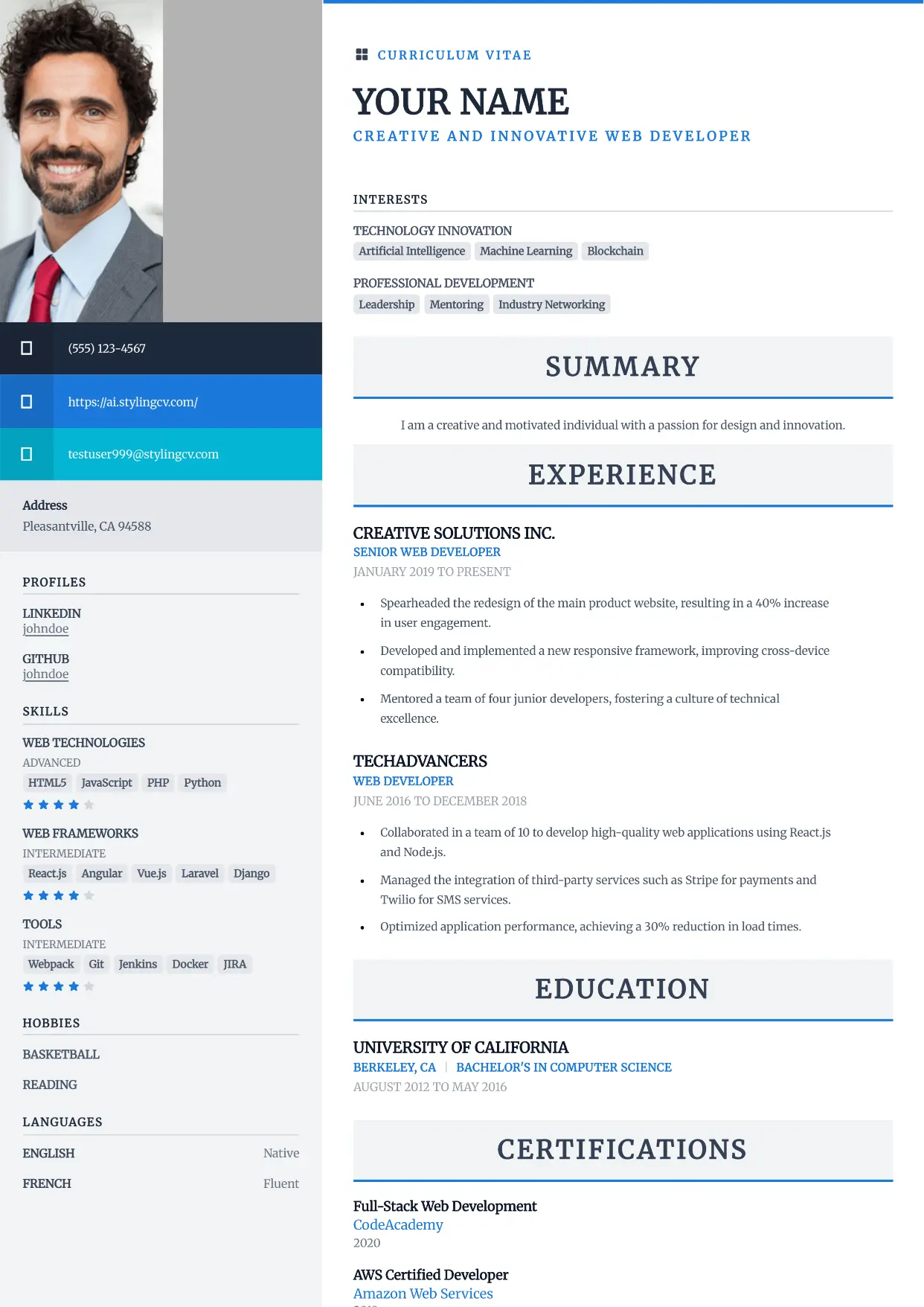
Vibrant
Professional and modern resume template optimized for applicant tracking systems. A clean, ATS-friendly CV layout designed to help you land your next interview.
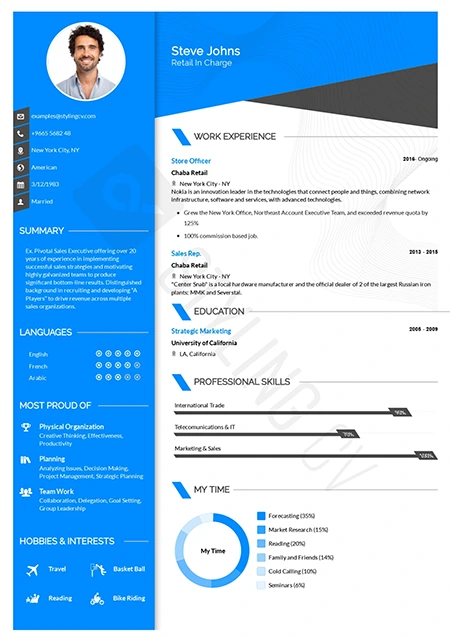
Visibility
High-contrast, high-impact modern resume template. A bold professional CV layout specifically engineered to ensure your application gets noticed instantly.
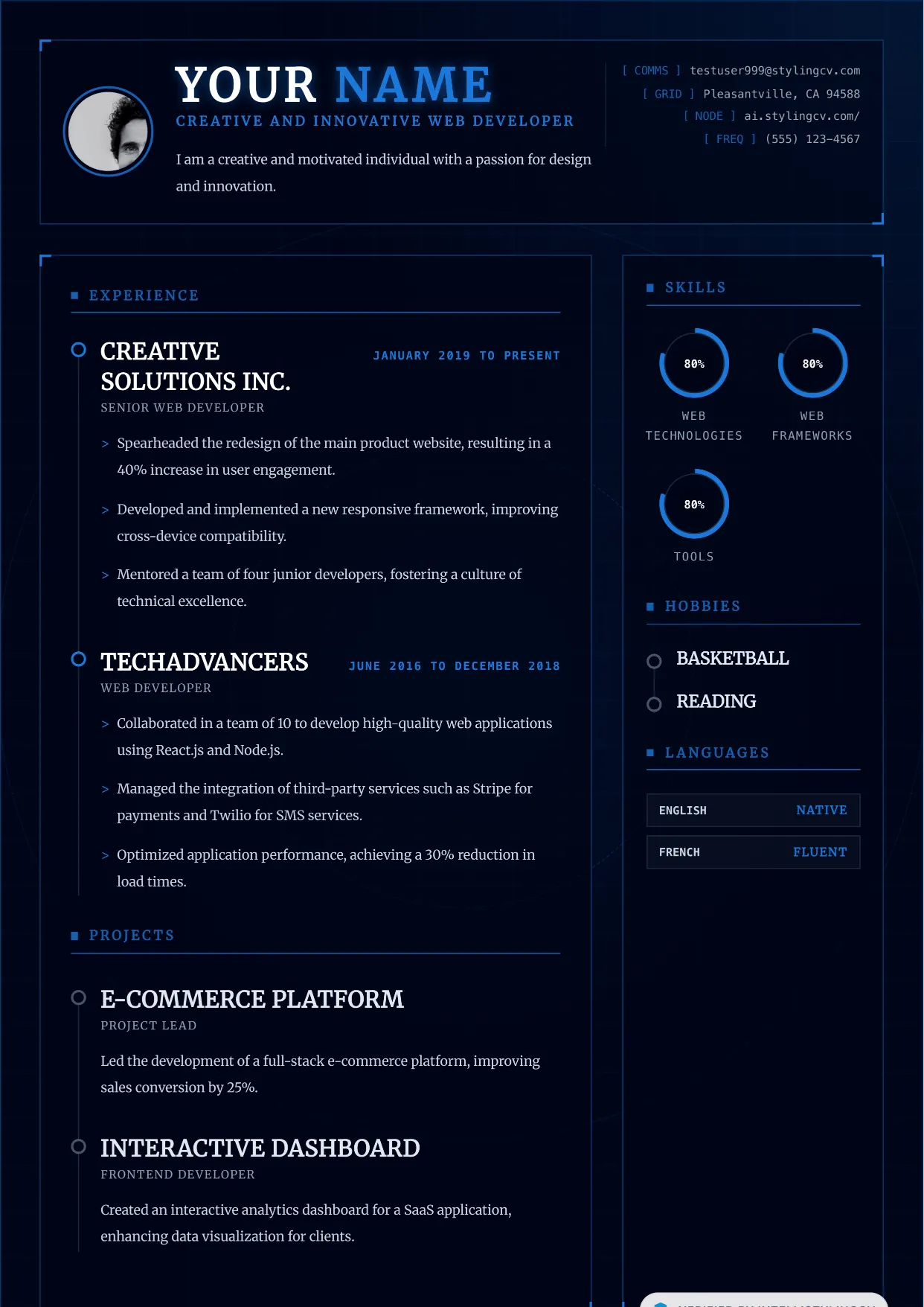
Vortex
Professional and modern resume template optimized for applicant tracking systems. A clean, ATS-friendly CV layout designed to help you land your next interview.
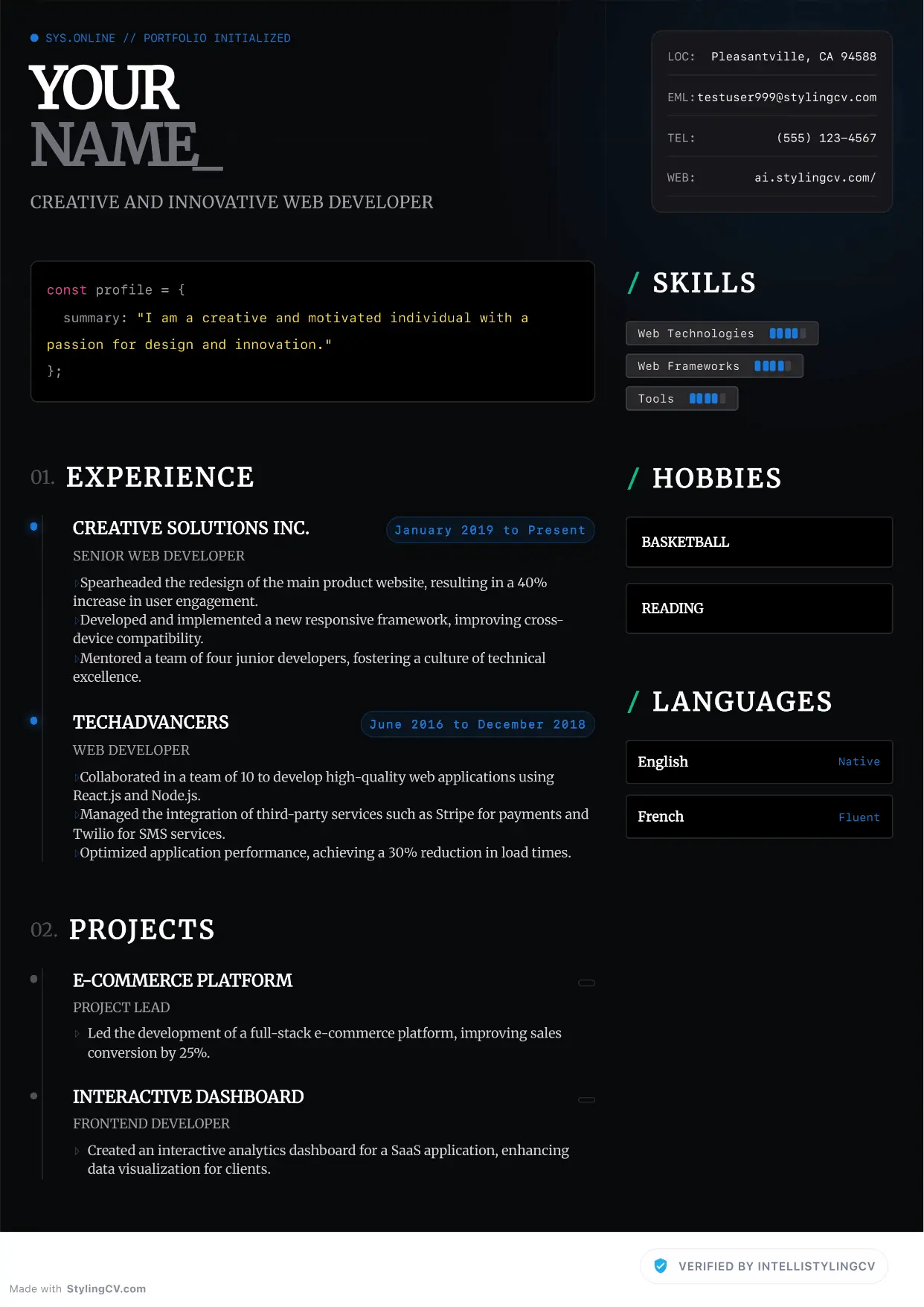
Zenith
Professional and modern resume template optimized for applicant tracking systems. A clean, ATS-friendly CV layout designed to help you land your next interview.
