Resume Formatting Tips: Elevate Your Application
Elevate your resume with AI-powered formatting tips for 2026. See how AI is changing resume writing and get a head start on the future job market.

james
Content Specialist
Resume Formatting Tips: Professional Layout Guide (2026)
In the competitive 2026 job market, a well-crafted resume is key to standing out. Did you know that hiring managers often spend just a few seconds scanning each resume before deciding whether to read further? This shows how crucial effective resume formatting tips are to make a lasting impression.
With the rise of AI resume builders, making a professional resume that showcases your skills and experience is easier than ever. These tools help you customize your application to fit the job’s needs, boosting your chances of getting an interview. You can begin by using StylingCV AI Resume Builder for free to improve your job application.

Key Takeaways
- Understand the significance of a well-formatted resume in the 2026 job market.
- Learn how AI resume builders can simplify the resume creation process.
- Discover the benefits of using professional resume templates.
- Explore how to tailor your resume to specific job requirements.
- Start using AI-driven tools to enhance your job application.
The Importance of Resume Formatting
Your resume’s formatting is more than looks; it’s a strategic first impression. A well-formatted resume clearly shows your qualifications and professionalism. It grabs the hiring manager’s attention. In today’s job market, how you present your experience and skills can make you stand out.
Why Format Matters in Job Applications
The format of your resume is key to how it’s seen. A professional resume design improves readability and shows your detail focus. Use tools like StylingCV Ai Resume Builder for a visually appealing resume.
Here are key reasons why format matters:
- Makes your resume more readable
- Highlights your most significant achievements
- Demonstrates your professionalism and attention to detail
First Impressions Count
The first impression your resume makes is crucial. A well-structured resume shows professionalism and organization. It’s more likely to grab attention. On the other hand, a poorly formatted resume can get dismissed right away.

To make a strong first impression, focus on optimizing your resume’s appearance. Choose the right font, use white space, and make sure your contact info is easy to find. This way, you increase your chances of getting past the initial screening and into the interview.
Key Elements of Effective Resume Layout
To make your job application stand out, focus on the basics. A good resume has sections like a professional summary, work history, education, and certifications. Effective CV formatting is key to making your resume pop.
Choosing the Right Structure
Choosing the right structure for your resume is crucial. You can pick from chronological, functional, or a mix of both. Think about your experience and the job you’re aiming for when picking a structure. For example, a chronological format is great for those with a steady work history. On the other hand, a functional format is better for those with employment gaps or career changes.

Utilizing White Space
White space, or empty space, makes your resume easier to read. It helps guide the reader’s eye. Don’t overcrowd your resume with too much information. Here’s how to use white space well:
- Use bullet points to break up text
- Keep margins consistent
- Keep your resume to 1-2 pages, depending on your experience
Using high-quality resume templates, like those at StylingCV, can help. By focusing on the basics of effective resume layout, you can make a great impression on employers.
Font Choices and Typography
Your resume’s font choice can greatly affect how hiring managers see your application. With AI in job applications, choosing the right font is more crucial than ever.
Best Fonts for a Professional Look
🌟 Advance Your Career
Your next career move starts with a standout resume. Build yours today!
Start Building Free →
🌟 Advance Your Career
Your next career move starts with a standout resume. Build yours today!
Start Building Free →For your resume, pick standard, professional fonts that are easy to read. Arial, Calibri, and Times New Roman are top choices. They are clear and widely accepted, making your resume look clean and professional.
Recommended Fonts:
- Arial
- Calibri
- Times New Roman
Use these fonts in size 10 or 11 points for the best readability. This size is big enough to read easily but small enough to keep details clear.
Font Sizes: Finding the Right Balance
Choosing the right font size is key for a readable resume. Avoid fonts that are too small or too big. Here’s a guide for different sections:
| Section | Recommended Font Size |
|---|---|
| Header | 14-16 points |
| Body | 10-11 points |
| Section Headings | 12 points |

By picking the right font and size, you make your resume stand out. It’s more likely to pass through ATS systems. As AI grows in job searches, following best formatting practices will be even more important.
✨ Stop Making Resume Mistakes
Create a professional, ATS-friendly resume in minutes with our AI-powered builder. No design skills needed.
Create Your Resume Now – FreeIn summary, the right font and size are crucial for a good resume. They improve readability and impact, making your application stronger.
Color Schemes to Consider
When creating an attractive resume layout, color choice is key. A subtle color scheme can make your resume pop while keeping it professional. It’s all about finding the right balance between looks and professionalism.
When to Use Color Effectively
Color can make your resume more readable and eye-catching. Use it for:
- Headers to separate sections
- Highlighting achievements or key skills
- Adding a personal touch to your brand
For example, use a bold color for your name or profession. Keep the rest of the content calm. Remember, the goal is to enhance, not overwhelm.
How to Avoid Clashing Colors
Colors can make your resume better, but avoid clashing ones. To get a good color scheme:
- Stick to 2-3 colors that go well together
- Use different shades of the same color for a unified look
- Make sure text and background have enough contrast
Avoid too many bright or neon colors. They can be too much. Choose muted tones for a professional look. For example, navy blue and white are clean and professional.
To improve your resume, try StylingCV AI Resume Builder. It helps you pick the right colors, making a strong first impression on employers.
Header and Contact Information
A well-designed header can greatly improve your resume’s impact. It should include key contact details for easy communication. A professional resume design begins with a clear header.
What to Include in Your Header
Your header should have your full name, professional address, valid email, and phone number. For example, if applying in Toronto, Canada, it might look like this: “John Doe, 123 Main St, Toronto, ON, john.doe@email.com, 416-123-4567.” For more on formatting, check TopResume’s Career Advice on contact info.
📄 Choose From 39+ Professional Templates
Find the perfect template for your industry and experience level.
Browse Templates →Making Your Contact Info Stand Out
To highlight your contact info, use a clear and legible font. Make your name slightly larger to stand out. For instance, use 16-18 points for “Jane Smith” and 12-14 points for the rest. Visit StylingCV for more resume design ideas.
Focus on a clean, professional design for your header. It should look good and clearly show your contact details. Your header is your first impression, so make it memorable.
Organizing Work Experience
Your work experience section is key to your resume. It’s not just about listing jobs; it’s about telling your career story. This section shows how you’ve grown and what you can bring to a new job.
There are two main ways to organize your work experience: chronological and functional. The chronological format shows your career path in reverse order. It’s great for those with a steady career in one field. The functional format focuses on your skills and qualifications. It’s good for those with career changes or gaps.
Chronological vs. Functional Formats
The chronological format is best for those with a steady career in the same field. It shows your growth and dedication. The functional format is better for those with career changes or gaps. It highlights your skills over your work history.
As we look to how AI is changing resume writing in 2026, organizing work experience will evolve. AI tools will help tailor resumes to job descriptions. This might make the difference between chronological and functional formats even clearer.
Highlighting Achievements vs. Responsibilities
It’s important to focus on highlighting achievements, not just responsibilities. Instead of just listing your job duties, show how you’ve made a difference. For example, say “managed a team of 10, resulting in a 25% increase in productivity” instead of “managed a team.”
- Use action verbs like “achieved,” “improved,” and “increased” to begin your bullet points.
- Quantify your achievements with numbers and percentages.
- Tailor your achievements to the job you’re applying for.
By organizing your work experience well and focusing on achievements, you’ll make a strong case for yourself. As resume layout advice changes with technology, being adaptable and highlighting your achievements will be crucial for success.
Tailoring Your Resume for Specific Jobs
To boost your chances of getting an interview, tailor your resume for each job. A generic resume won’t cut it. Instead, make sure your resume fits the job’s needs. This means optimizing your resume’s appearance and using effective CV formatting that impresses both humans and ATS systems.
Customizing Keywords for ATS
Customizing keywords for ATS is key. Read the job description carefully and find the important words. Use these keywords in your summary, skills section, and work experience. This helps your resume pass ATS filters and shows you’re a good fit for the job.
For example, if a job wants “project management” and “team leadership,” show these in your resume. AI resume builders can help find these keywords, making it easier to customize.
Adapting Sections Based on Role
Change your resume sections based on the job you’re applying for. For creative jobs, highlight your portfolio and projects. For technical roles, focus on your technical skills and certifications.
Here’s how to adapt your resume:
- Focus on relevant experience: Highlight the experience most relevant to the job.
- Customize your summary: Make your professional summary match the job description.
- Update your skills section: Include the skills mentioned in the job posting.
AI resume builders can help analyze job descriptions and suggest keywords. This makes tailoring your resume easier.
The Role of Bullet Points in Resumes
Making a great resume is more than just listing your jobs. It’s about using bullet points well. They break up text and highlight your wins, making your resume clear and engaging.
⚡ Ready to Build Your Professional Resume?
Join over 6 million users who created winning resumes with StylingCV
Start Building – It’s FreeBullet points can make your resume stand out. They help share complex info simply. This draws attention to your key skills and achievements.
Crafting Strong Bullet Points
📈 Career Growth Tip: Update your resume with our AI-powered builder for your next opportunity!
Focus on what you’ve achieved, not just what you did. Say “Managed a team of 10, boosting productivity by 25%” instead of “Managed a team.” This shows off your success and skills clearly.
- Use action verbs like “Managed,” “Created,” “Developed,” and “Improved.”
- Be specific about your achievements and their impact.
- Keep your bullet points short and focused on the most important info.
Avoiding Common Pitfalls
But, there are traps to watch out for. Don’t overdo bullet points, as it can clutter your resume. Also, avoid vague or generic points that don’t add much value.
To sidestep these issues, make sure your bullet points are clear, specific, and to the point. Use them to highlight your achievements and skills, not just list tasks.
| Weak Bullet Points | Strong Bullet Points |
|---|---|
| Responsible for team management | Managed a team of 10, achieving a 25% productivity increase |
| Handled customer complaints | Resolved customer complaints, improving satisfaction ratings by 30% |
| Worked on marketing campaigns | Developed and executed a marketing campaign that boosted sales by 15% |
Mastering bullet points can greatly improve your resume. For an even better resume, try StylingCV Ai Resume Builder. It helps you create a standout resume in the job market.
Start making your resume today with StylingCV Ai Resume Builder. Impress potential employers with your resume.
Proofreading and Final Touches
Proofreading is key in resume writing. A small mistake can ruin your professional look. It’s vital to check your resume carefully for errors.
Importance of Error-Free Content
Having error-free content means more than just avoiding typos. It shows you’re detail-oriented and professional. A well-proofread resume shows you care, which employers value. To ensure this, you should:
- Read your resume aloud to find awkward phrases or unclear sentences.
- Use grammar and spell check tools, but don’t rely only on them.
- Ask a friend or mentor to review your resume for mistakes you might have missed.
Formatting Consistency Throughout
Formatting consistency is as important as error-free content. Disorganized formatting can harm your professional image. To keep things consistent:
- Stick to one font and font size throughout.
- Make sure headings and subheadings look the same.
- Keep bullet points aligned and use the same spacing between sections.
For better formatting and proofreading, check out StylingCV’s resume templates. They help you look professional with little effort.
By paying attention to proofreading and formatting, you can make your resume stand out. This will leave a strong impression on employers.
Additional Resources for Resume Tweaking
As you work on your resume, think about using extra tools to make it better. Online tools can help you create a resume that looks great and works well. AI resume builders like StylingCV can make your resume stand out to employers.
There are many tools out there to help you improve your resume. Whether it’s AI tools or professional services, the goal is to make your resume fit the job you want.
Online Resume Building Tools
Tools like StylingCV AI Resume Builder have cool features to make your resume pop. They help make sure your resume looks good and works well with job search systems.
When to Seek Professional Help
If making a good resume is hard or you need advice, get help from pros. Professional resume writers can give you tips and help you be noticed in a tough job market.
🎨 Professional Design Matters
Select from ATS-friendly templates that look great and get results.
View Template LibraryUsing these resources can make your resume show off your skills and experience. It will also make a strong impression on employers. Start making your dream resume with StylingCV AI Resume Builder today.
FAQ
What is the most important aspect of resume formatting?
Making a good first impression is key. Use a clean layout, the right font, and white space well. StylingCV Ai Resume Builder can help you achieve this.
How do I choose the right structure for my resume?
Think about your experience and the job you’re applying for. Choose from chronological, functional, or combination formats. StylingCV offers templates to find the best structure for you.
What fonts are best for a professional resume?
Stick to Arial, Calibri, or Helvetica for a professional look. Avoid ornate fonts. Experiment with sizes to highlight important info. The right typography is crucial in 2026.
Can I use color in my resume?
Yes, but use color wisely. A good color scheme can enhance your resume. Use one or two colors to highlight key points. Create a standout resume with StylingCV.
How do I make my contact information stand out?
Include your contact info in the header and use a clear format. Use a larger font or bolding to draw attention. Explore StylingCV for more designs.
How often should I update my resume?
Update your resume often, especially when applying for new jobs. Review and update it every six months. AI tools like StylingCV can help you quickly create a new version.
✨ Take the Next Step
Professional resume = More opportunities. Start building today!
Build Career Resume →What are some common pitfalls to avoid when using bullet points?
Avoid vague bullet points and too many of them. Focus on highlighting your achievements. Use bullet points effectively to enhance your resume.
How can I ensure my resume is ATS-friendly?
Customize your keywords and use a clear format. Avoid images and tables. AI tools like StylingCV can help with keyword suggestions.
What are some additional resources I can use to improve my resume?
Use online tools like StylingCV for formatting and keywords. Consider professional help for personalized advice. AI tools can help create an attractive resume layout.
Don’t Let Your Resume Hold You Back
Join 6+ million professionals who have created winning resumes with StylingCV
Create Your Resume Now →📝 Create Your Resume in 5 Minutes
Don’t let a poorly formatted resume hold you back. Use our intelligent resume builder to create a professional resume that gets past ATS systems and impresses recruiters.
Build My Resume View Examples
✨ Find Your Perfect Template
Modern, clean designs that help you stand out while staying professional. Explore Templates
💡 Pro Tip: StylingCV is not just a resume builder — it’s a smart AI builder that thinks. StylingCV smart AI builder in less than 2 minutes.
Related Articles
- High School Resume: How to Write (With Examples &
- Two Weeks Notice Letter: How to Write & Examples (2026)
- What Does a Resume Look Like in 2026? (With Examples)
Explore more articles in our Content Hub
Ready to build a professional resume? Build Your AI Resume Now
Only 2% of resumes win. Yours will be one of them.
Build a resume that gets you the job. In 10 minutes with our AI-powered resume builder.
Tested Resume Templates
Every template is tested with real ATS systems and reviewed by hiring managers from top companies
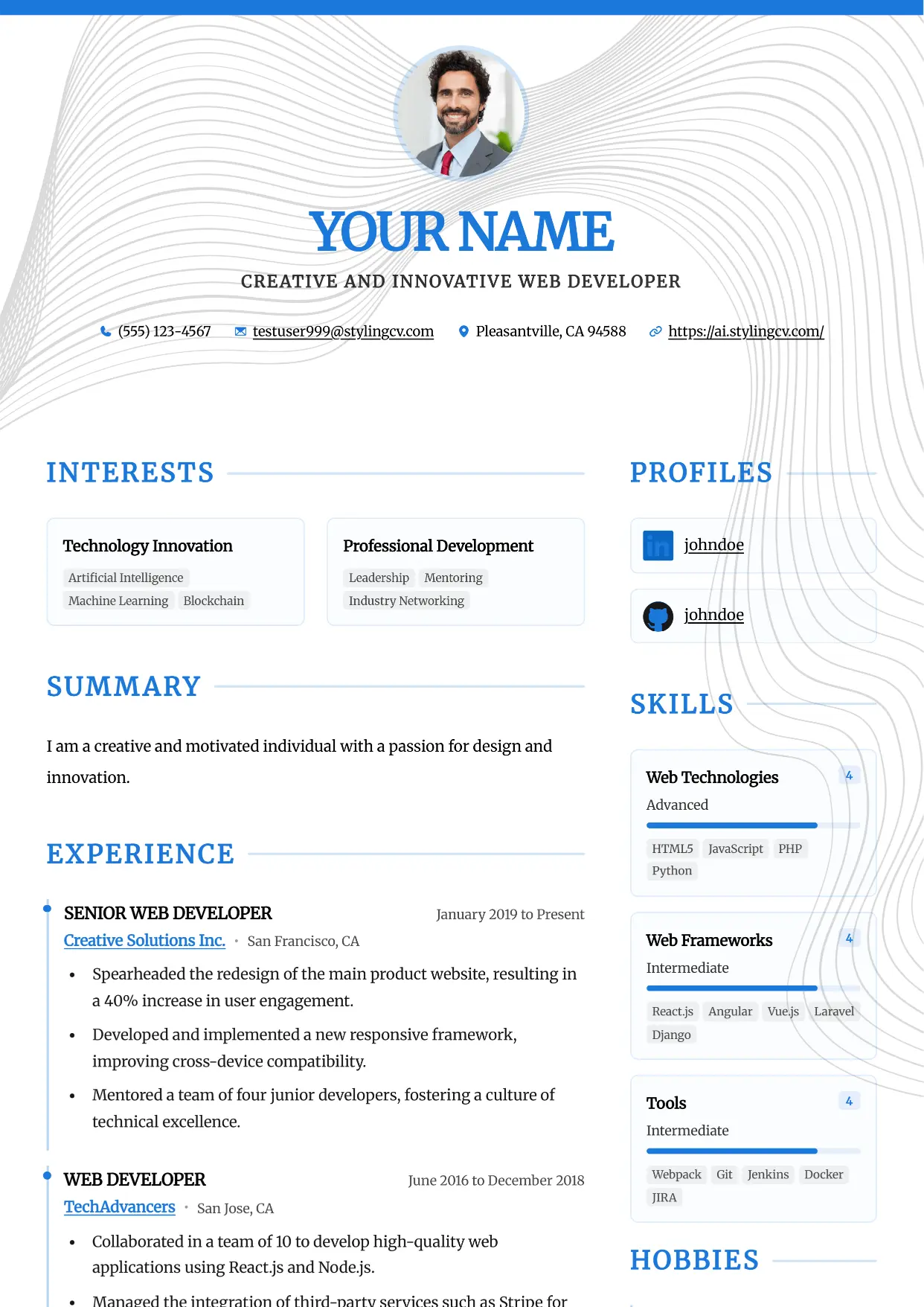
Accent
Professional and modern resume template optimized for applicant tracking systems. A clean, ATS-friendly CV layout designed to help you land your next interview.
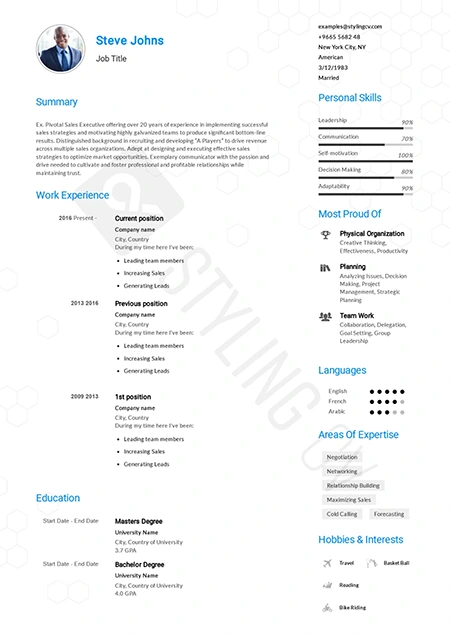
Alfred
Executive ATS resume template designed for C-suite roles. Features a clean layout perfect for management and corporate leadership positions.
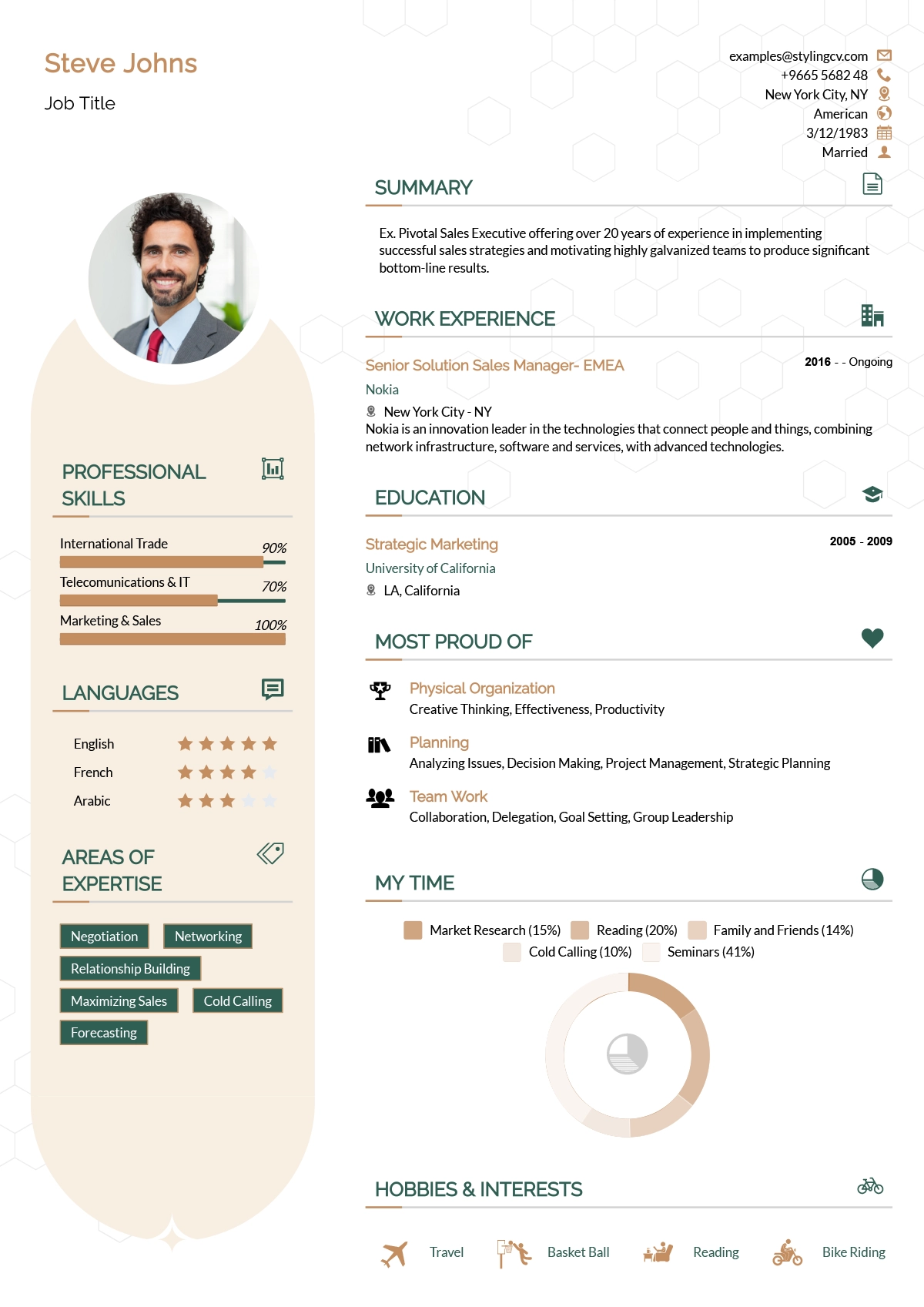
Andero
Modern resume template ideal for tech professionals. A sleek, professional CV design that highlights technical skills and projects perfectly.
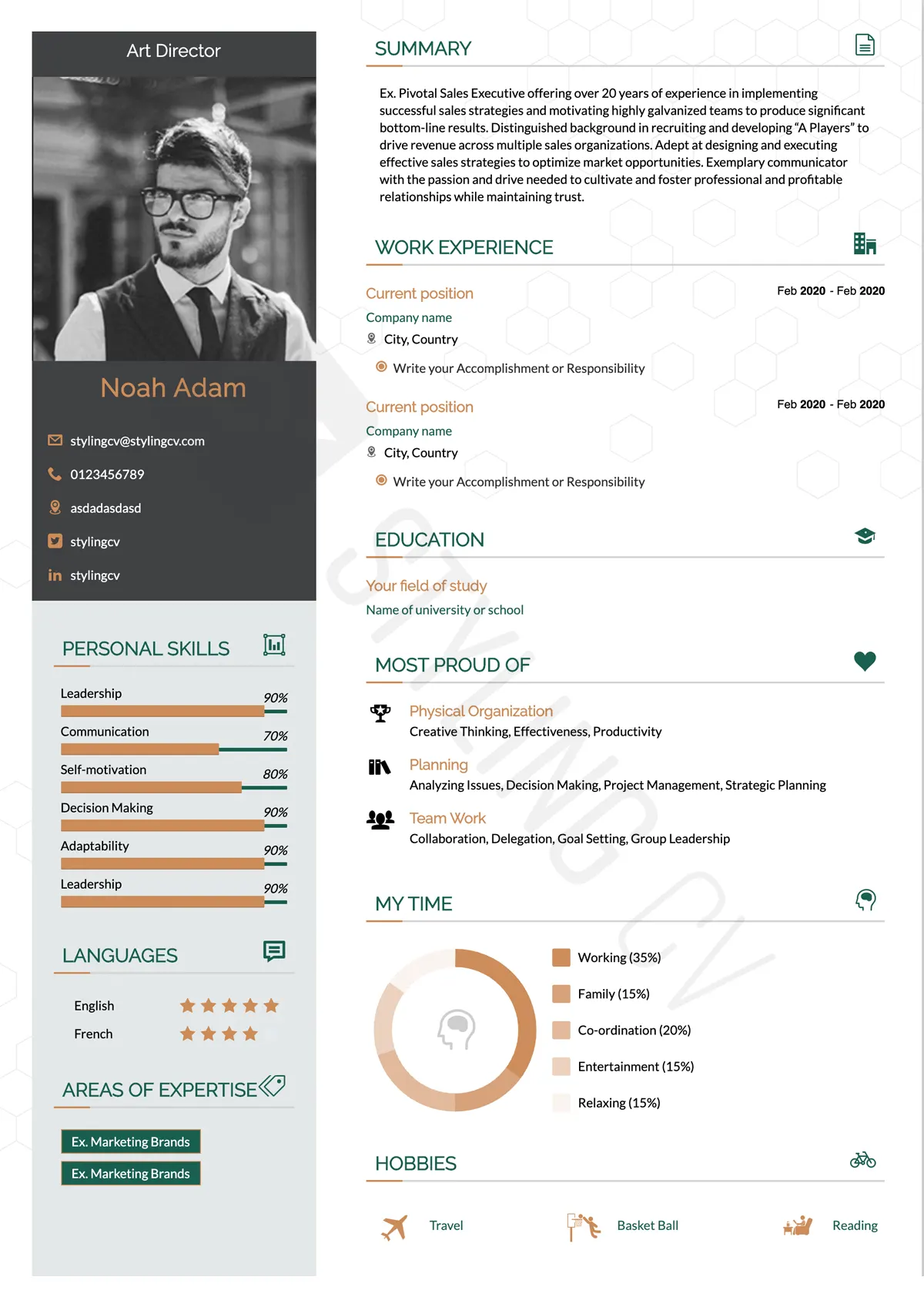
Apple
Minimalist resume template with an elegant, clean aesthetic. The perfect modern CV format for UX designers, product managers, and creatives.
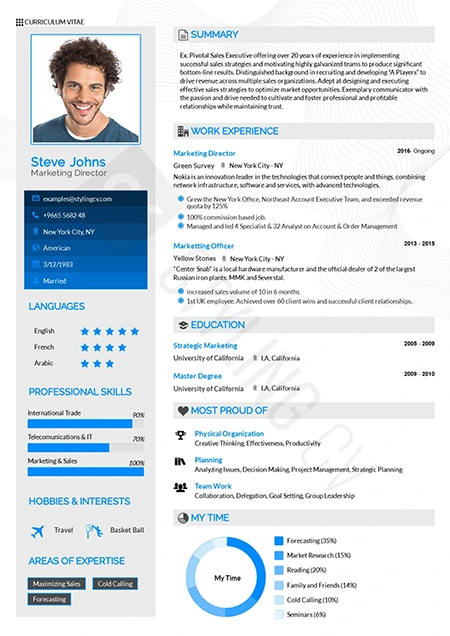
Arabic
Bilingual-ready professional resume template. Optimized for international roles with full RTL support for Middle East and global job markets.
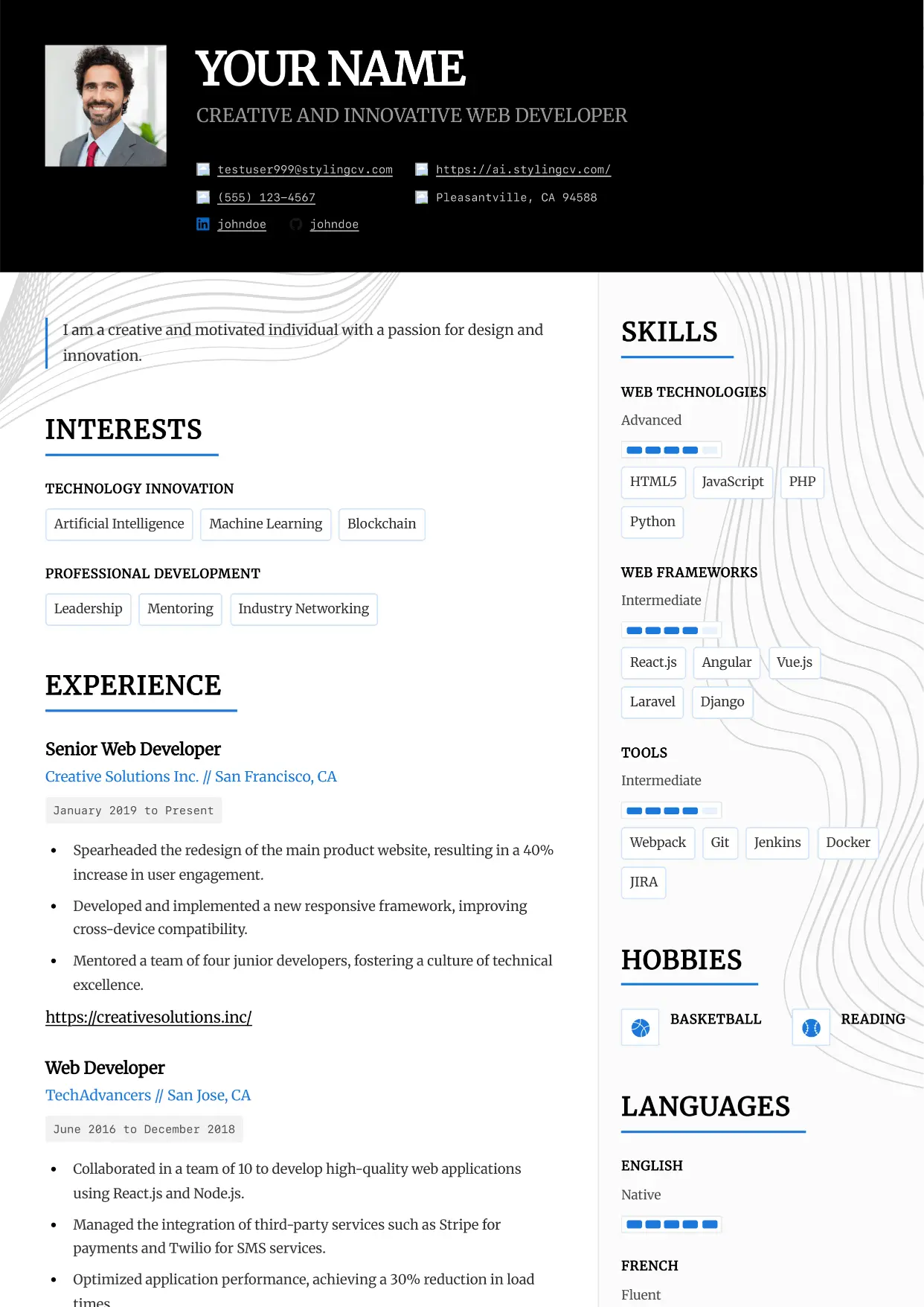
Architect
Professional and modern resume template optimized for applicant tracking systems. A clean, ATS-friendly CV layout designed to help you land your next interview.
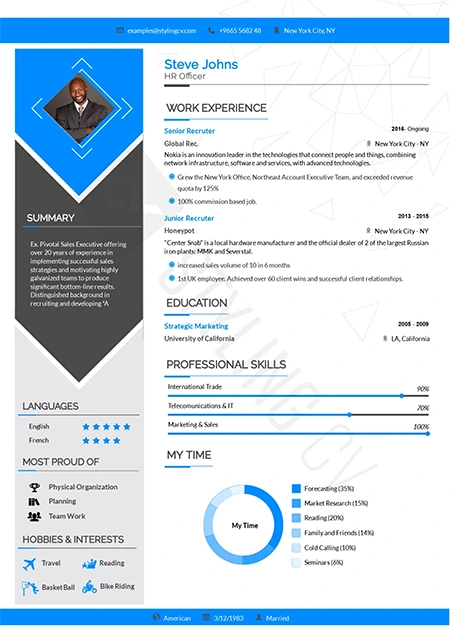
Arrow
Dynamic chronological resume format focusing on career progression. Excellent CV template for ambitious professionals climbing the corporate ladder.
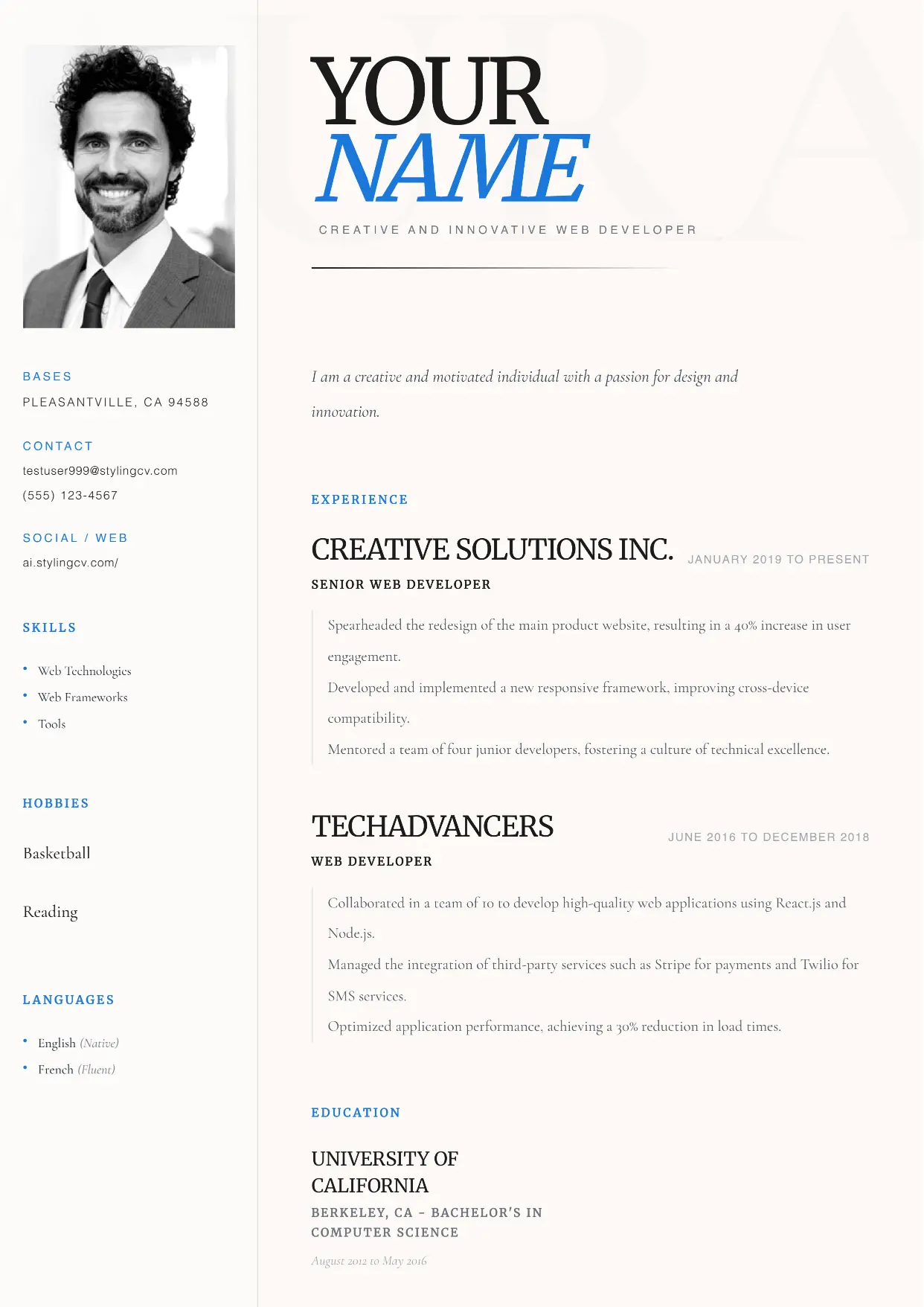
Aura
Professional and modern resume template optimized for applicant tracking systems. A clean, ATS-friendly CV layout designed to help you land your next interview.
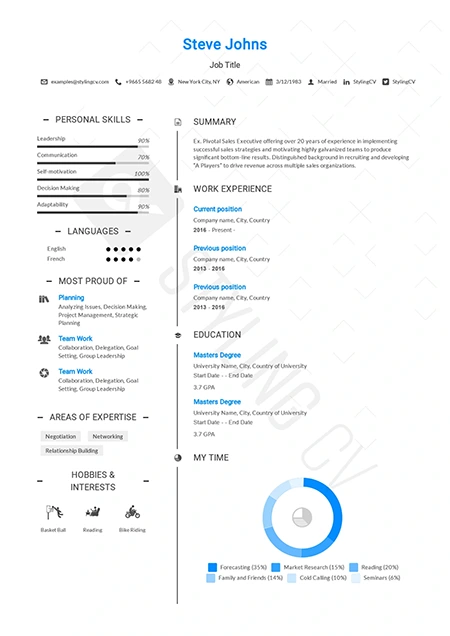
Awesome
Creative and bold resume template to make your application stand out. An eye-catching CV design that hiring managers won't forget.
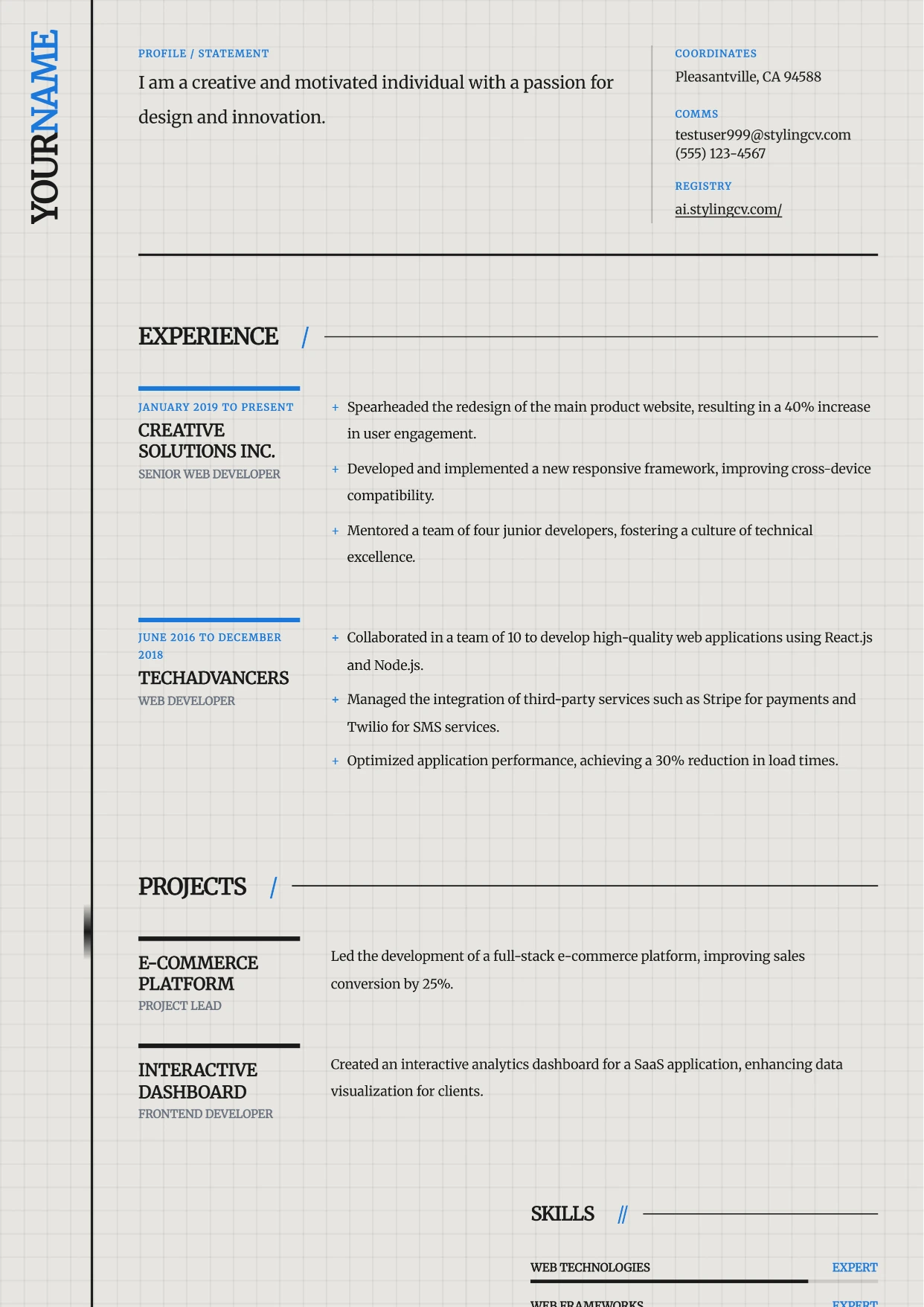
Axiom
Professional and modern resume template optimized for applicant tracking systems. A clean, ATS-friendly CV layout designed to help you land your next interview.
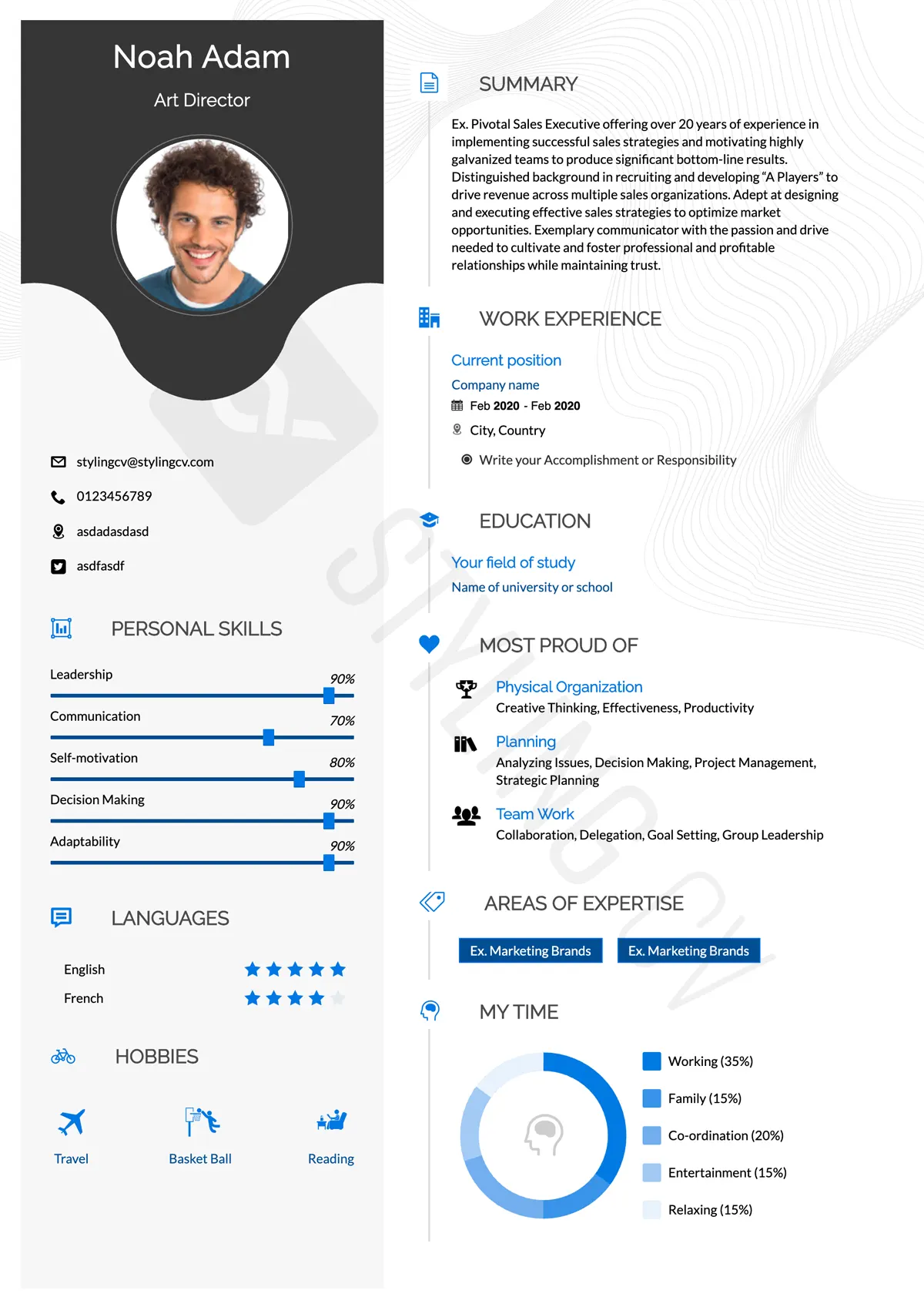
Baseline
Foundational ATS-friendly resume template. A simple, professional CV format proven to pass applicant tracking systems in any industry.
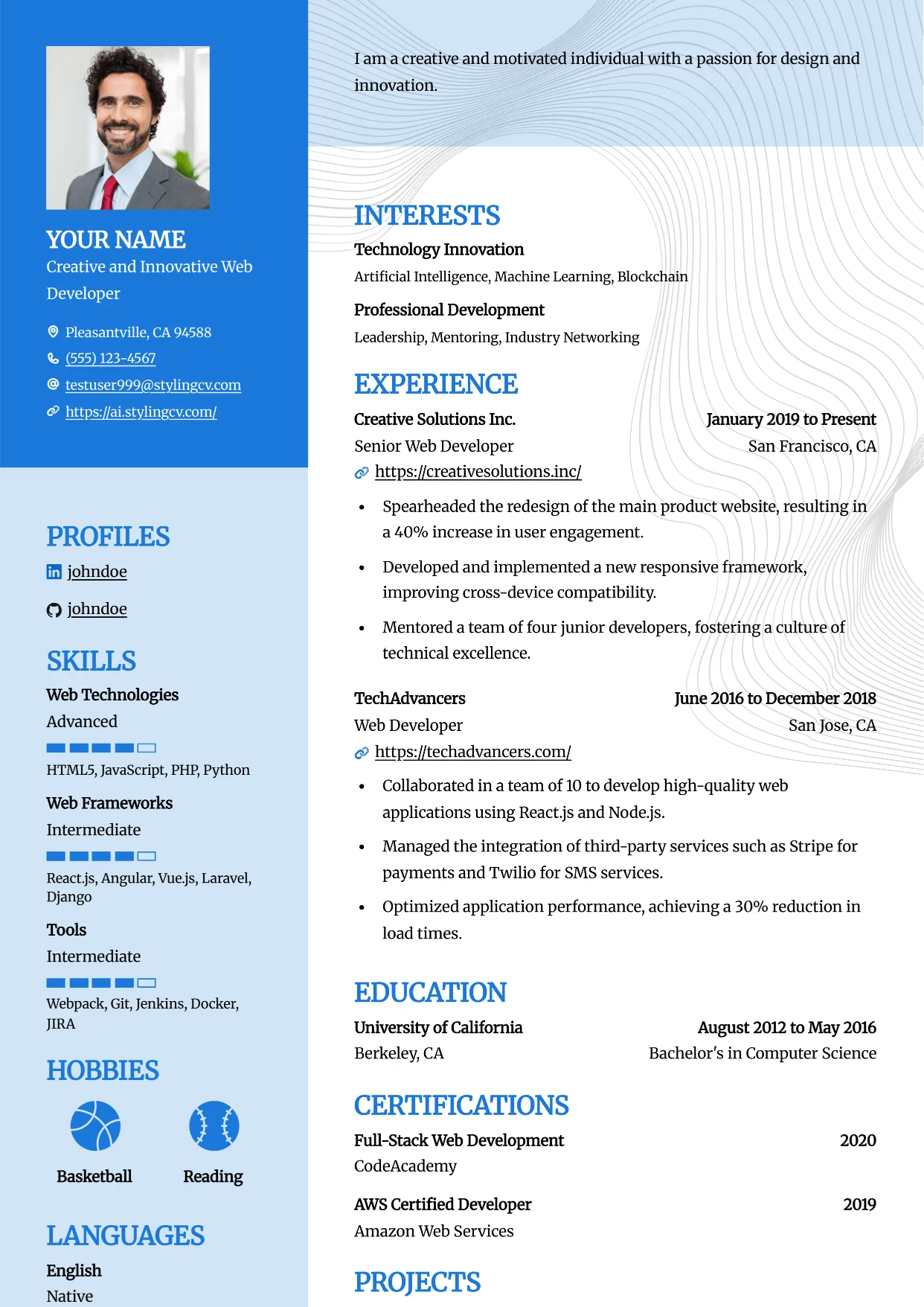
Bold
Professional and modern resume template optimized for applicant tracking systems. A clean, ATS-friendly CV layout designed to help you land your next interview.
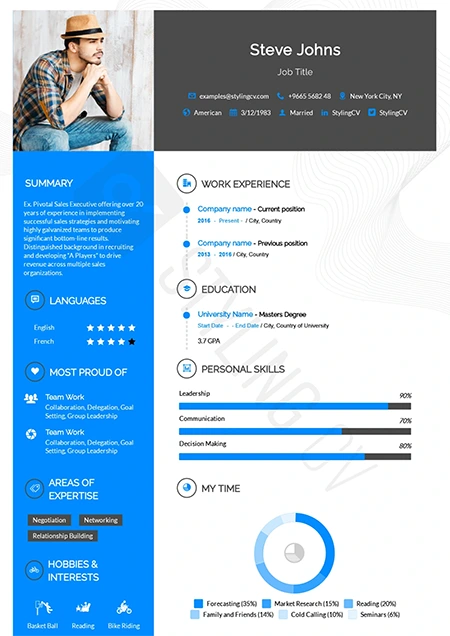
Catics
Unique geometric resume template tailored for creative industries. Showcase your portfolio and media experience with this modern CV layout.
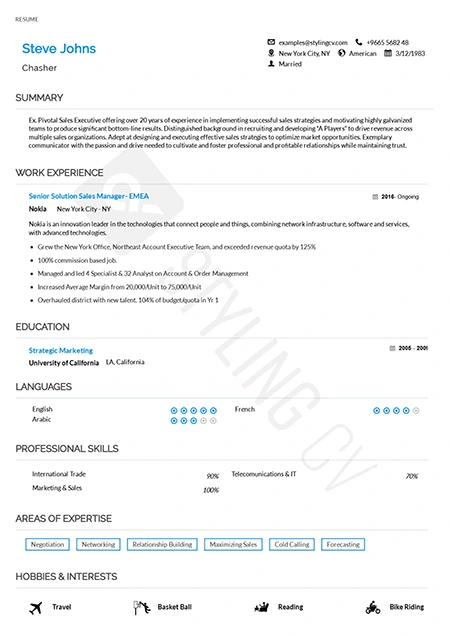
Classic
Timeless chronological resume template for traditional industries. A highly professional, conservative CV format trusted by recruiters.
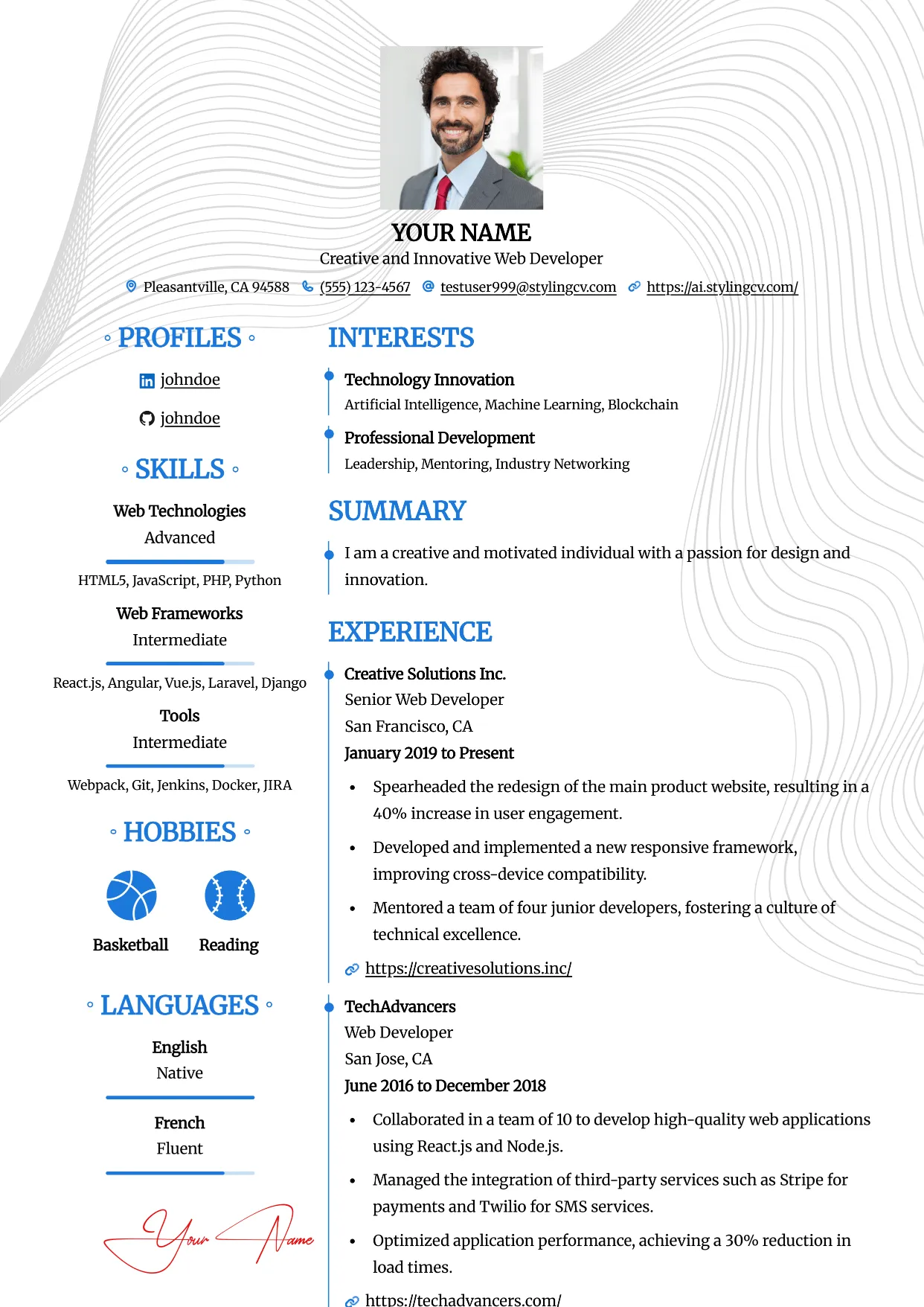
Clean
Professional and modern resume template optimized for applicant tracking systems. A clean, ATS-friendly CV layout designed to help you land your next interview.
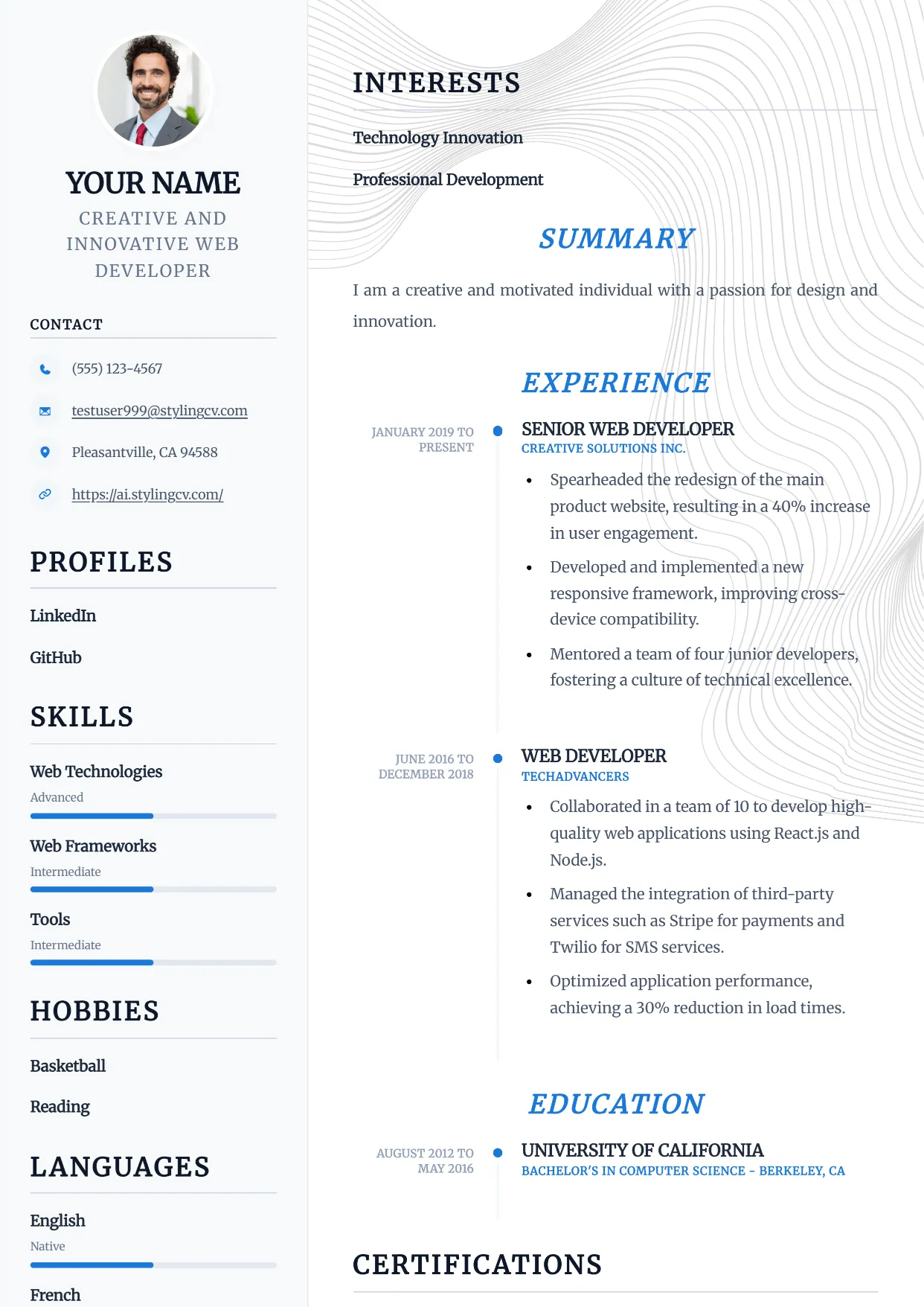
Compact
Professional and modern resume template optimized for applicant tracking systems. A clean, ATS-friendly CV layout designed to help you land your next interview.
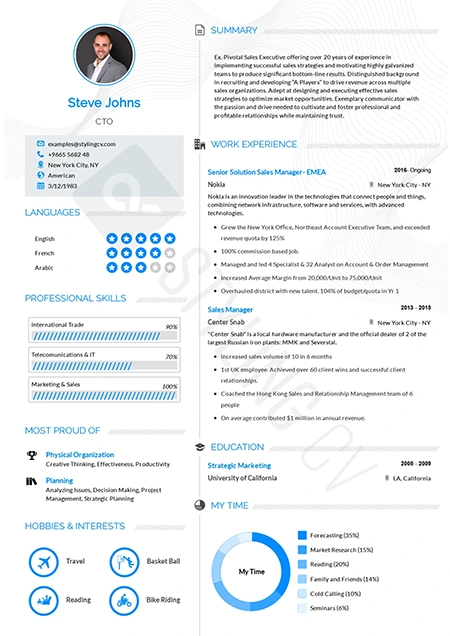
Concept
Innovative functional resume template for strategists and consultants. A modern CV layout designed to highlight core competencies and thought leadership.
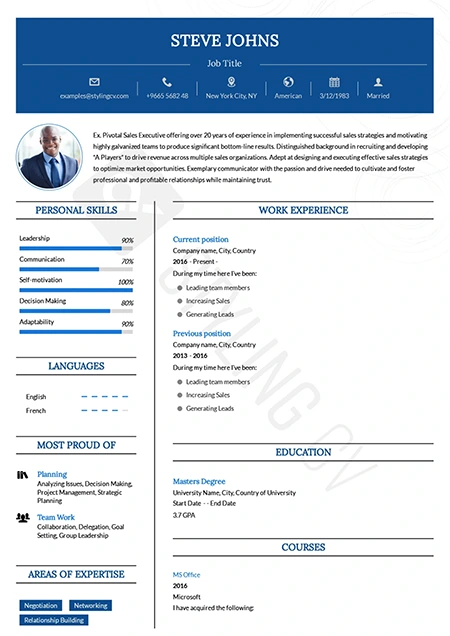
Confidence
Bold executive resume template projecting leadership and authority. A premium CV design for senior management and director-level applications.
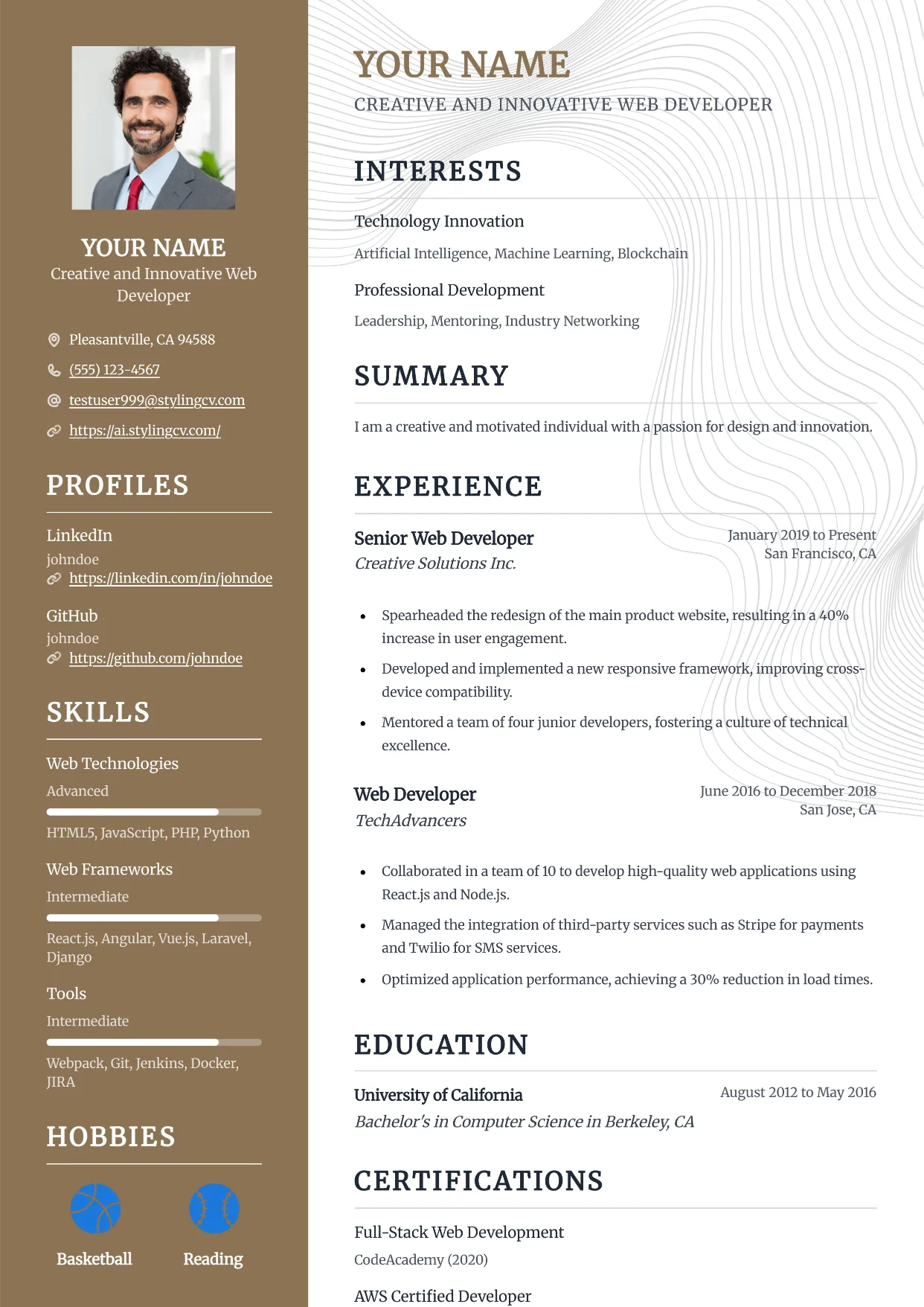
Confidence
Bold executive resume template projecting leadership and authority. A premium CV design for senior management and director-level applications.
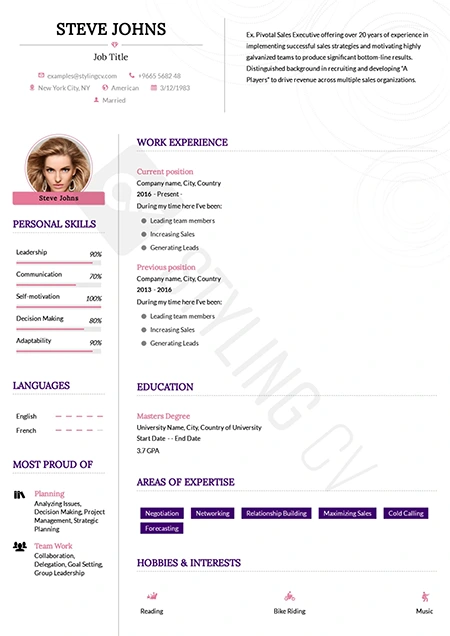
Corssa
Elegant European-inspired CV template for international business roles. A sophisticated resume format that balances modern design with professional standards.
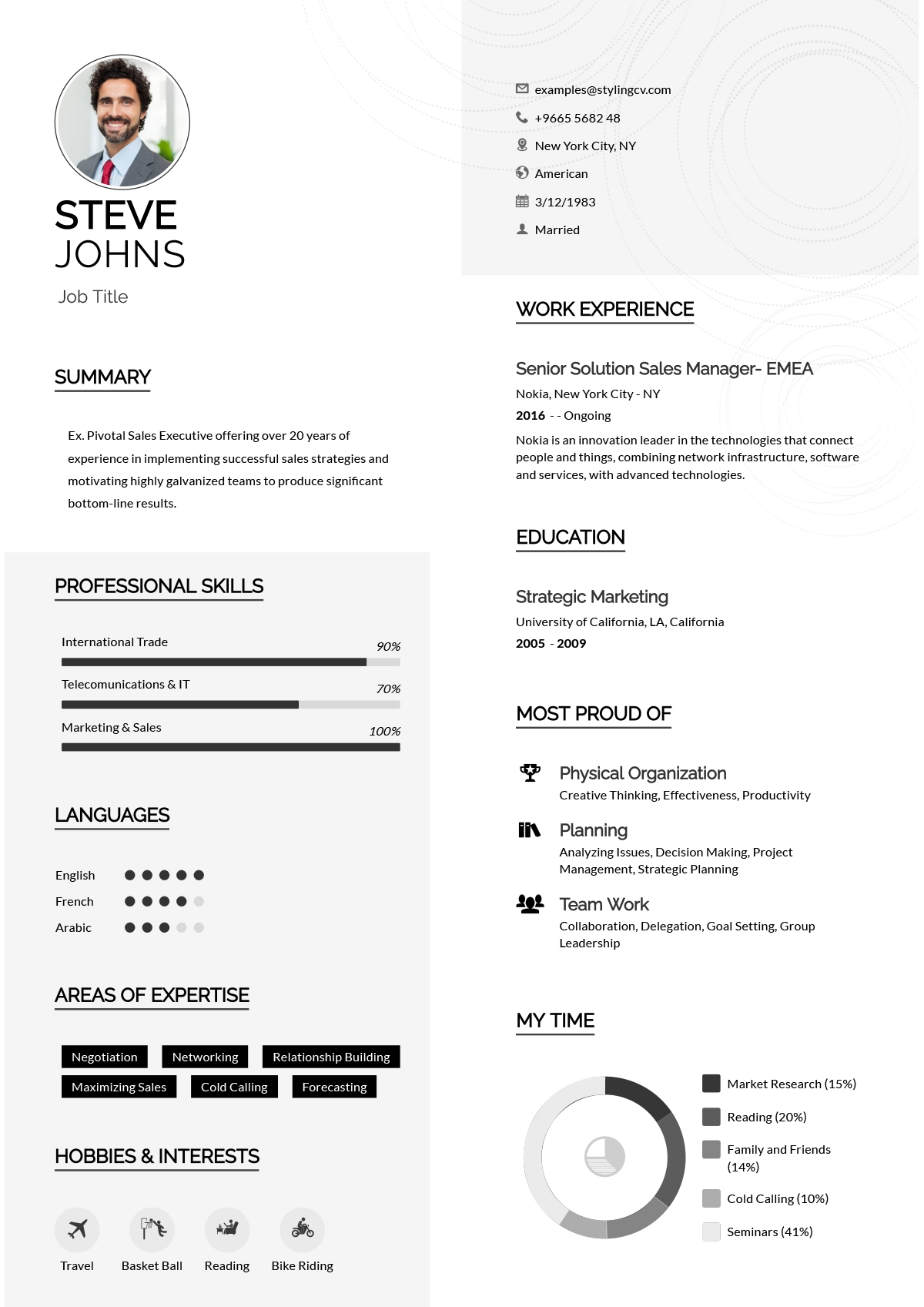
Creative
Vibrant and colorful creative resume template for design professionals. A memorable visual CV format perfect for marketing and artistic roles.
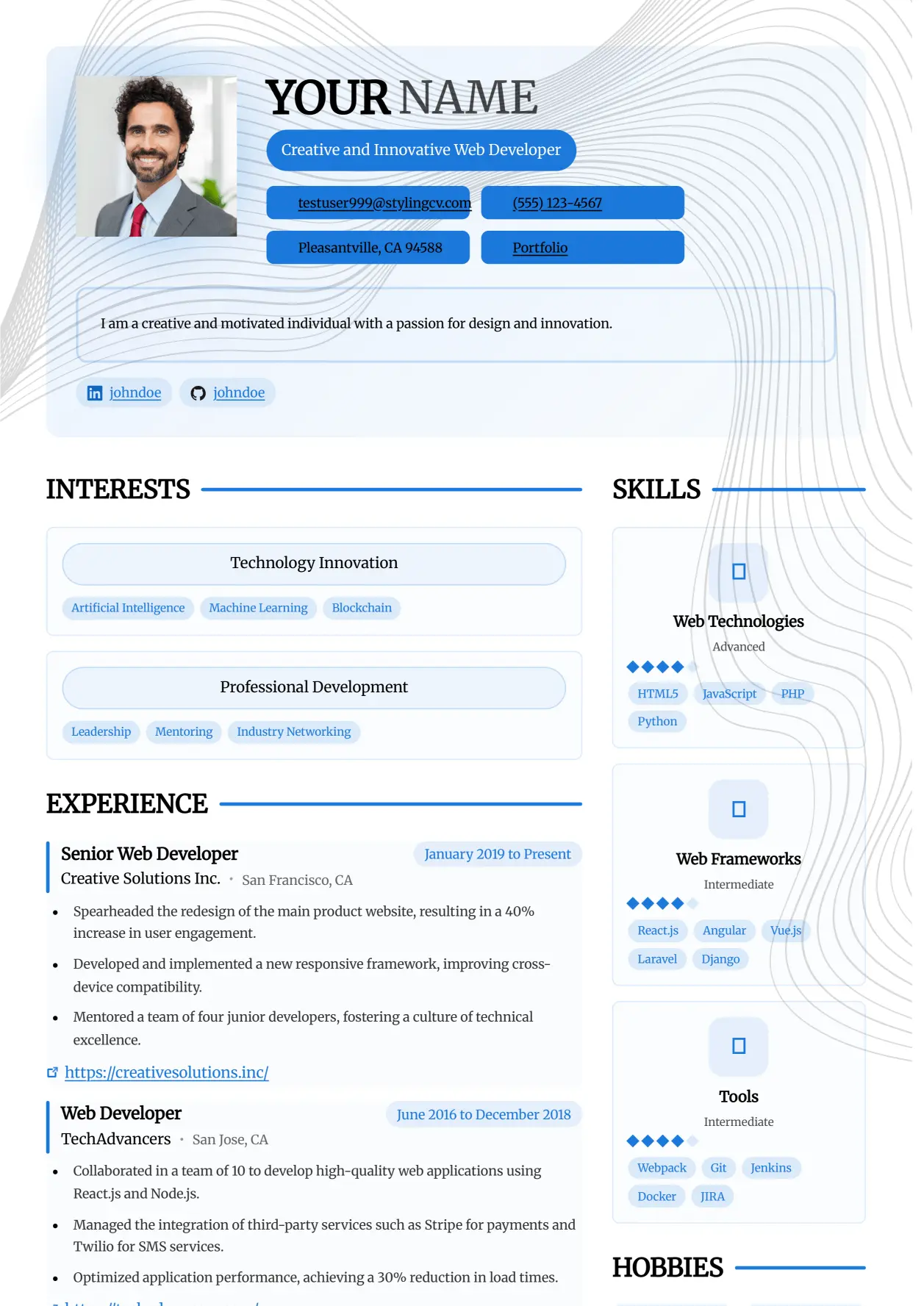
Creative
Vibrant and colorful creative resume template for design professionals. A memorable visual CV format perfect for marketing and artistic roles.
Diamond
Polished and premium professional resume template. A high-end CV design that ensures your extensive work experience shines through beautifully.
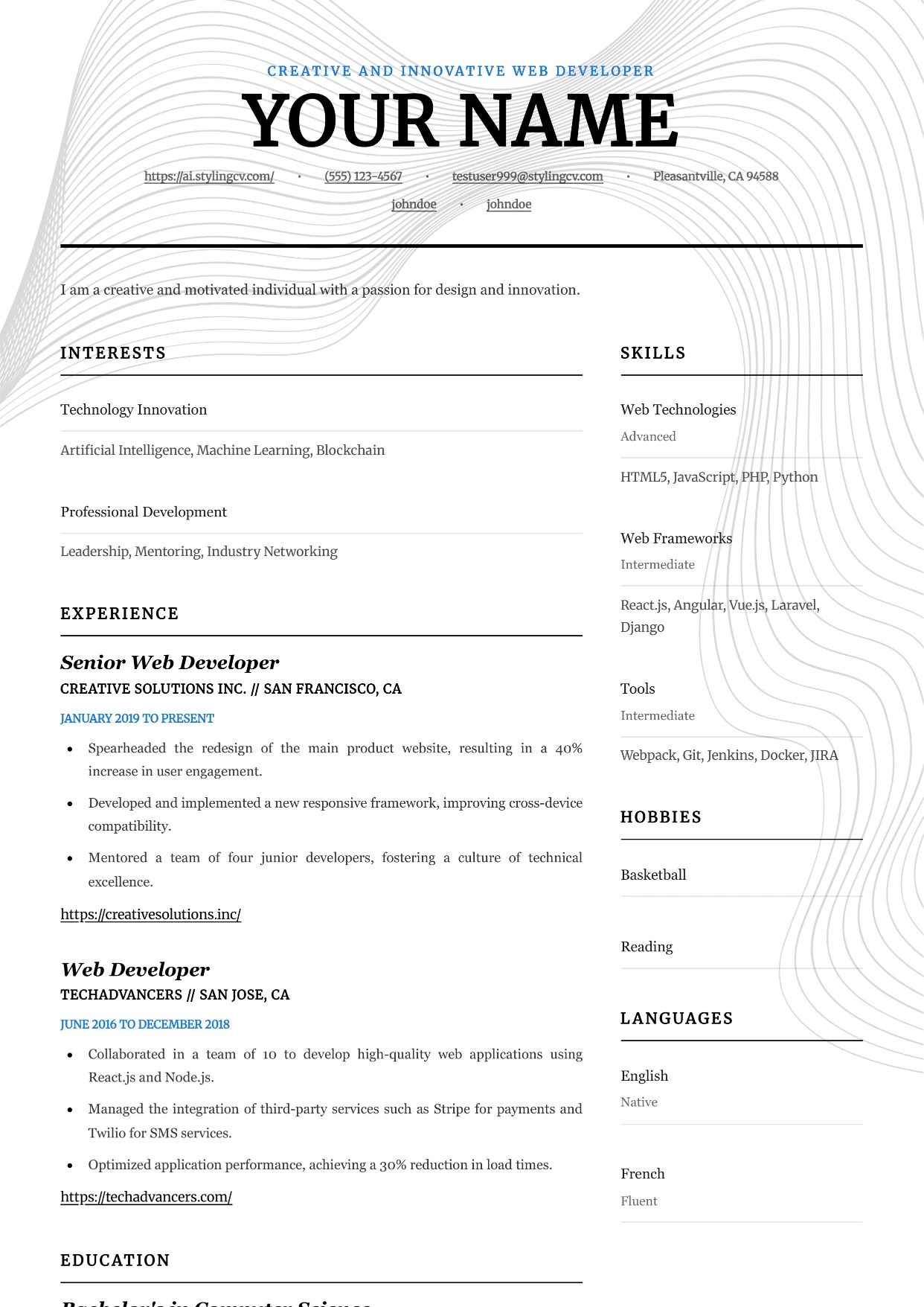
Editorial
Professional and modern resume template optimized for applicant tracking systems. A clean, ATS-friendly CV layout designed to help you land your next interview.
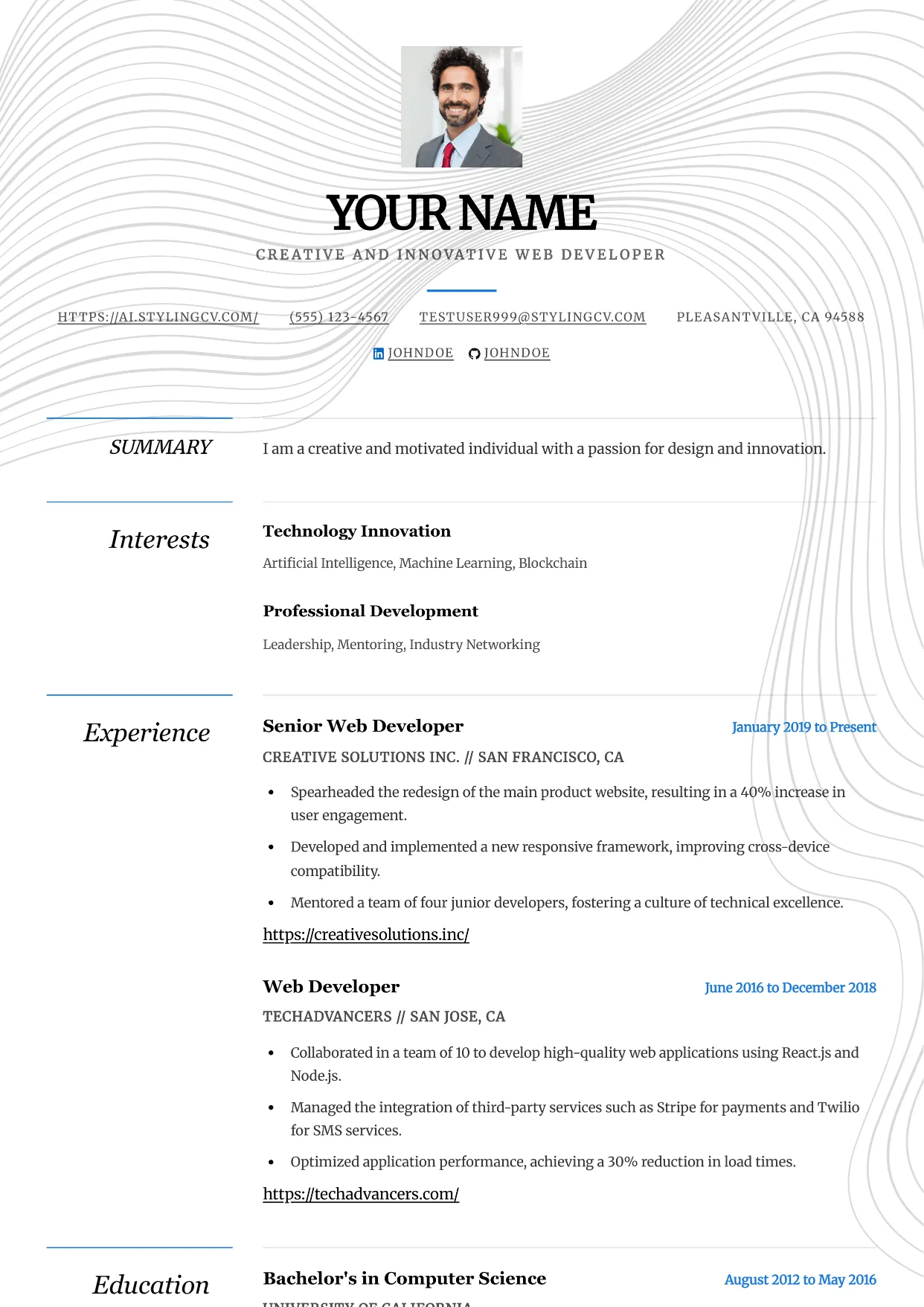
Elegance
Professional and modern resume template optimized for applicant tracking systems. A clean, ATS-friendly CV layout designed to help you land your next interview.
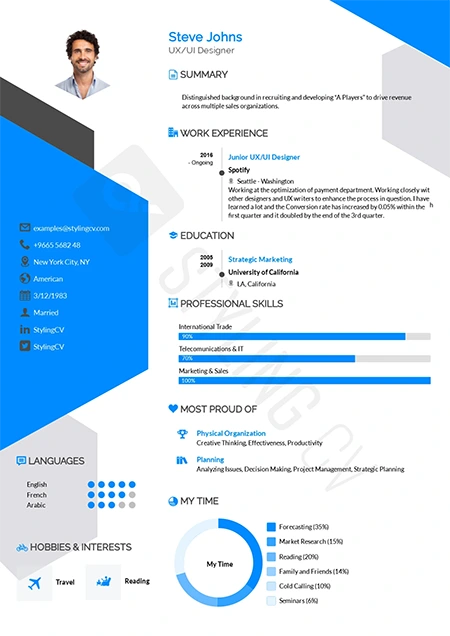
Elegant
Sophisticated resume template for law, finance, and executive roles. A classic, highly professional CV layout that commands immediate respect.
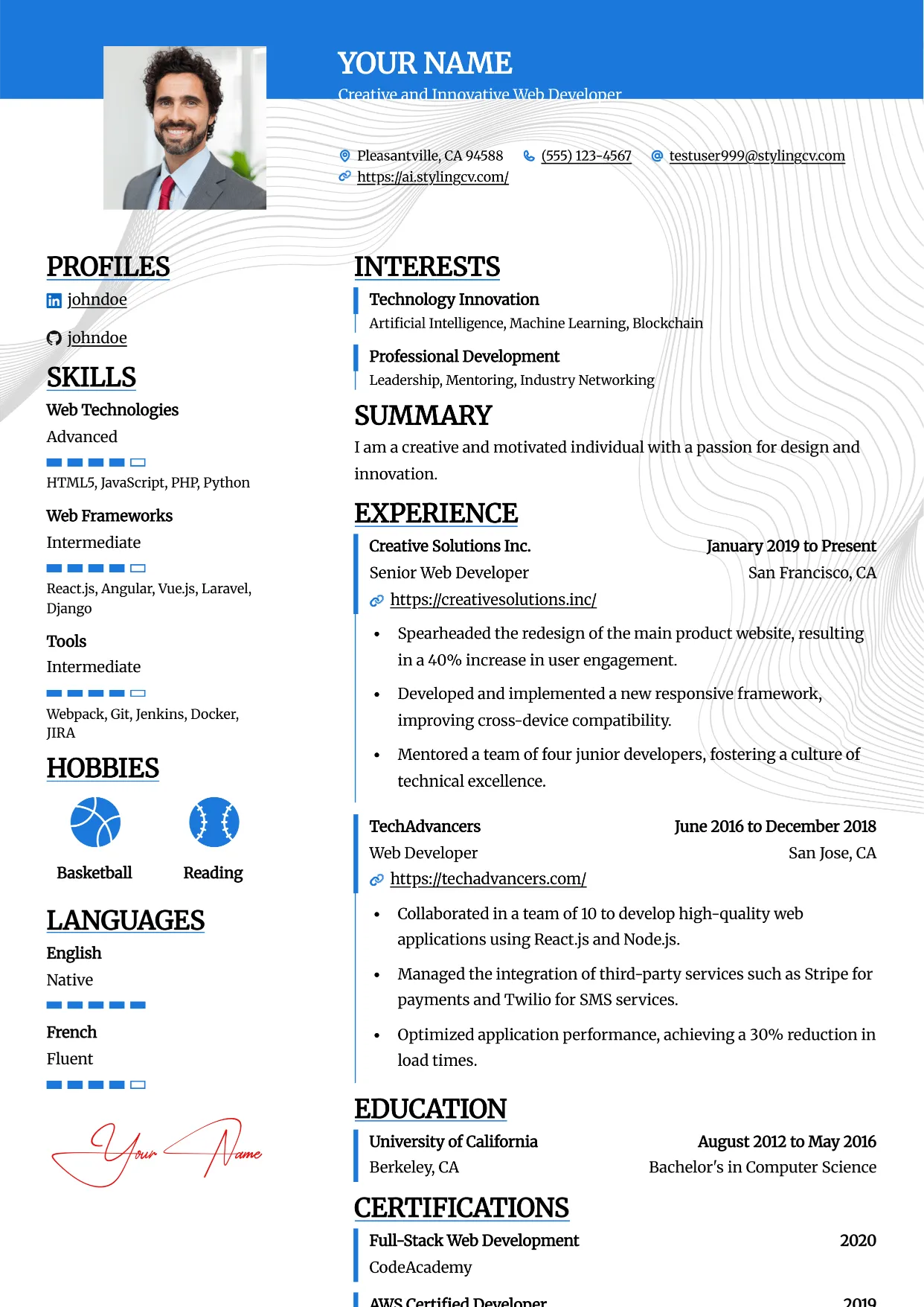
Essential
Professional and modern resume template optimized for applicant tracking systems. A clean, ATS-friendly CV layout designed to help you land your next interview.
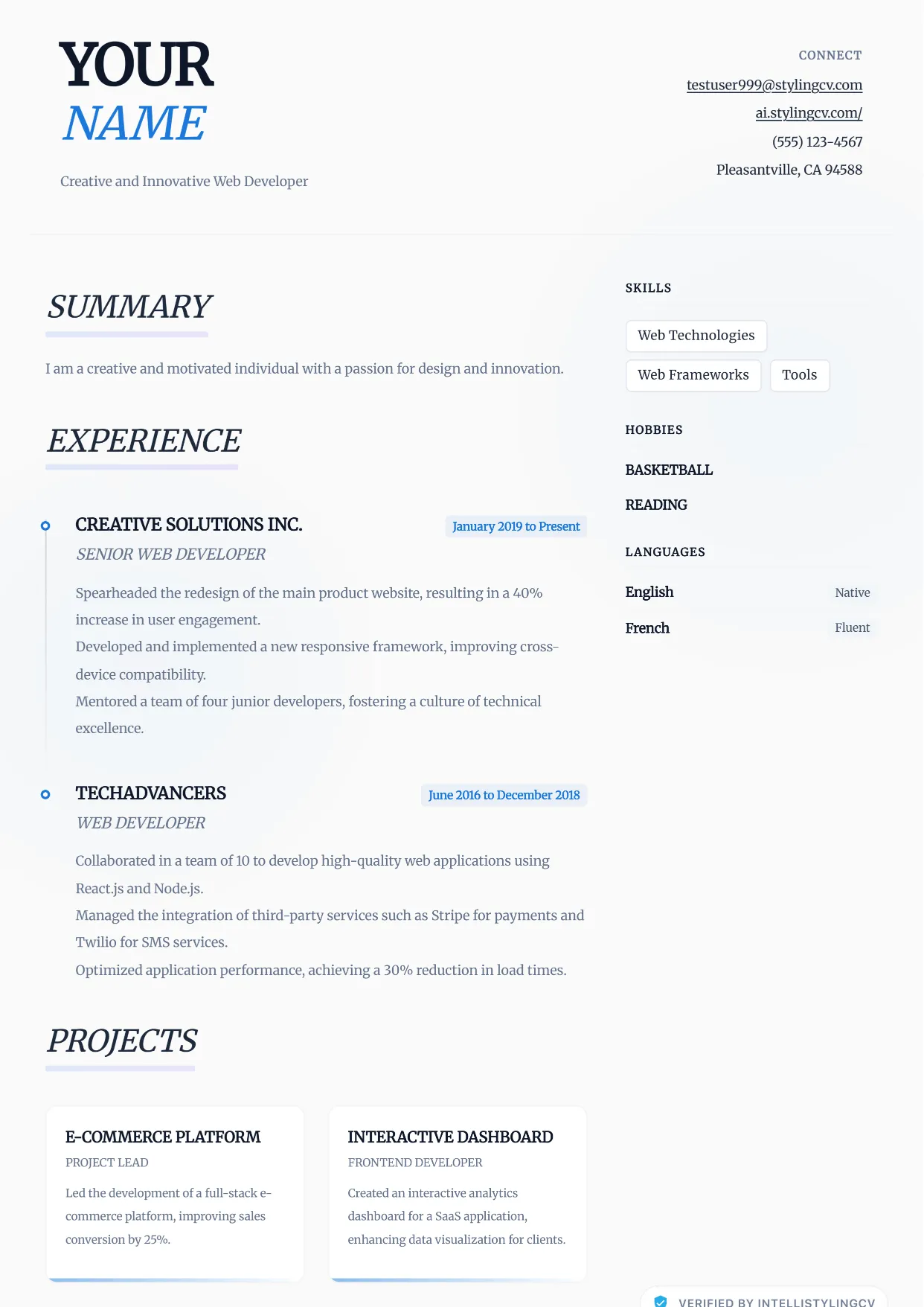
Ethereal
Professional and modern resume template optimized for applicant tracking systems. A clean, ATS-friendly CV layout designed to help you land your next interview.
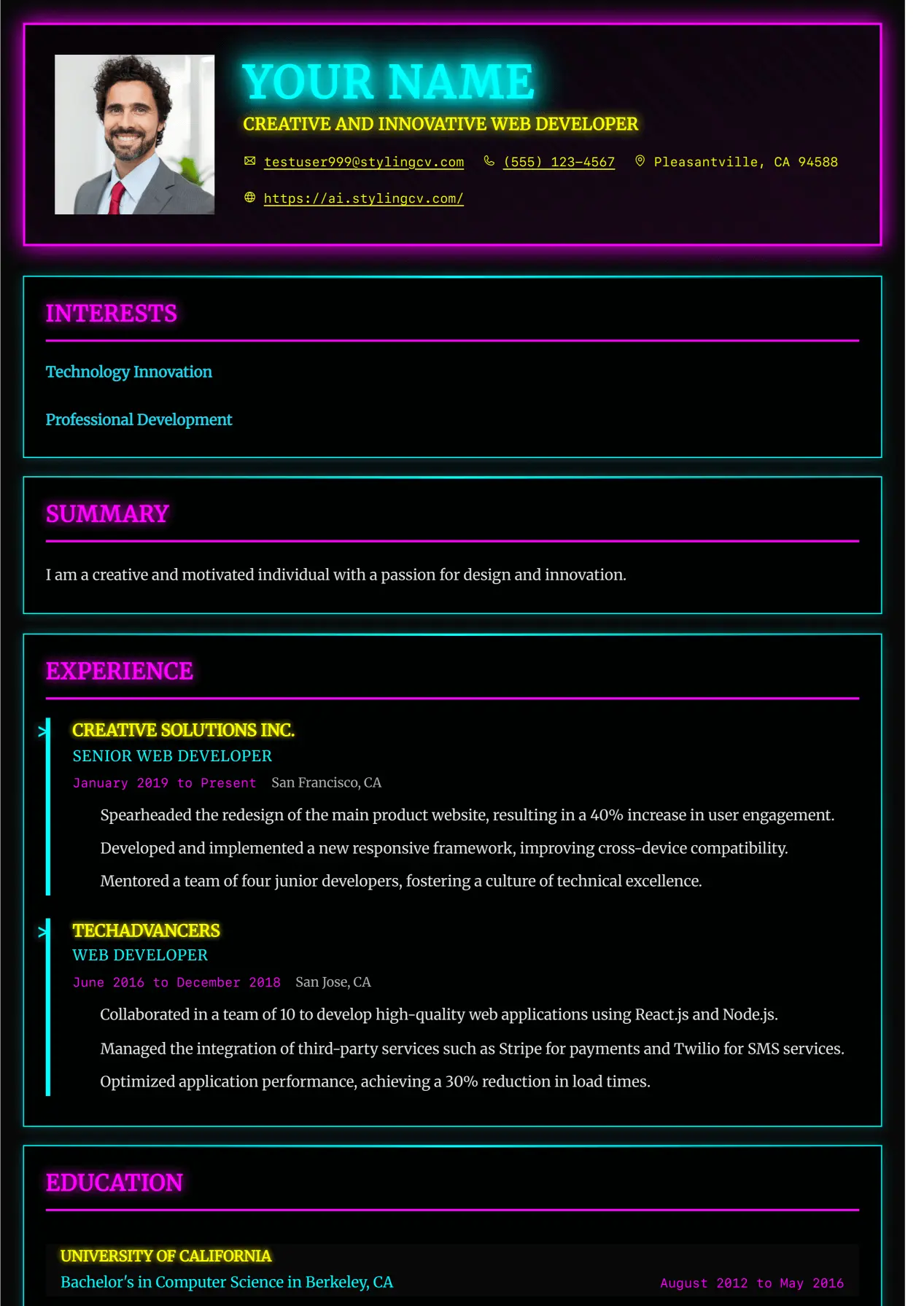
Executive
Professional and modern resume template optimized for applicant tracking systems. A clean, ATS-friendly CV layout designed to help you land your next interview.
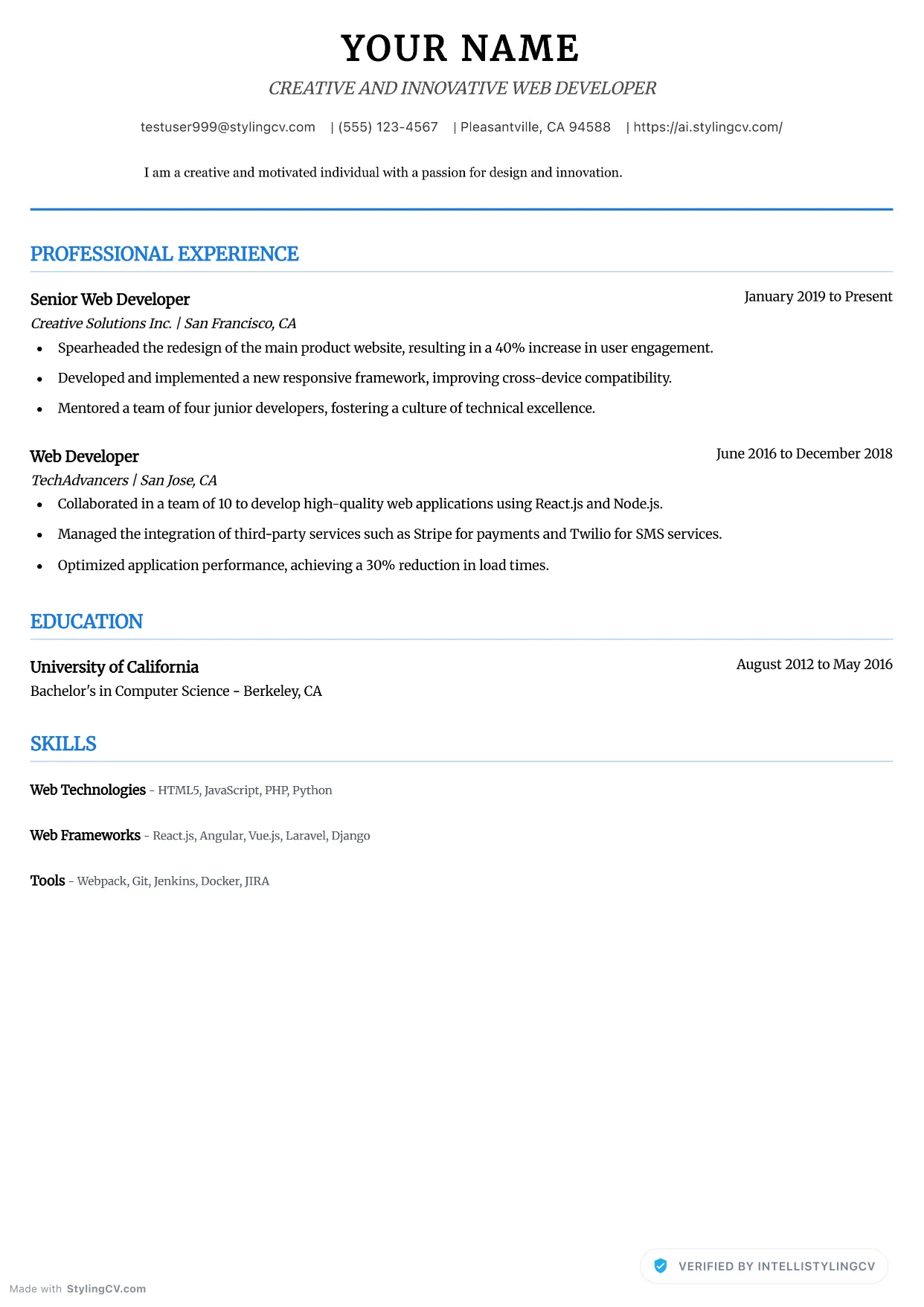
Executive Neat
Professional and modern resume template optimized for applicant tracking systems. A clean, ATS-friendly CV layout designed to help you land your next interview.
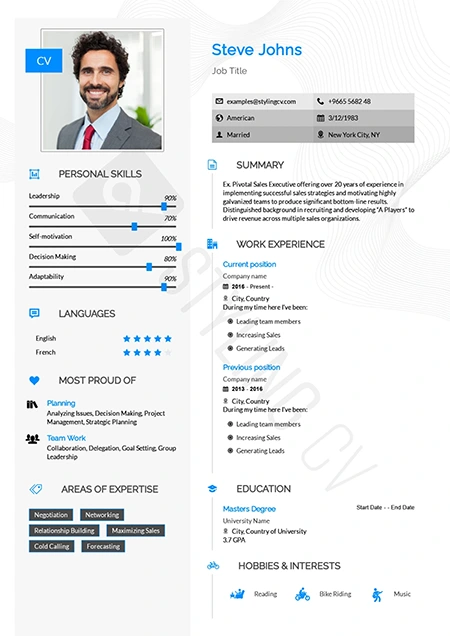
Feminine
Refined and stylish resume template with a modern feminine aesthetic. Perfect CV layout for fashion, beauty, lifestyle, and creative marketing roles.
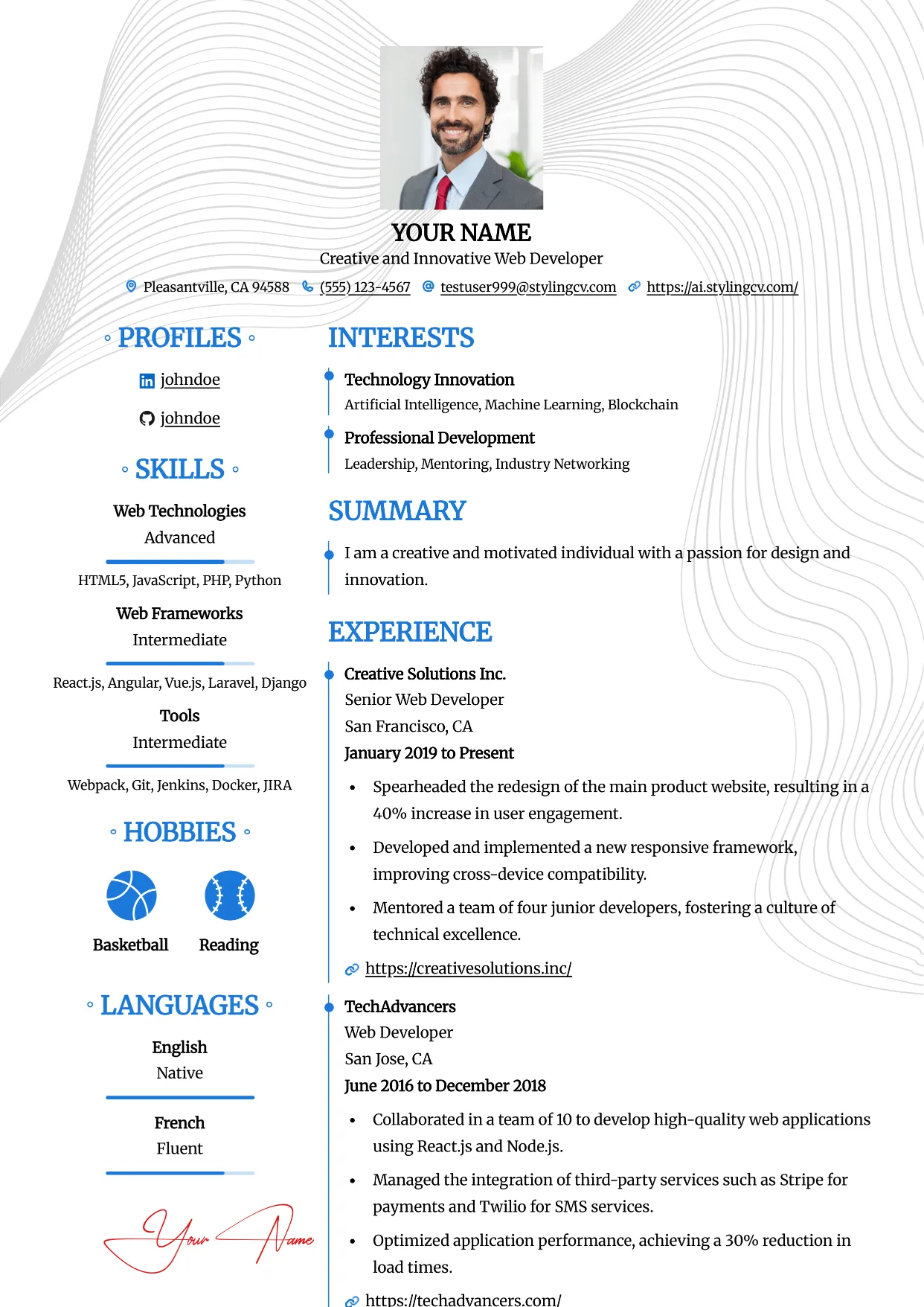
Feminine
Refined and stylish resume template with a modern feminine aesthetic. Perfect CV layout for fashion, beauty, lifestyle, and creative marketing roles.
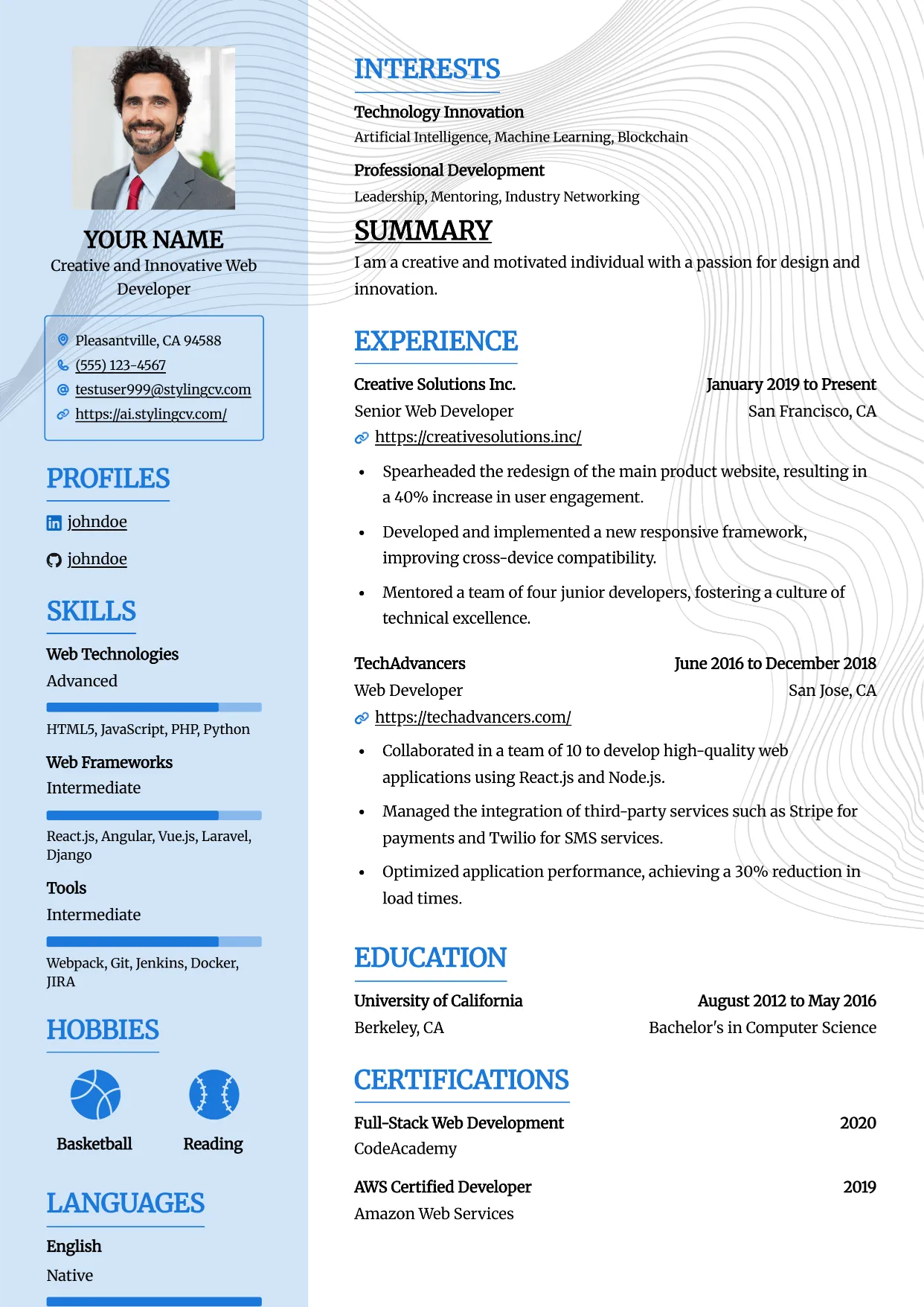
Framed
Professional and modern resume template optimized for applicant tracking systems. A clean, ATS-friendly CV layout designed to help you land your next interview.
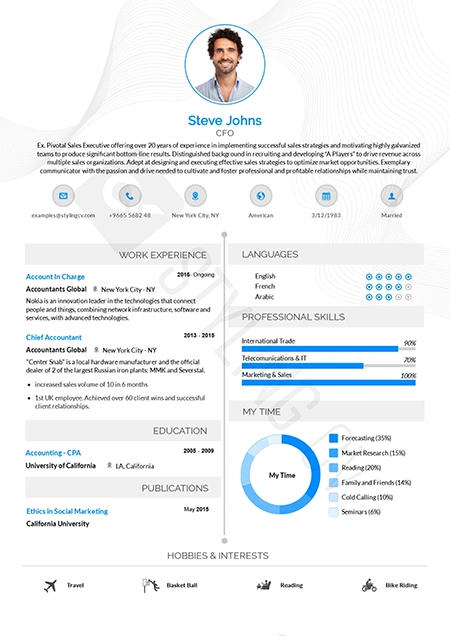
Functional
Skills-focused functional resume template ideal for career changers. A smart CV format that highlights transferrable skills over chronological work history.
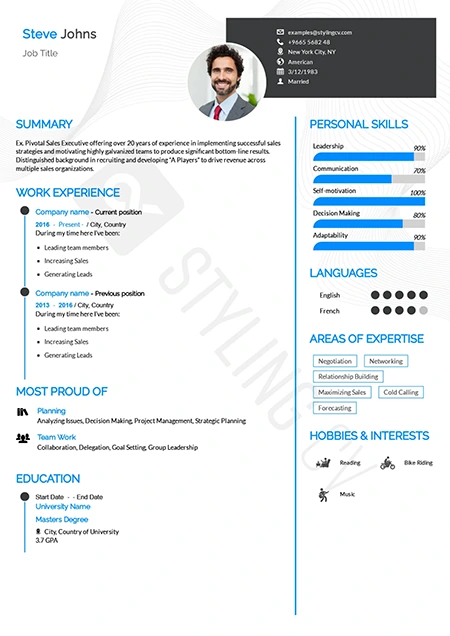
Genial
Approachable and modern resume template for customer-facing roles. An excellent professional CV layout for HR, sales, and service professionals.
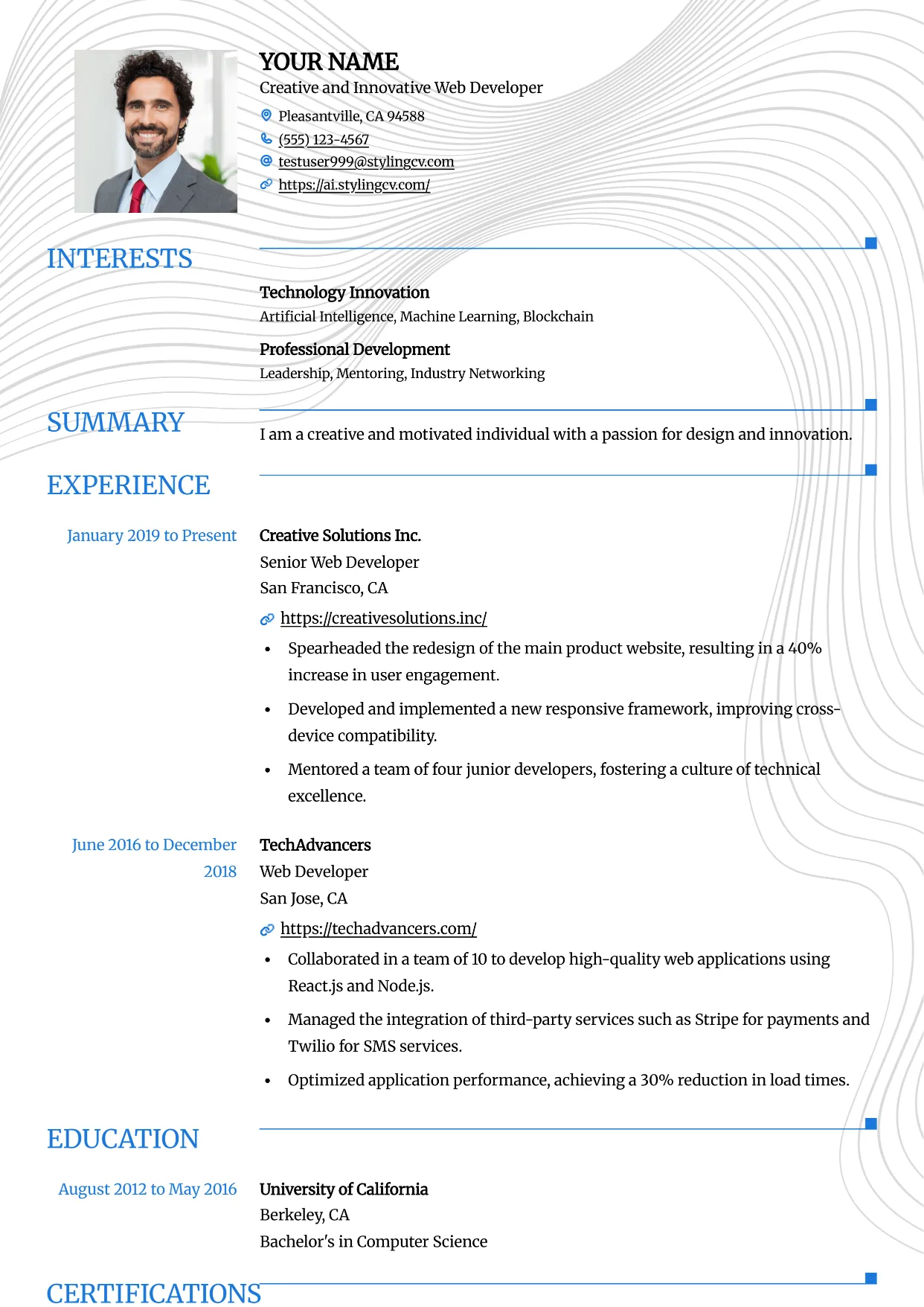
Grid
Professional and modern resume template optimized for applicant tracking systems. A clean, ATS-friendly CV layout designed to help you land your next interview.
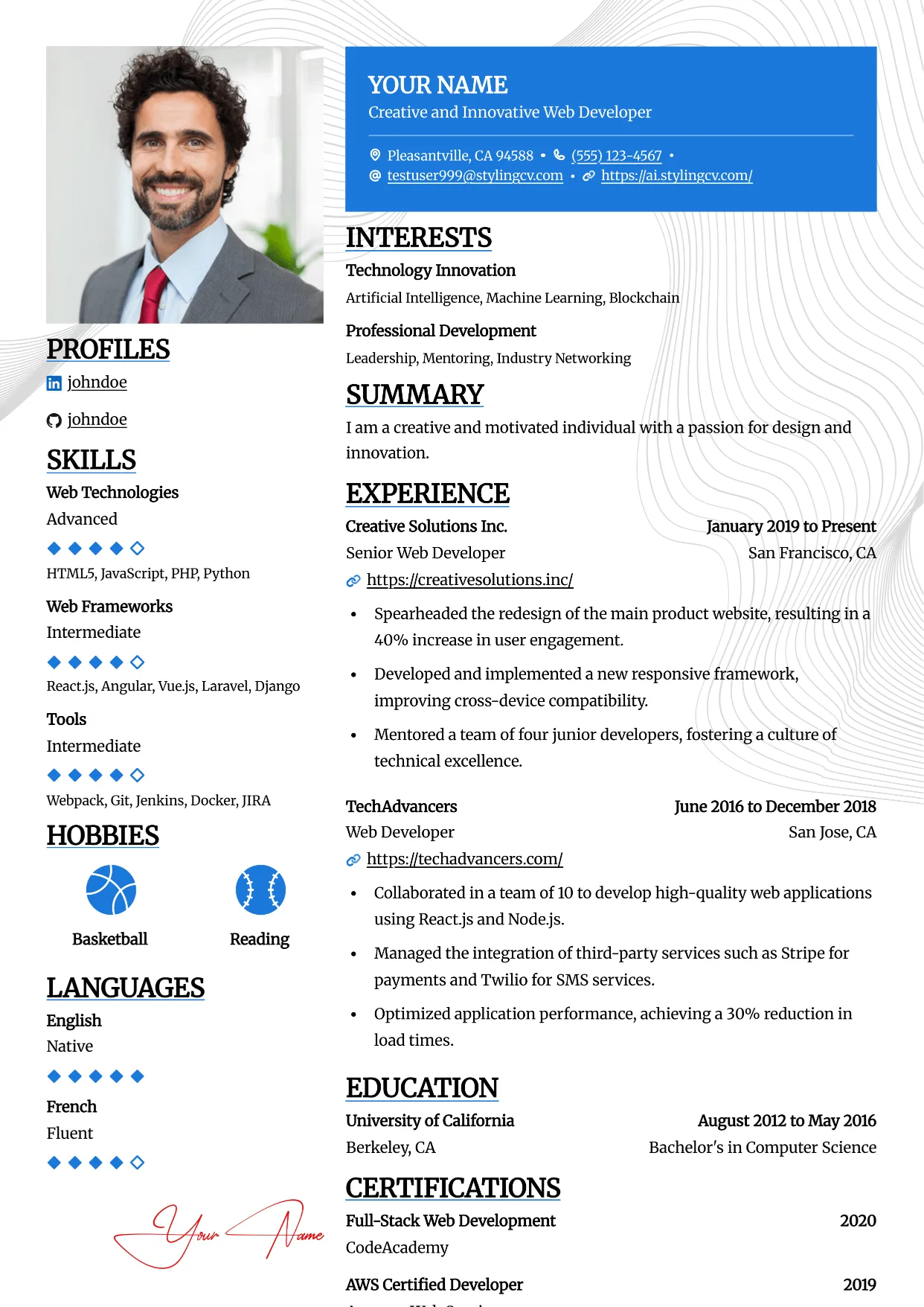
Highlight
Professional and modern resume template optimized for applicant tracking systems. A clean, ATS-friendly CV layout designed to help you land your next interview.
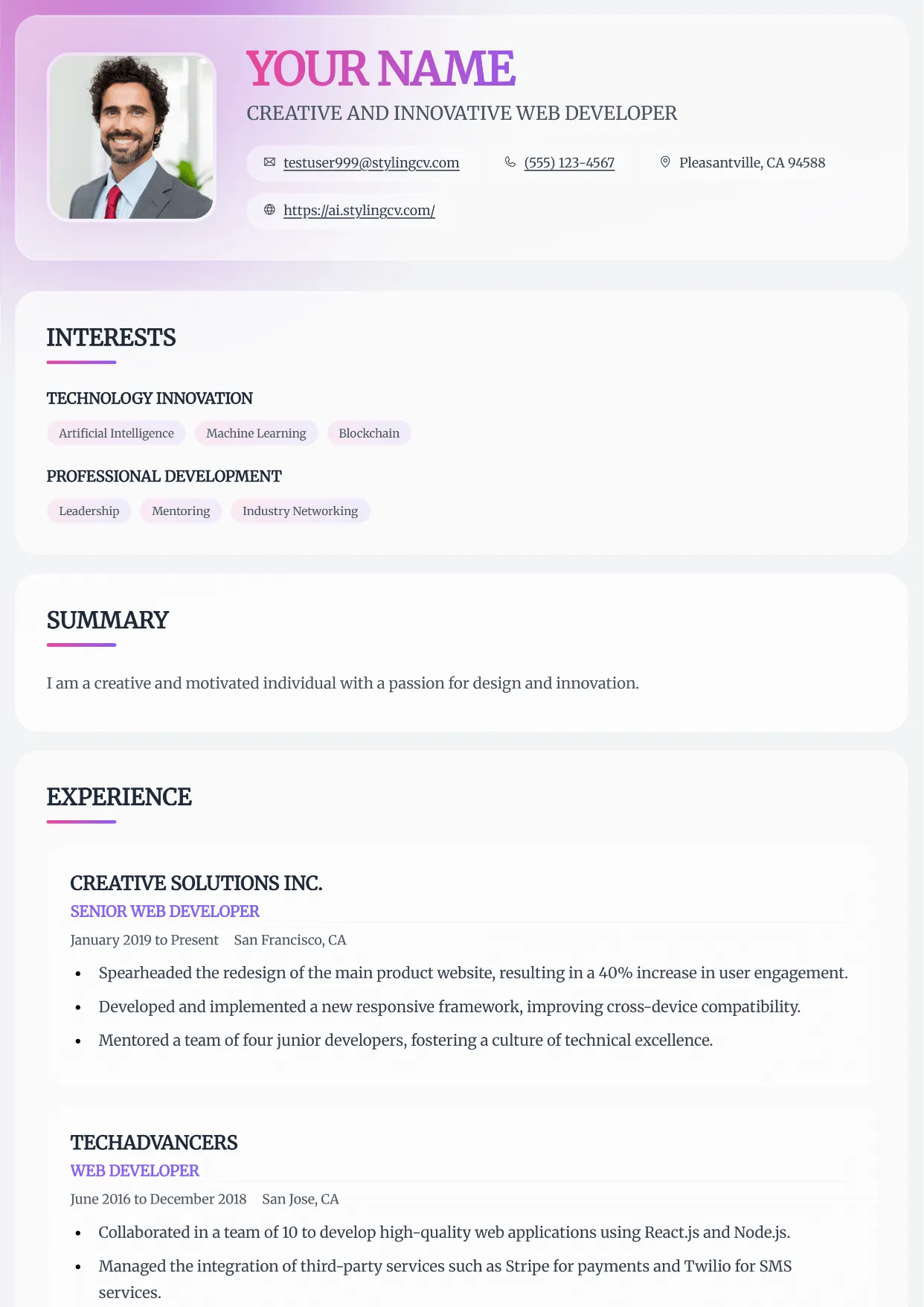
Horizon
Professional and modern resume template optimized for applicant tracking systems. A clean, ATS-friendly CV layout designed to help you land your next interview.
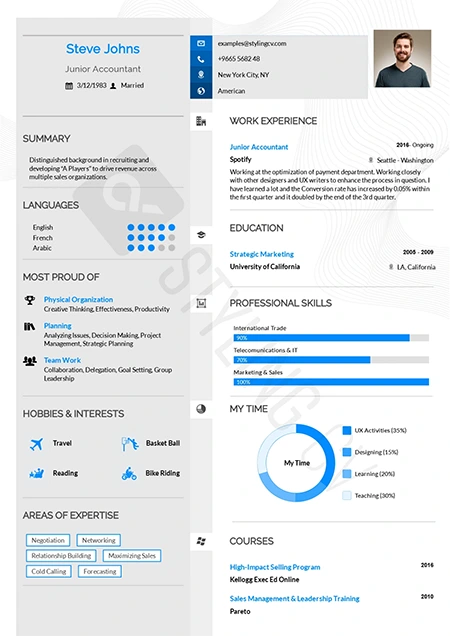
Influx
Dynamic and modern CV template tailored for marketing and communications. A high-flow resume design that beautifully organizes complex career data.
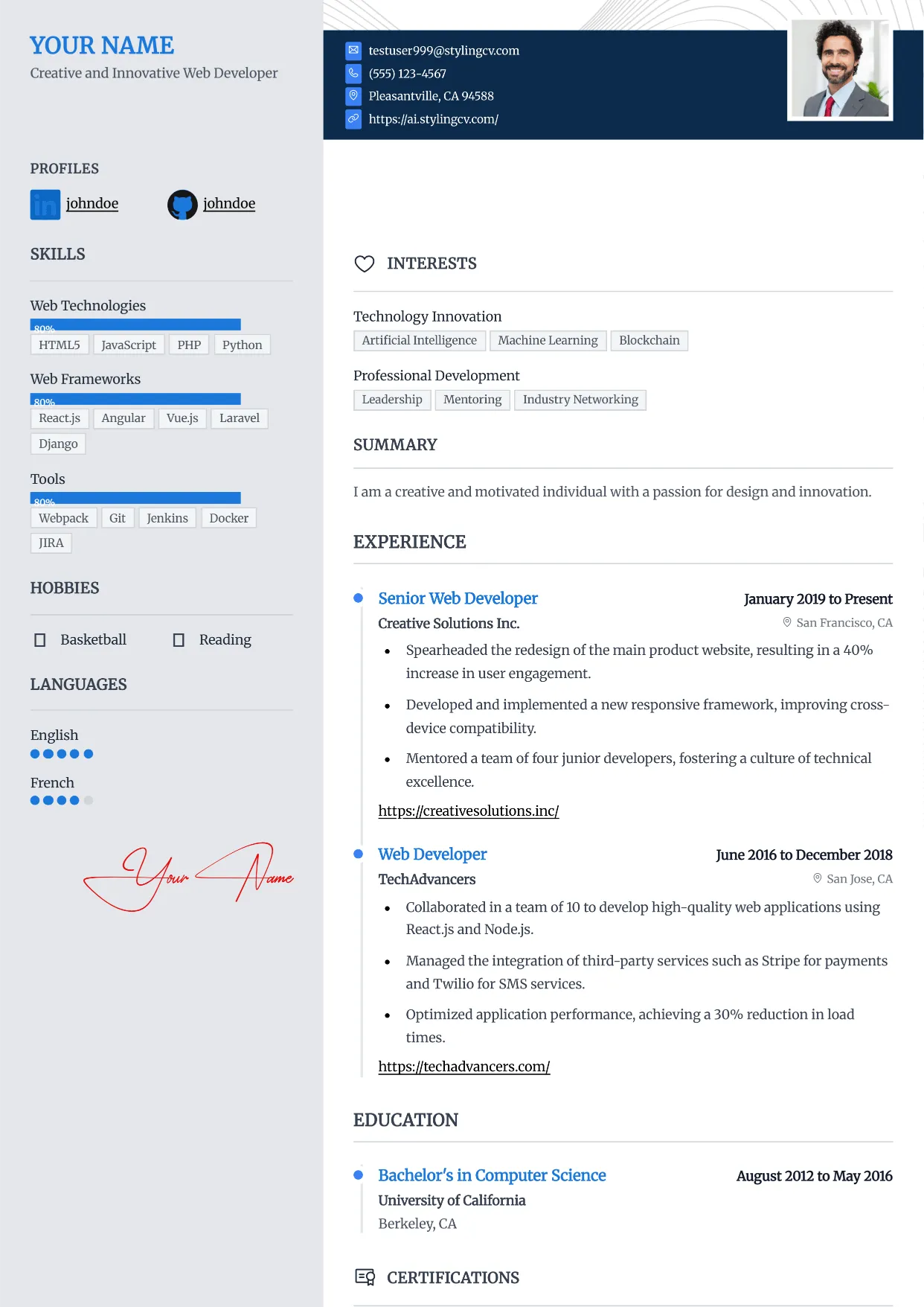
Influx
Dynamic and modern CV template tailored for marketing and communications. A high-flow resume design that beautifully organizes complex career data.
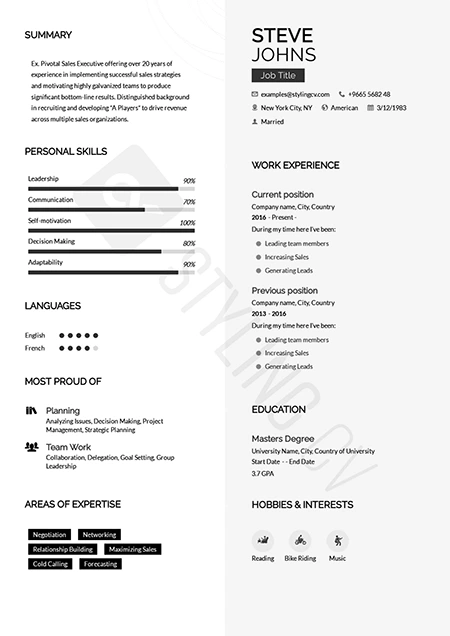
Katrina
Graceful modern resume template designed for personal brand building. A beautifully structured CV format that balances personality with professionalism.
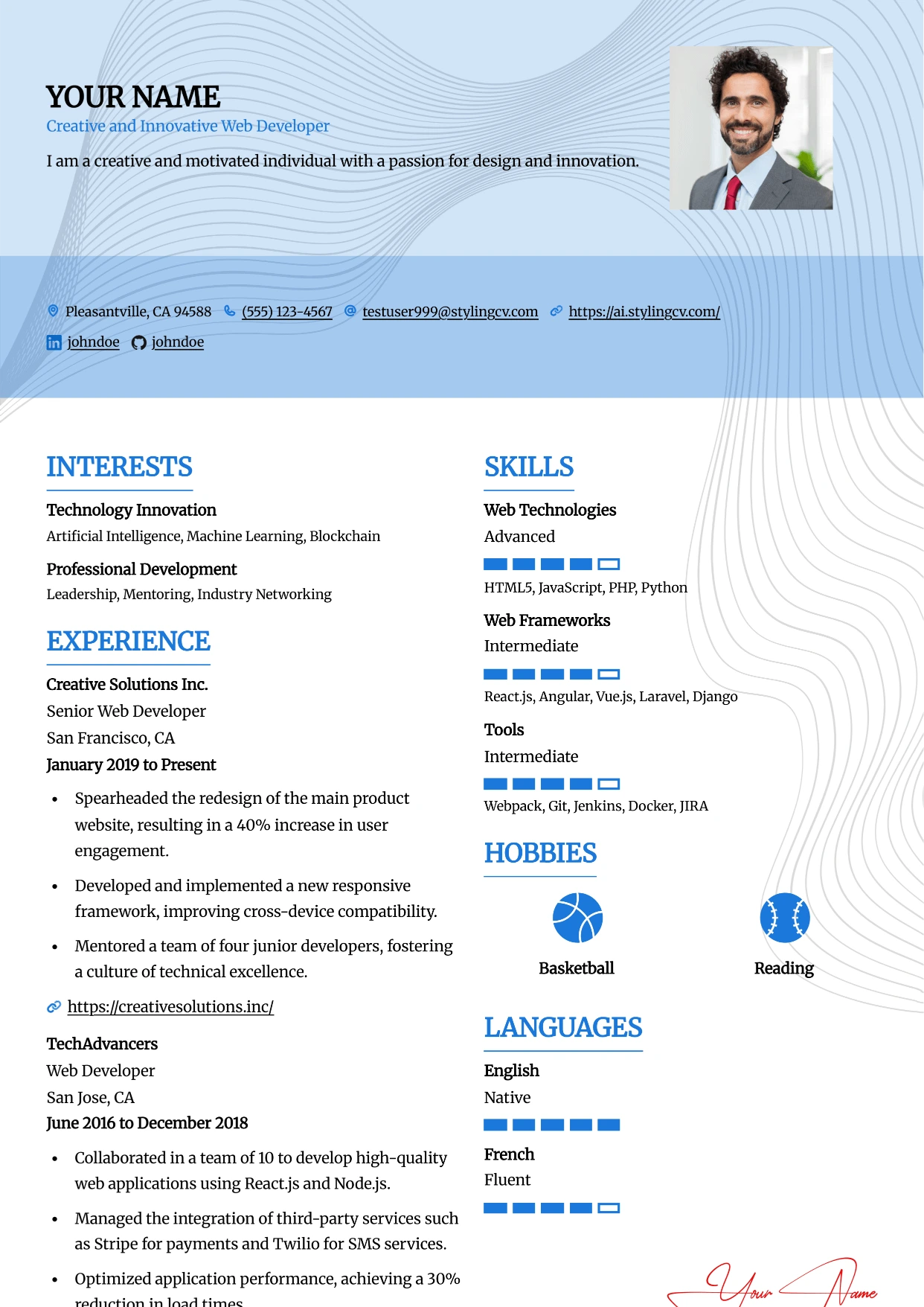
Leafish
Professional and modern resume template optimized for applicant tracking systems. A clean, ATS-friendly CV layout designed to help you land your next interview.
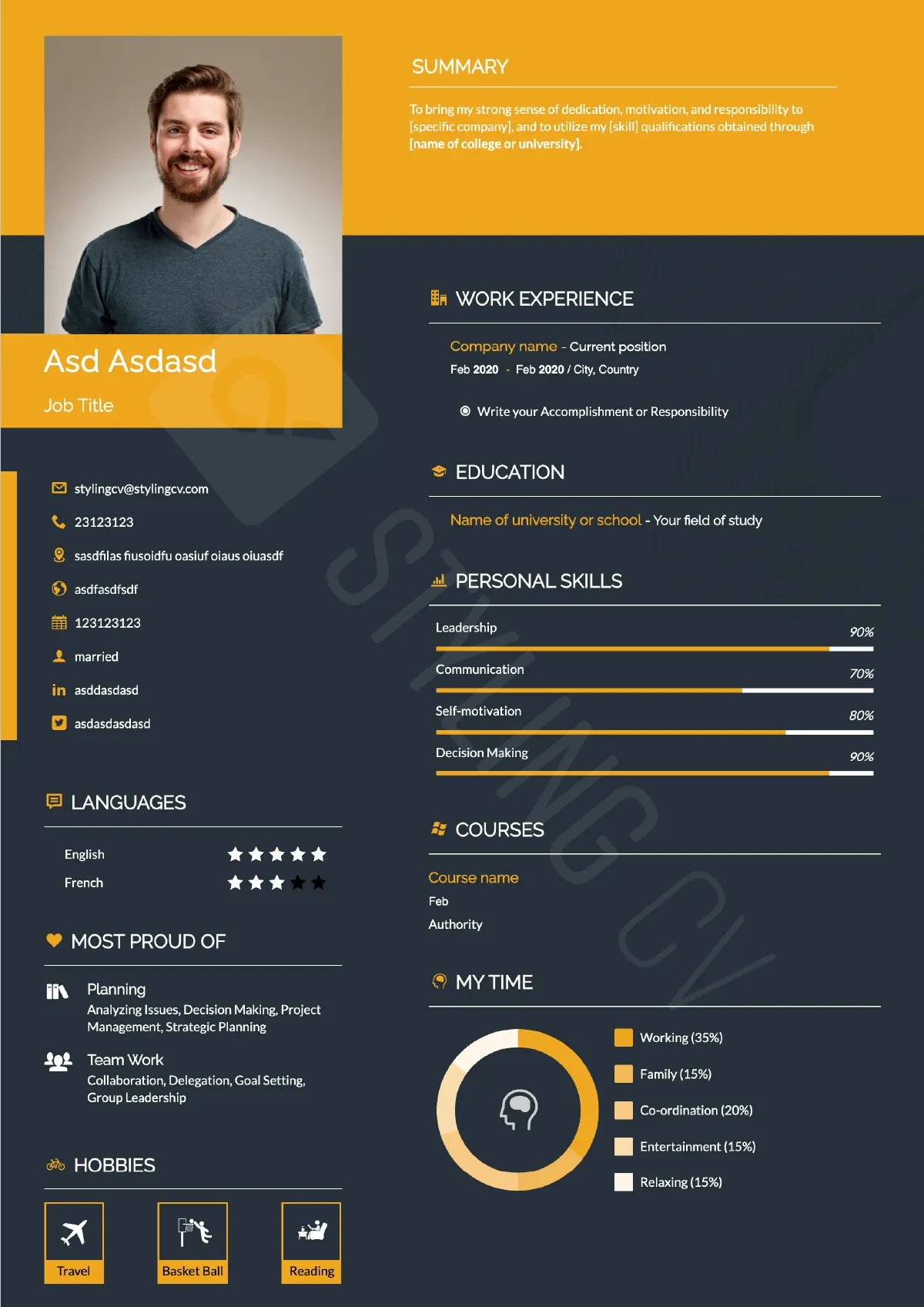
Mark
Strong hierarchical resume template for business development and sales. A high-impact professional CV layout optimized for quantifiable achievements.
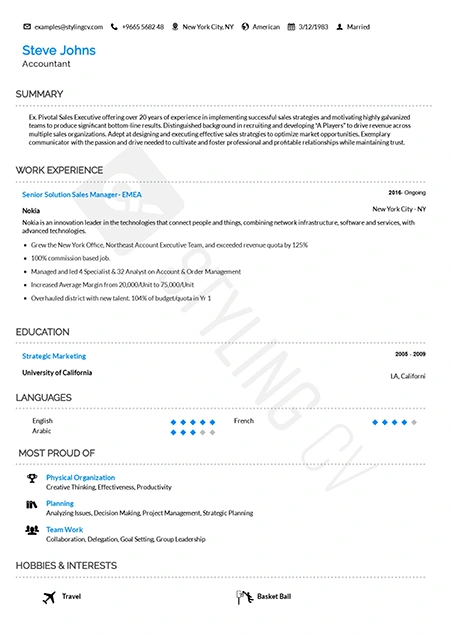
Metrix
Data-driven analytical resume template. The perfect ATS-friendly CV layout for data scientists, financial analysts, and quantitative professionals.
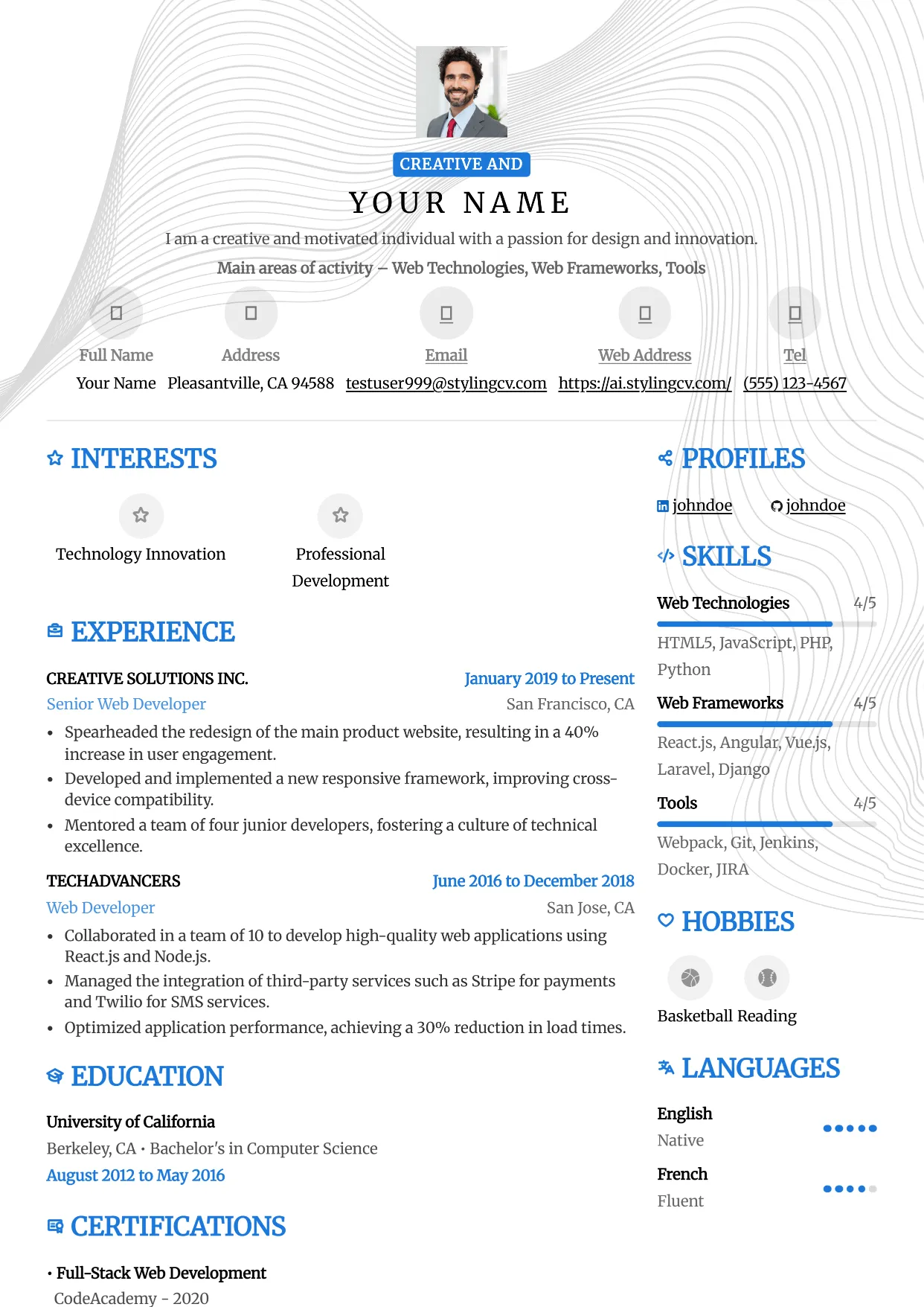
Metro
Professional and modern resume template optimized for applicant tracking systems. A clean, ATS-friendly CV layout designed to help you land your next interview.
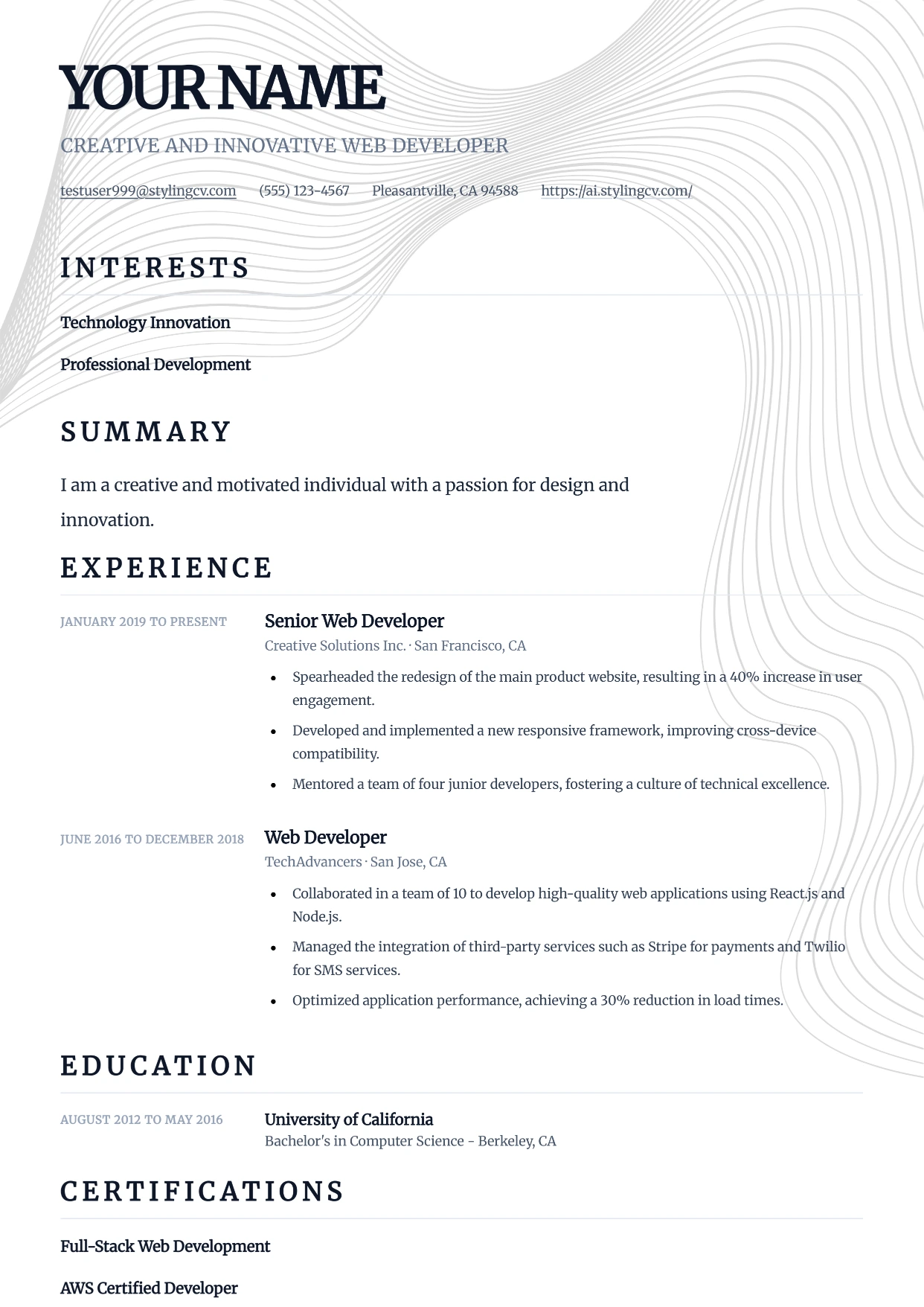
Minimal
Professional and modern resume template optimized for applicant tracking systems. A clean, ATS-friendly CV layout designed to help you land your next interview.
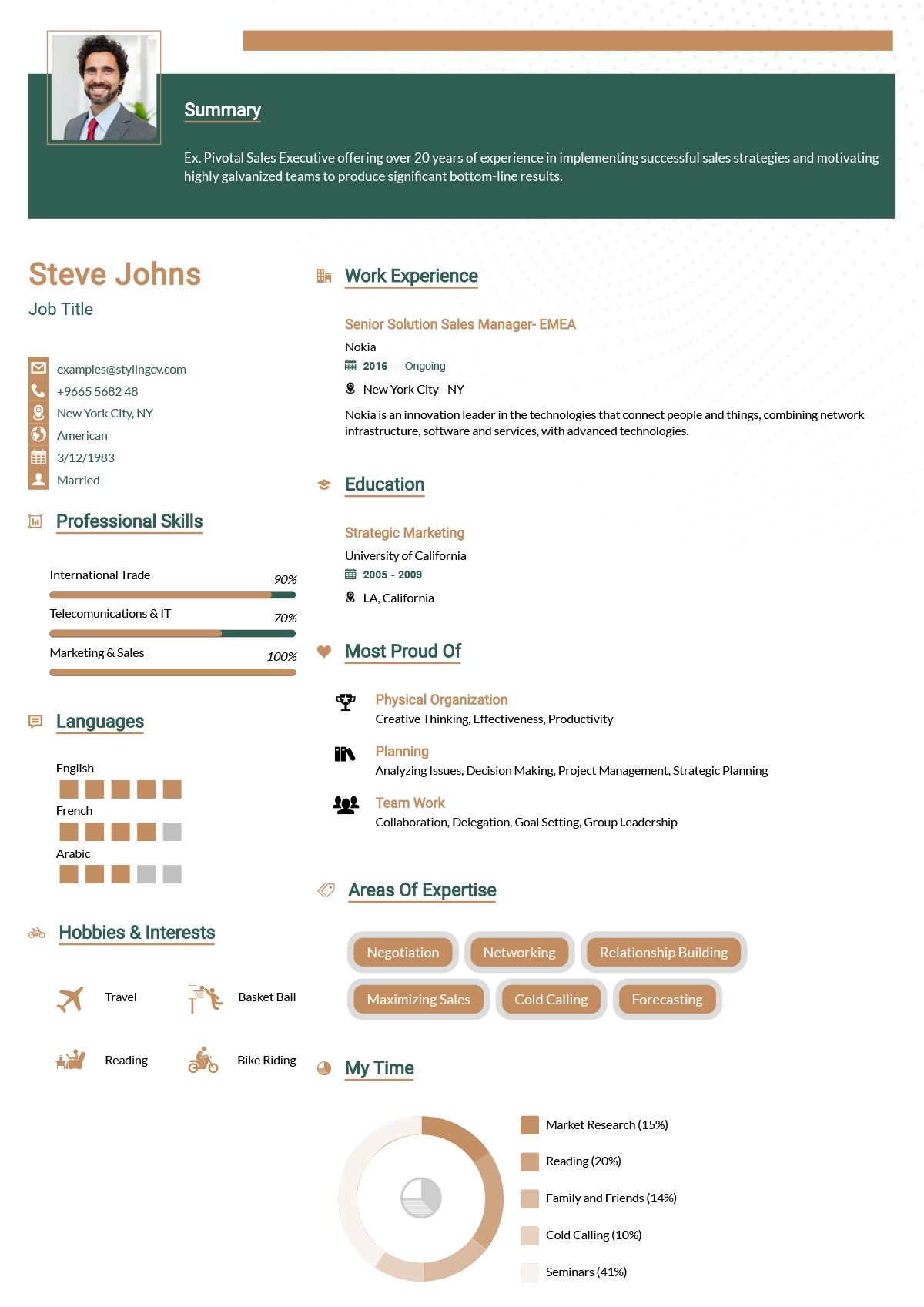
Minimalist
Ultra-clean minimalist resume template optimized for ATS parsing. A simple, no-distraction CV format that lets your professional experience speak for itself.
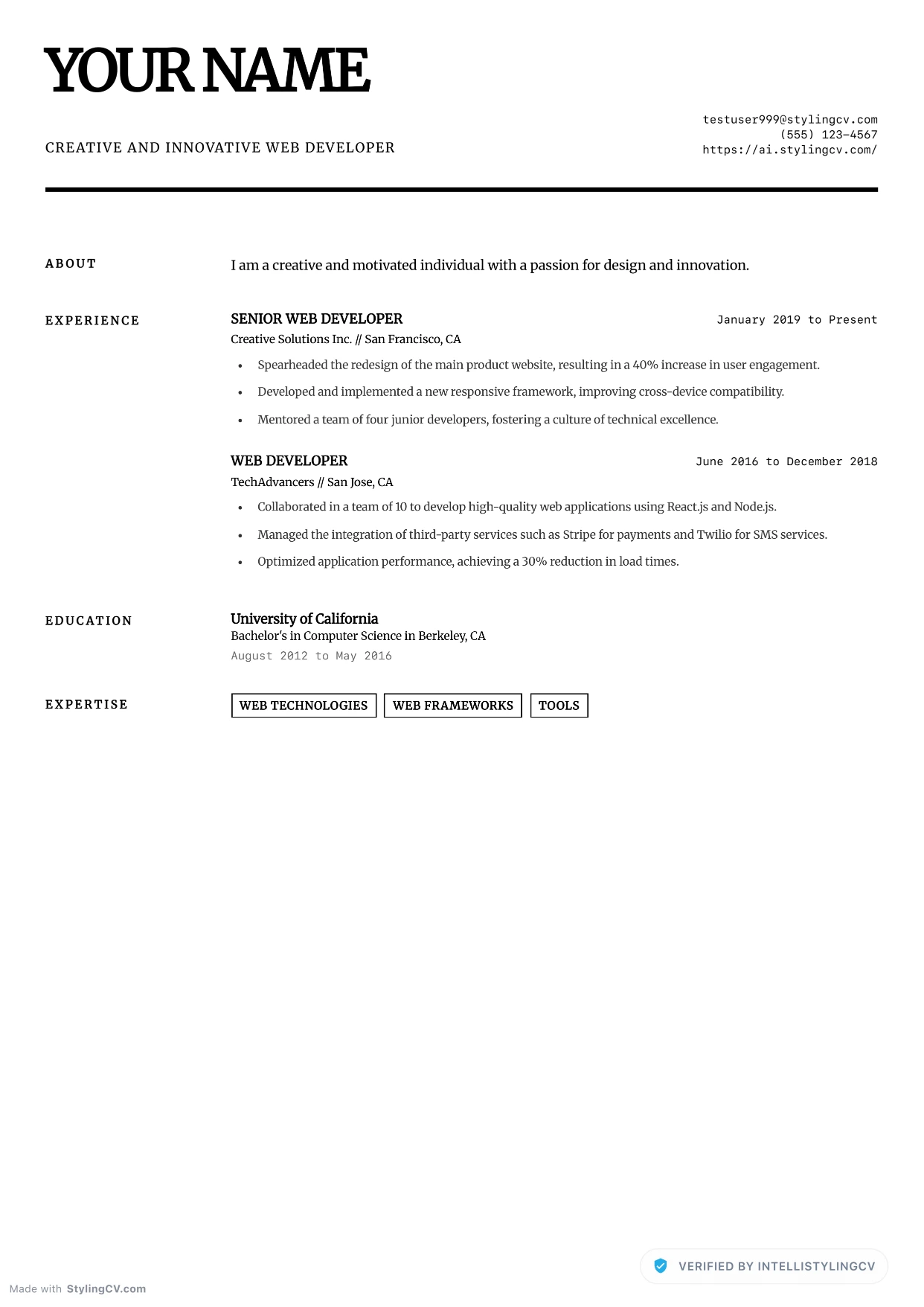
Minimalist Elite
Professional and modern resume template optimized for applicant tracking systems. A clean, ATS-friendly CV layout designed to help you land your next interview.
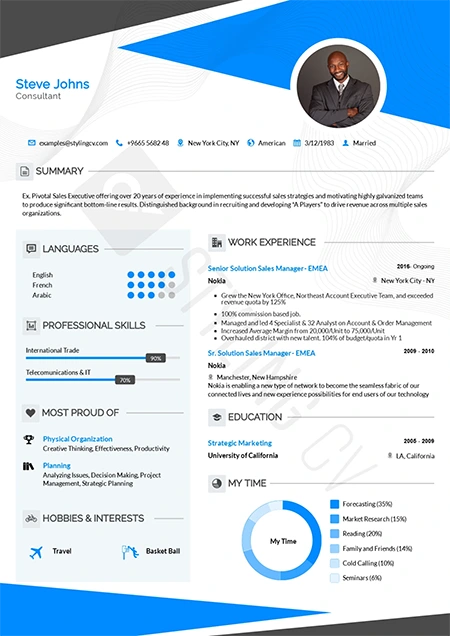
Modern
Contemporary professional resume template for the modern job market. A versatile, clean CV design that works perfectly across all corporate industries.
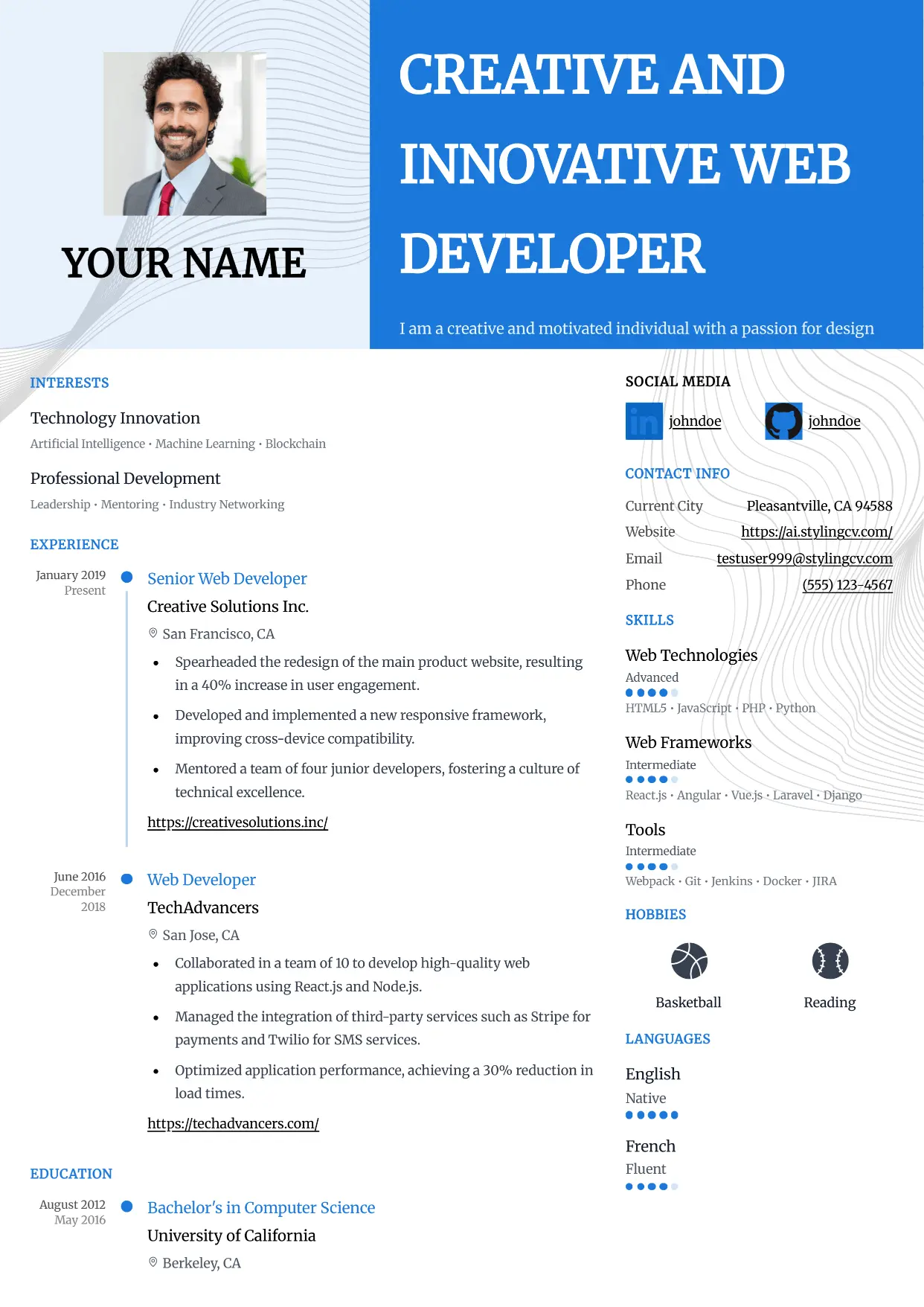
Modern
Contemporary professional resume template for the modern job market. A versatile, clean CV design that works perfectly across all corporate industries.
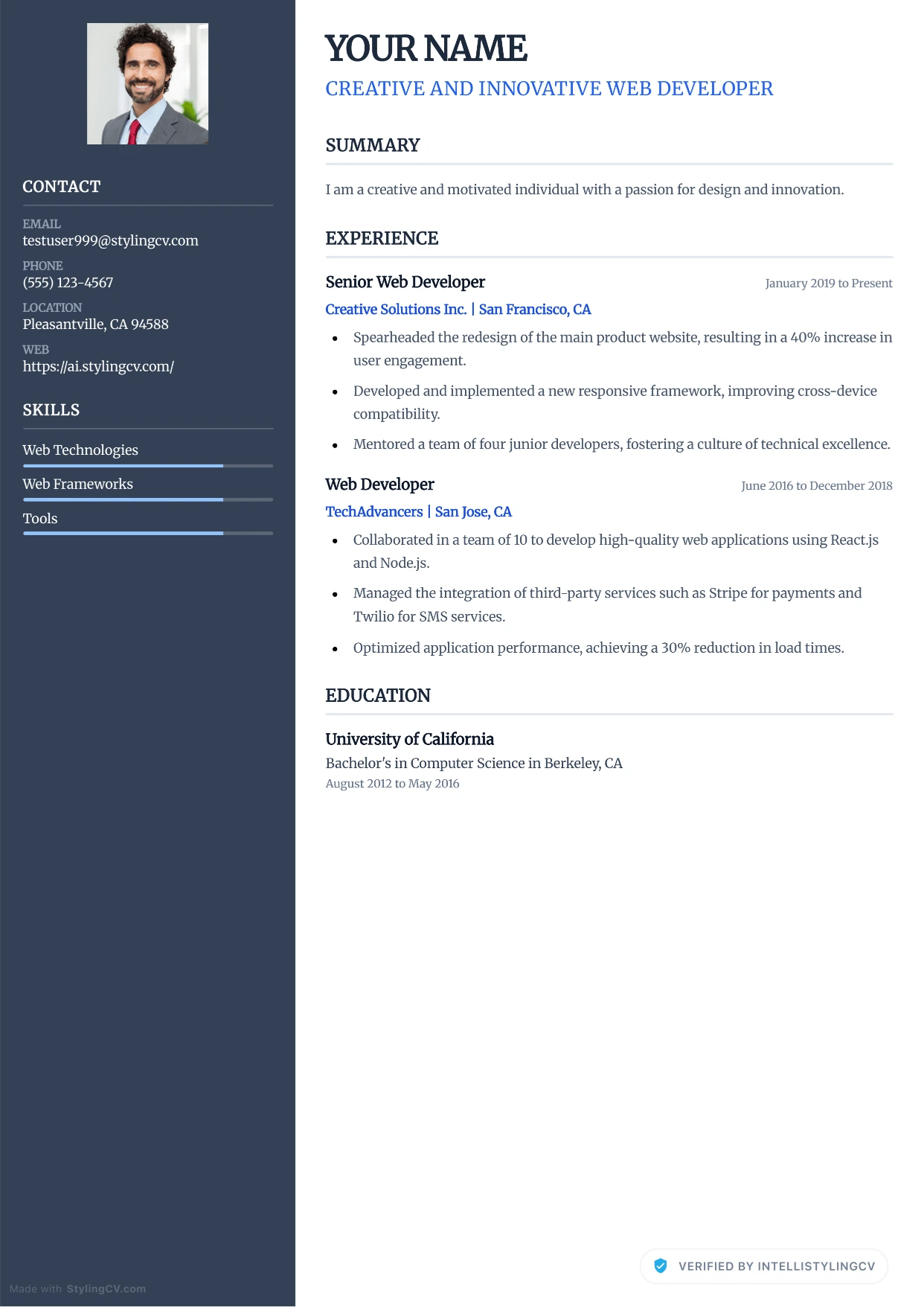
Modern Corporate
Professional and modern resume template optimized for applicant tracking systems. A clean, ATS-friendly CV layout designed to help you land your next interview.
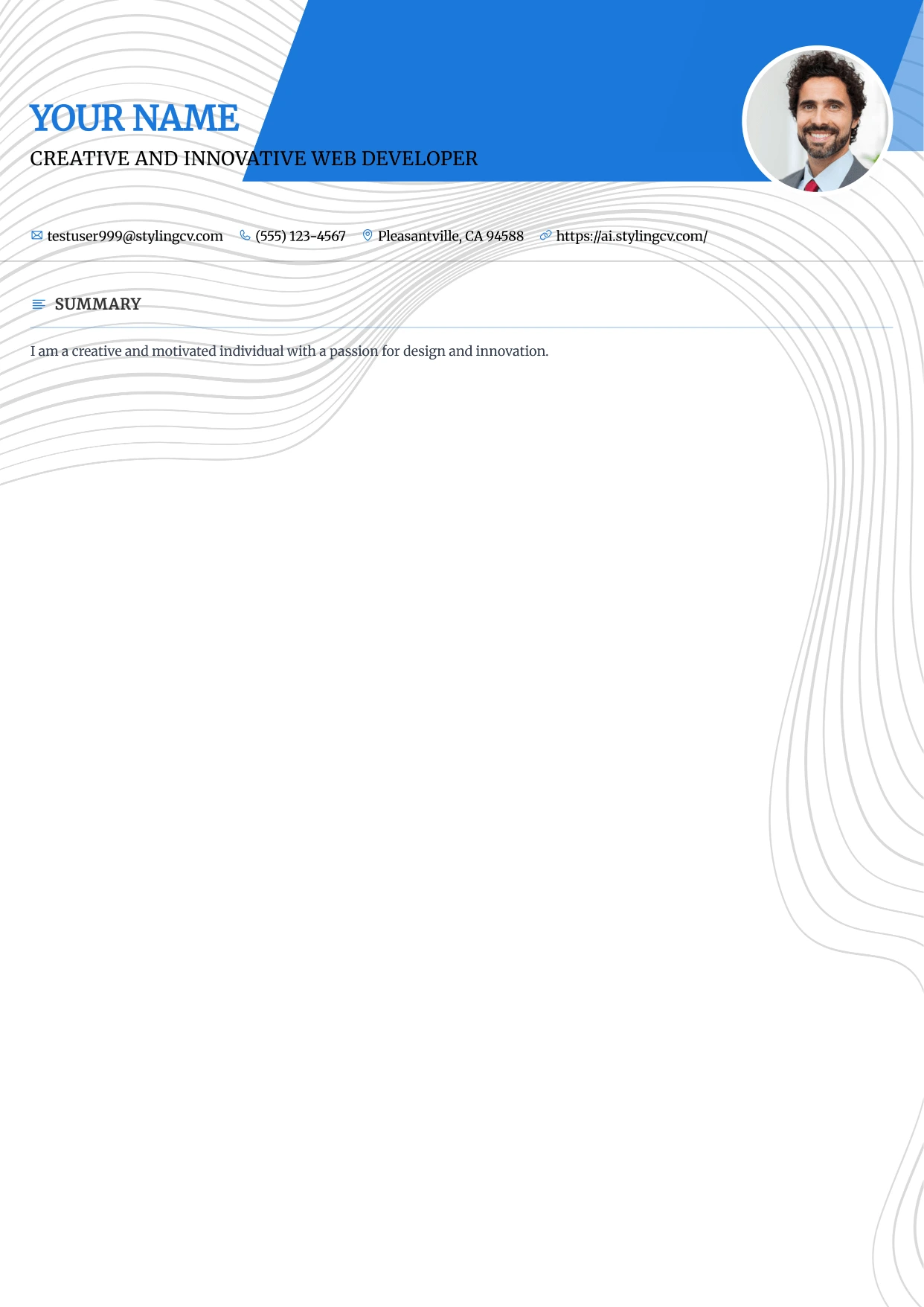
Modern Refined
Professional and modern resume template optimized for applicant tracking systems. A clean, ATS-friendly CV layout designed to help you land your next interview.
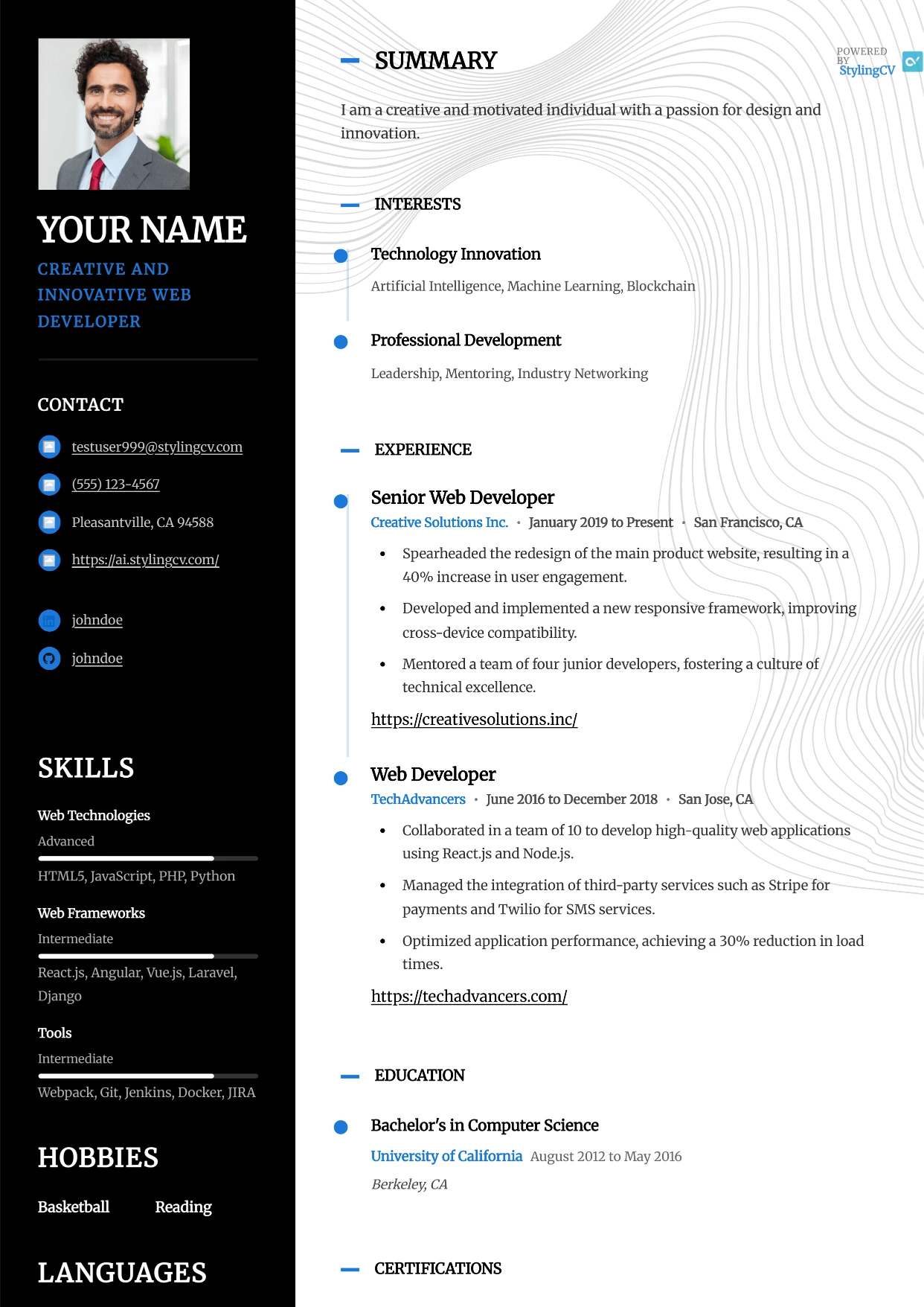
Modernist
Professional and modern resume template optimized for applicant tracking systems. A clean, ATS-friendly CV layout designed to help you land your next interview.
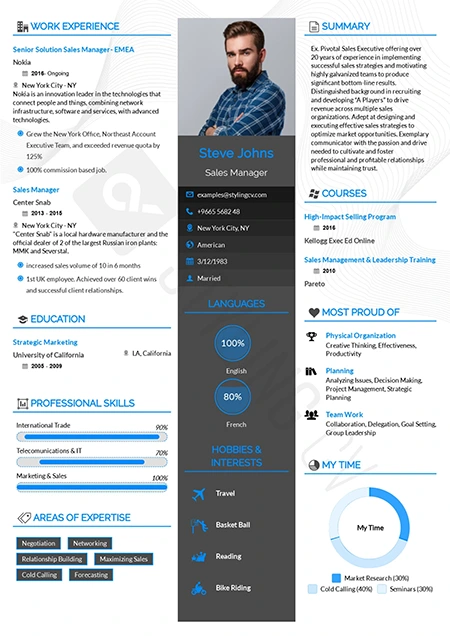
Newcast
Fresh and modern resume format for broadcasting, media, and tech. A highly readable CV template designed to effectively showcase diverse skill sets.
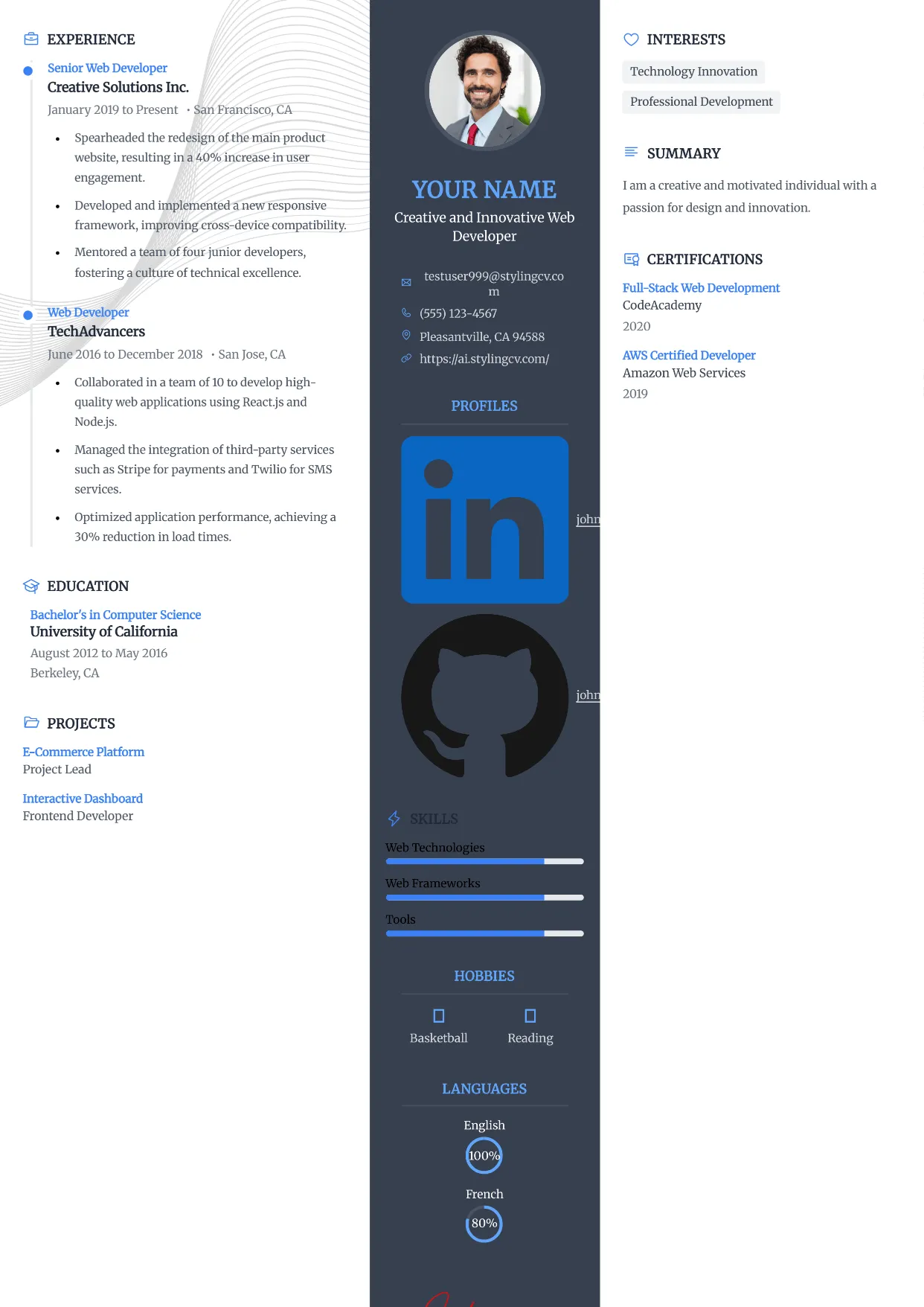
Newcast
Fresh and modern resume format for broadcasting, media, and tech. A highly readable CV template designed to effectively showcase diverse skill sets.
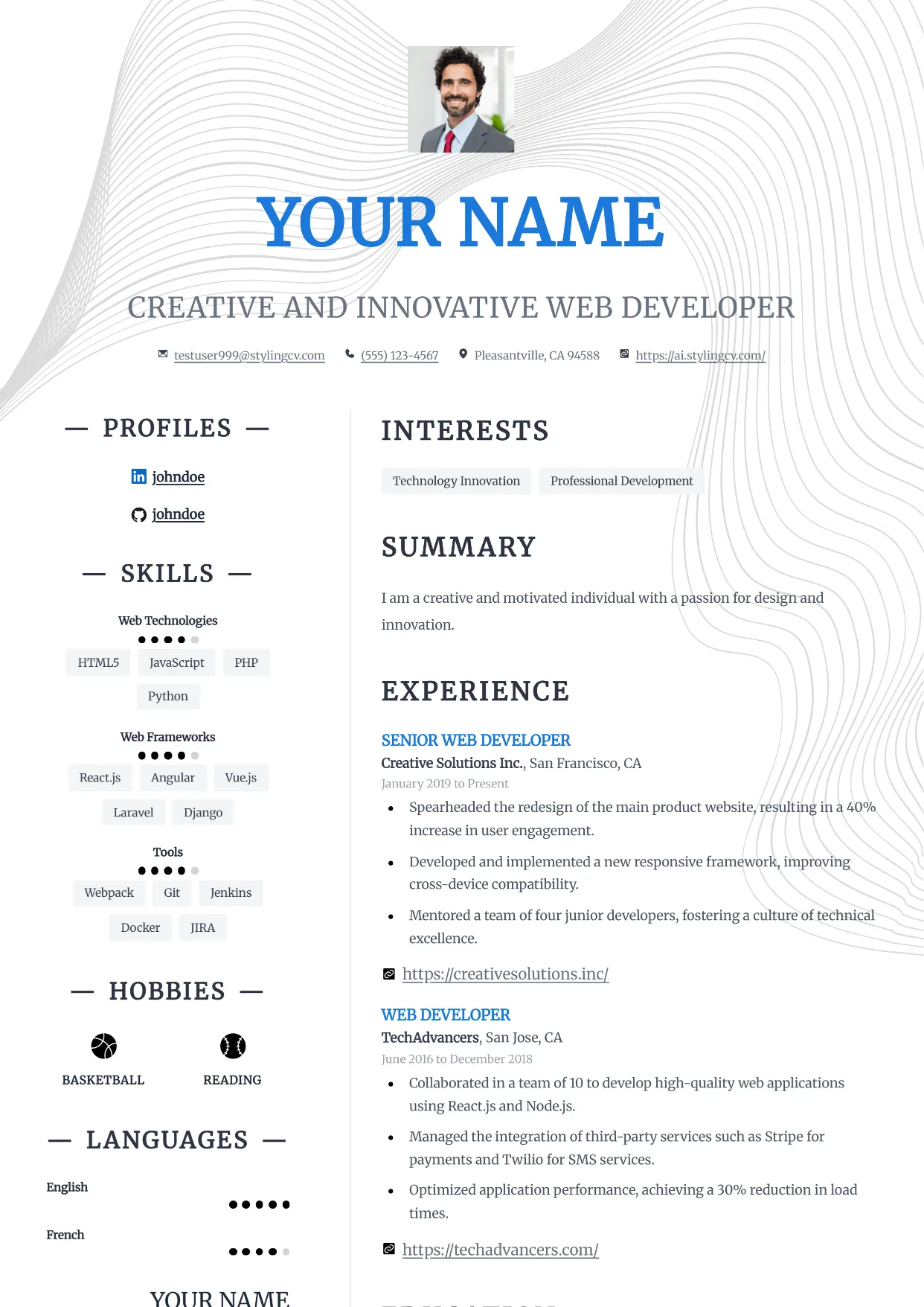
Nexus
Professional and modern resume template optimized for applicant tracking systems. A clean, ATS-friendly CV layout designed to help you land your next interview.
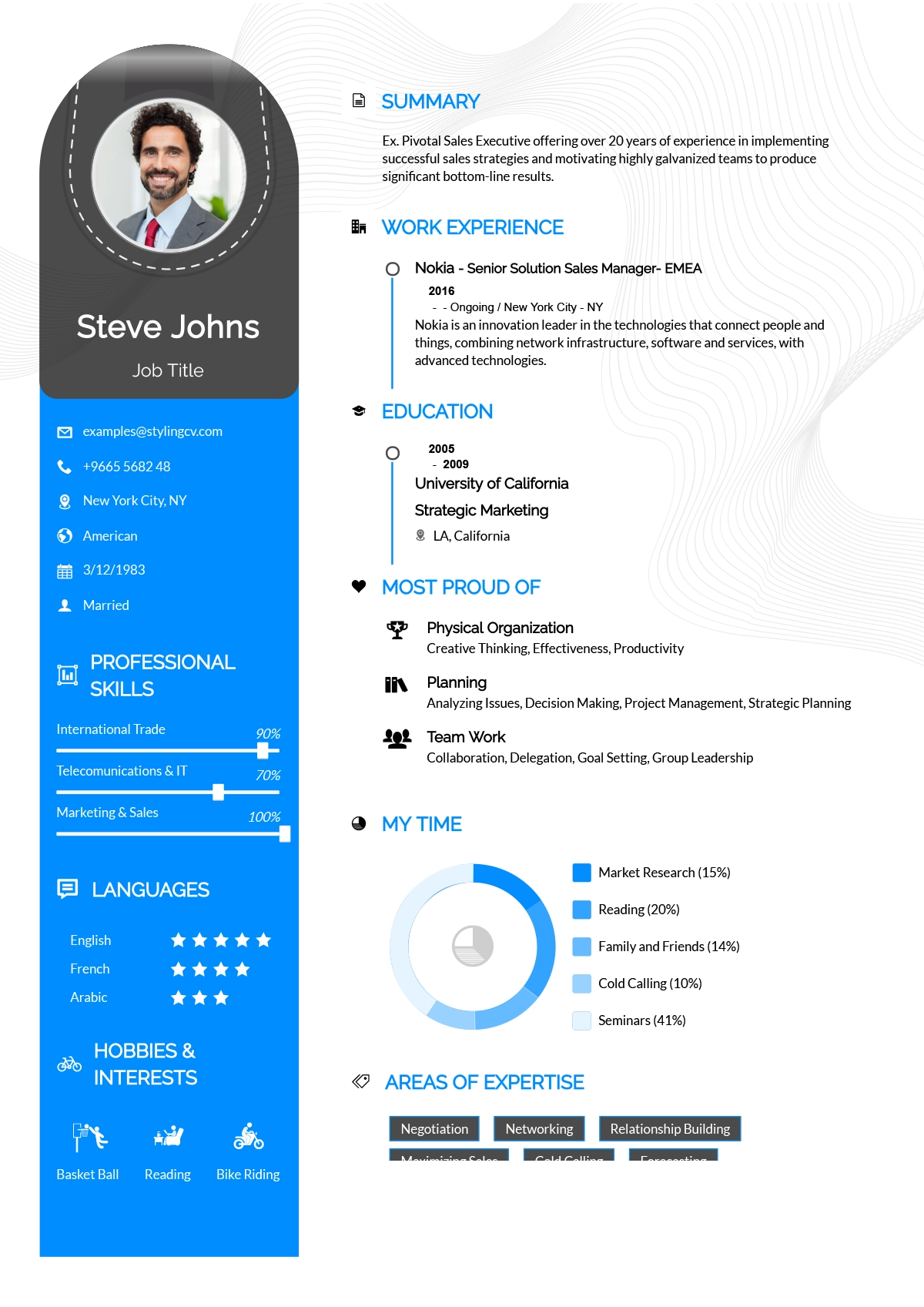
Noon
Bright and optimistic creative resume template. A modern, engaging CV layout designed to help entry-level and customer-service professionals stand out.
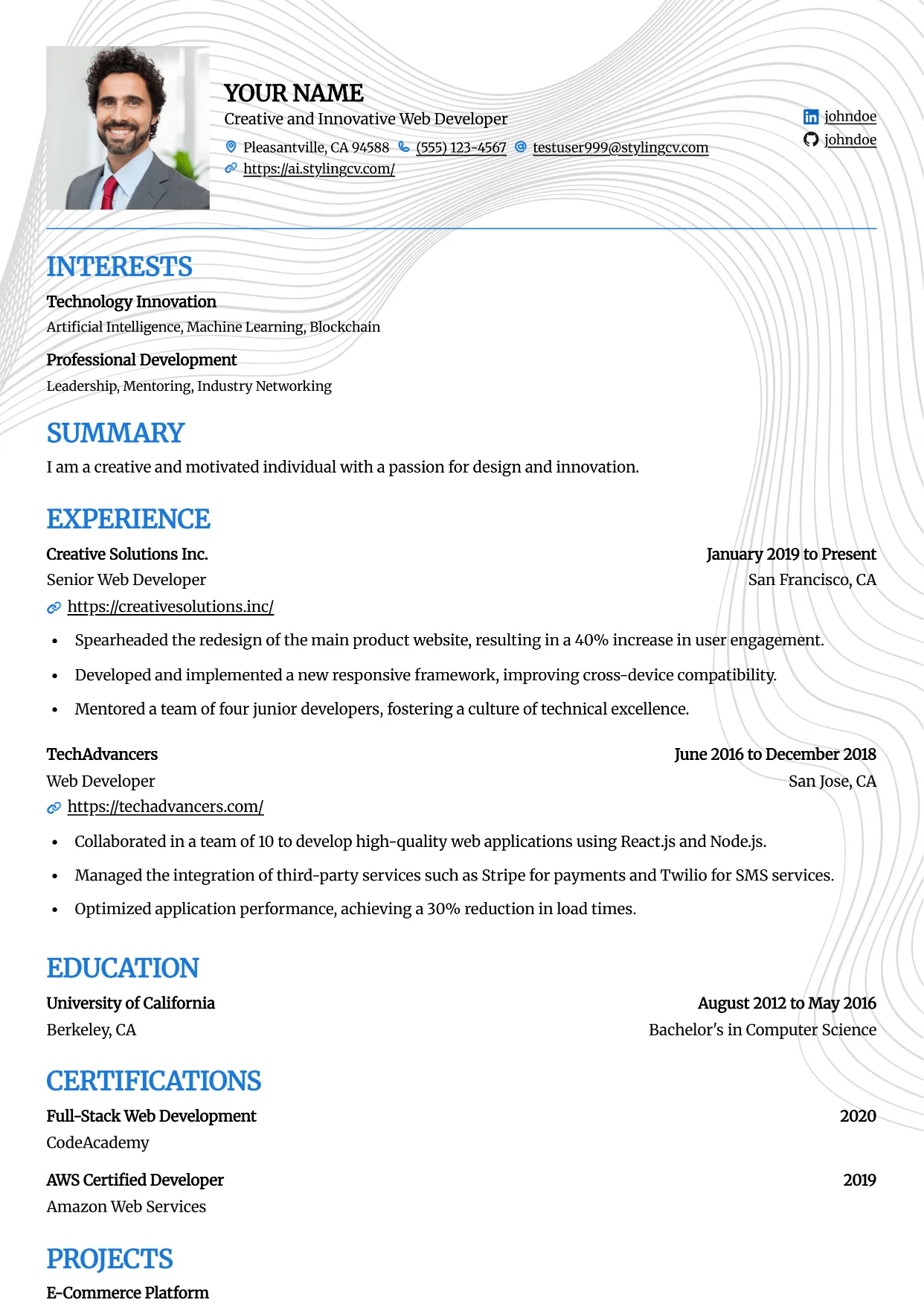
Onyx
Professional and modern resume template optimized for applicant tracking systems. A clean, ATS-friendly CV layout designed to help you land your next interview.
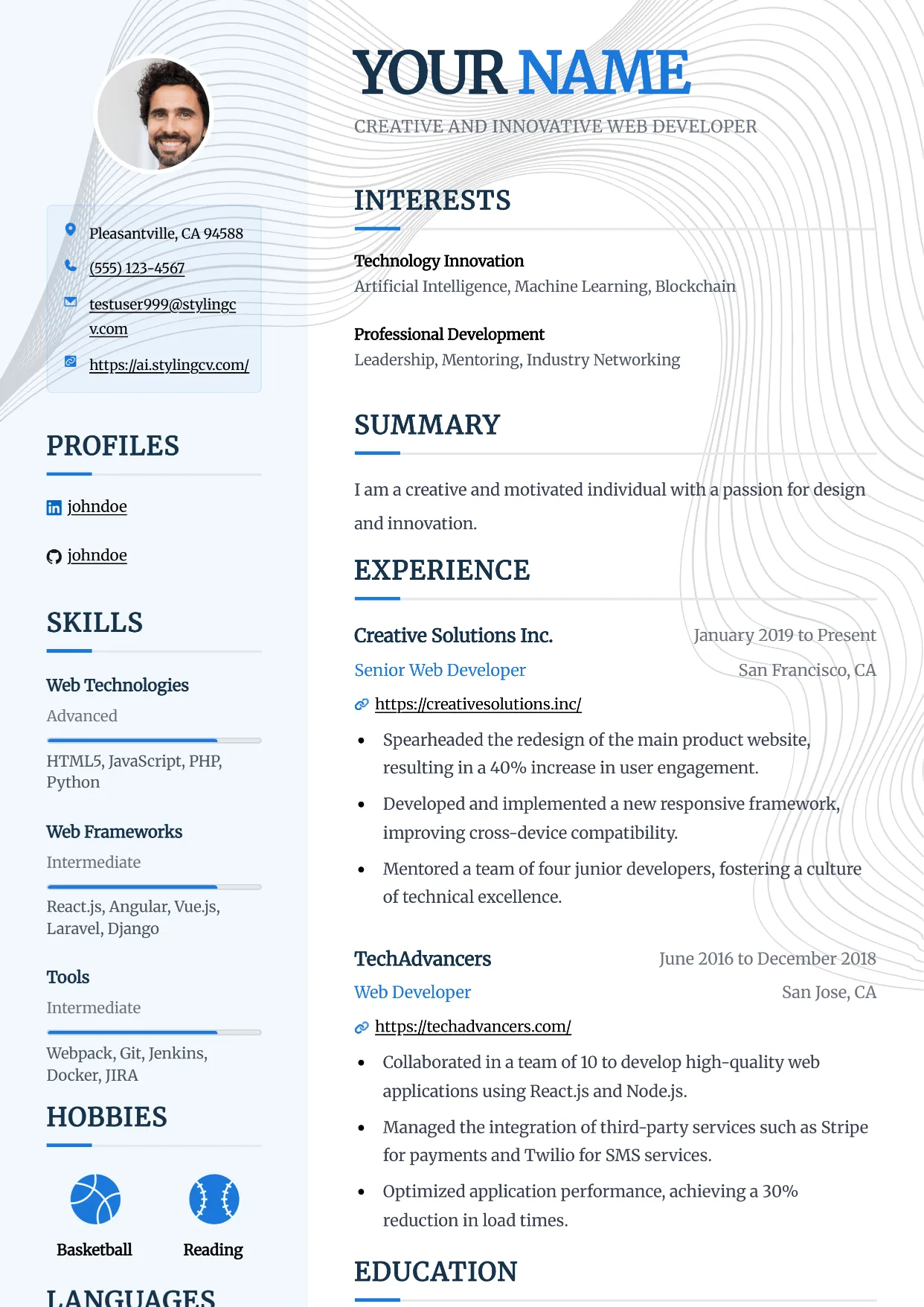
Pinnacle
Professional and modern resume template optimized for applicant tracking systems. A clean, ATS-friendly CV layout designed to help you land your next interview.
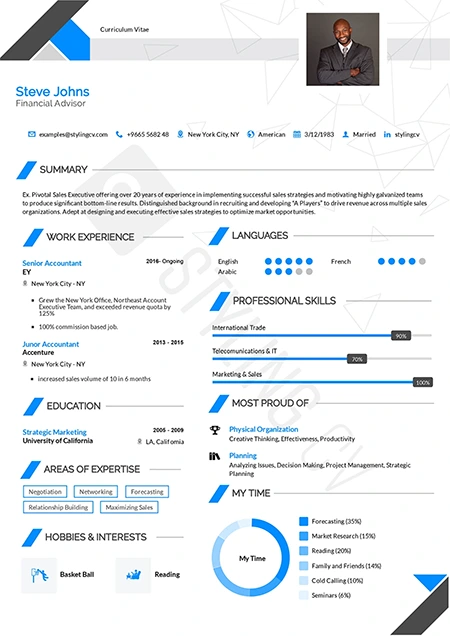
Polygon
Structured geometric resume template tailored for STEM professionals. An excellent modern CV layout for engineers, architects, and technical specialists.
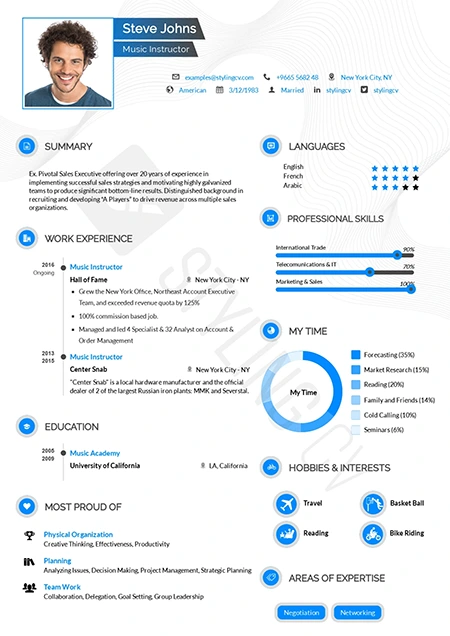
Pre Classic
Traditional resume format with subtle modern design touches. A highly effective, conservative CV template perfect for finance and government applications.

Prism
Professional and modern resume template optimized for applicant tracking systems. A clean, ATS-friendly CV layout designed to help you land your next interview.
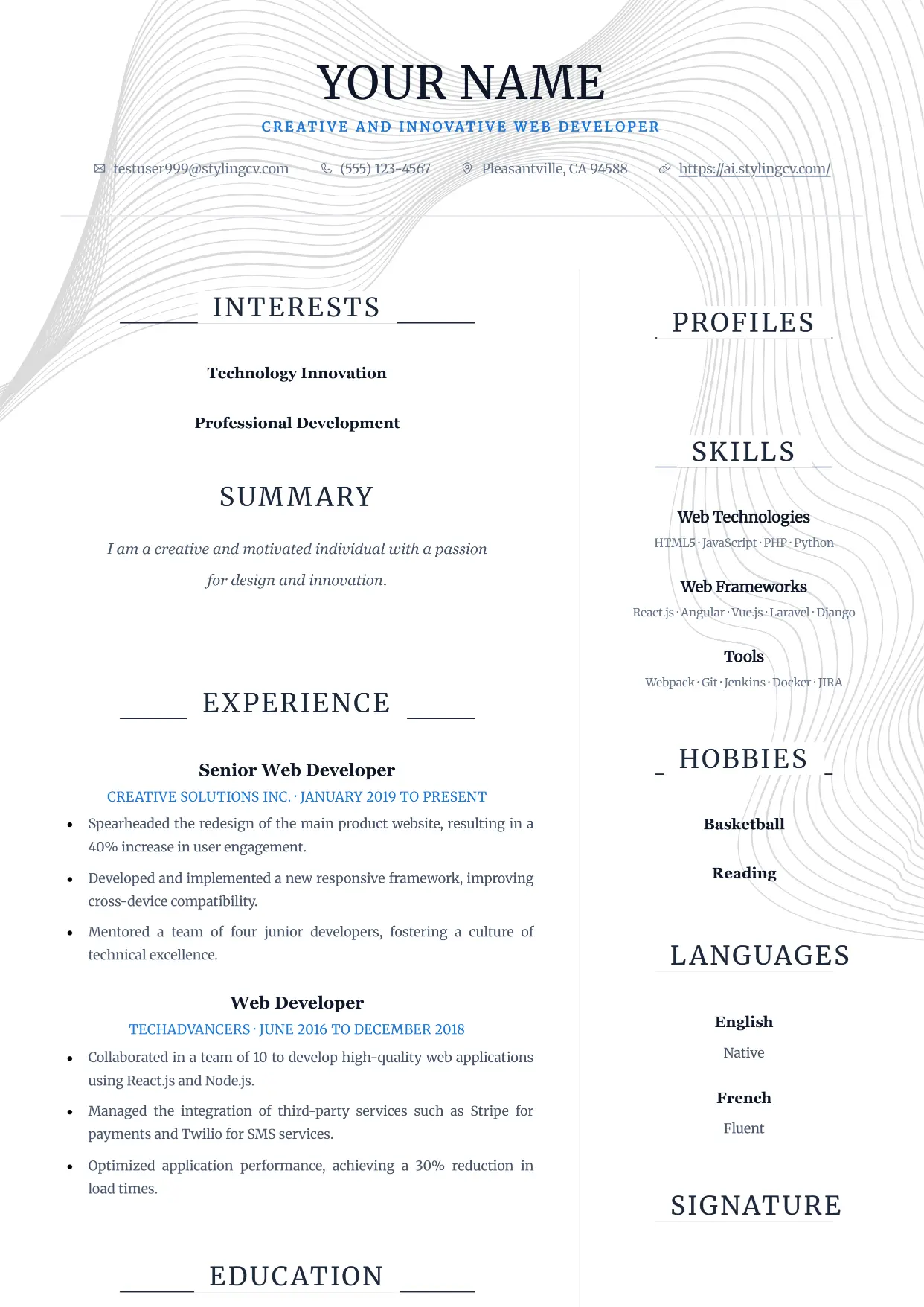
Pure
Professional and modern resume template optimized for applicant tracking systems. A clean, ATS-friendly CV layout designed to help you land your next interview.
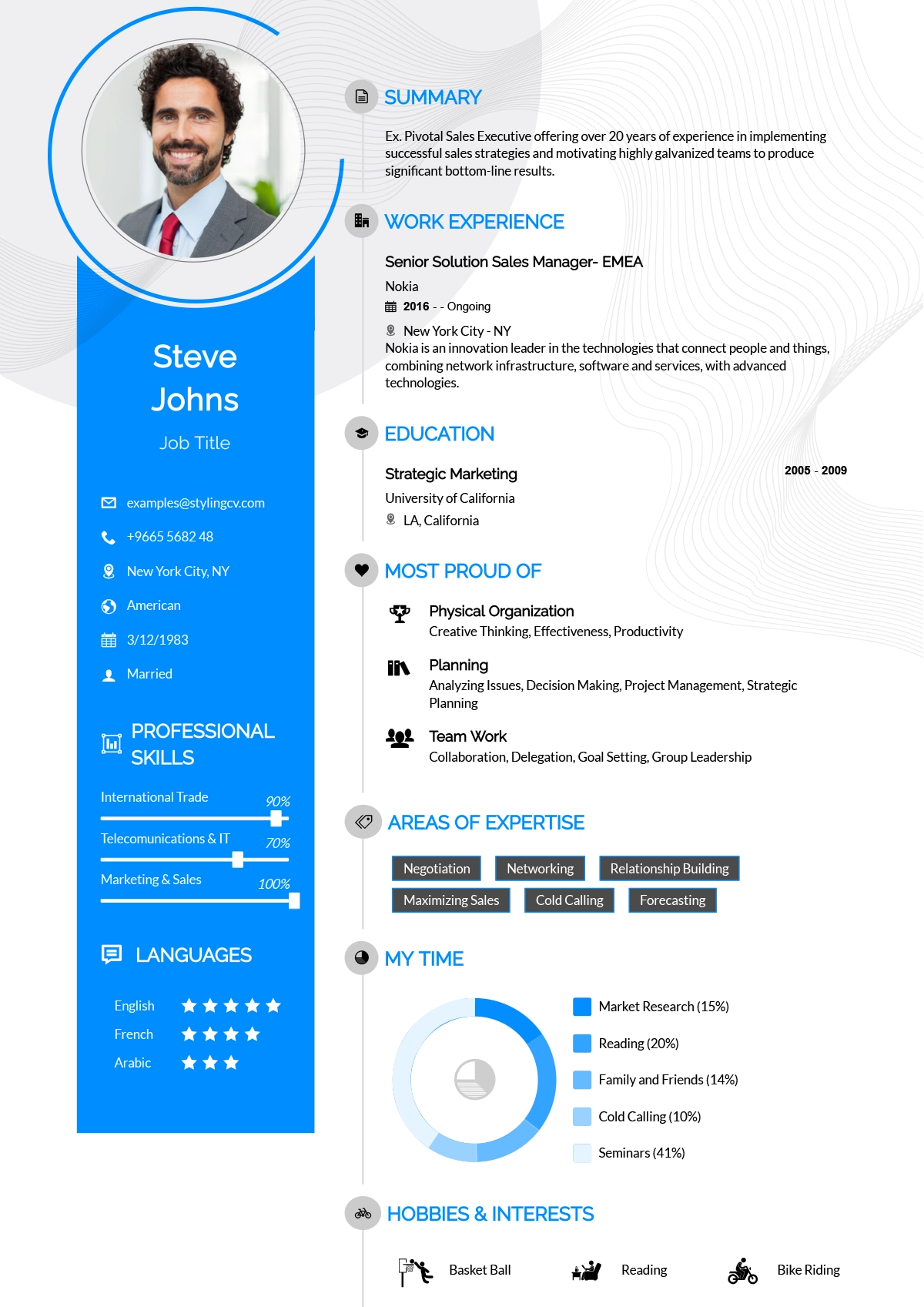
Rayhan
Comprehensive professional resume template for senior-level candidates. A detailed CV layout designed to handle extensive work history and academic backgrounds.
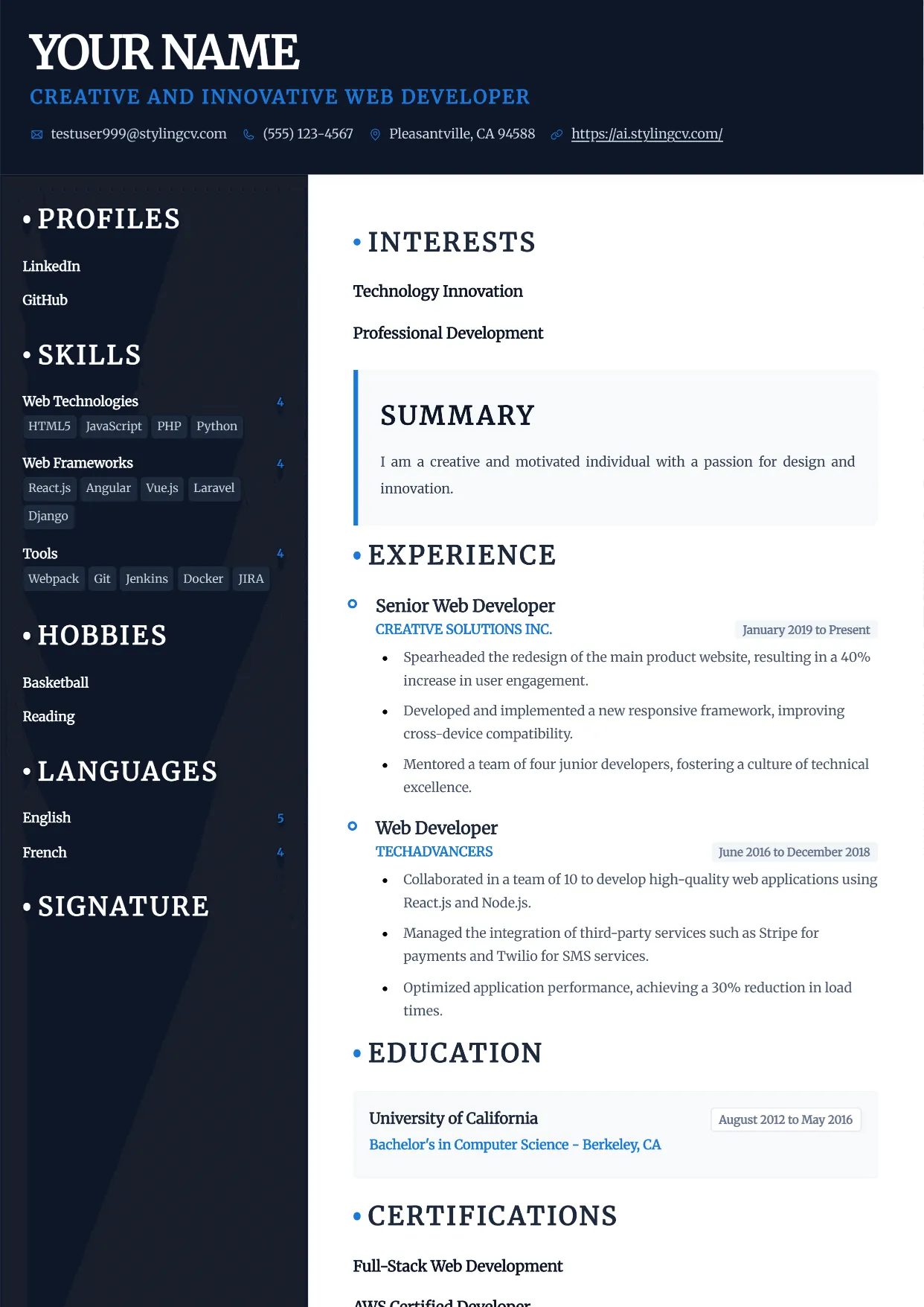
Rayhan
Comprehensive professional resume template for senior-level candidates. A detailed CV layout designed to handle extensive work history and academic backgrounds.
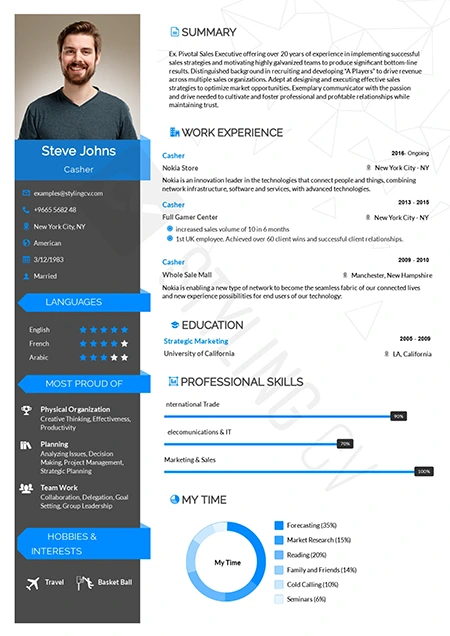
Rebbo
Playful yet professional modern resume template. An engaging CV layout perfectly suited for startup environments, tech companies, and creative agencies.
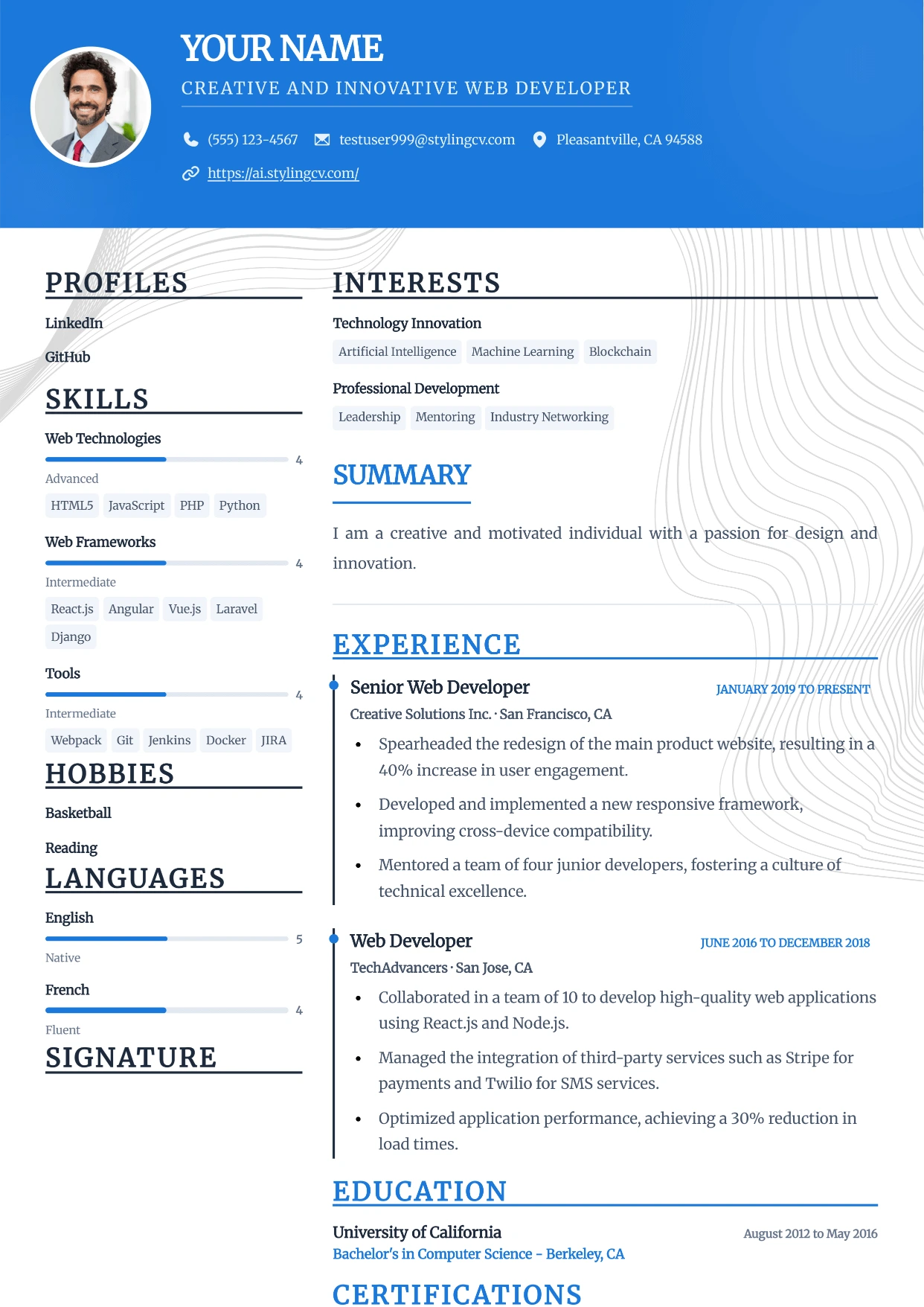
Sidebar
Professional and modern resume template optimized for applicant tracking systems. A clean, ATS-friendly CV layout designed to help you land your next interview.
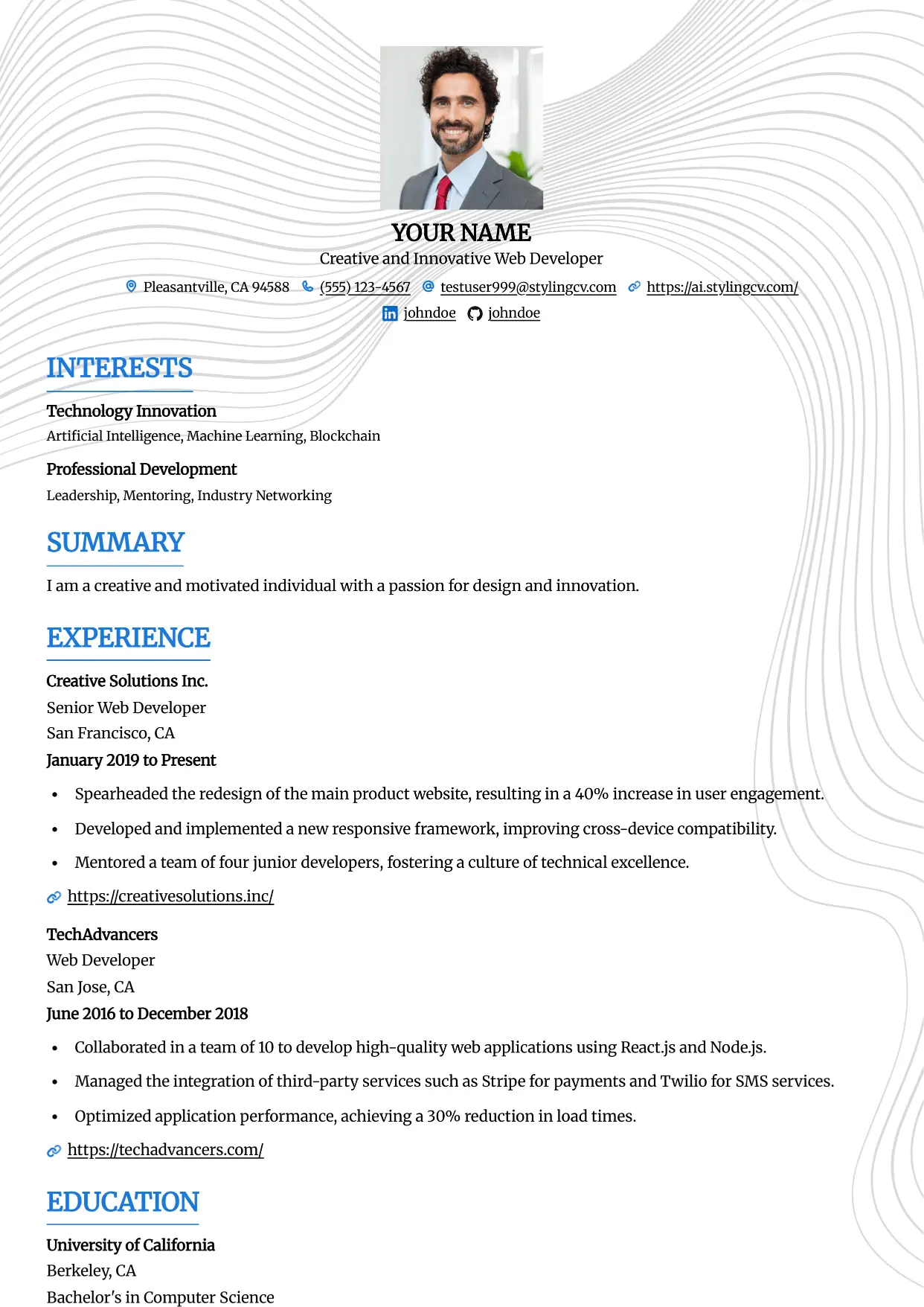
Simple
Professional and modern resume template optimized for applicant tracking systems. A clean, ATS-friendly CV layout designed to help you land your next interview.
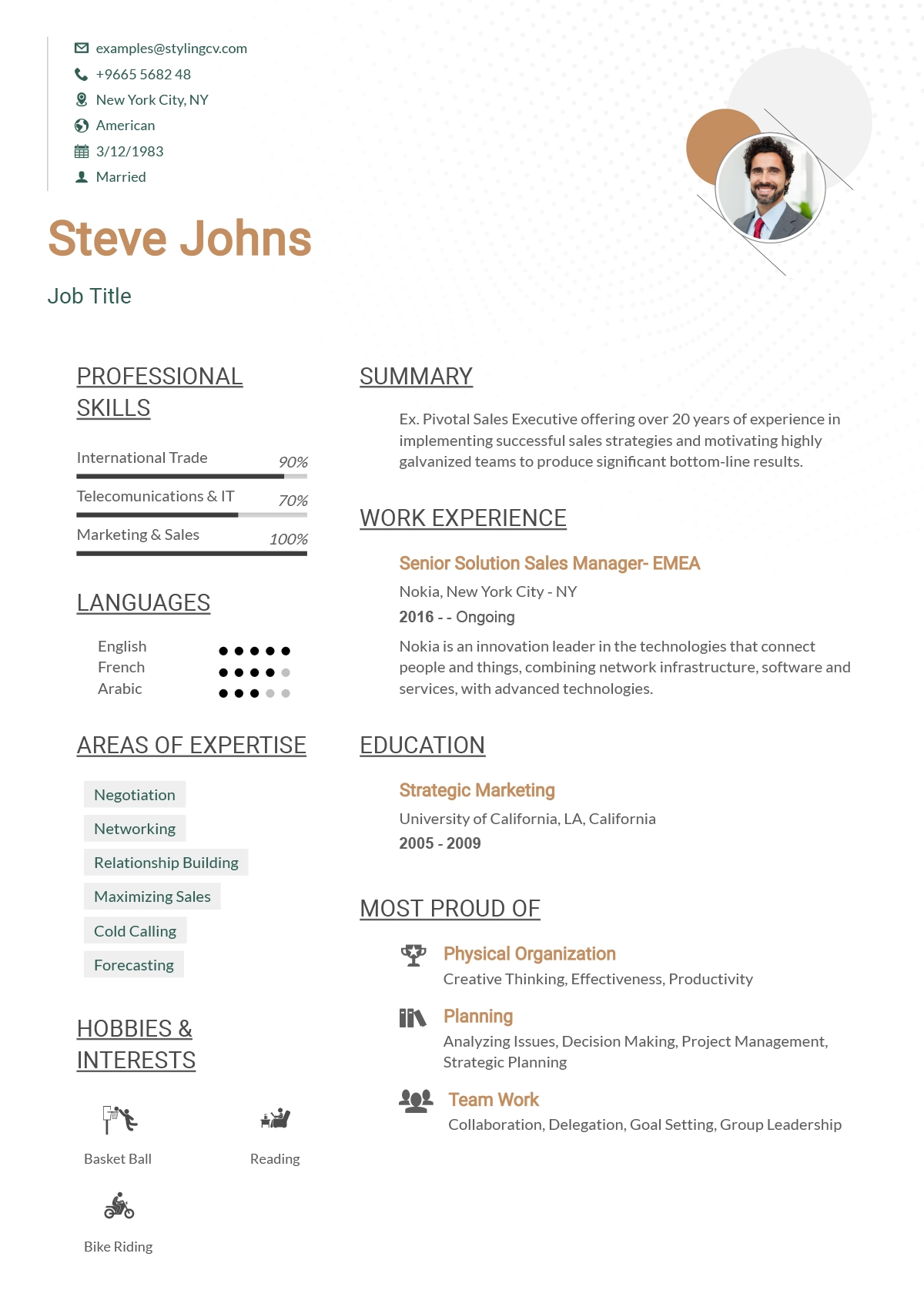
Simplified
Streamlined, straightforward ATS resume template. A highly effective, minimalist CV format designed to beat digital screeners and applicant tracking systems.
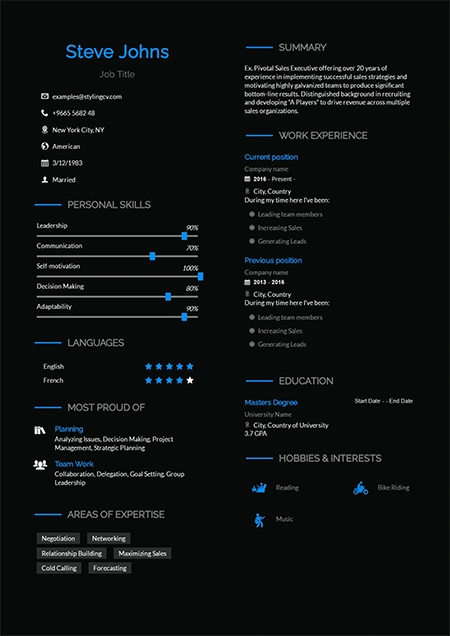
Sireva
Flowing and elegant creative resume template. A beautifully designed CV layout perfect for creative directors, brand managers, and design leads.
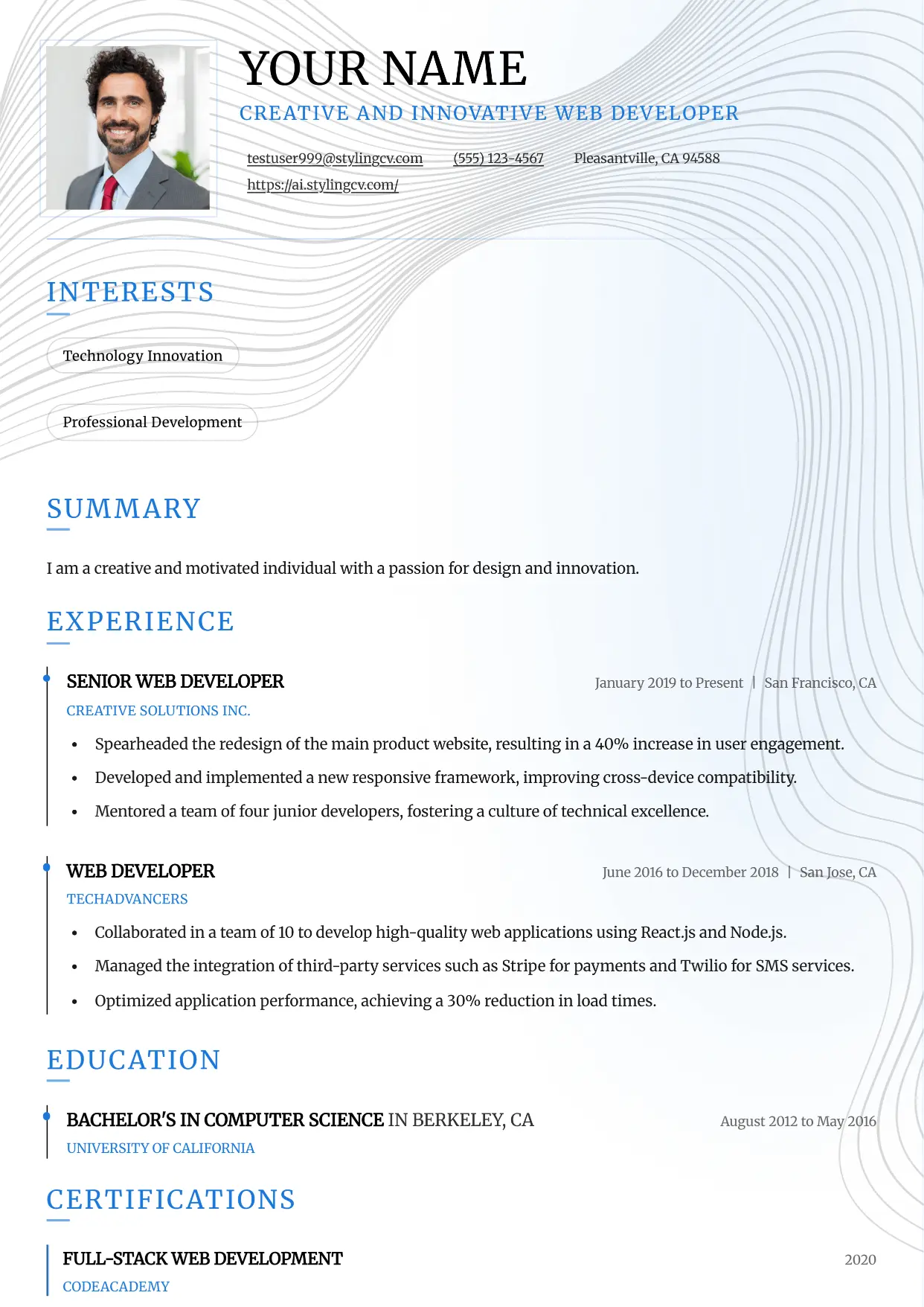
Slate
Professional and modern resume template optimized for applicant tracking systems. A clean, ATS-friendly CV layout designed to help you land your next interview.
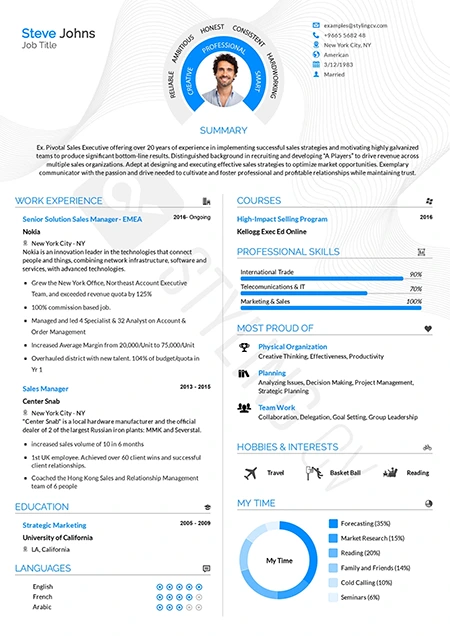
Smart
Intelligent, highly organized resume template for academic and research roles. A professional CV layout designed to emphasize education and publications.
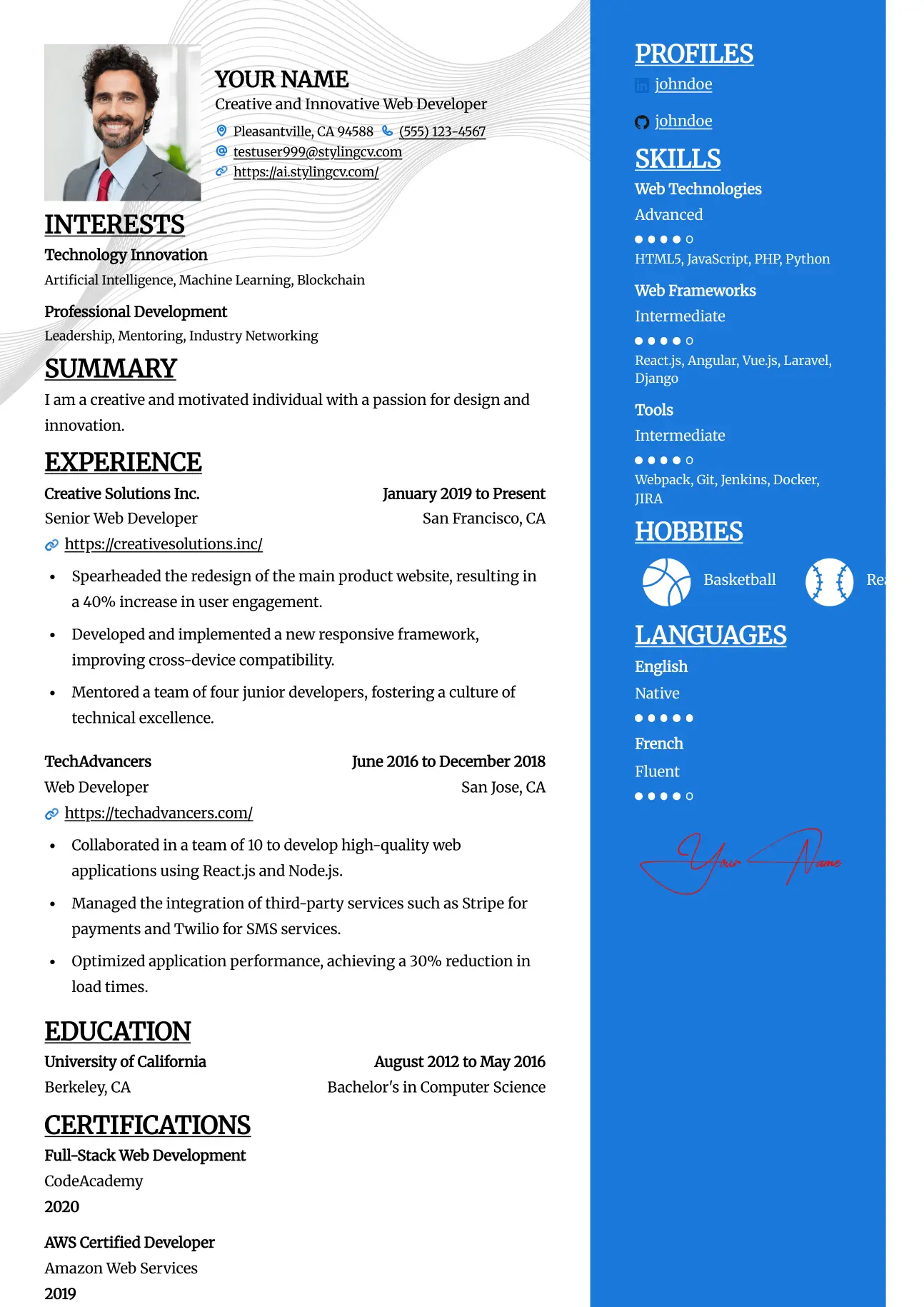
Split
Professional and modern resume template optimized for applicant tracking systems. A clean, ATS-friendly CV layout designed to help you land your next interview.
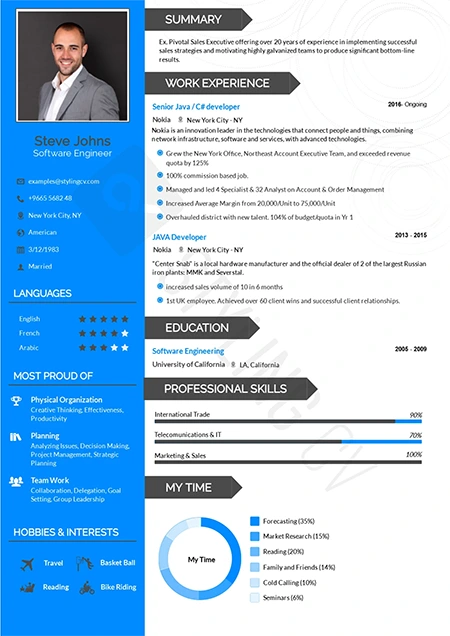
Standard
The gold standard ATS-friendly resume template. A universally accepted, traditional CV format guaranteed to parse flawlessly in all HR software systems.
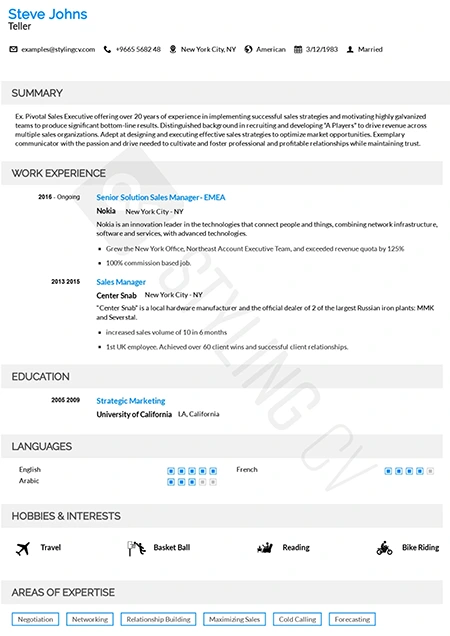
Static
High-readability professional resume template preferred by corporate recruiters. A clean, structured CV layout optimized for quick scanning and comprehension.
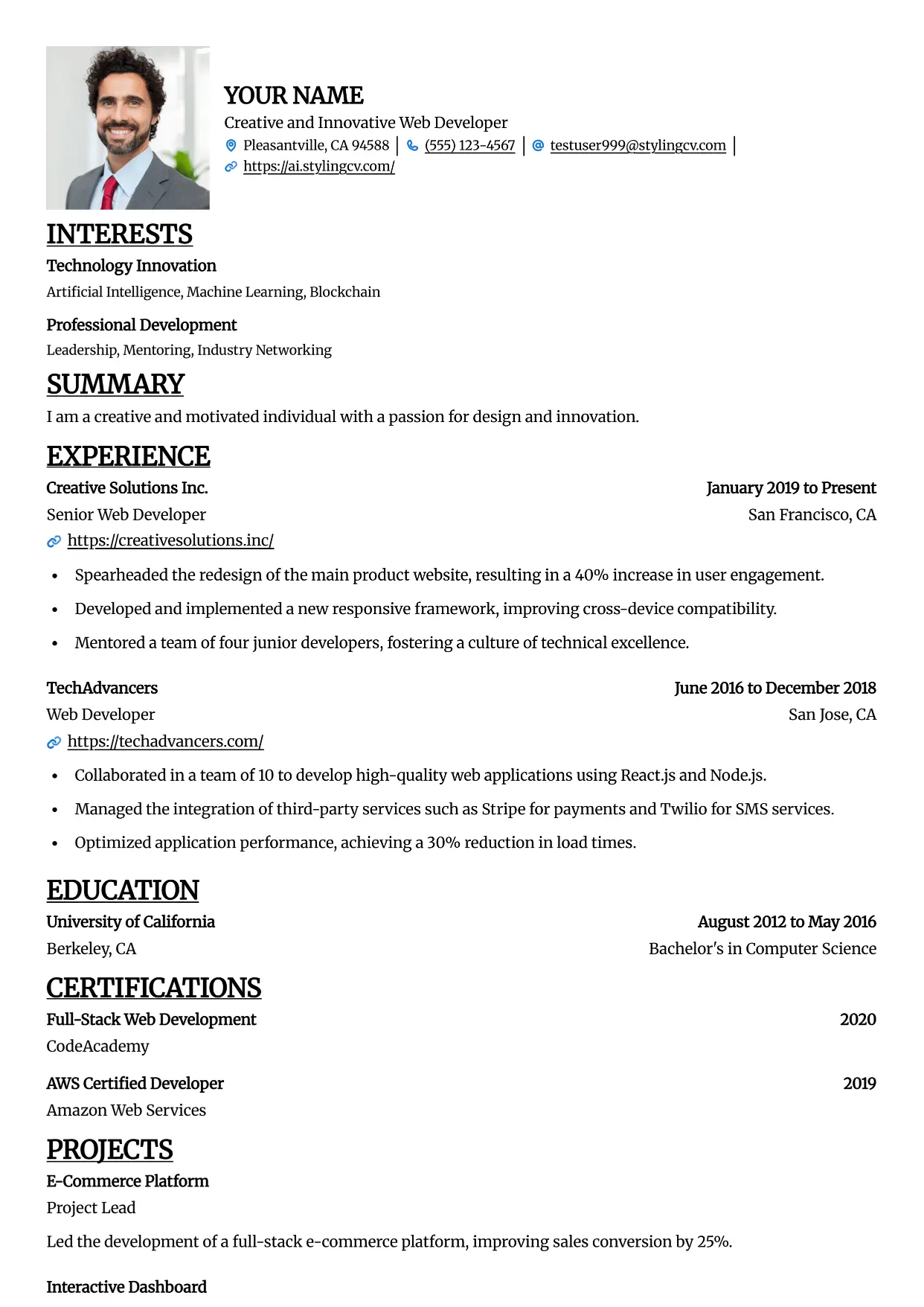
Straight
Professional and modern resume template optimized for applicant tracking systems. A clean, ATS-friendly CV layout designed to help you land your next interview.
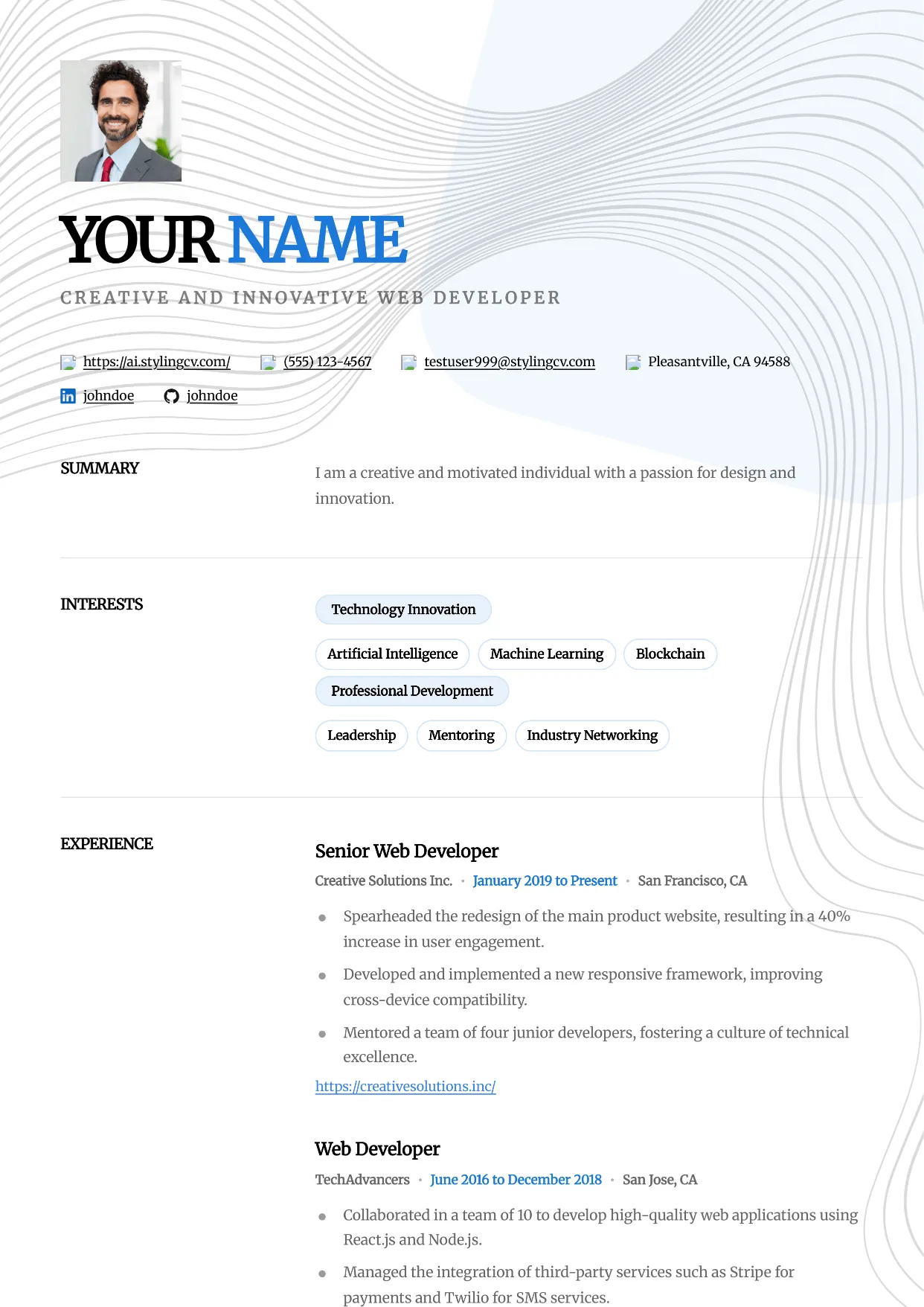
Studio
Professional and modern resume template optimized for applicant tracking systems. A clean, ATS-friendly CV layout designed to help you land your next interview.
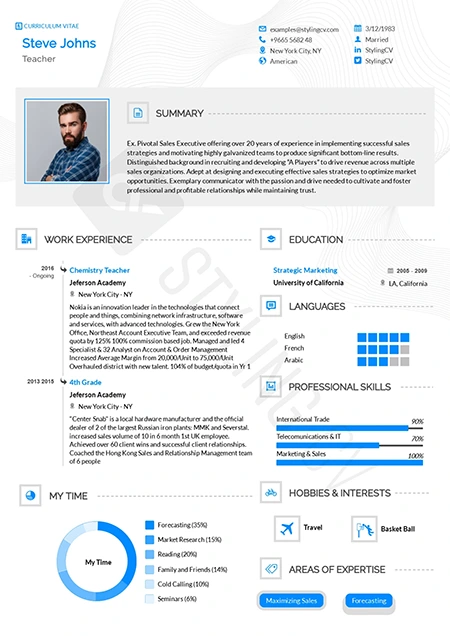
Stylish
Fashion-forward creative resume template. A visually striking, modern CV design crafted specifically for the media, arts, and creative industries.
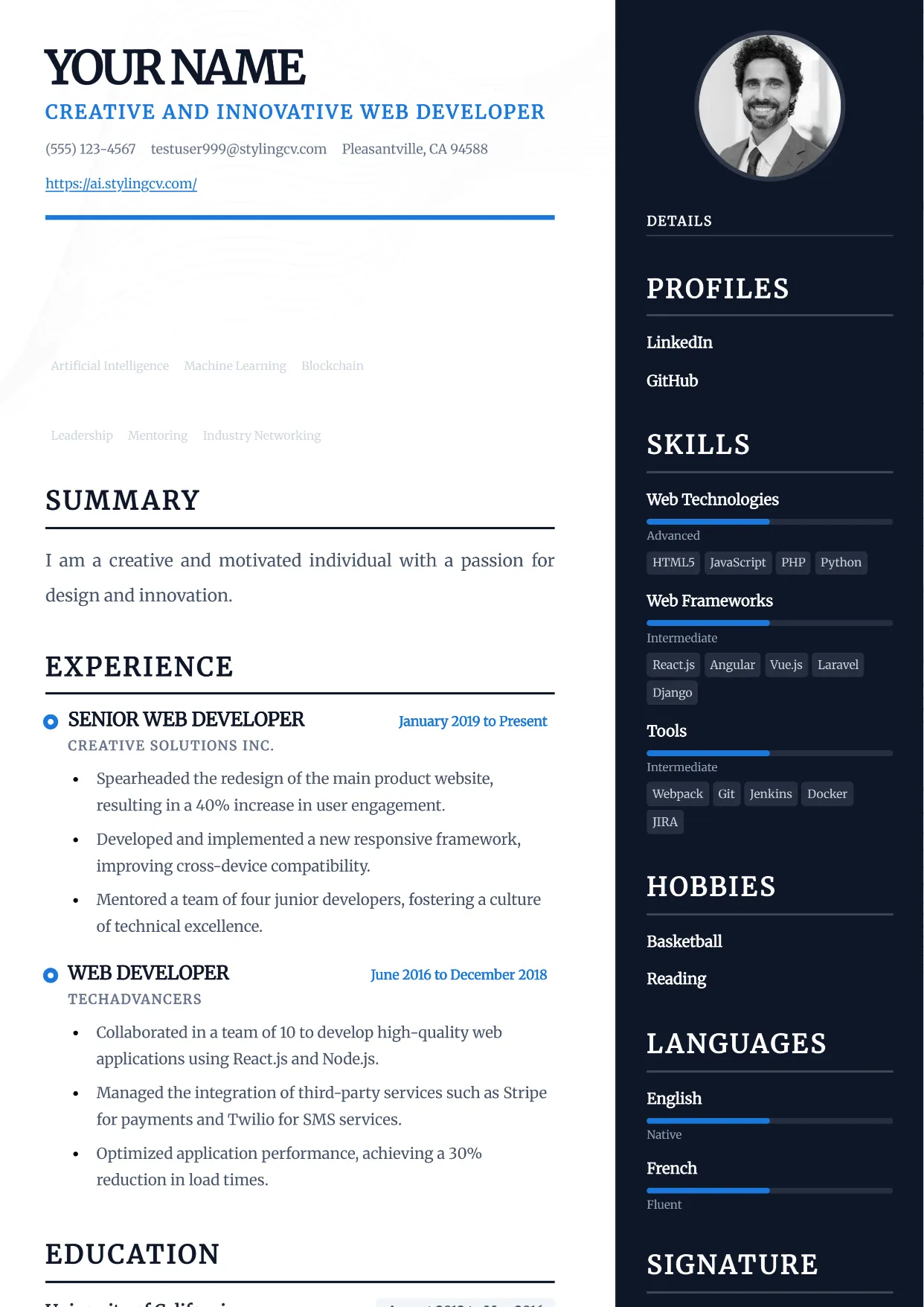
Traditional
Professional and modern resume template optimized for applicant tracking systems. A clean, ATS-friendly CV layout designed to help you land your next interview.
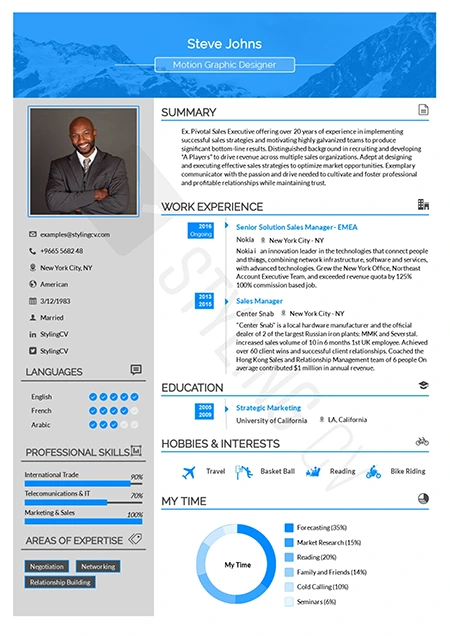
Ultimate
The complete, all-in-one professional resume template. A versatile, ATS-optimized CV layout that presents comprehensive career data perfectly.
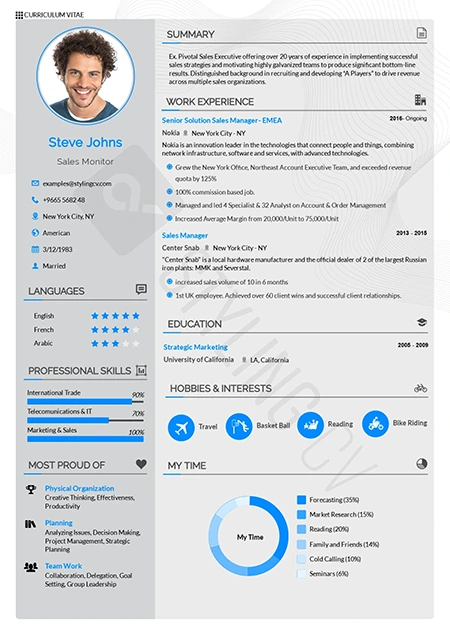
Vegan
Clean, eco-conscious aesthetic resume template. A modern, fresh CV design highly suited for sustainability, wellness, and environmental sector roles.
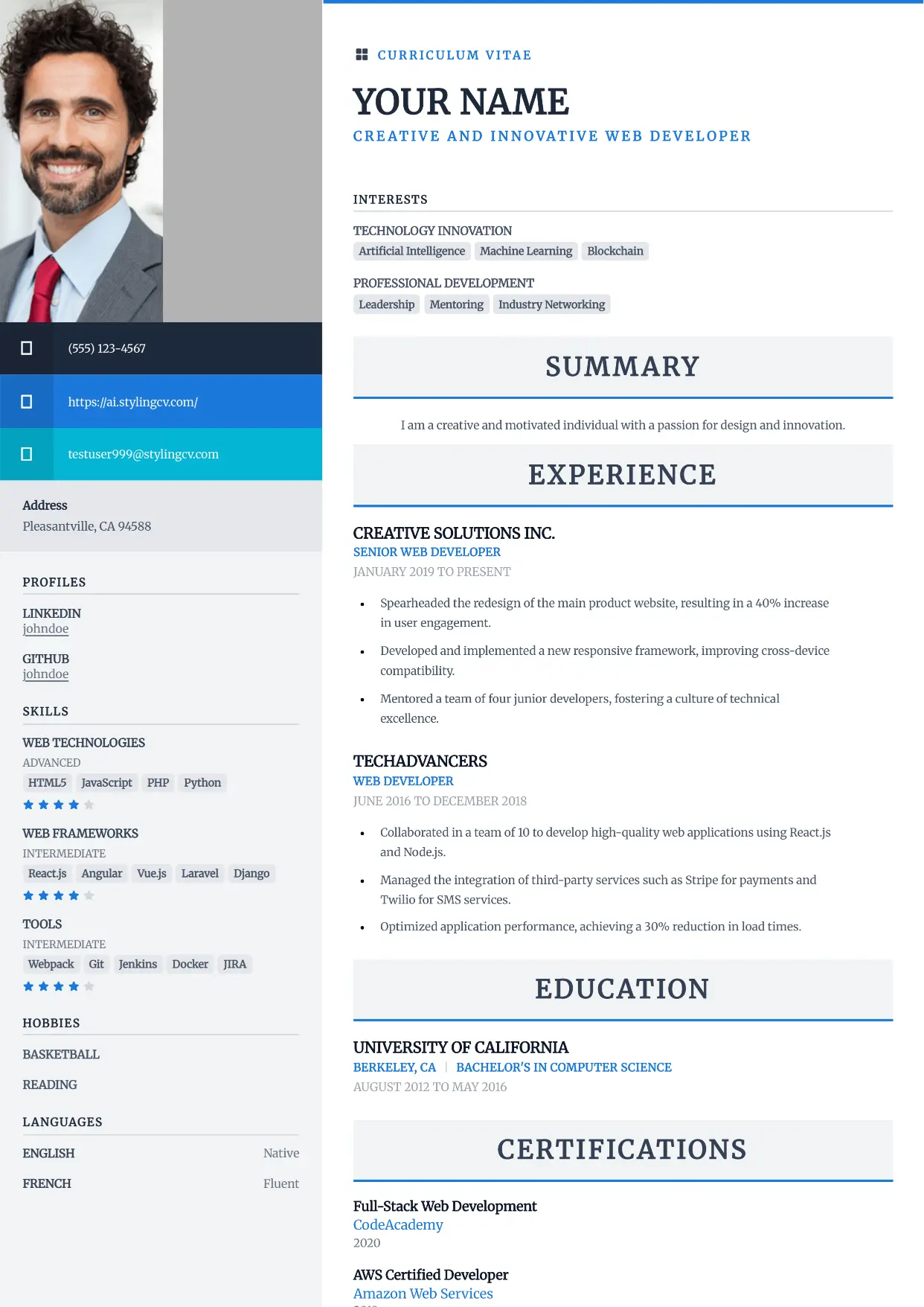
Vibrant
Professional and modern resume template optimized for applicant tracking systems. A clean, ATS-friendly CV layout designed to help you land your next interview.
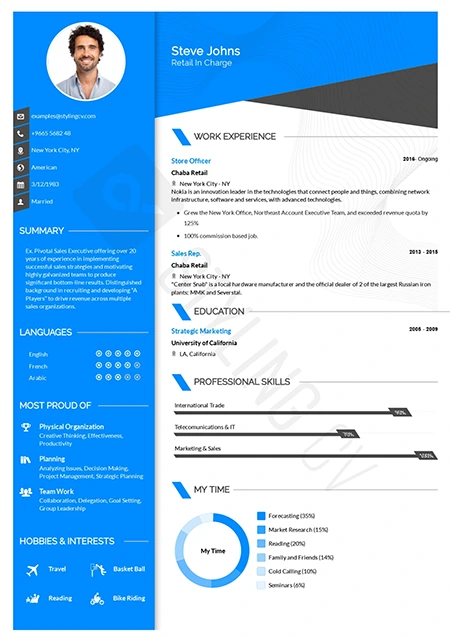
Visibility
High-contrast, high-impact modern resume template. A bold professional CV layout specifically engineered to ensure your application gets noticed instantly.
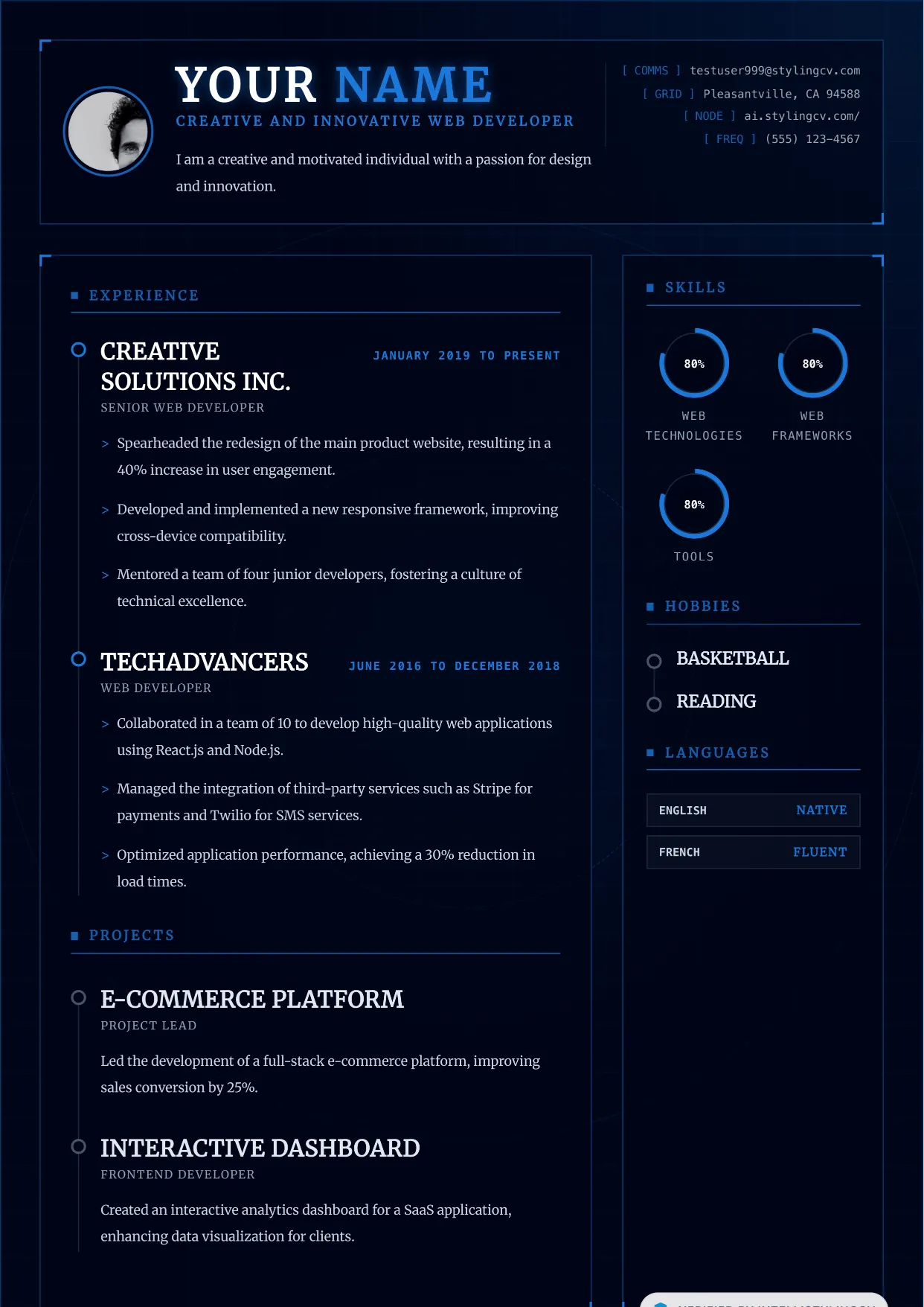
Vortex
Professional and modern resume template optimized for applicant tracking systems. A clean, ATS-friendly CV layout designed to help you land your next interview.
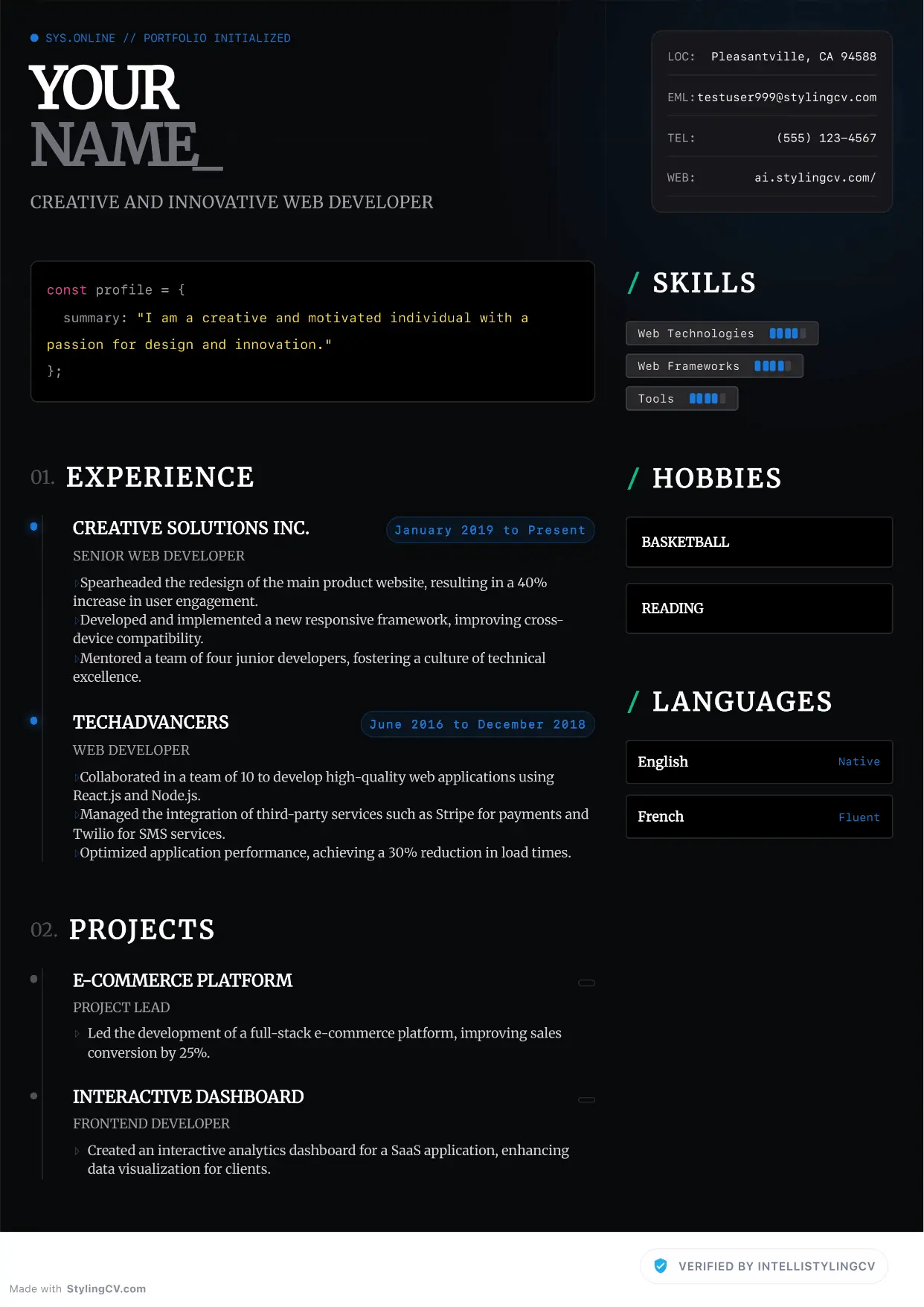
Zenith
Professional and modern resume template optimized for applicant tracking systems. A clean, ATS-friendly CV layout designed to help you land your next interview.
